Screen tearing is usually easier to notice in first-person shooters than in third-person action games. The difference comes from camera motion, visual focus, and how much a tear line interferes with control.

Screen tearing is usually easier to spot, and more disruptive, in first-person shooters than in third-person action games because the whole screen moves with every mouse swipe. In third-person games, tearing still appears, but it often hides better behind slower camera motion, wider framing, and your attention staying on the character and the scene.
Do quick turns in a shooter feel jagged even when your frame rate looks high enough, while a story-driven action game seems mostly fine until a big camera pan hits? That difference is real, repeatable, and closely tied to how each genre moves the camera, where your eyes focus, and how your monitor handles refresh timing. You can use that difference to judge whether you need a higher refresh rate, adaptive sync, a frame cap, or simply different settings for different game types.
Why Tearing Looks Worse in Some Games Than Others
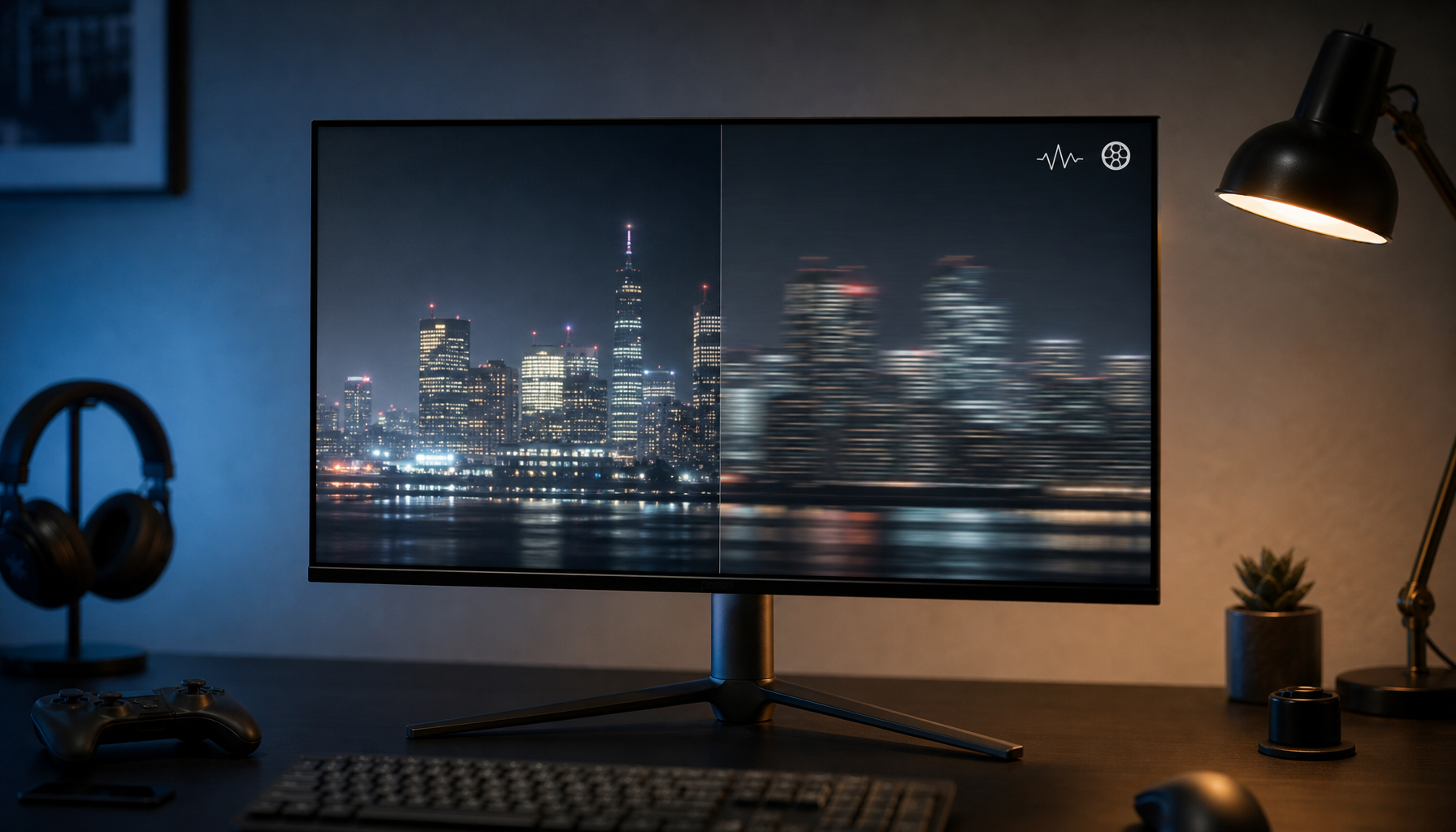
Screen tearing happens when GPU output and display refresh fall out of sync. The classic symptom is a horizontal split where one part of the image belongs to a different frame than the rest. That can happen when frame rate runs above refresh rate, but it can also appear below refresh when frame pacing is unstable, which is why a simple FPS cap does not solve every case.
What changes from genre to genre is not the definition of tearing but how visible that split becomes during motion. The main visual trigger is fast horizontal movement across the screen. Cable Matters points to rapid panning as the moment when tearing becomes easiest to notice, and that matches real display behavior on gaming panels: the more of the screen shifts at once, the more obvious a tear line becomes.
First-Person Shooters Expose Tearing More Aggressively
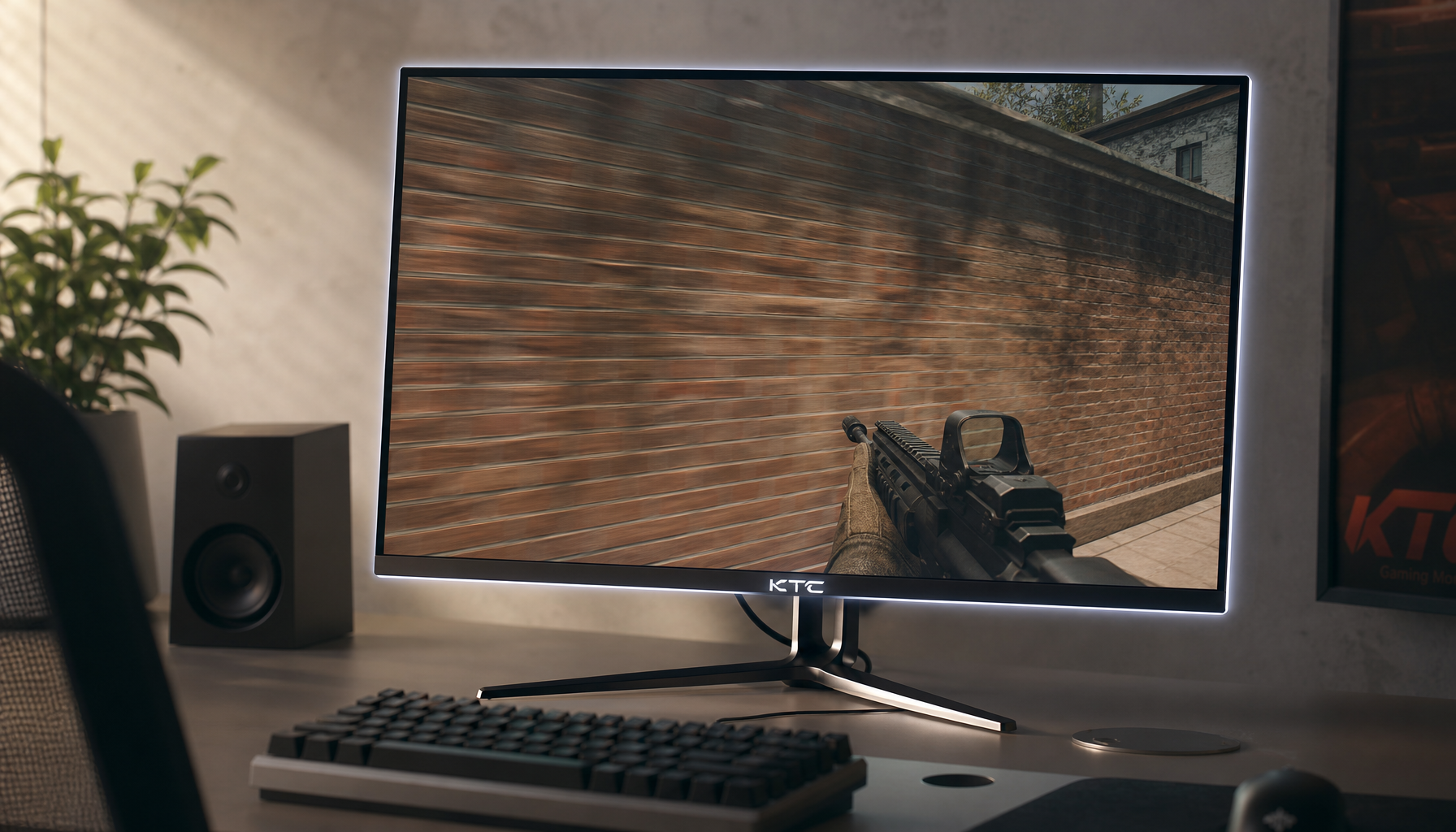
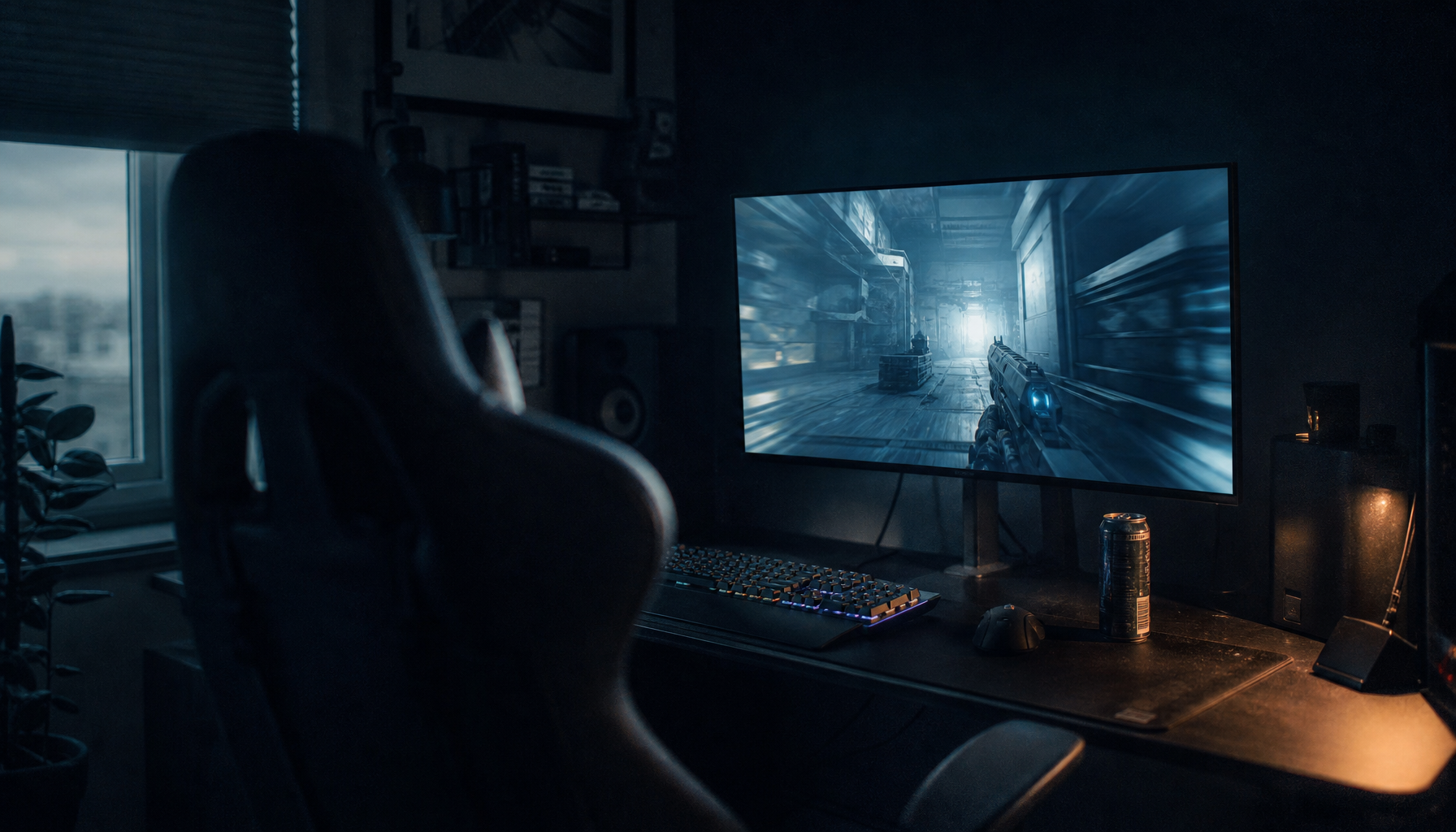
In an FPS, almost every meaningful action moves the entire image. When you flick to track an opponent, strafe around cover, or snap to a doorway, the whole world scrolls laterally. That is exactly the condition where tearing is most noticeable, so the artifact tends to stand out immediately.

FPS games also make tearing feel worse because of eye focus. In a shooter, your gaze often stays near the center crosshair while the environment streams past it. If a tear line cuts across that center band, it disrupts aiming and motion judgment at the same time. That makes the problem feel both more visible and more costly in competitive play. This is also why traditional VSync in competitive shooters is often a poor fit: it can clean up the image, but the added input lag can make aiming feel softer or late.
A simple example shows the difference. On a 60 Hz display refreshing every 16.67 ms, a shooter running around 90 to 100 FPS can deliver new frames mid-refresh often enough that quick mouse turns show clear splits. On a 144 Hz display, refresh windows are shorter, so each tear occupies less time and usually less screen height, which makes it less distracting even before adaptive sync enters the picture. That is one reason 144 Hz as a practical gaming sweet spot is so widely accepted, with 240 Hz and above aimed more at players chasing a competitive edge.
Third-Person Action Games Still Tear, but Often Feel More Forgiving
Third-person action games usually keep your character in frame, which changes how motion is perceived. The camera often follows from behind, pans more smoothly, and shifts between traversal, combat, cutscenes, and exploration. Because your eyes split attention between the character, enemies, UI, and the wider environment, a tear line can feel less immediately offensive than it does in a shooter, where the entire experience depends on direct camera precision.
That does not mean third-person games are immune. Tearing can still become very visible during wide camera sweeps, sprinting across dense environments, or swinging the camera around the character in open areas. The difference is that the impact is usually more aesthetic than competitive. It breaks immersion first, while in an FPS it can affect both immersion and aim timing.
Monitor choice reinforces that distinction. Higher resolution and larger screens are often favored, while ultrawide and curved displays are positioned as immersion-focused options. Those formats can make third-person worlds look spectacular, but they also give a tear line more physical screen space to travel across during broad pans. So even though third-person games are generally more forgiving, a large 34-inch ultrawide can make occasional tearing look more dramatic than it would on a smaller 24-inch esports panel.
The Genre Difference Comes Down to Camera Motion, Focus, and Tolerance
The practical pattern is easier to see in comparison:
Genre pattern |
Tearing visibility |
Why it stands out |
First-person shooter |
Usually high |
Full-screen camera movement, fast lateral pans, center-screen aiming sensitivity |
Third-person action |
Usually moderate |
More varied pacing, divided eye focus, greater tolerance for small artifacts until large camera sweeps |
Cinematic single-player sequences |
Situationally high |
Slow gameplay can hide tearing, but dramatic pans can expose it clearly |
Very high |
Any split can interfere with target tracking and perceived control response |
That is why the same monitor can feel fine in an action RPG and annoying in a tactical shooter. The display has not changed; the motion pattern and your tolerance threshold have.
What Actually Fixes the Problem
Adaptive sync as the best modern fix for tearing remains the strongest general solution because it lets the monitor follow the GPU’s frame delivery instead of forcing the GPU to wait in the blunt way standard VSync does. In practice, that means FreeSync, G-Sync, or G-Sync Compatible support should be high on your list if you play a mix of genres and want one monitor to behave well across all of them.
There is one important nuance. KTC, Cable Matters, and many gaming guides present adaptive sync as the clean answer, but BenQ notes that adaptive sync alone may not eliminate tearing in every scenario. That is not really a contradiction. It is a boundary condition. Inside the monitor’s variable refresh range, adaptive sync does the heavy lifting. Once your GPU outruns that range, driver-managed VSync or a frame cap can still matter.
That leads to a reliable setup path. If you mainly play FPS titles, prioritize refresh rate and sync first, then resolution. A 1080p display at very high refresh remains the competitive standard, and 240 Hz to 360 Hz makes the most sense for serious competitive play if your GPU can sustain it. If you mainly play third-person action games, 1440p at 144 Hz to 240 Hz often lands in the best-value range, giving you a sharper image without giving up smoothness.
If adaptive sync is unavailable, capping frame rate at or slightly below refresh is the next most practical move, though forum advice and Cable Matters both caution that caps reduce tearing rather than guarantee its elimination. Standard VSync is still useful for slower, cinematic games where responsiveness matters less than image integrity. In shooters, it is often the fallback you try only if tearing is severe and other sync options are unavailable.
Choosing the Right Display for the Way You Play
The safest buying logic is not that the highest spec always wins, but that the panel should match your genre mix and hardware. use-case matching over one-size-fits-all picks is exactly the right framework for tearing control. A 24-inch or 25-inch high-refresh monitor keeps the visual field compact for shooters, which helps tracking and reduces how intrusive tears feel. A 27-inch 1440p panel is the stronger all-around choice if you split time between shooters, action games, and productivity. Larger 32-inch or ultrawide screens make sense when immersion is the priority, but they reward proper sync setup even more.

For mixed use, modern displays with gaming features and office-friendly connectivity show how many current monitors now serve both work and play well. A monitor that includes adaptive sync, a solid refresh rate, and the right ports is usually a better long-term buy than one that chases extreme refresh without fitting your real workload.
The shortest answer is simple: if tearing bothers you most in shooters, that is normal. The right fix is usually a faster panel, proper adaptive sync, and tighter frame-rate control, not just more raw FPS. If your games are built around movement, the best display is the one that keeps motion intact.