







240Hz-400Hz Monitors
KTC Multiple Display for Diverse Scenarios

KTC Multiple Display for Diverse Scenarios
Filters
5 products
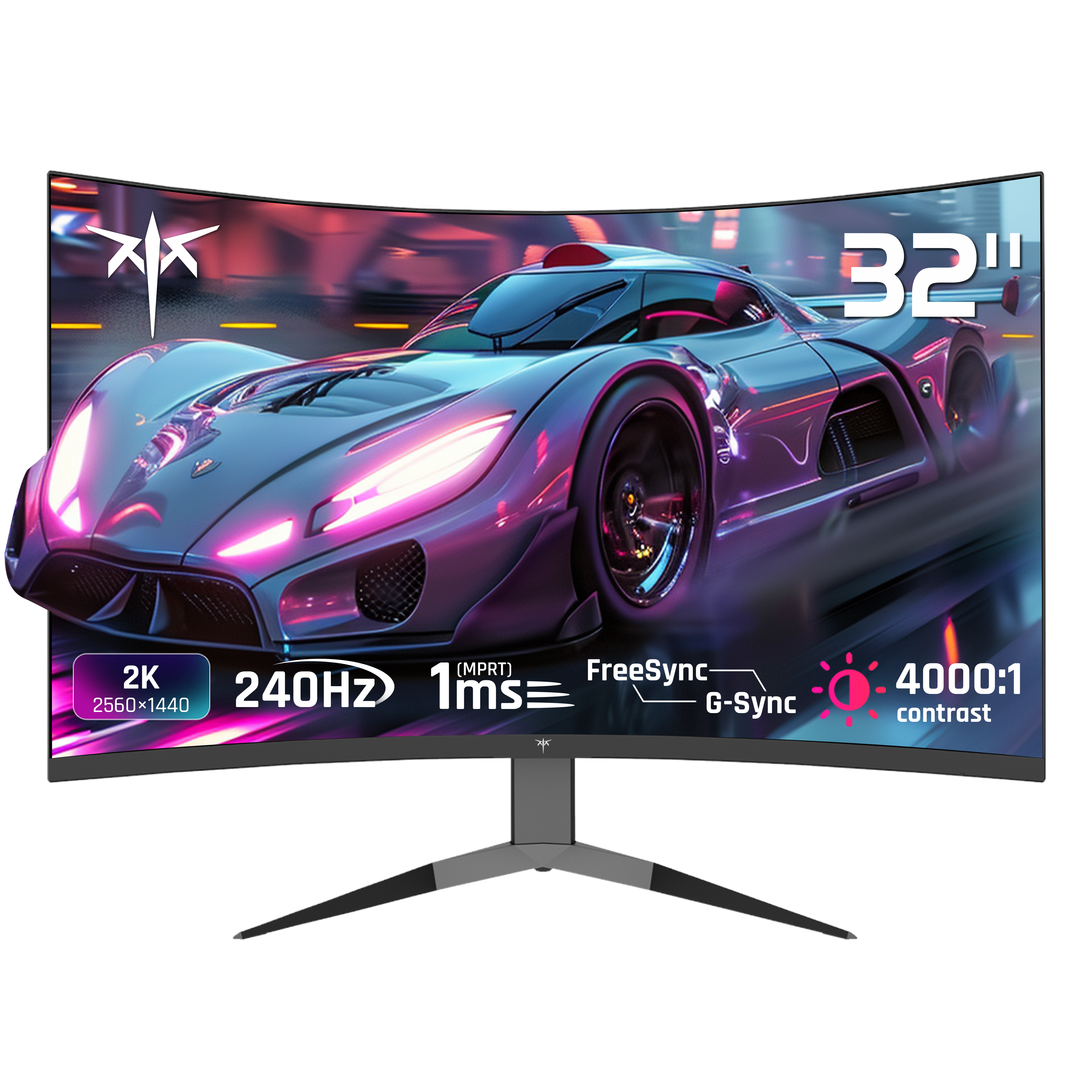
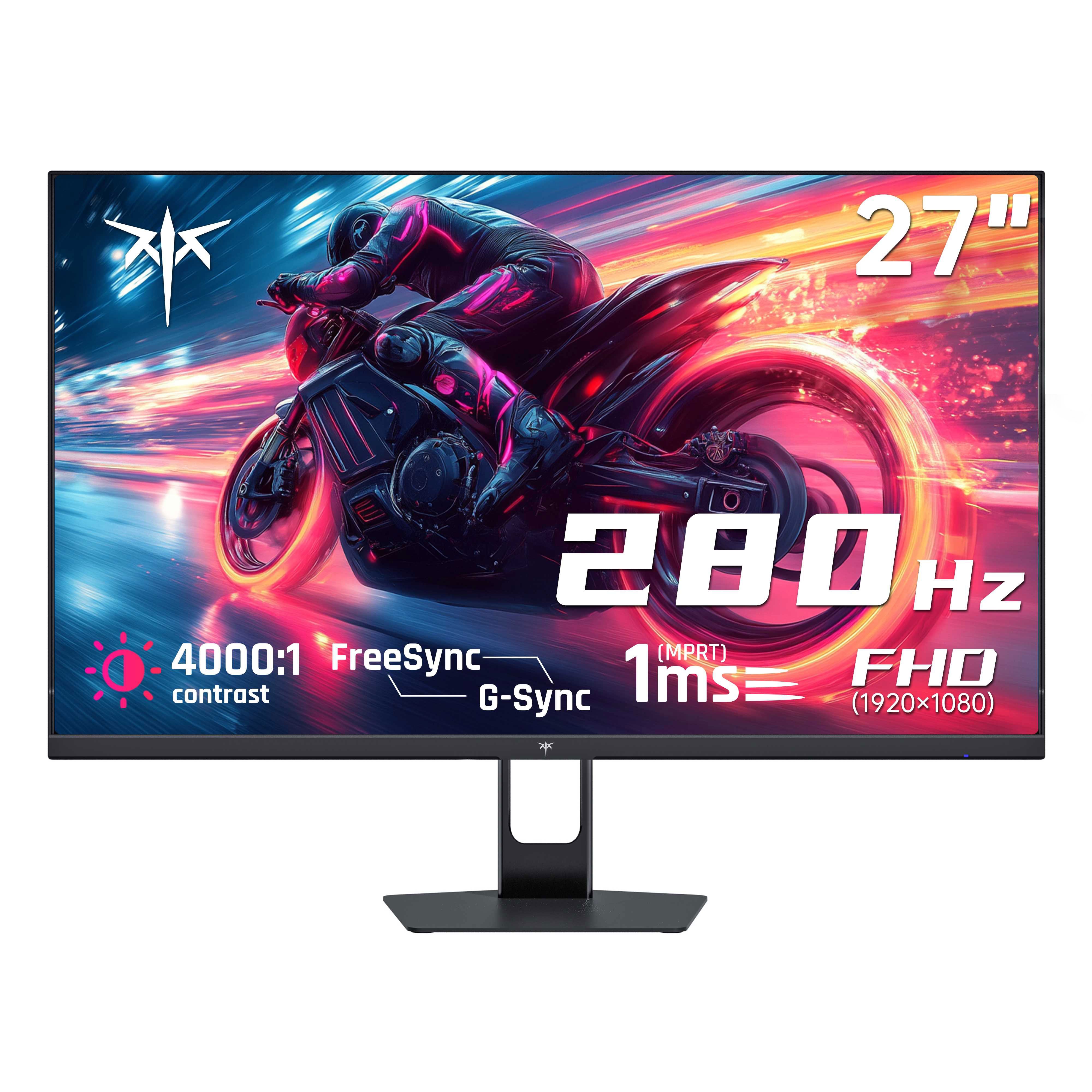
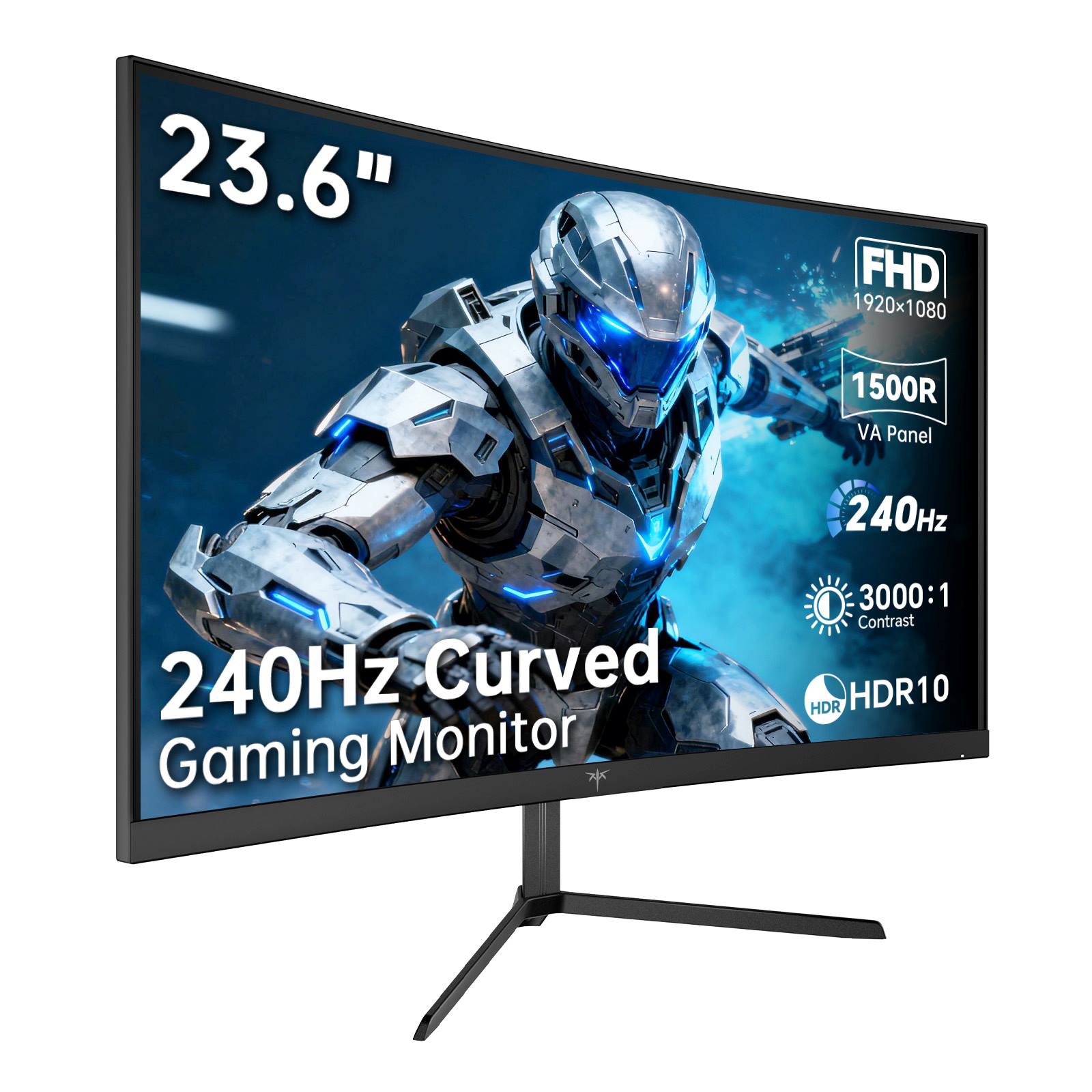
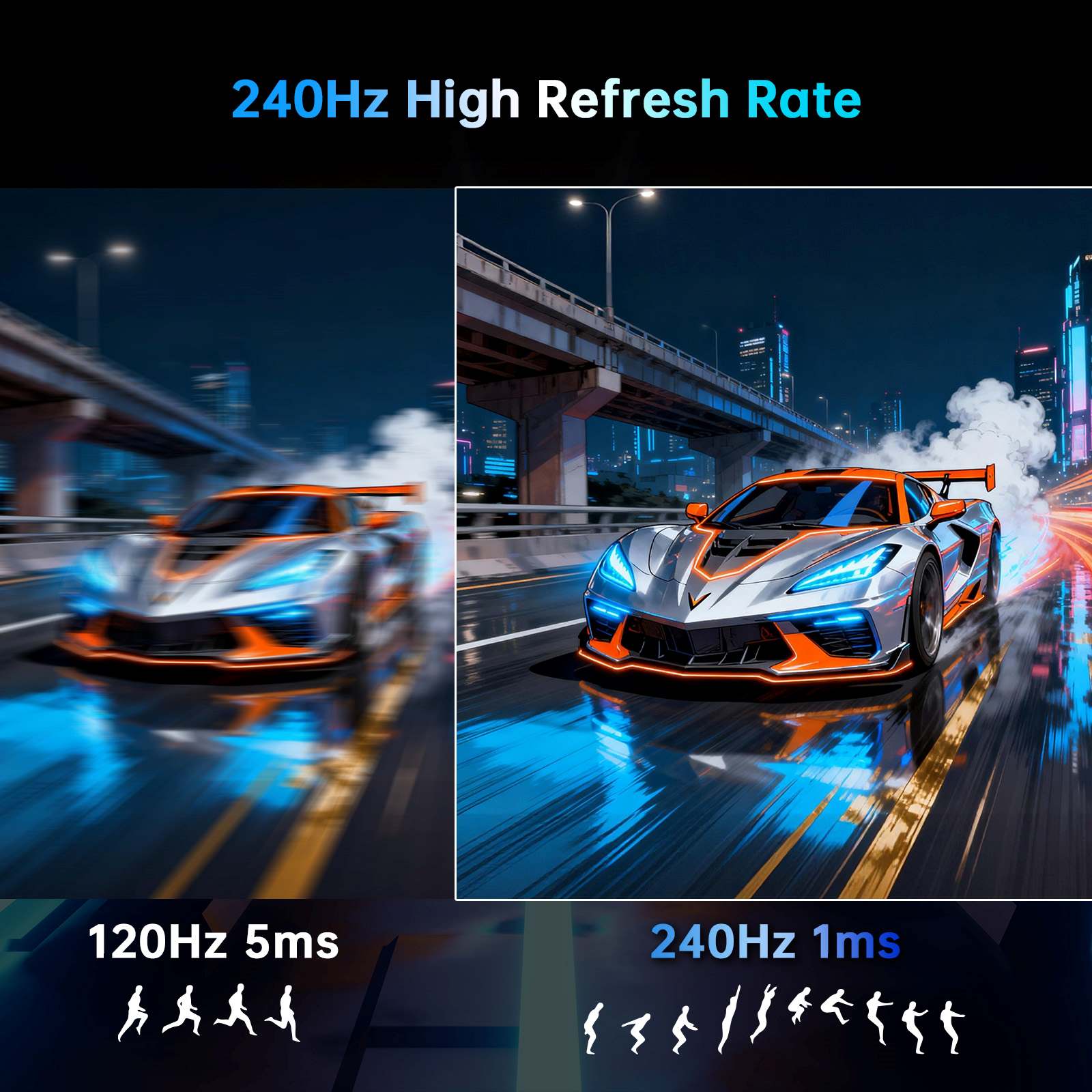
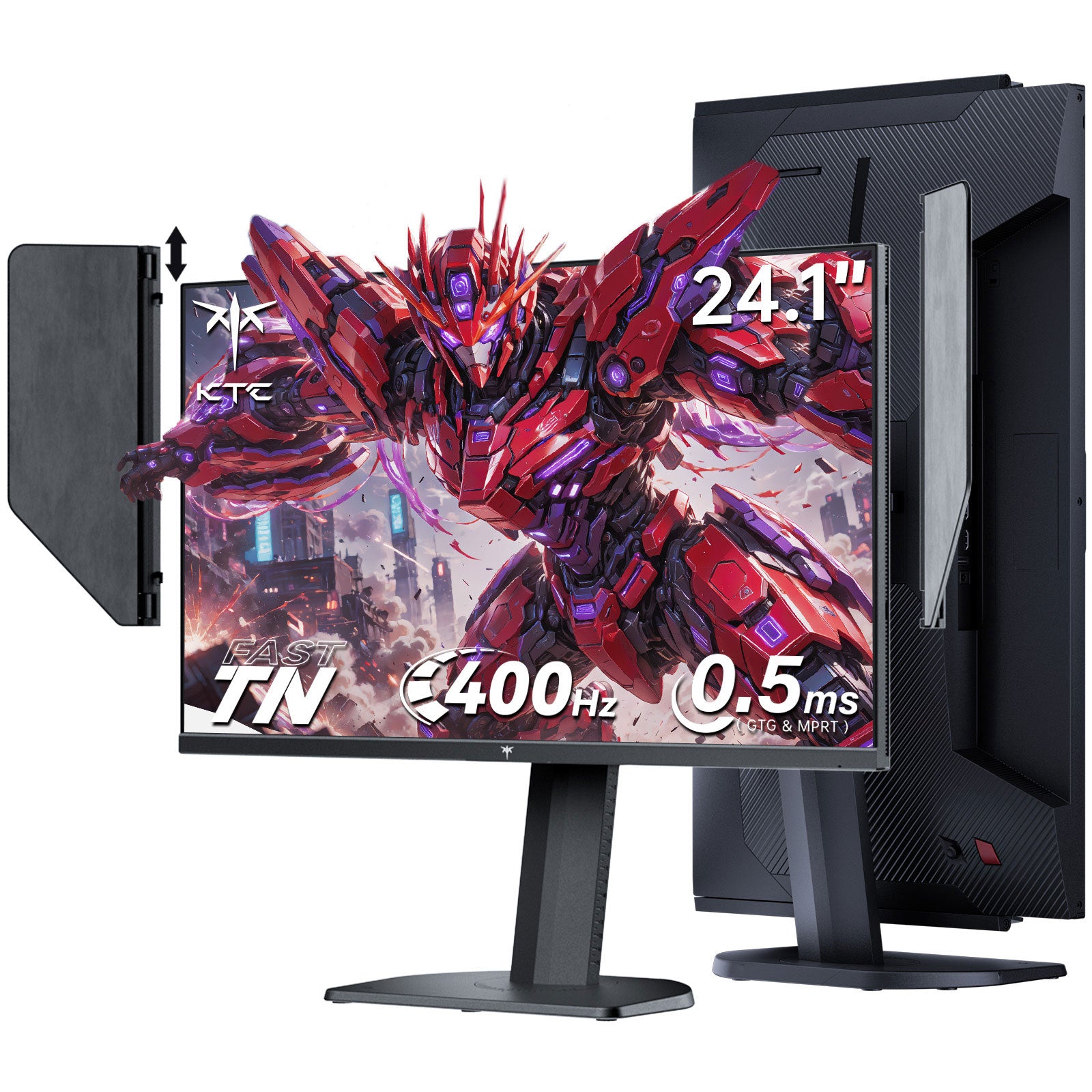
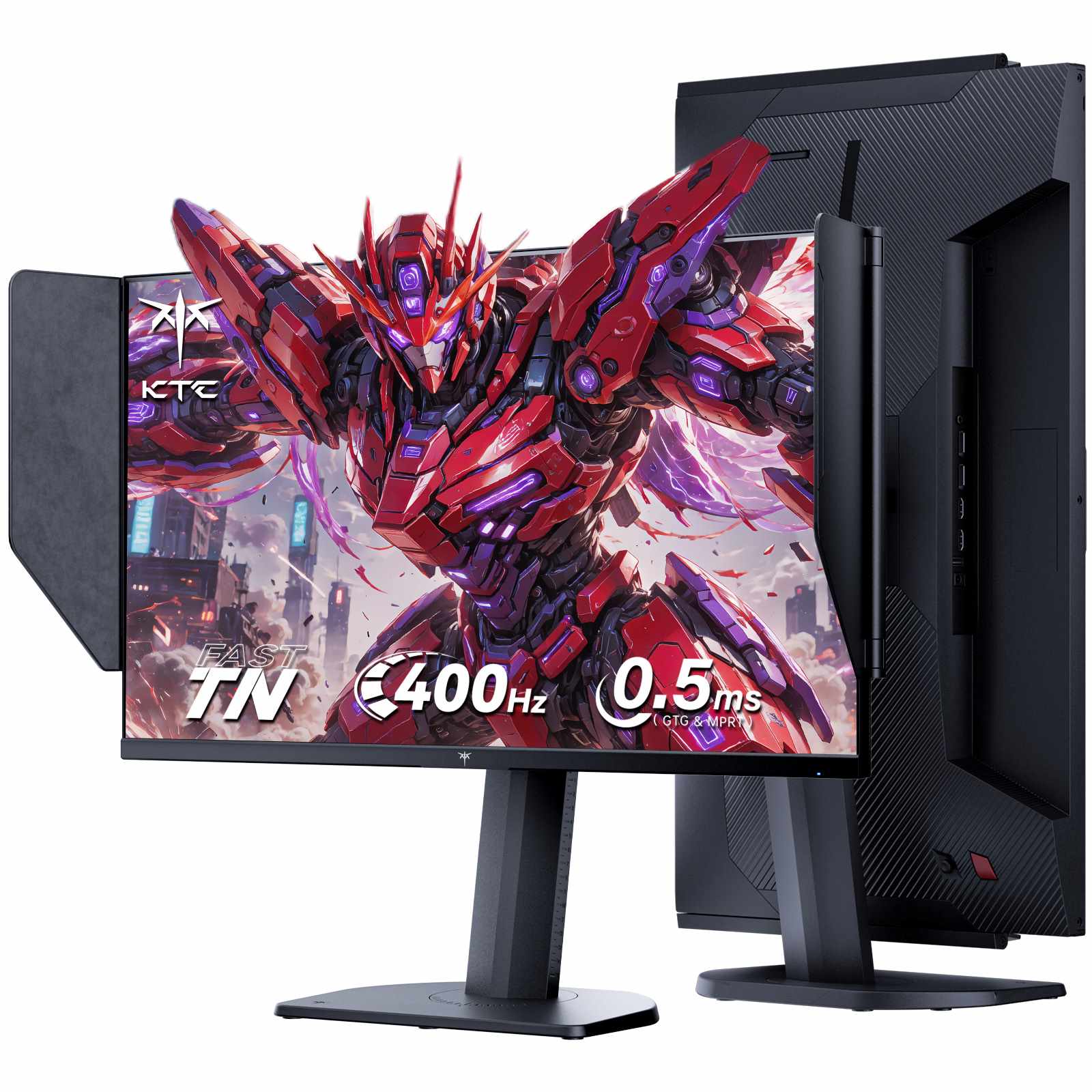
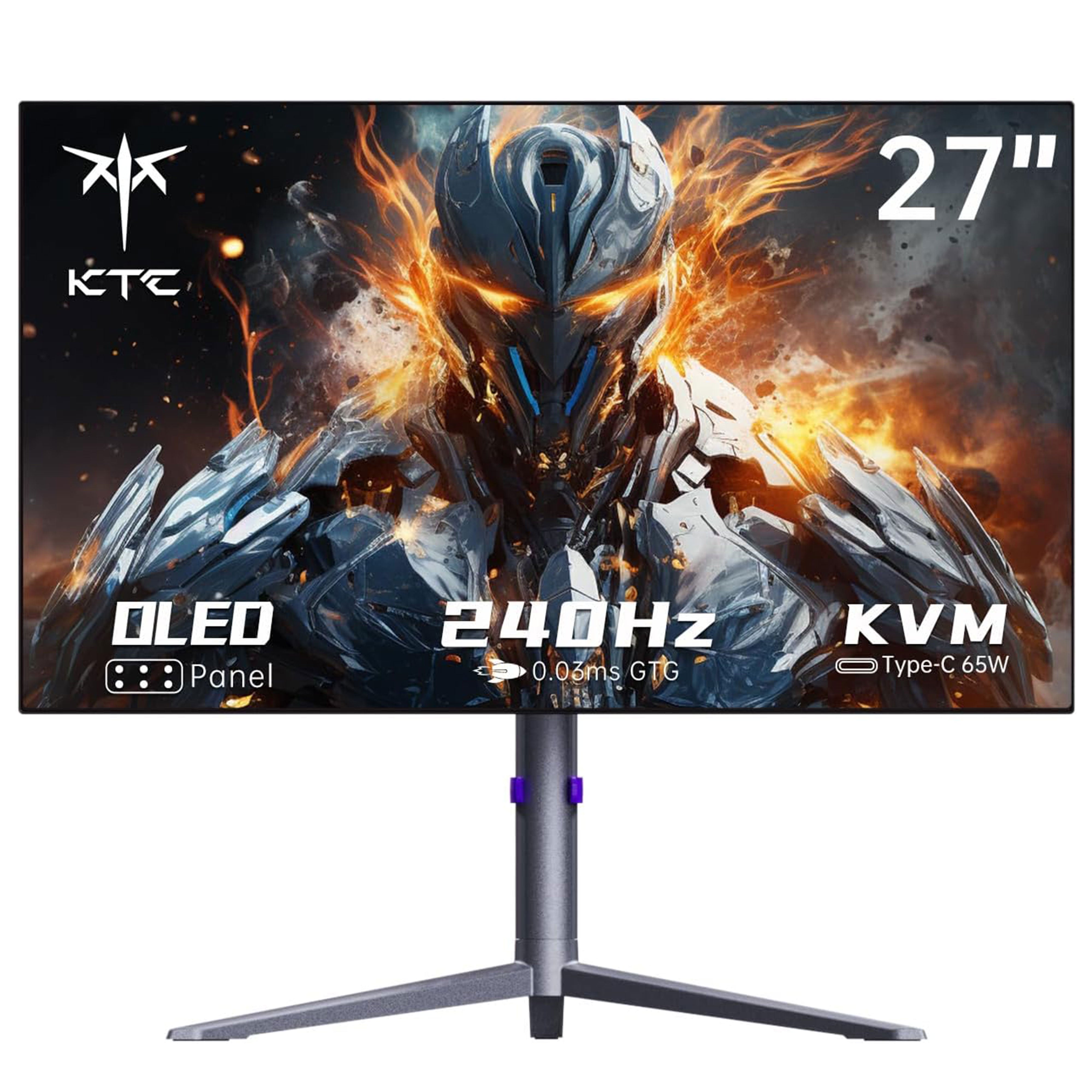
Above 240Hz the gains shift from seeing more to reacting sooner. Each step shortens how long a finished frame waits before reaching your eyes, as 240Hz updates every 4.2ms, 360Hz every 2.8ms and 400Hz every 2.5ms. Those margins matter in flick aim shooters and fighting games where duels are decided in a few frames. They matter far less if your graphics card cannot keep frame rates near the panel ceiling.
The value of the ceiling depends on whether your system can fill it. A 400Hz panel only pays off when frames arrive to fill it, which in practice means well optimized competitive titles at 1080p rather than modern single player games. Refresh rate and response time solve different problems, so the pairing of high rate with fast pixel transitions is what keeps motion clean at this speed.
The jump from 60Hz to 120Hz is the one nobody misses, as it changes how the whole desktop feels, not just games. From 144Hz to 240Hz the difference remains clear in fast camera movement. Past 240Hz it narrows into something most players feel as responsiveness rather than see as smoothness, which is why this band is a competitive play purchase rather than a general upgrade. Our high refresh rate gaming guide puts the whole ladder in context so you can place this range against your hardware.
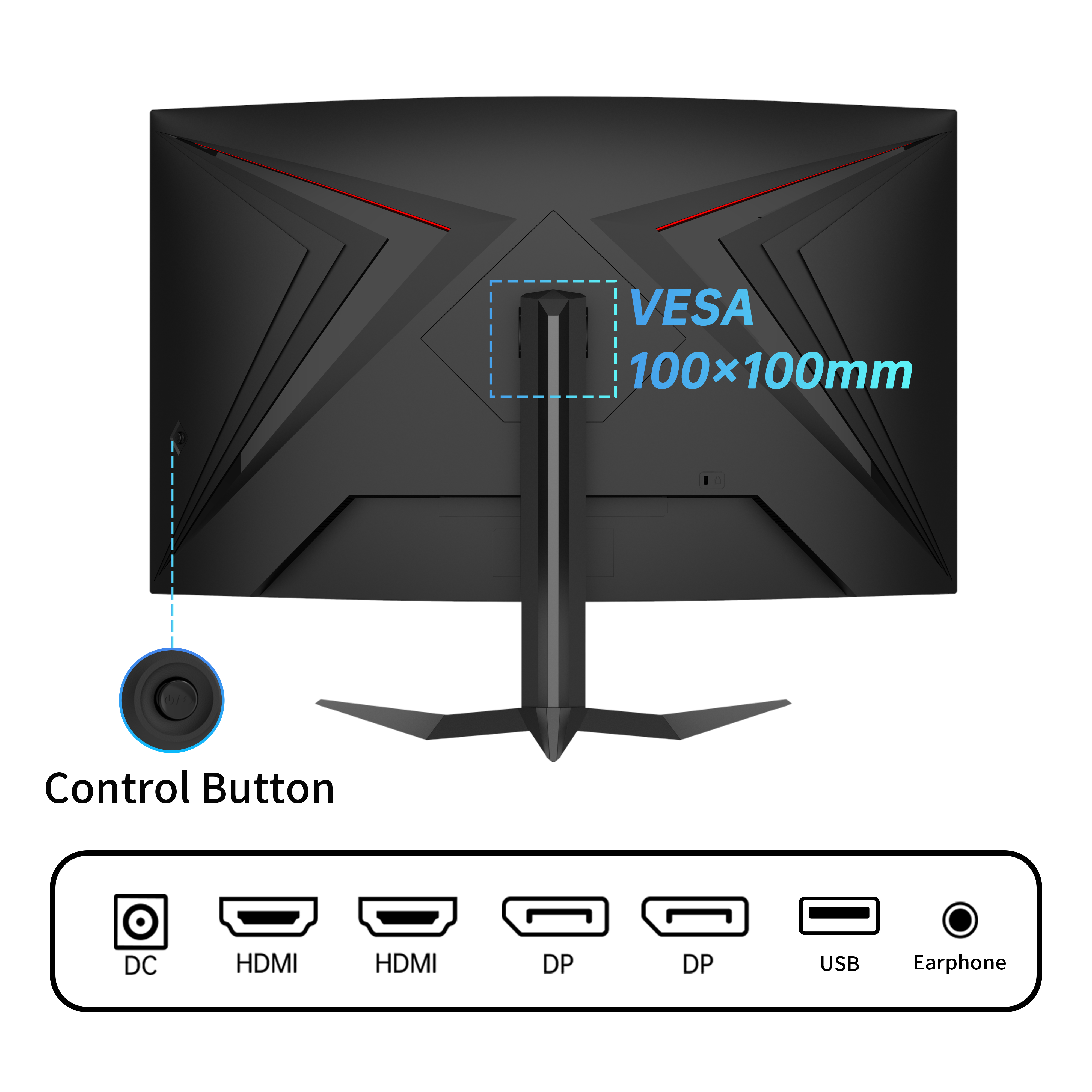
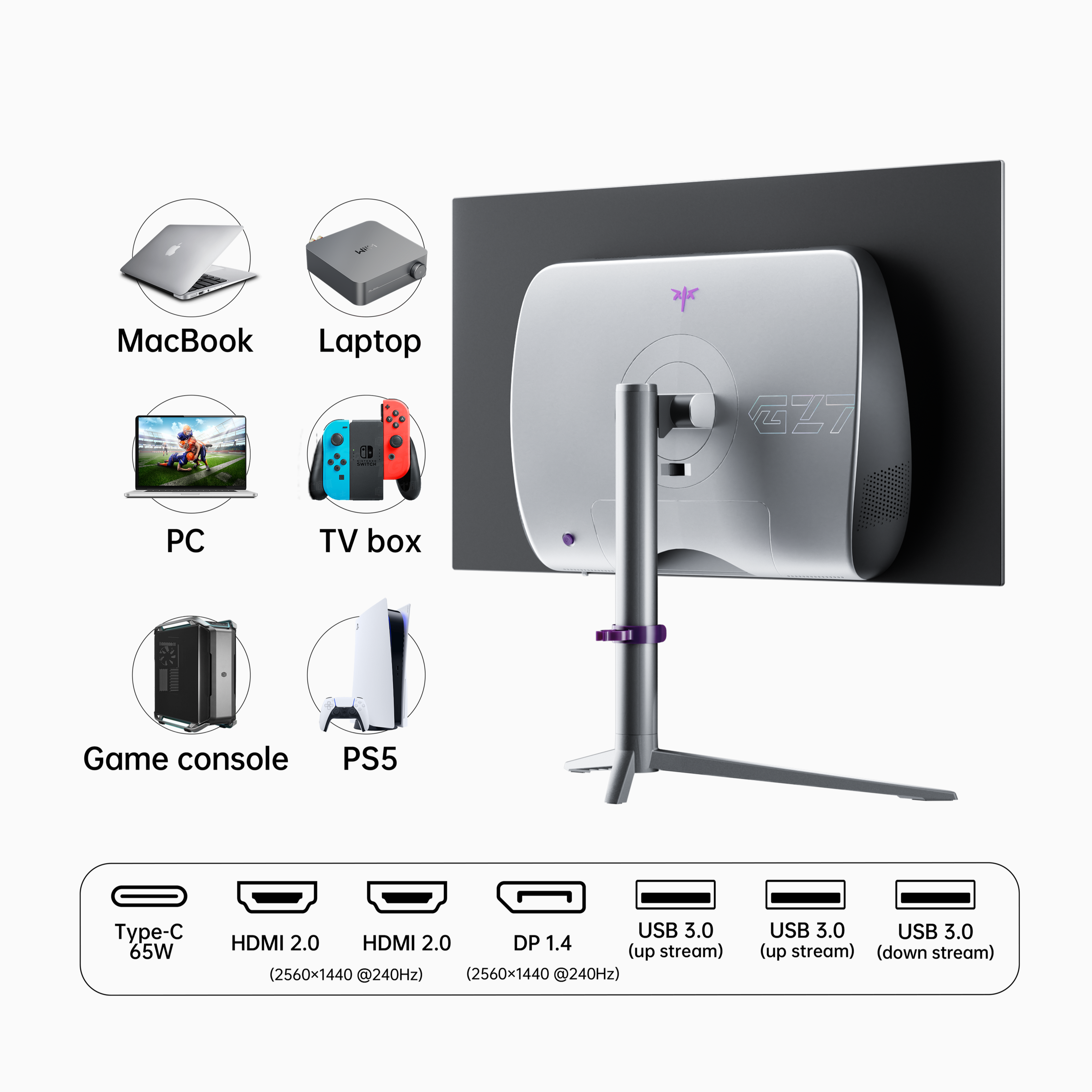
Two practical checks should come before buying. First, confirm your cable and port can carry the mode, since high refresh at higher resolutions has real bandwidth limits. Second, verify the panel is running at its rated rate once connected, because displays frequently default to a lower setting. Both steps prevent a silent cap on performance that has nothing to do with the panel itself.
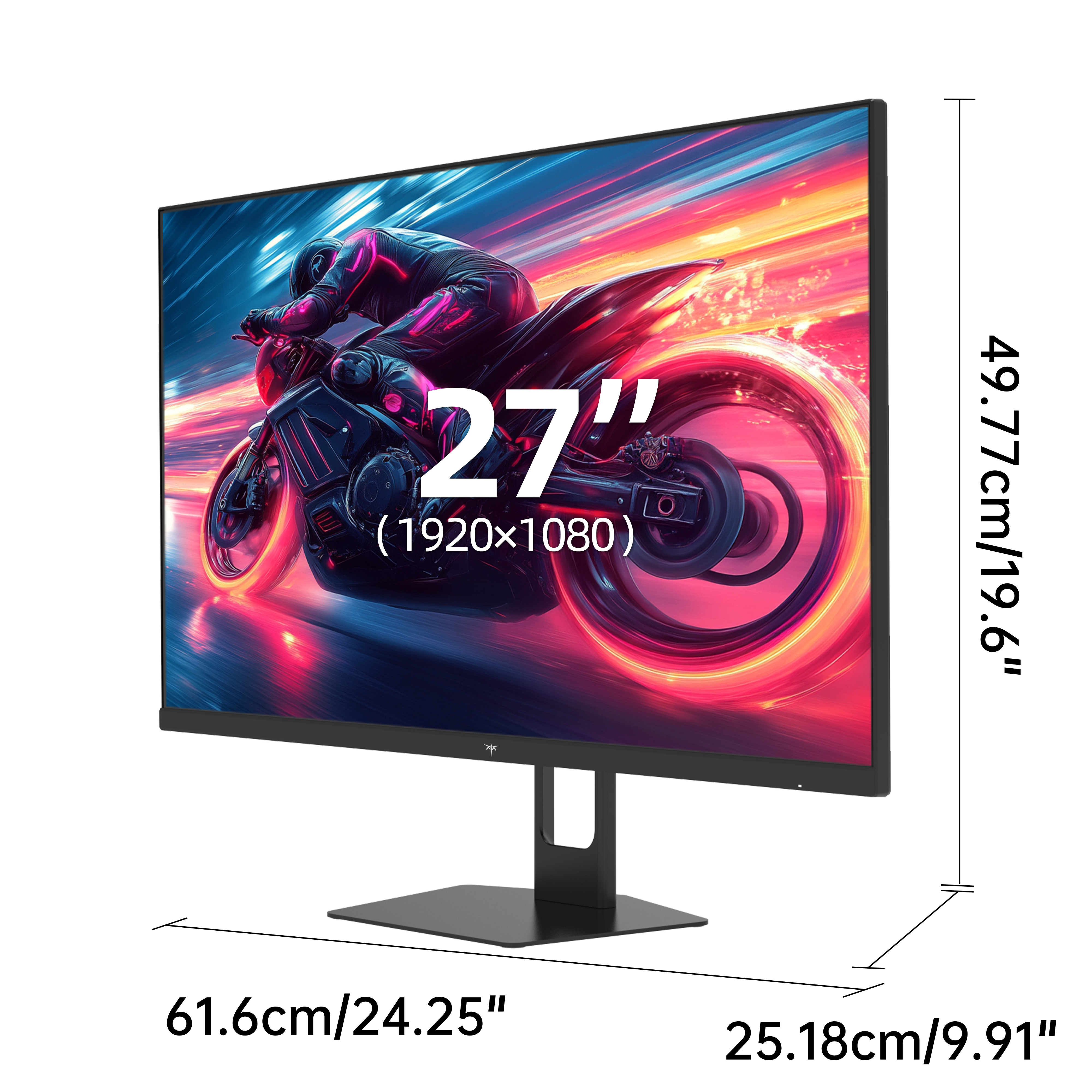
Choose the rate your system can actually sustain, then match size and resolution to your desk. The models below group by the trade they make between raw speed and image sharpness. Consider viewing distance and whether you need a tight curve for immersion.
Explore KTC 240Hz to 400Hz monitors to match refresh, size and panel to the games you actually play. With choices from hooded 25 inch speedsters to large 32 inch curved 2K panels and OLED with instant response, you can cut frame waiting time without losing image stability. Start from your sustained frame rate, confirm the cable can carry the mode, and let the higher ceiling do the rest.
Most players notice the step from 60Hz to 144Hz immediately and from 144Hz to 240Hz clearly. Beyond 240Hz the visual difference narrows, but the reduction in frame latency is measurable and competitive players consistently prefer it.
Enough to push 300 to 400 frames per second in the specific game you play, which in practice means older or well optimized competitive titles at 1080p. Modern single player games will not reach those rates on any current card.
They solve different problems. Refresh rate controls how often a new frame appears, while response time controls how quickly each pixel finishes changing color. A high refresh panel with slow pixels still smears, which is why the fastest models are called out separately.
It reduces how visible tearing is but does not remove the cause, which is frame rate and refresh falling out of sync. Adaptive sync is the actual fix, and our screen tearing guide covers G Sync, FreeSync and frame rate capping options.