







24 inch / 25 inch Monitors
KTC Multiple Display for Diverse Scenarios

KTC Multiple Display for Diverse Scenarios
Filters
8 products
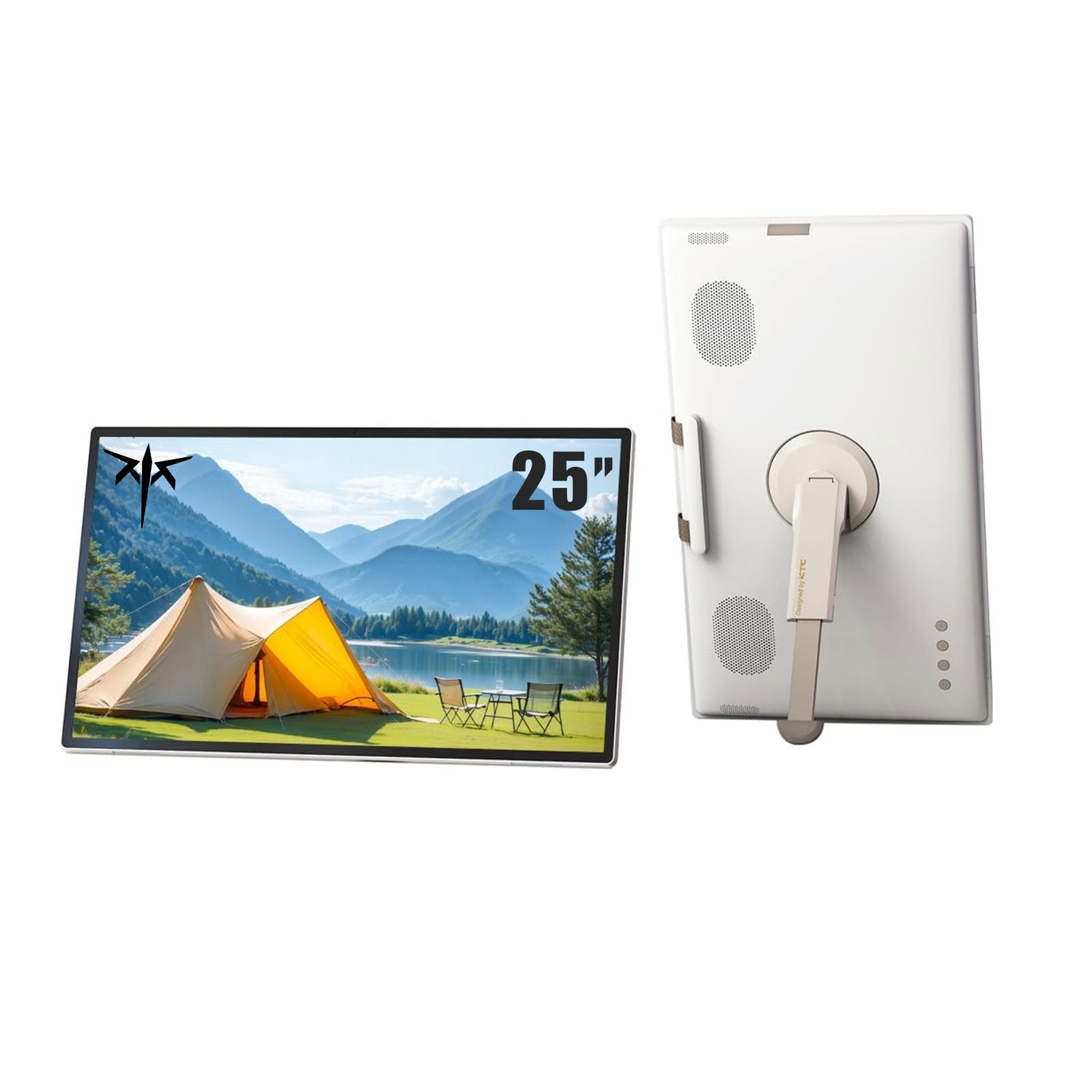

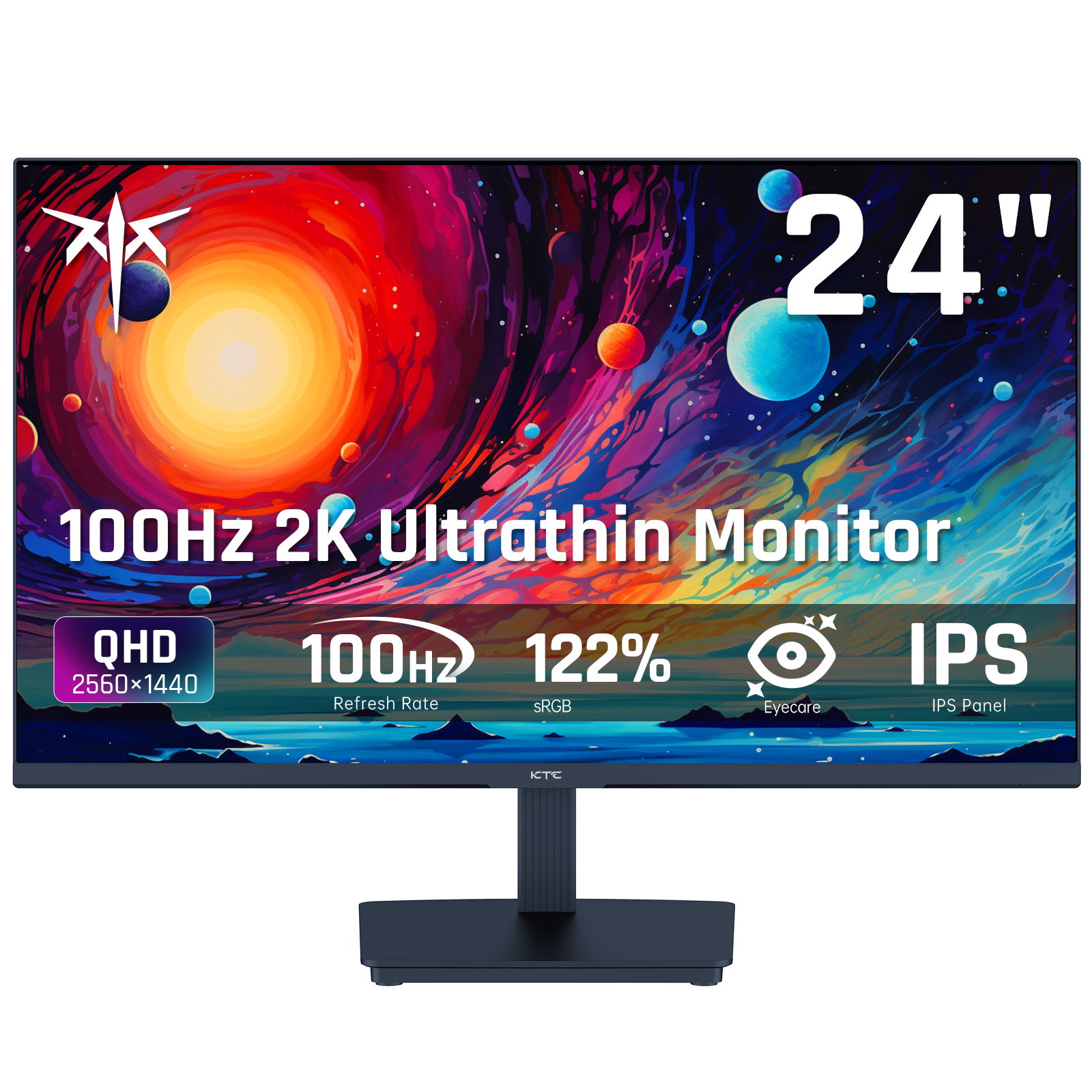
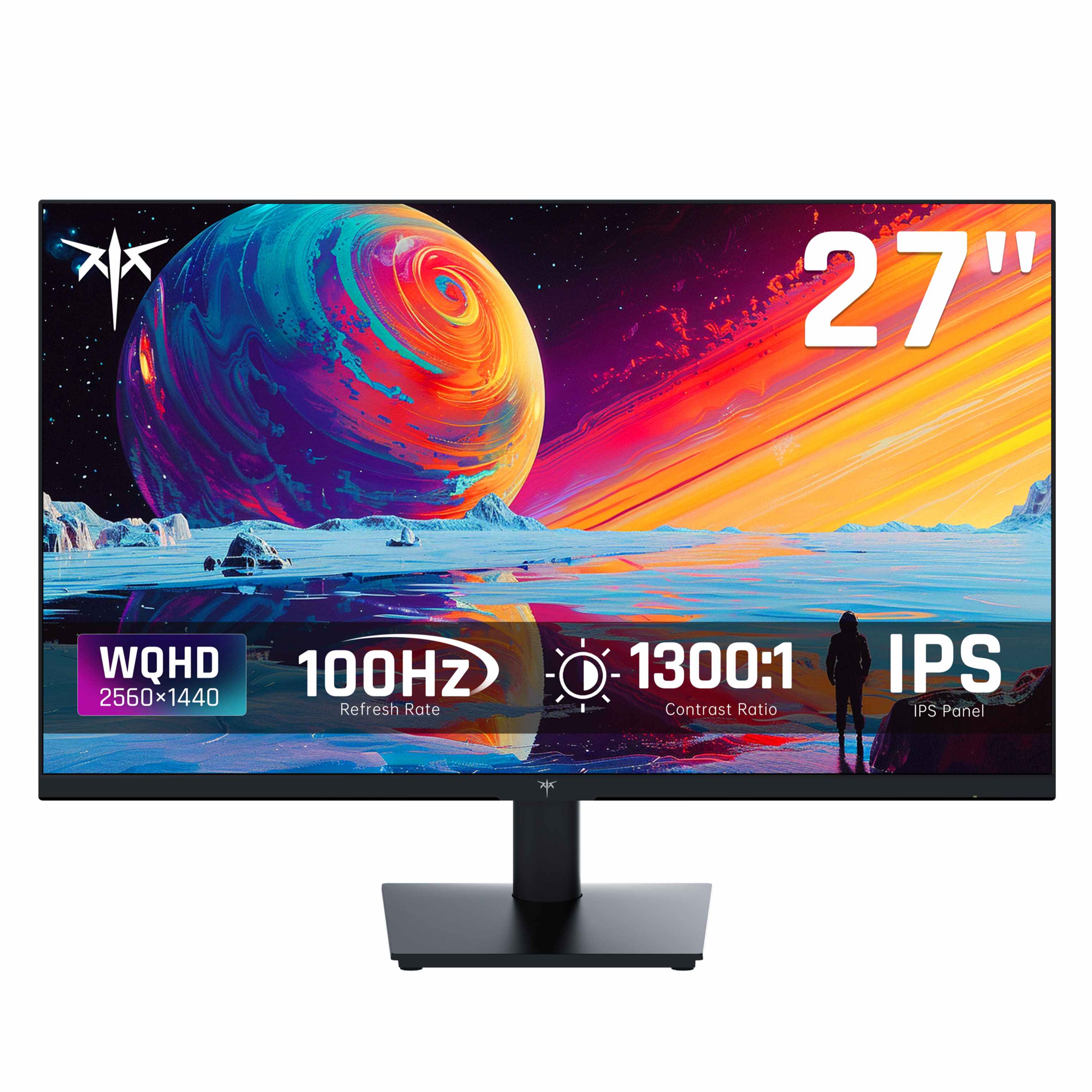
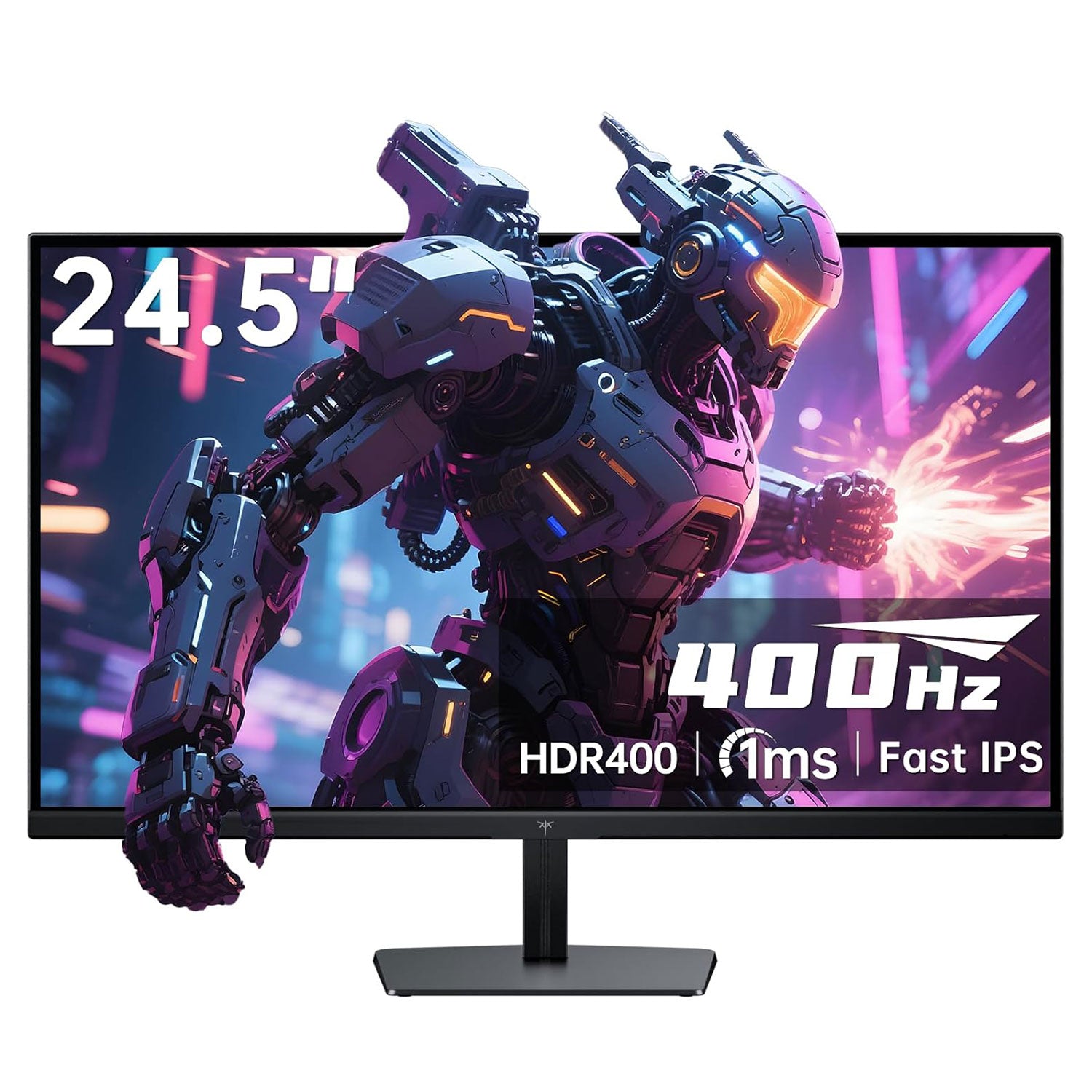
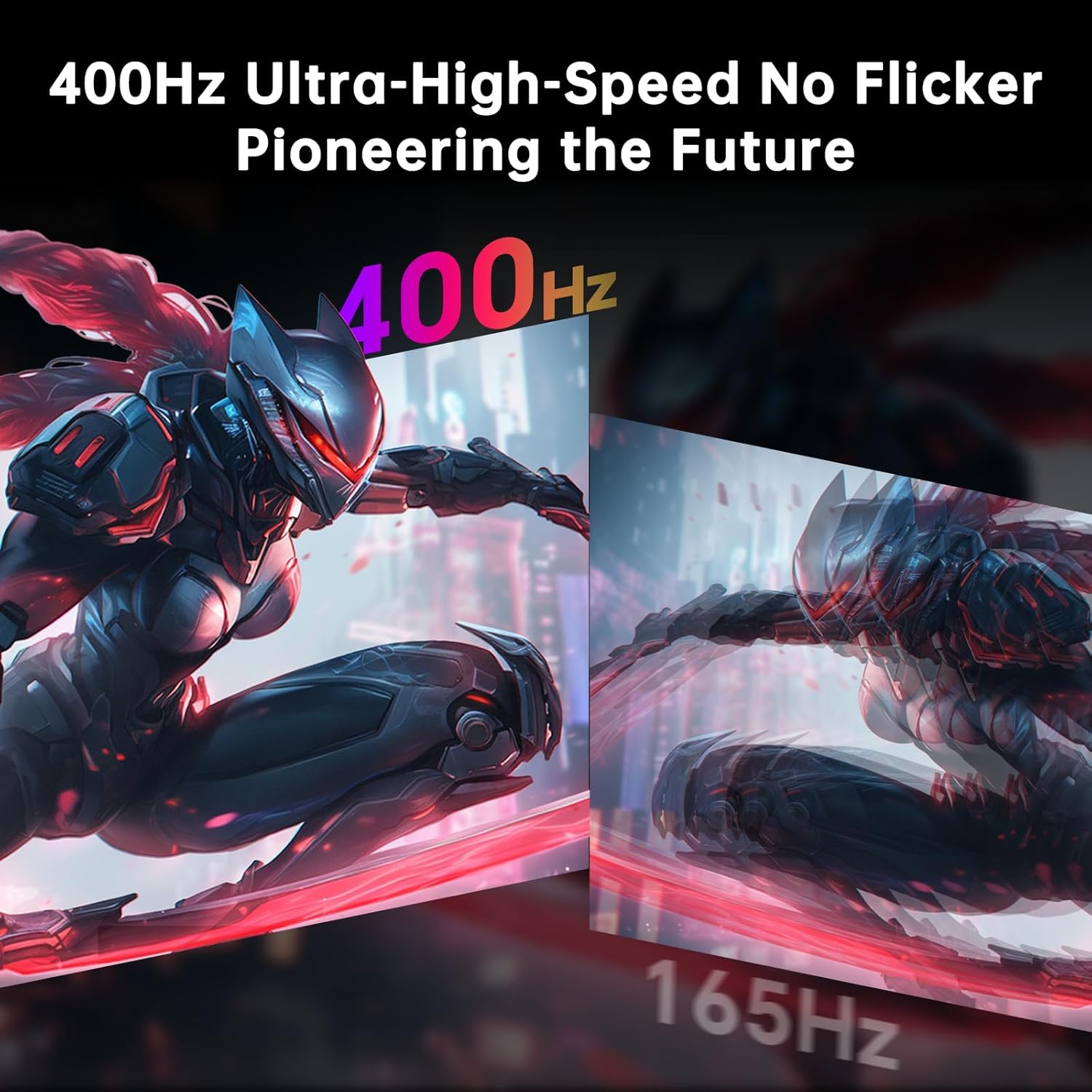
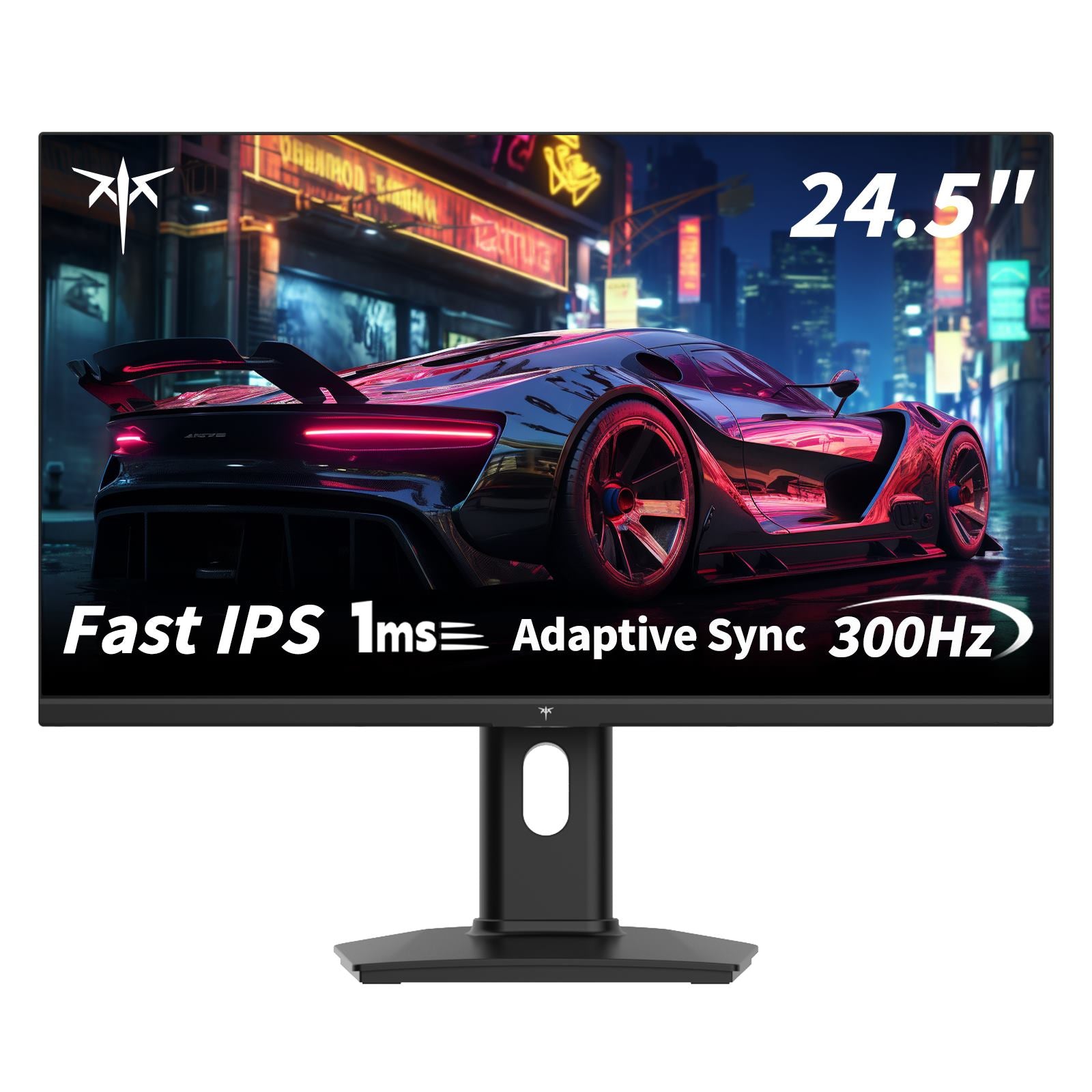
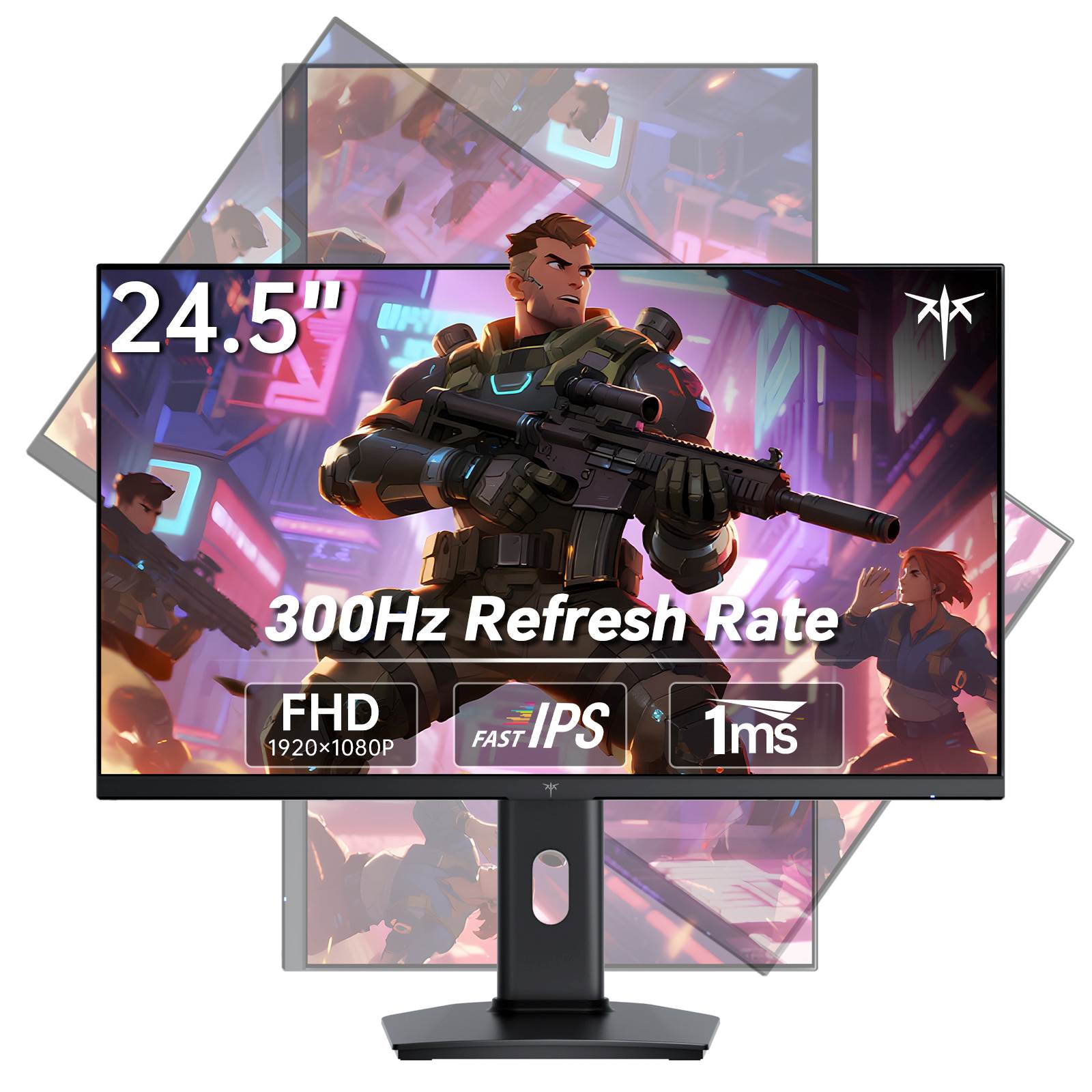
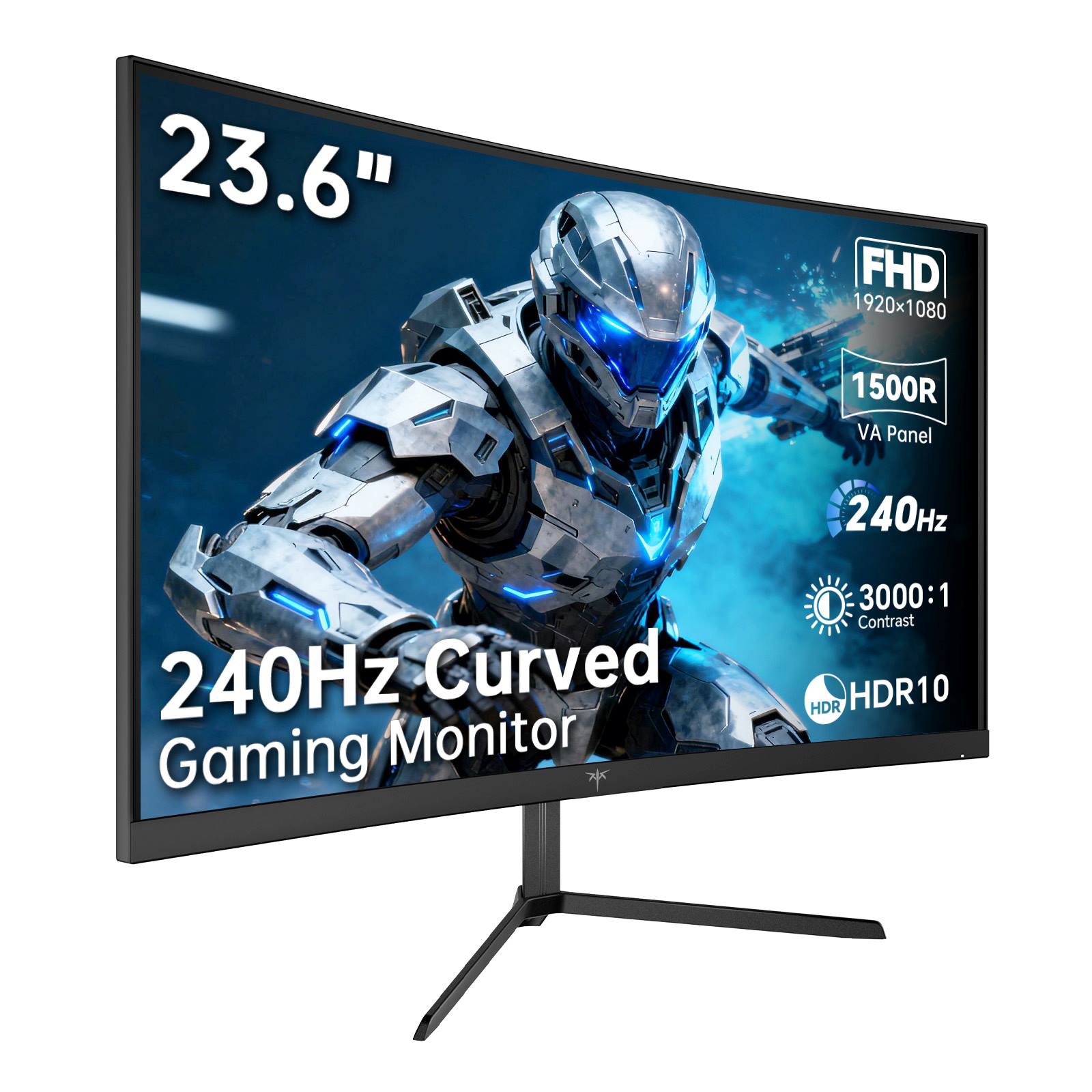
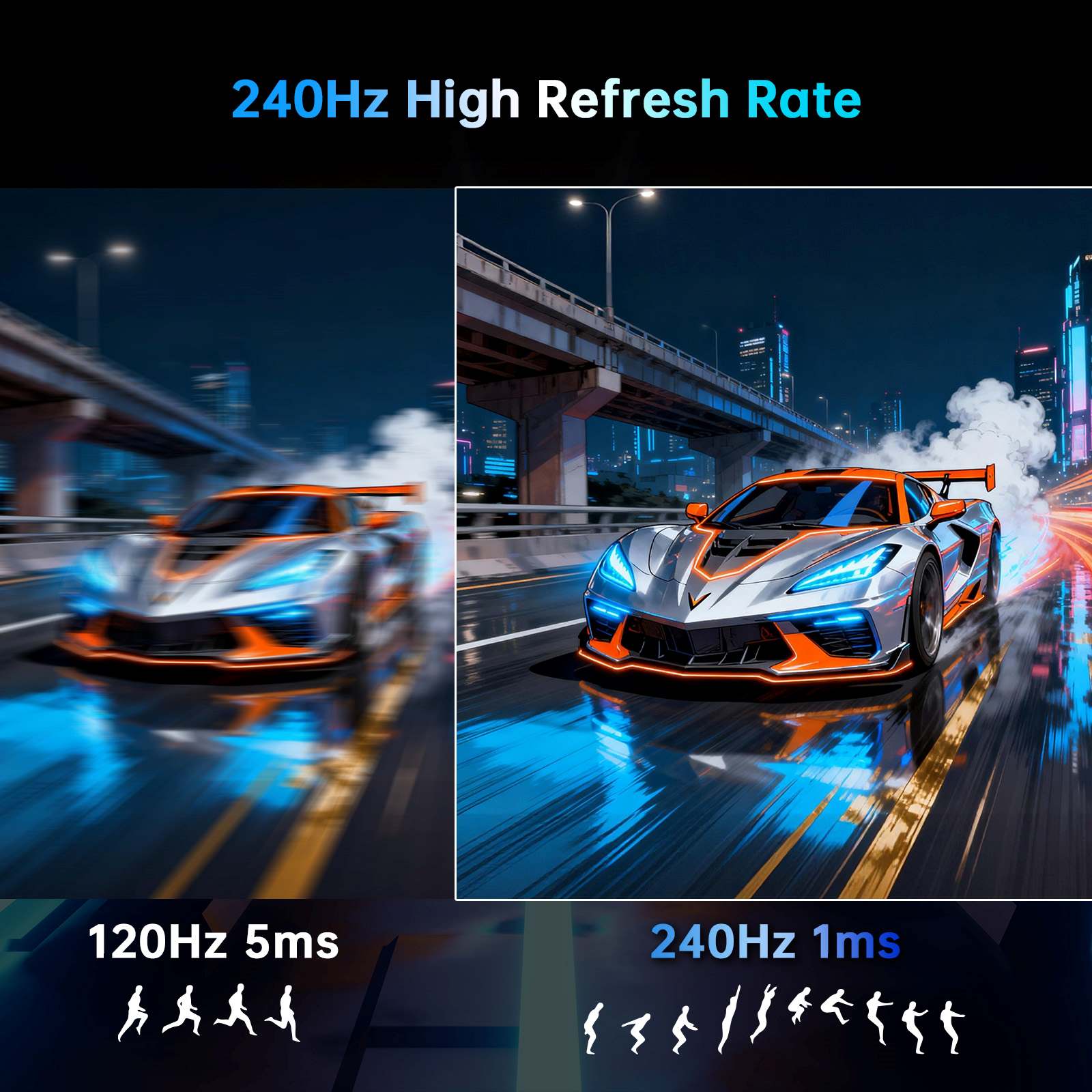
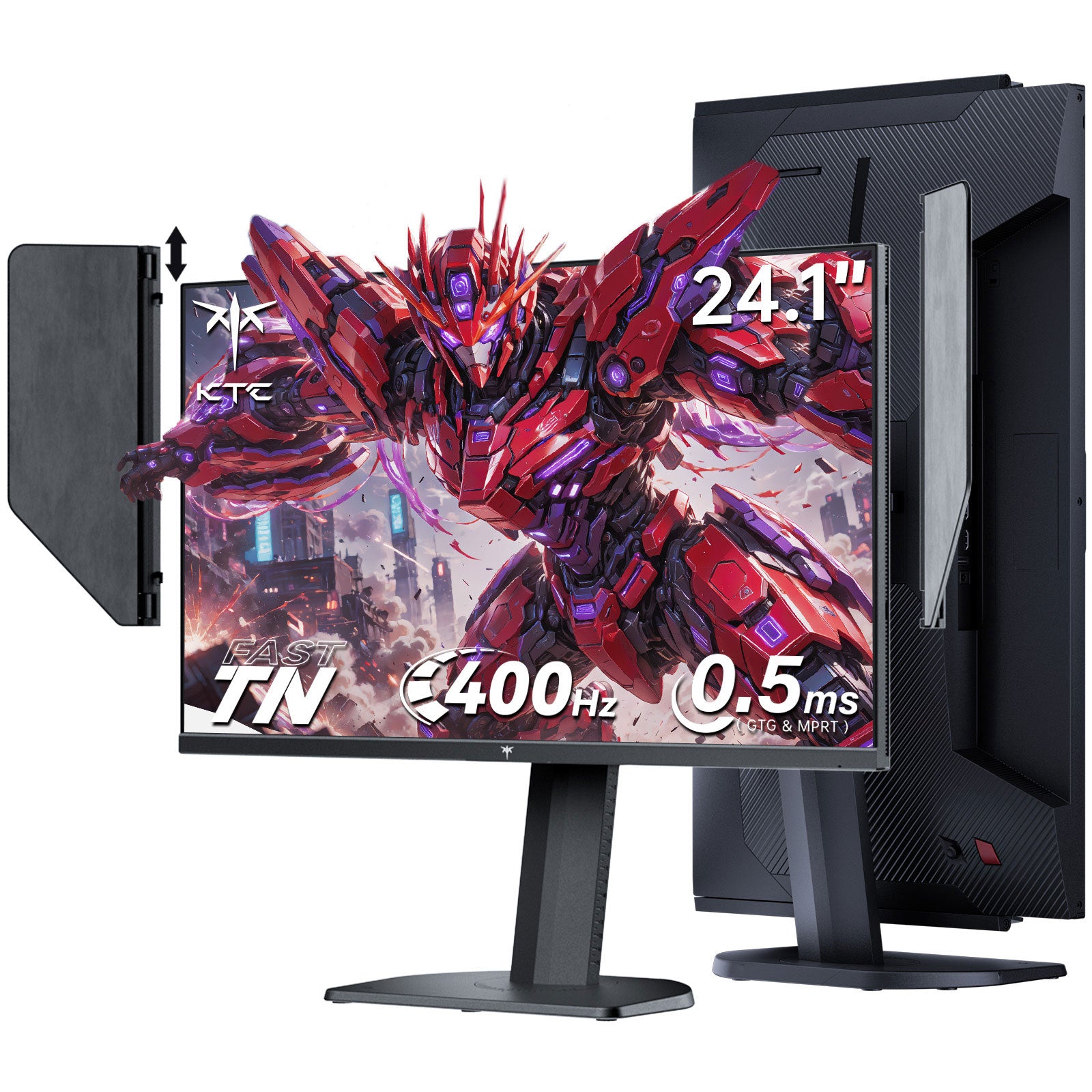
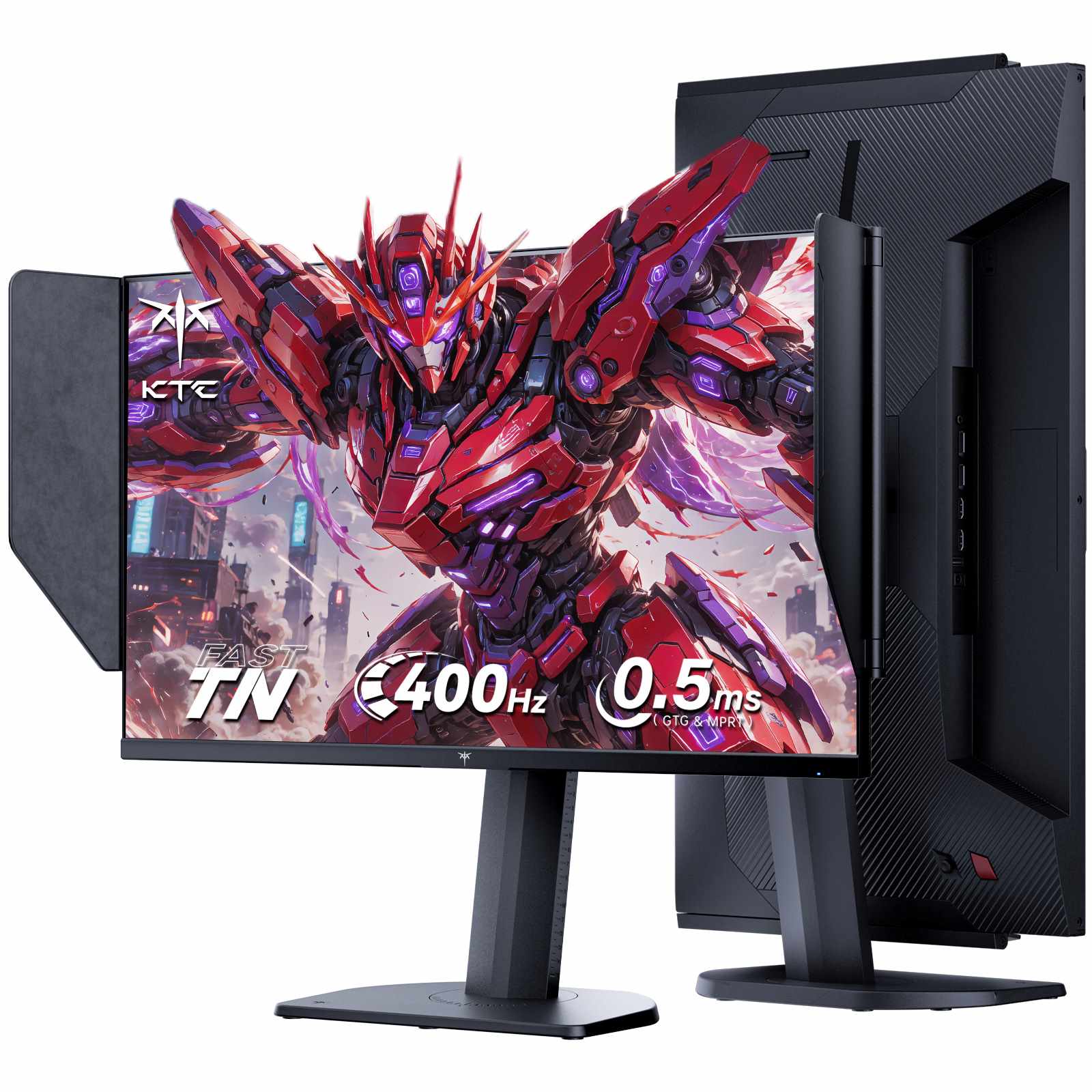
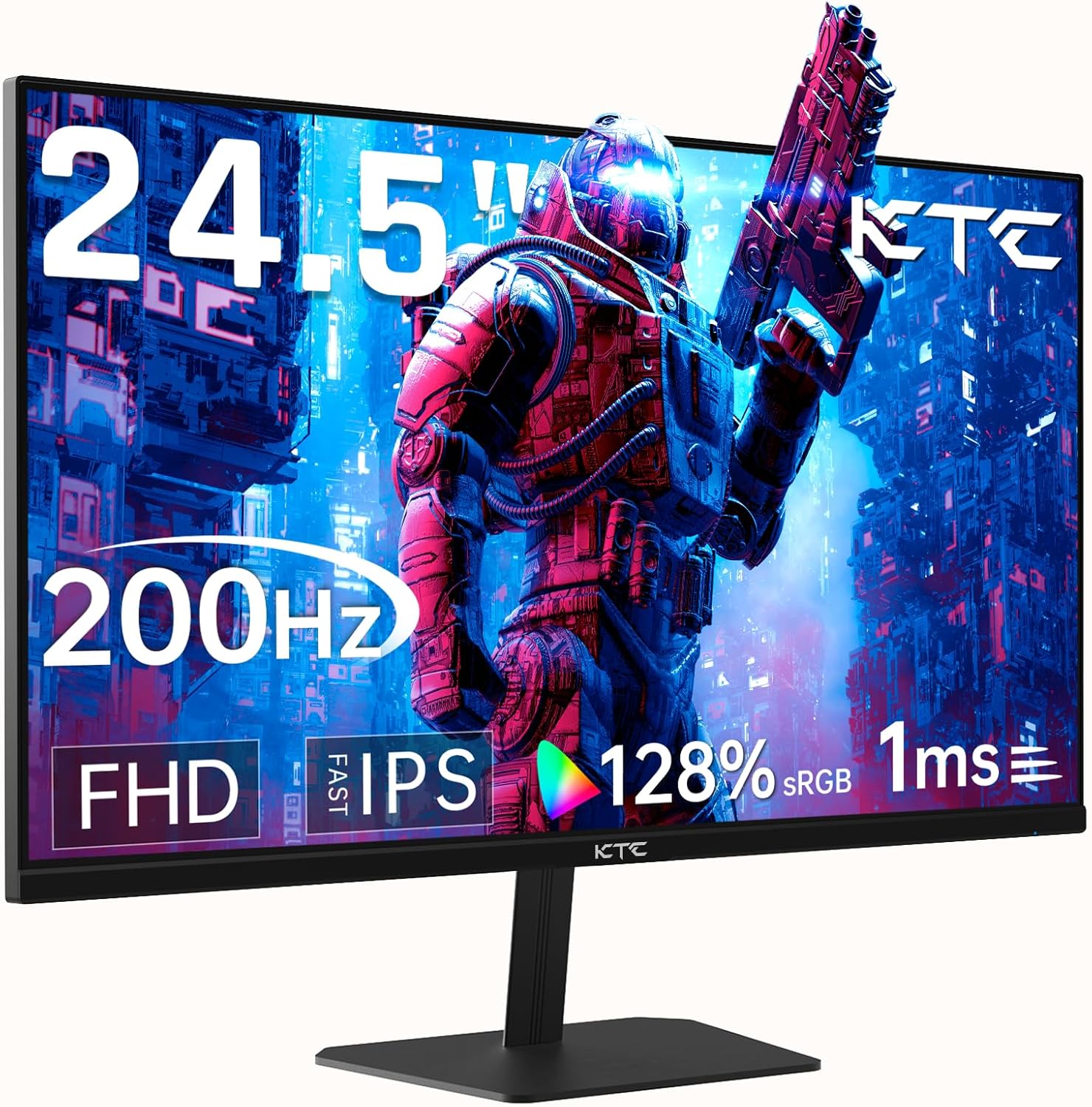
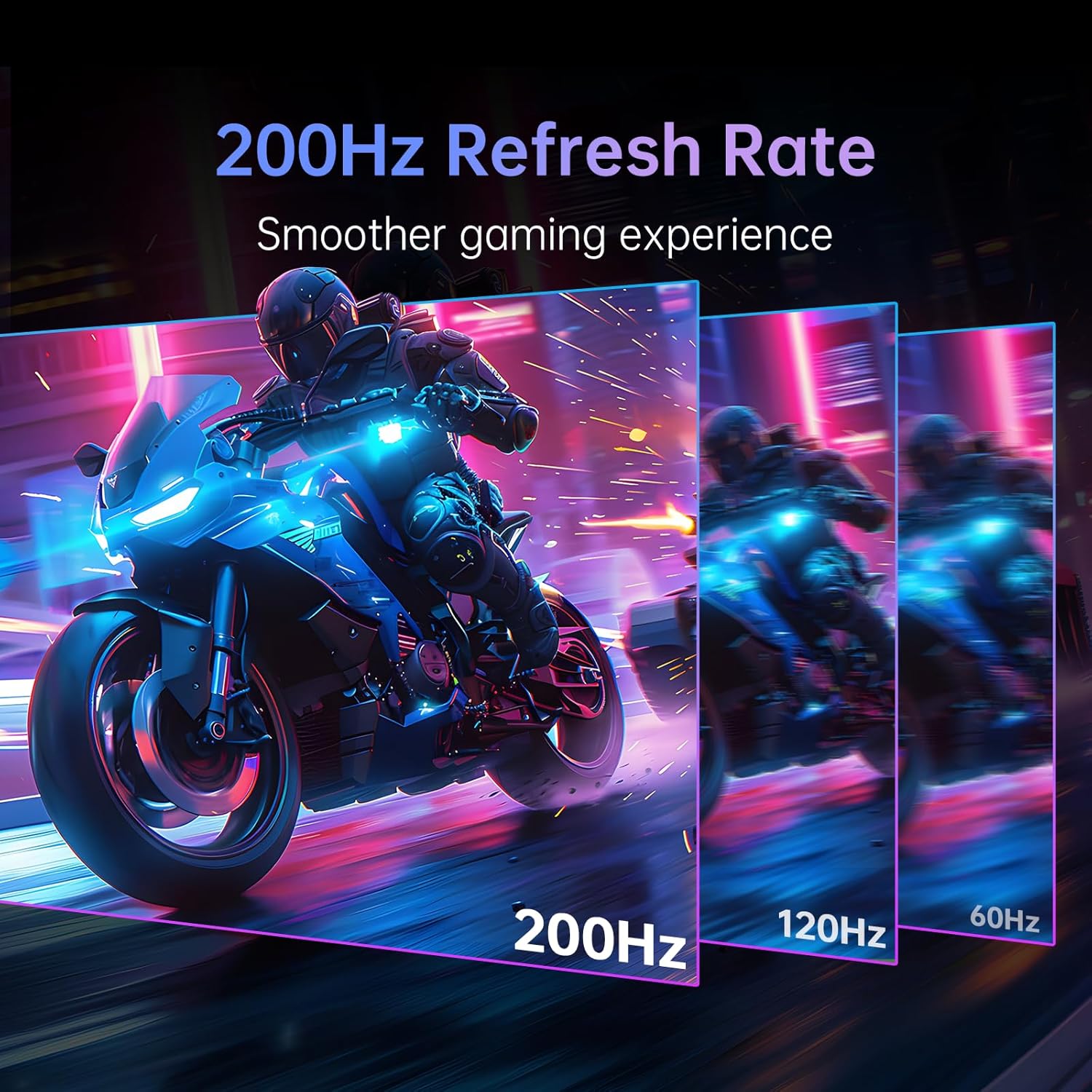
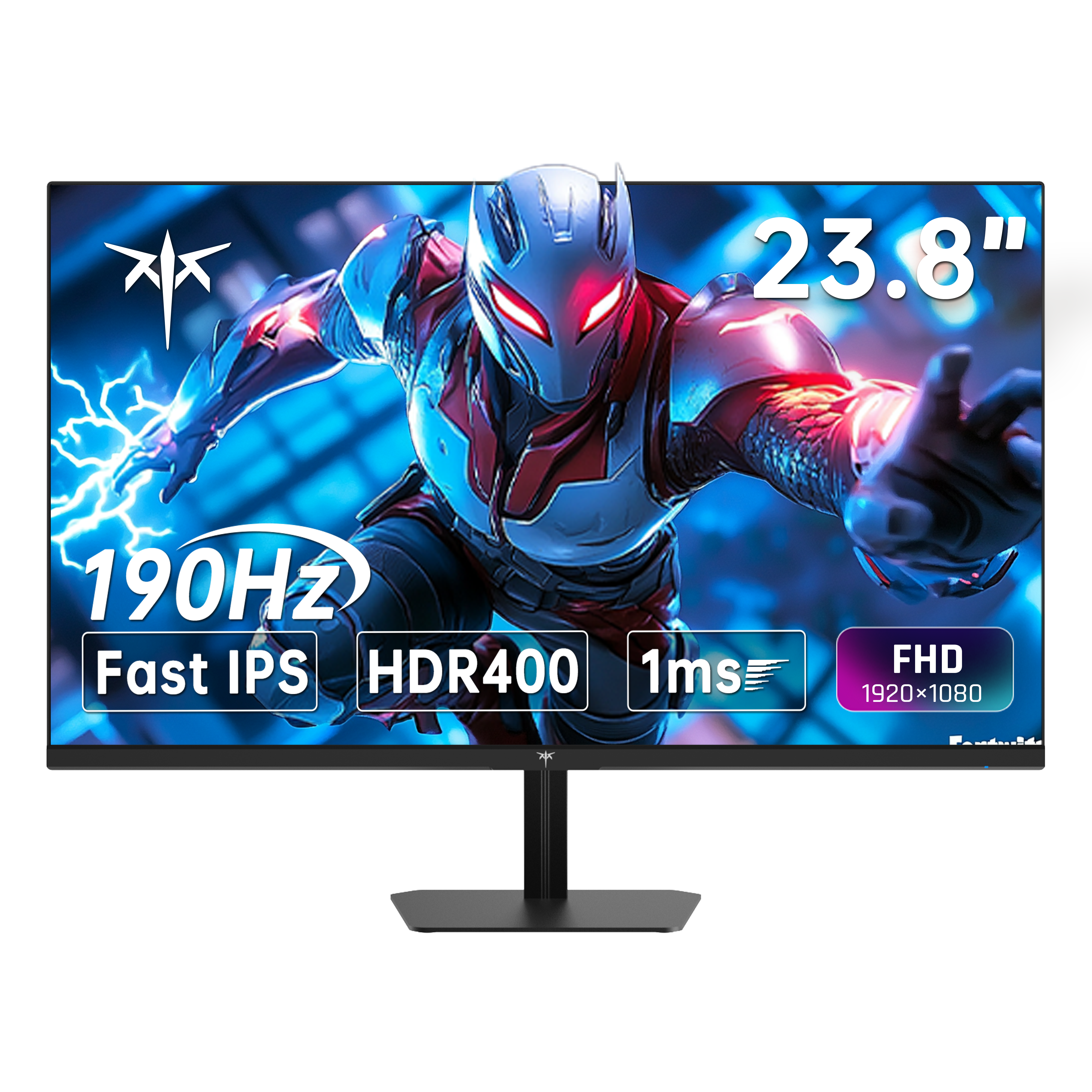
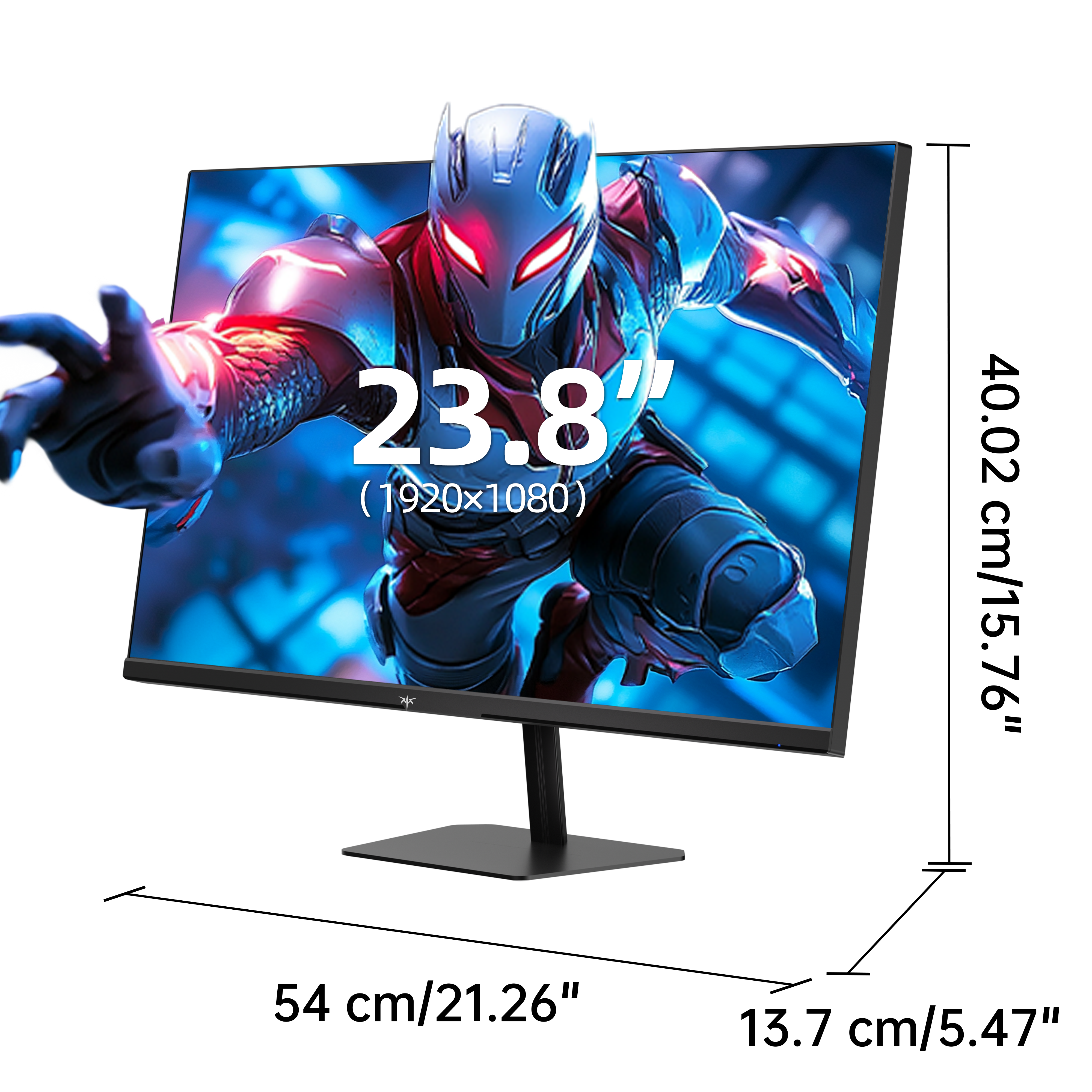
A 24 to 25-inch monitor fits comfortably within your central field of view, eliminating the need for constant eye tracking. This optimal focal range is why compact panel sizes remain the official standard across major esports tournaments, allowing players to track crosshairs, the minimap, and health bars in a single glance. Additionally, a compact desktop footprint leaves maximum desk space for low-DPI mouse movement and angled keyboard setups without forcing you to sit uncomfortably close.
While larger displays can excel for multi-window productivity and immersive open-world gaming, they push critical HUD elements toward the periphery of your vision. In fast-paced FPS titles, information drifting into peripheral vision directly slows reaction times. Choosing a 24 or 25-inch gaming monitor maximizes visual awareness and keeps flick aim razor-sharp.
Not when performance and reaction speed are the goal. At a standard viewing distance, a larger screen forces wider eye-scanning angles. For video editing or complex spreadsheets, extra screen space helps; for competitive gaming, a compact frame provides immediate spatial awareness. Read our 24-inch vs 27-inch gaming monitor comparison to see how each panel size performs across competitive gaming and daily productivity.
Matching screen size to resolution is essential for optimal pixel density. At 24 to 25 inches, 1080p (FHD) delivers ~90–92 pixels per inch (PPI)—producing clean, sharp visuals while requiring far less GPU power to sustain 240Hz, 360Hz, or 400Hz frame rates. Selecting a compact resolution-matched display ensures rock-solid frame rates without sacrificing motion clarity.
Find the ideal high-refresh display built for your competitive playstyle, desk space, and graphics card capability:
Maximize reaction speed, target acquisition, and GPU efficiency with KTC 24 and 25-inch competitive monitors. Whether you need a 400Hz flagship esports display with side shielding, a high-density 1440p panel, or a vertical second screen, select the exact balance of speed, resolution, and form factor to dominate your games.
For a single-monitor setup with many side-by-side windows, a 25-inch panel can feel compact. However, for FPS gaming, coding, or as part of a dual-monitor setup, its compact footprint keeps your entire workspace in full view without cluttering your desk.
1080p provides a crisp ~90 PPI density on 24–25 inch screens and allows mainstream GPUs to sustain extreme frame rates (240Hz–400Hz). Opt for 1440p (2K) if text clarity and photo editing take priority over pushing maximum FPS in competitive games.
A shielding hood blocks overhead and ambient side lighting, preventing reflections and glare from washing out screen contrast. It is especially effective in bright rooms or competitive LAN tournament environments where lighting conditions cannot be controlled.
An ideal viewing distance for a 24-inch screen is roughly 2 feet (around 20–24 inches). Calculate the optimal placement for your specific desk depth using our ideal monitor viewing distance formula.
A 24 to 25-inch display is ideal for fast-paced competitive esports because it fits entirely within your central field of vision. A 27-inch monitor offers greater immersion and screen real estate for casual gaming, media consumption, and general multitasking.