







FHD Monitor
KTC Multiple Display for Diverse Scenarios

KTC Multiple Display for Diverse Scenarios
Filters
11 products
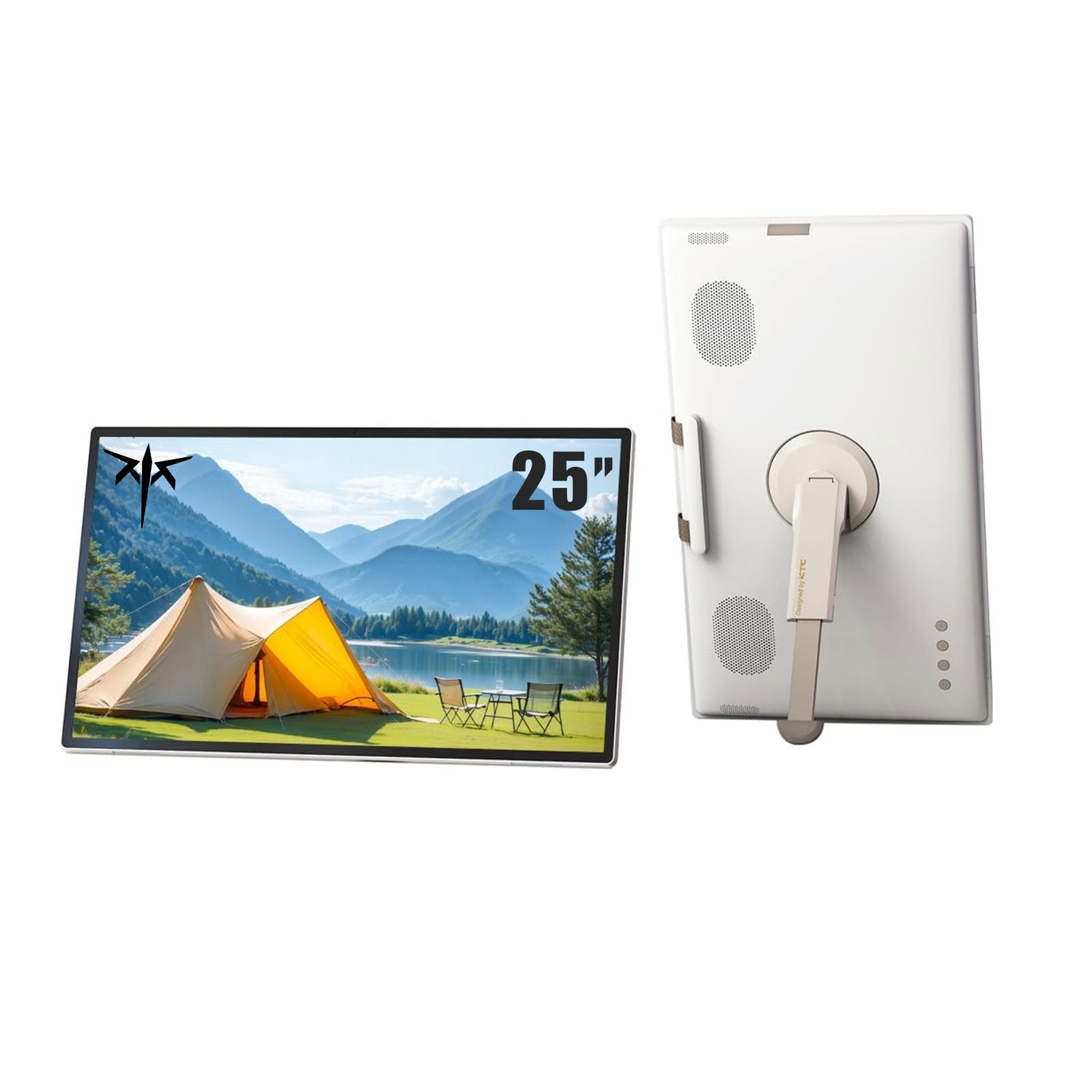

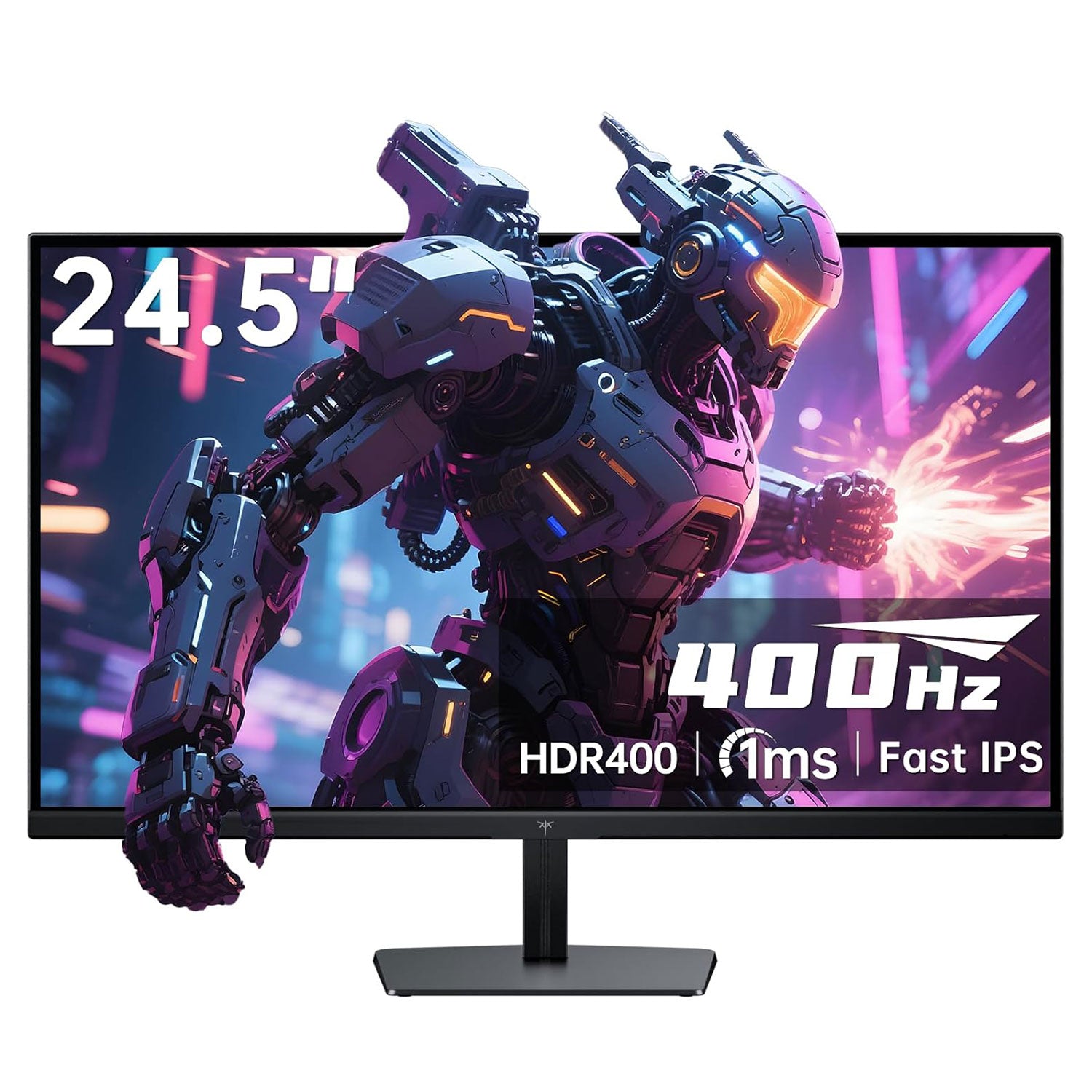
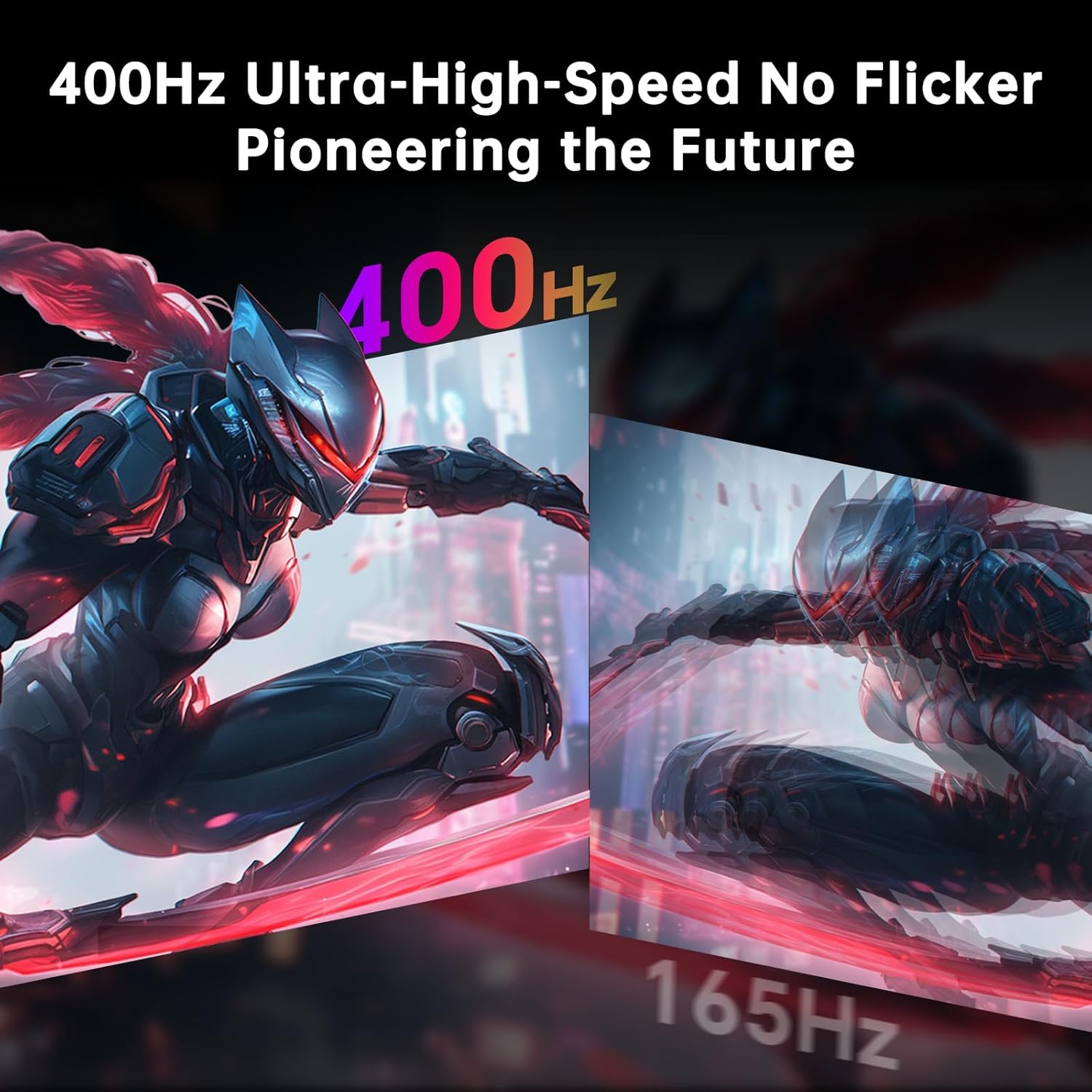
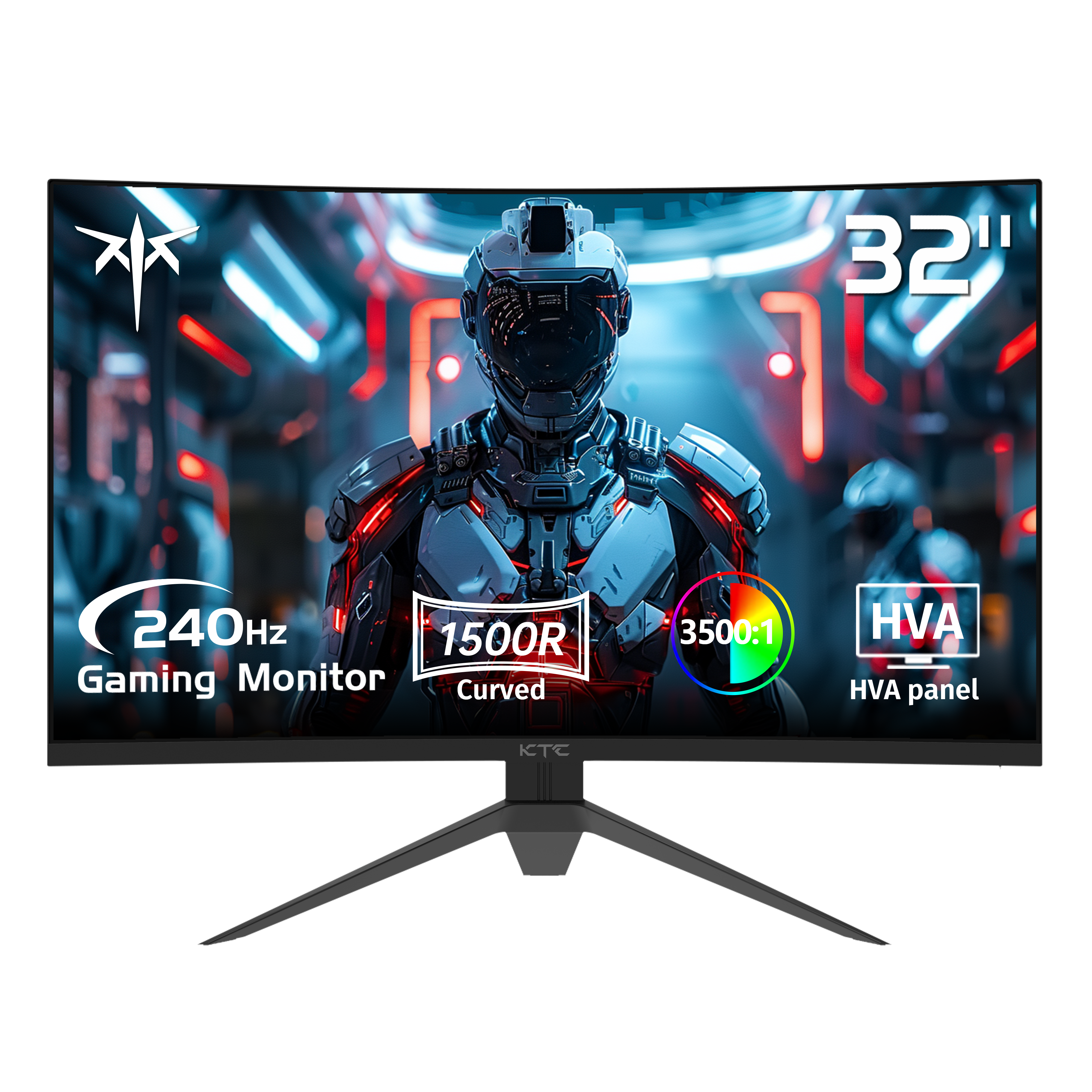
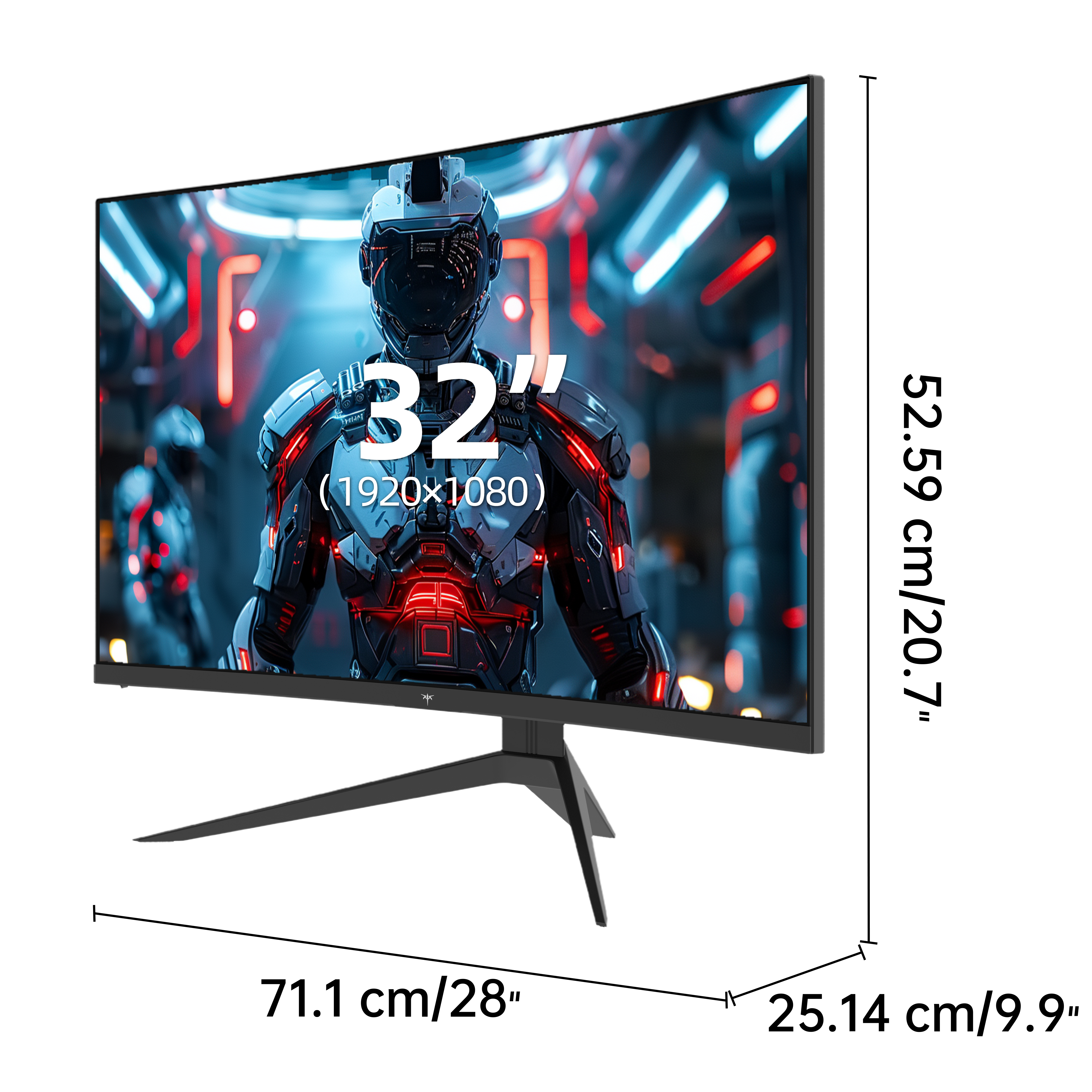
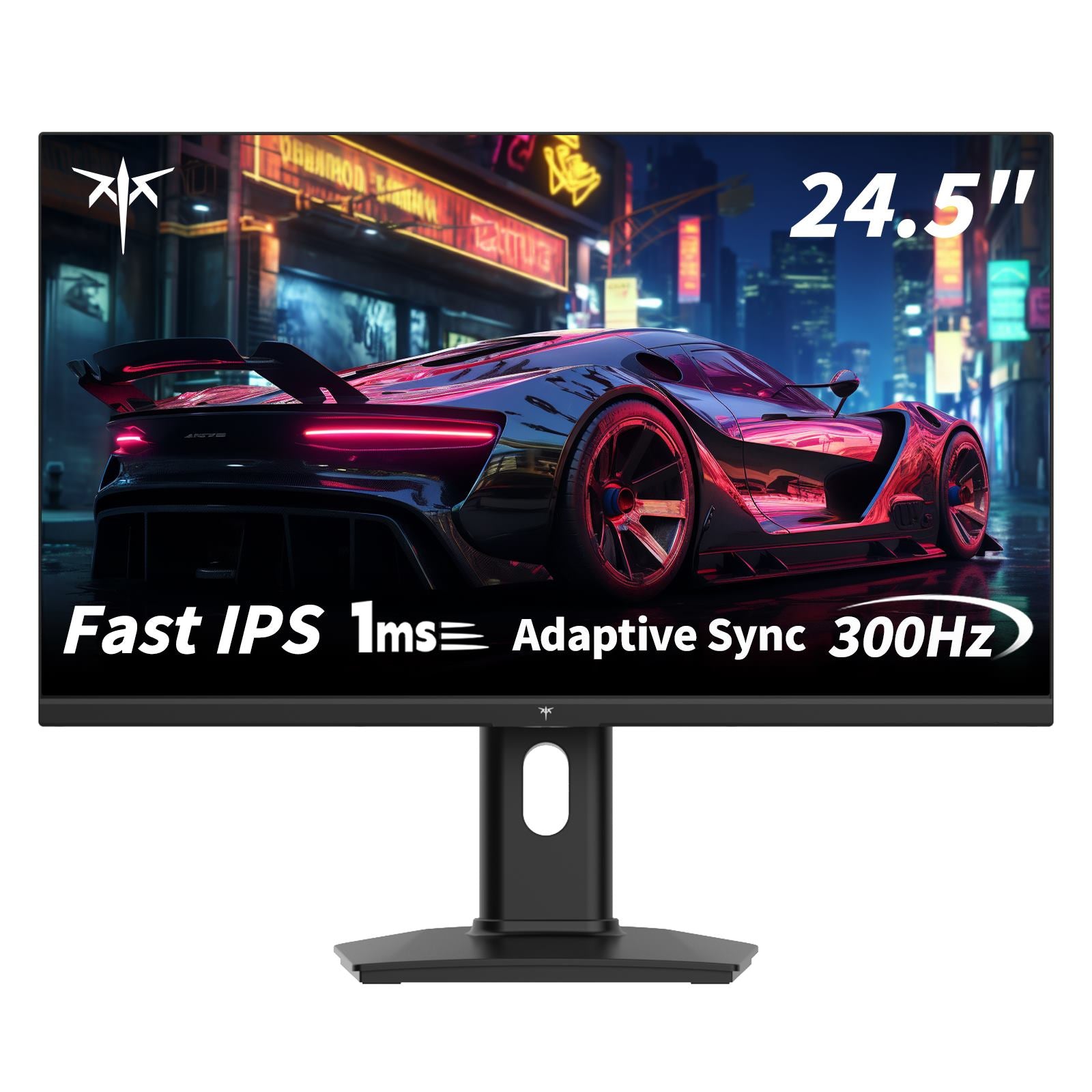
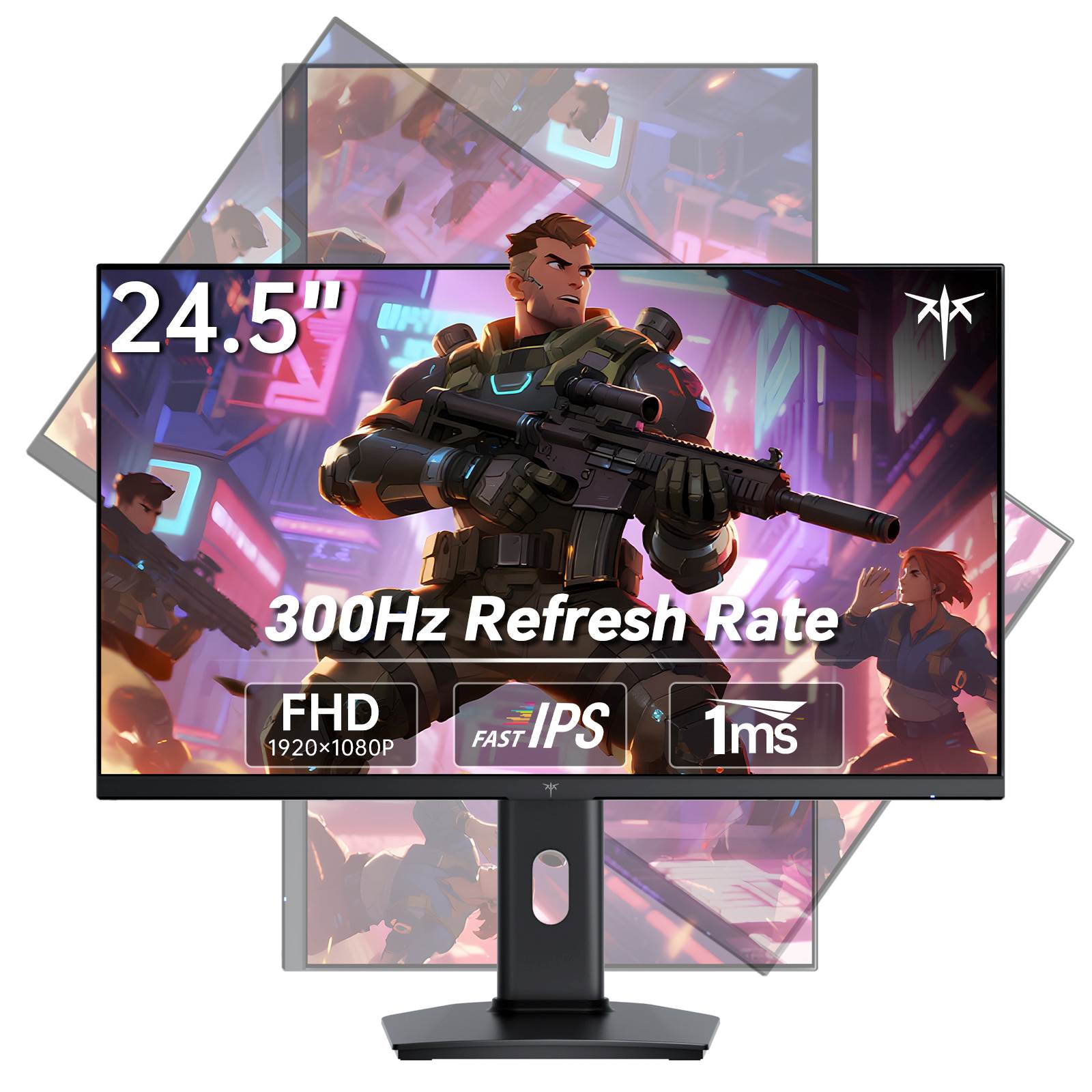
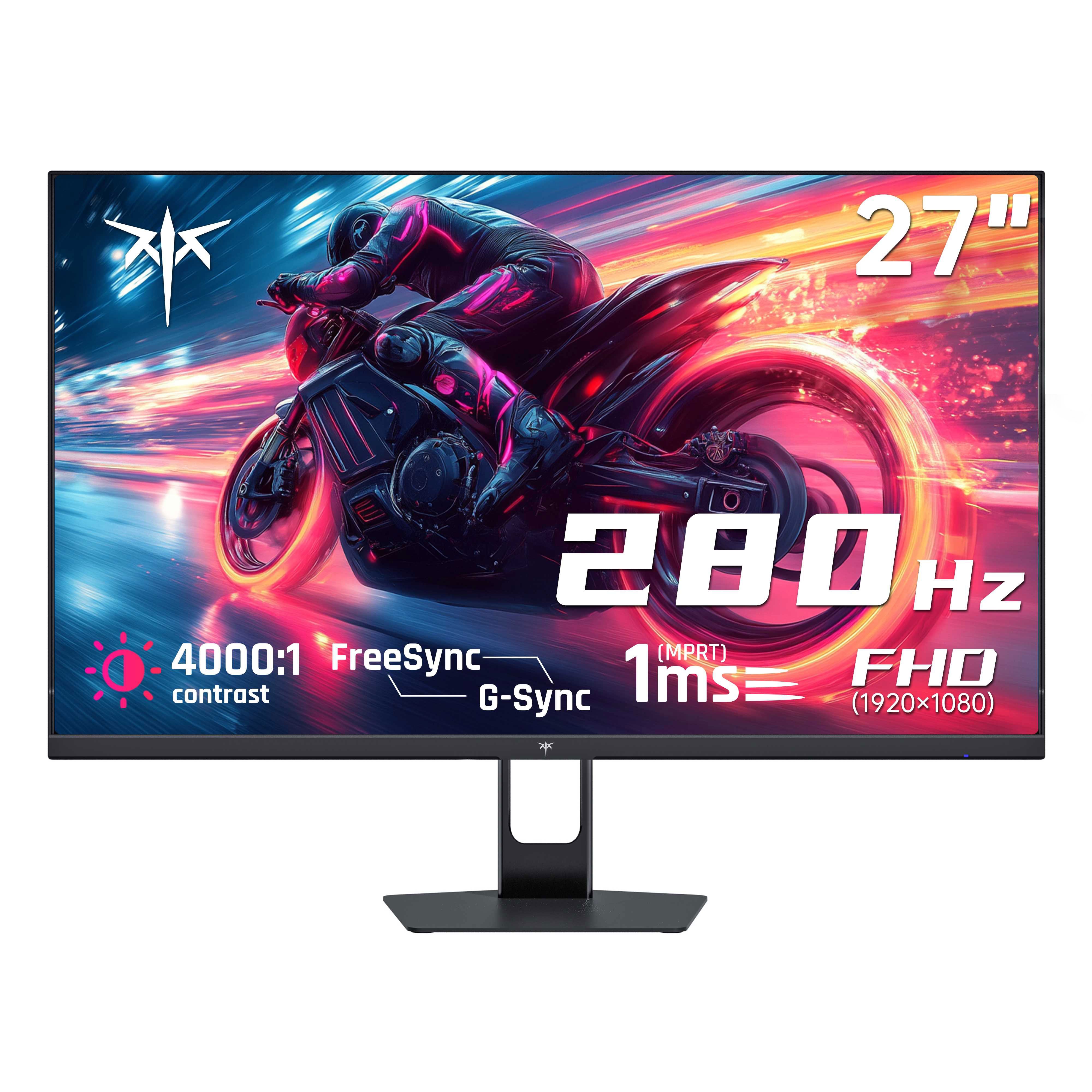
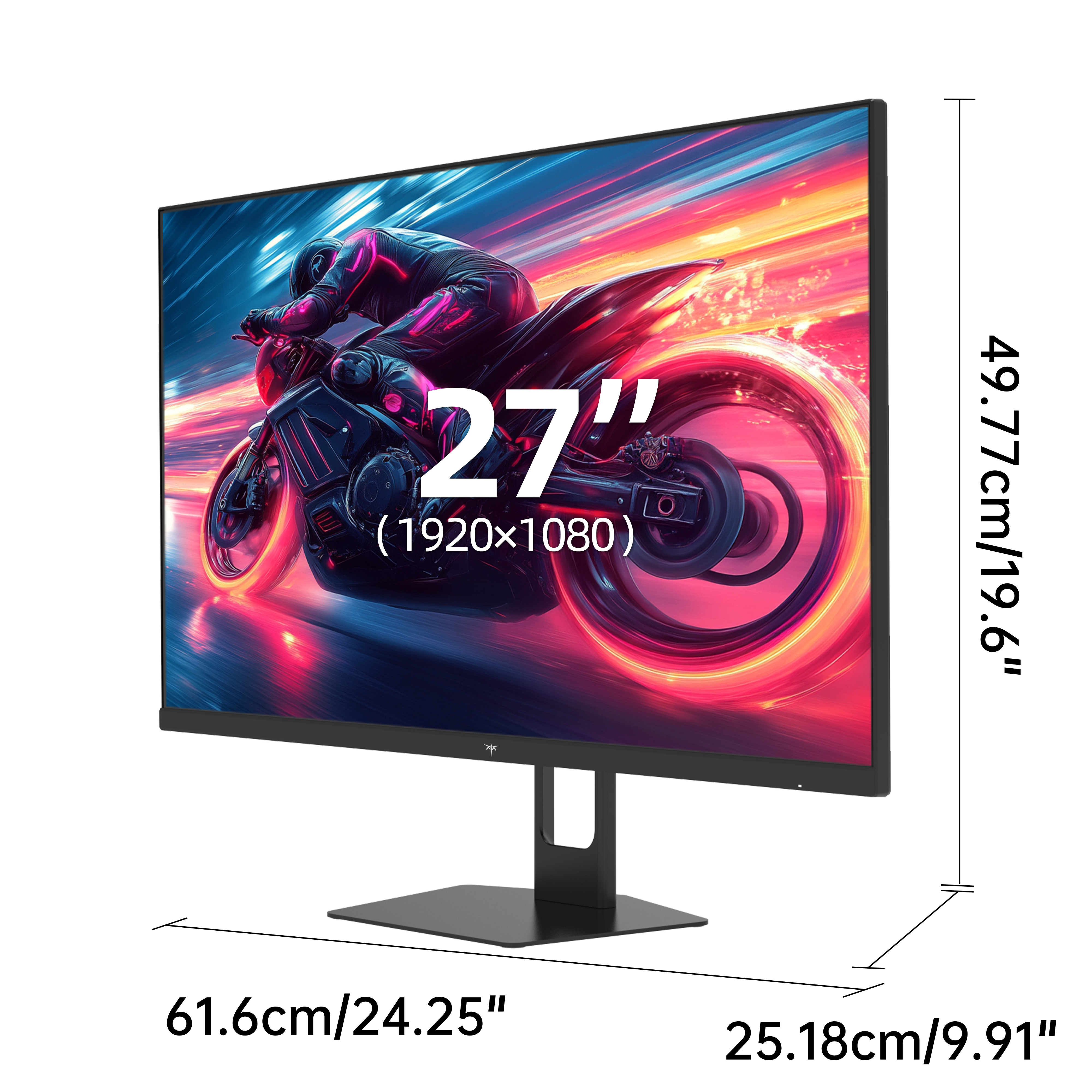
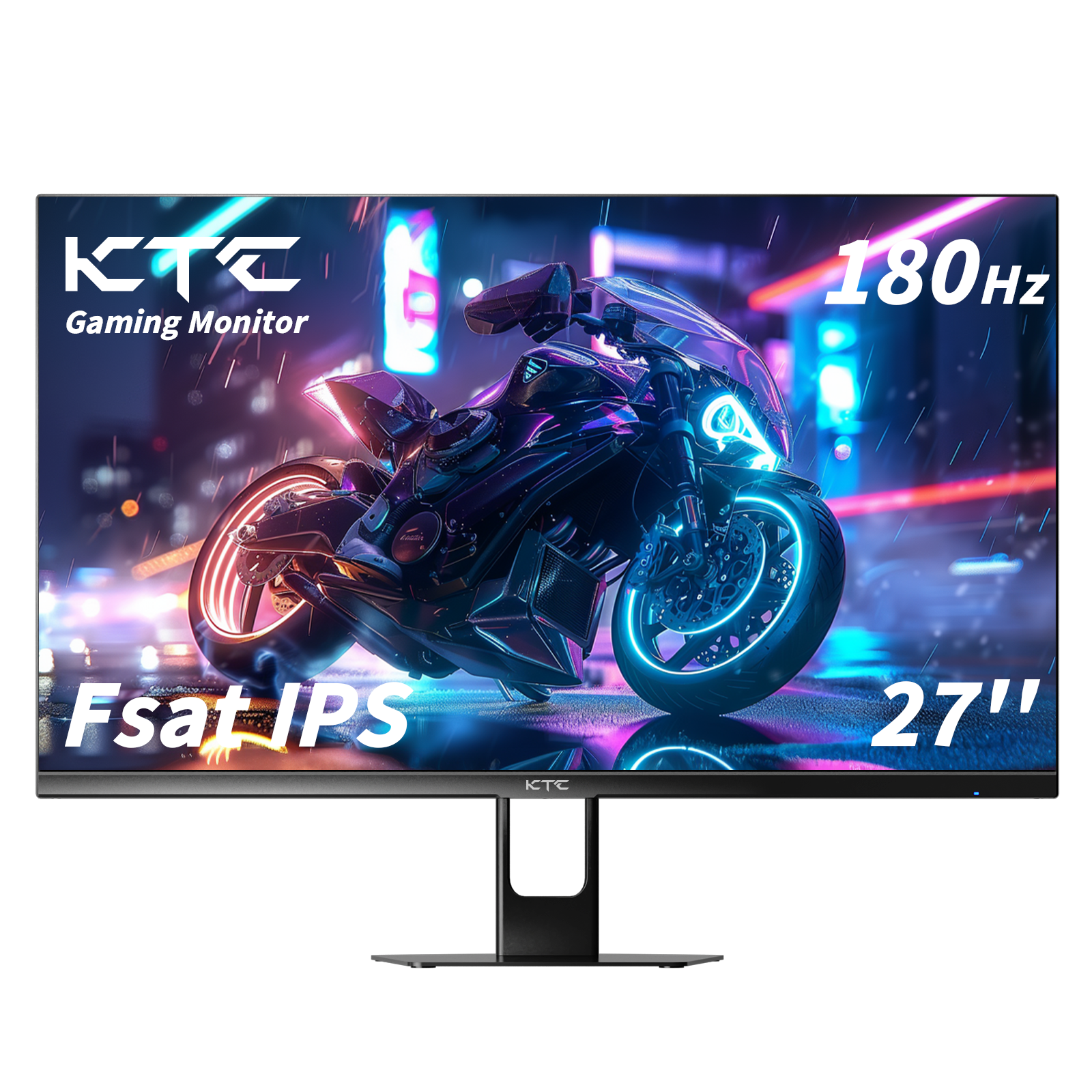
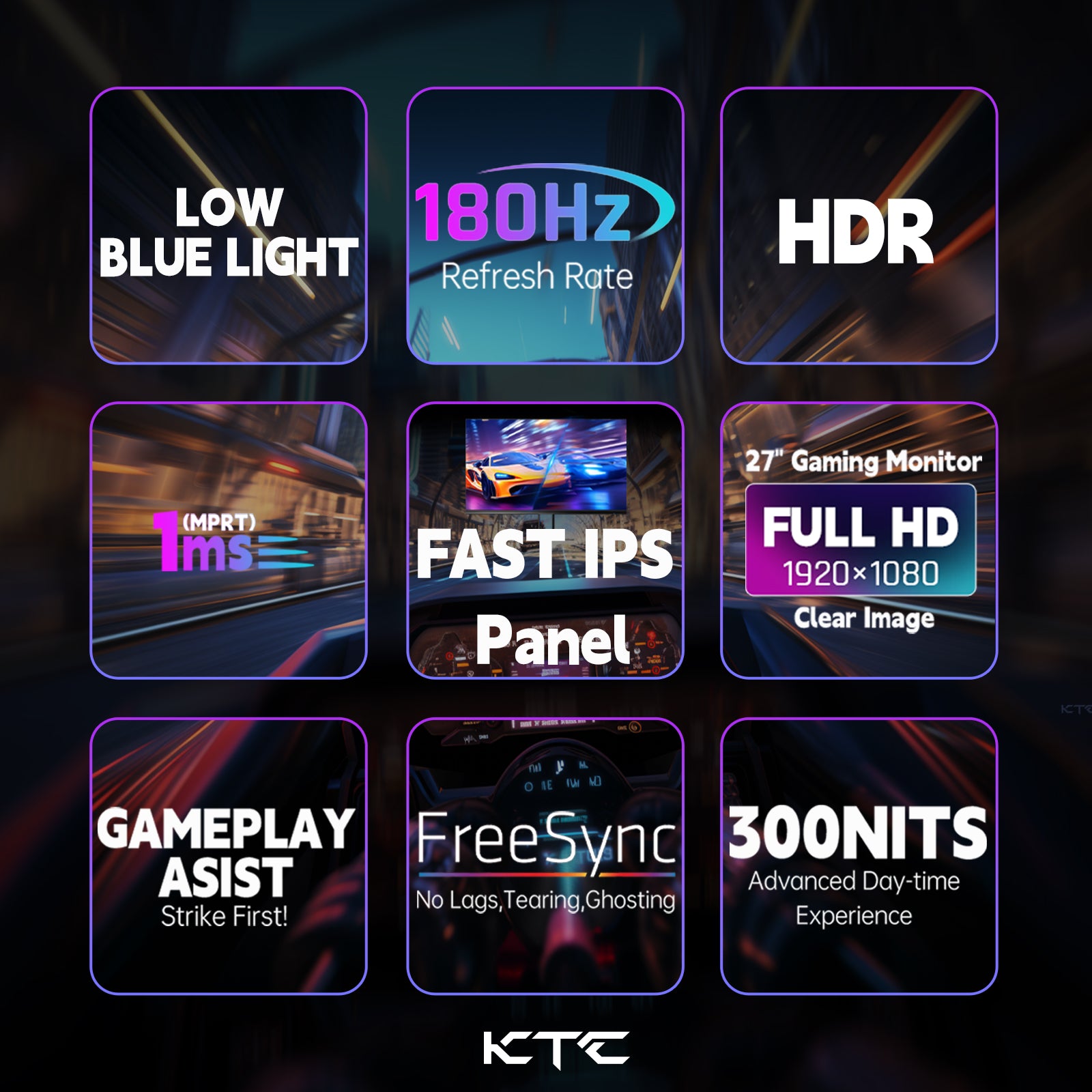
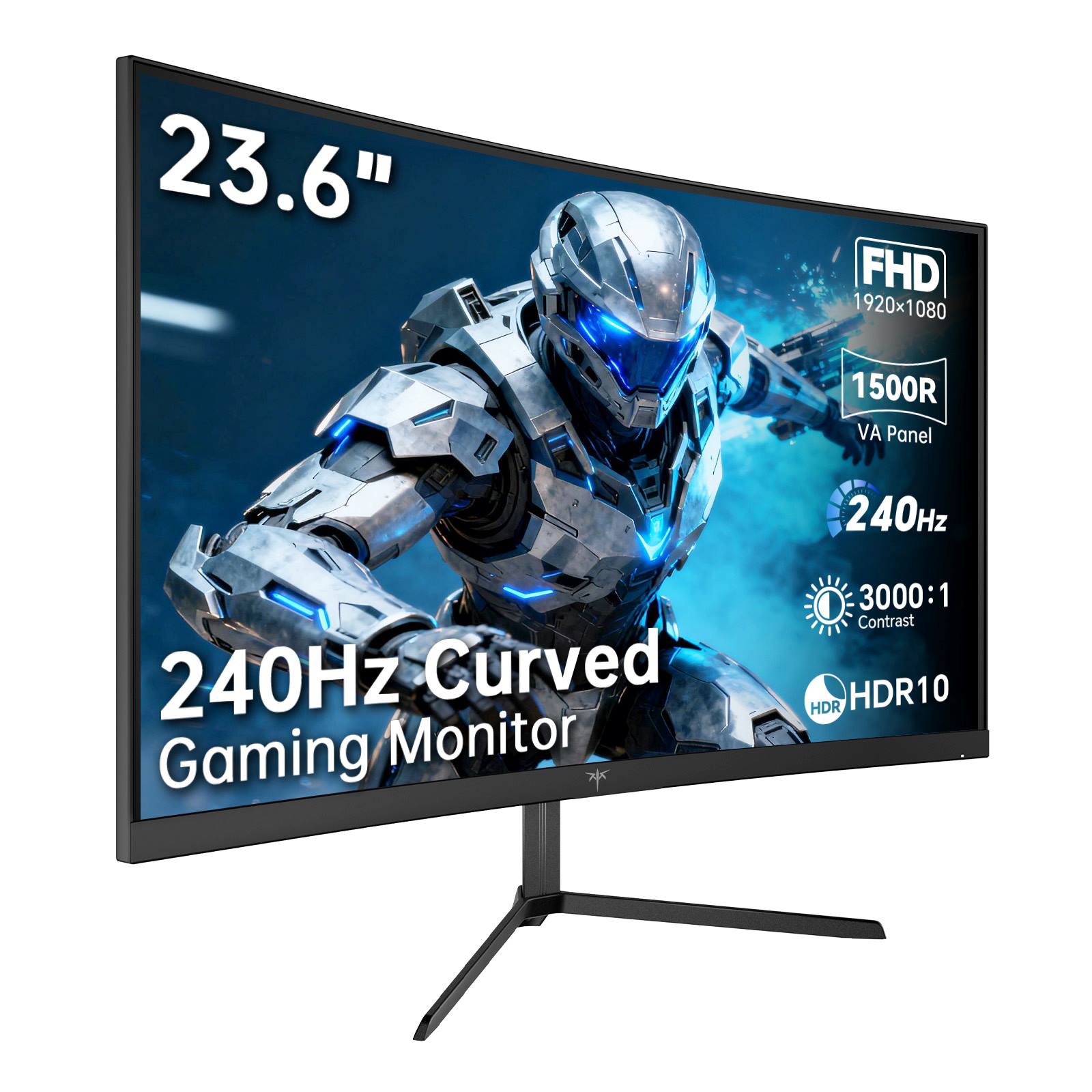
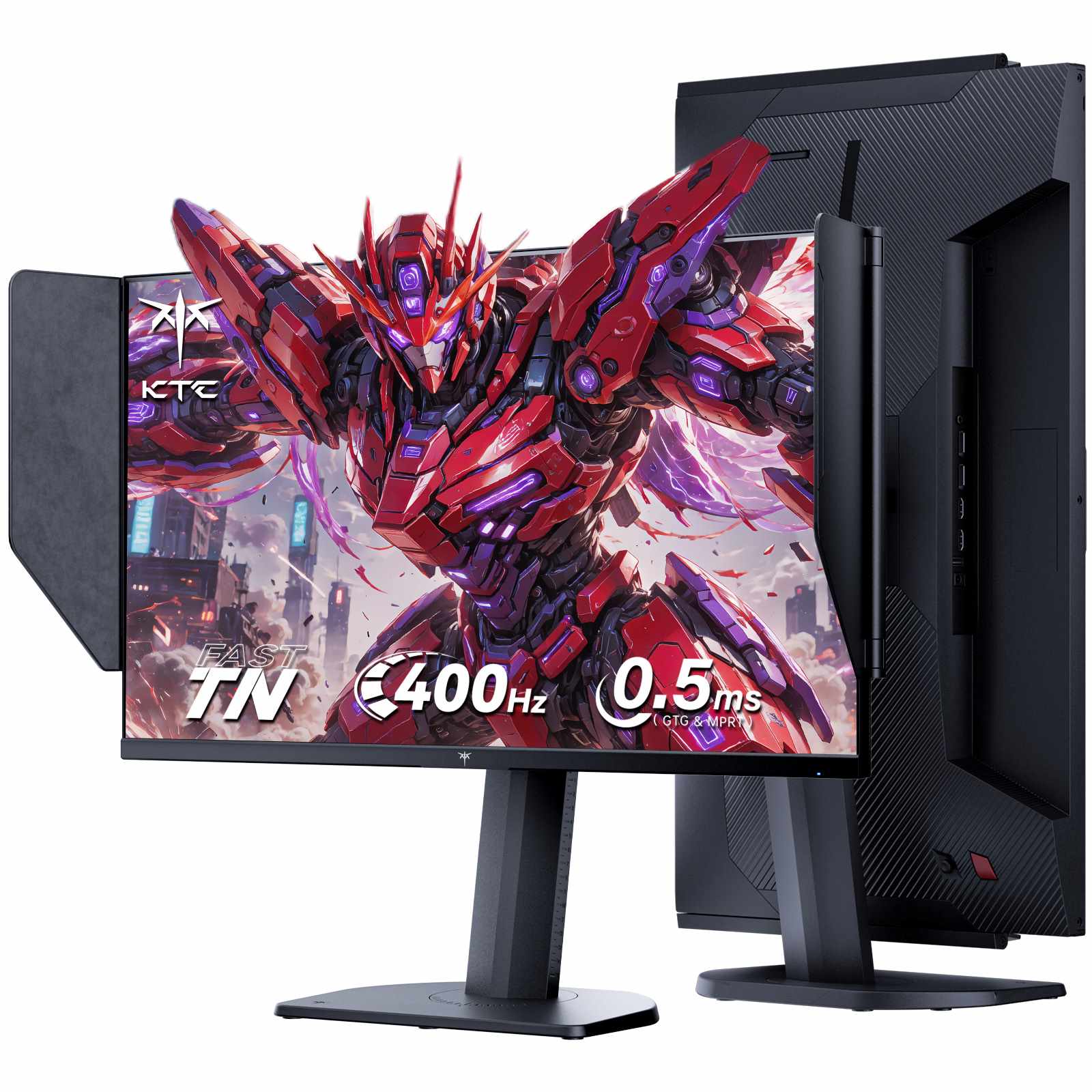
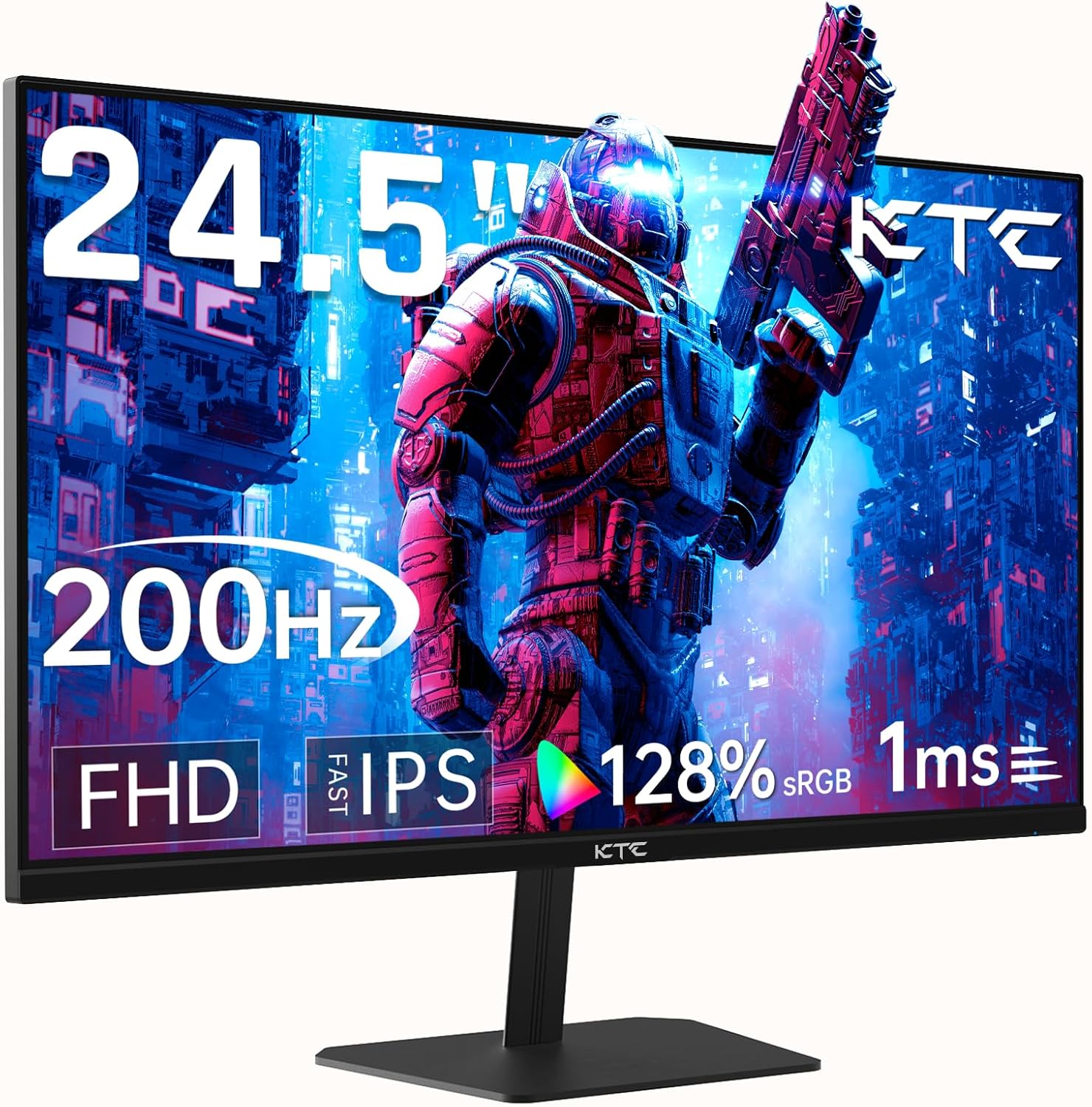
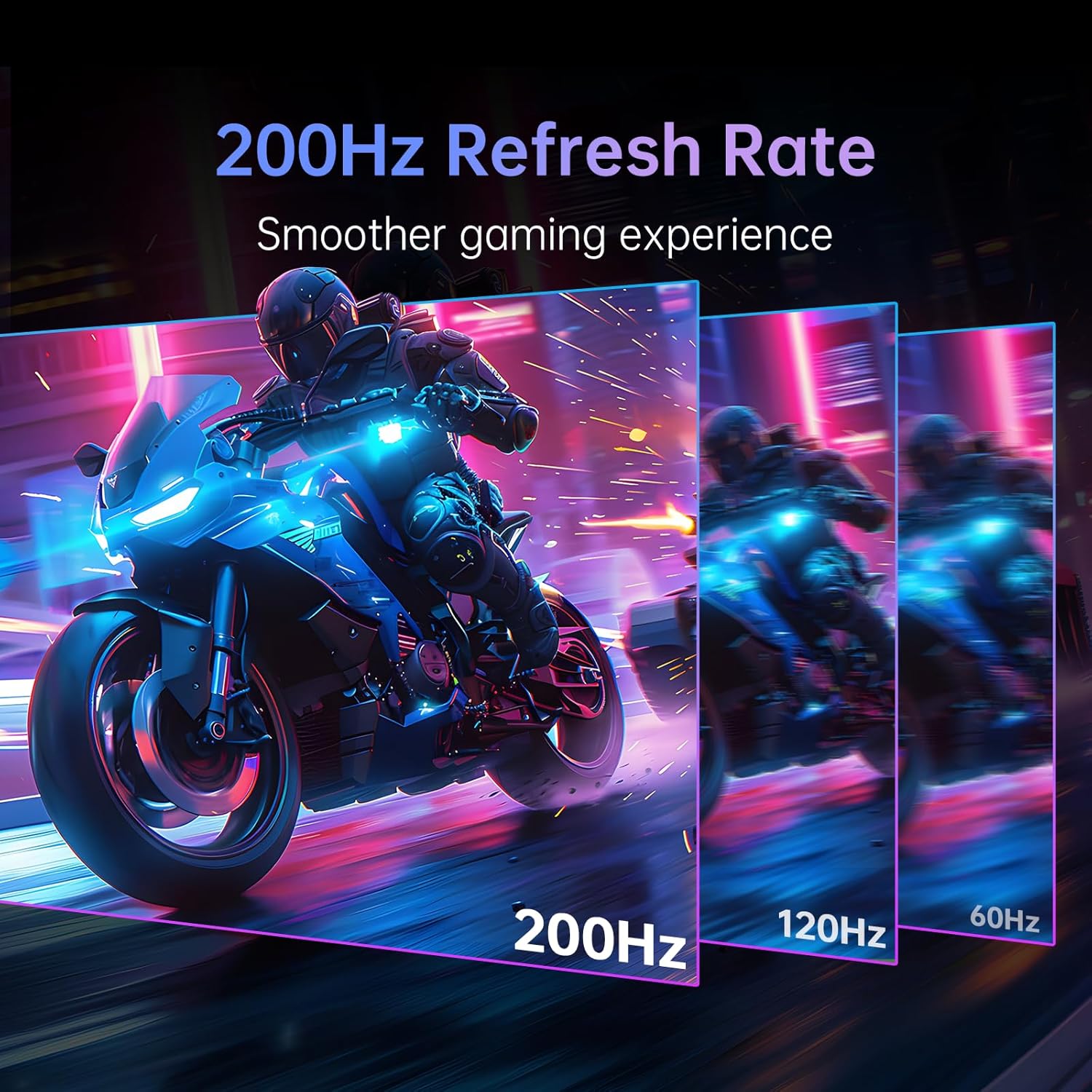
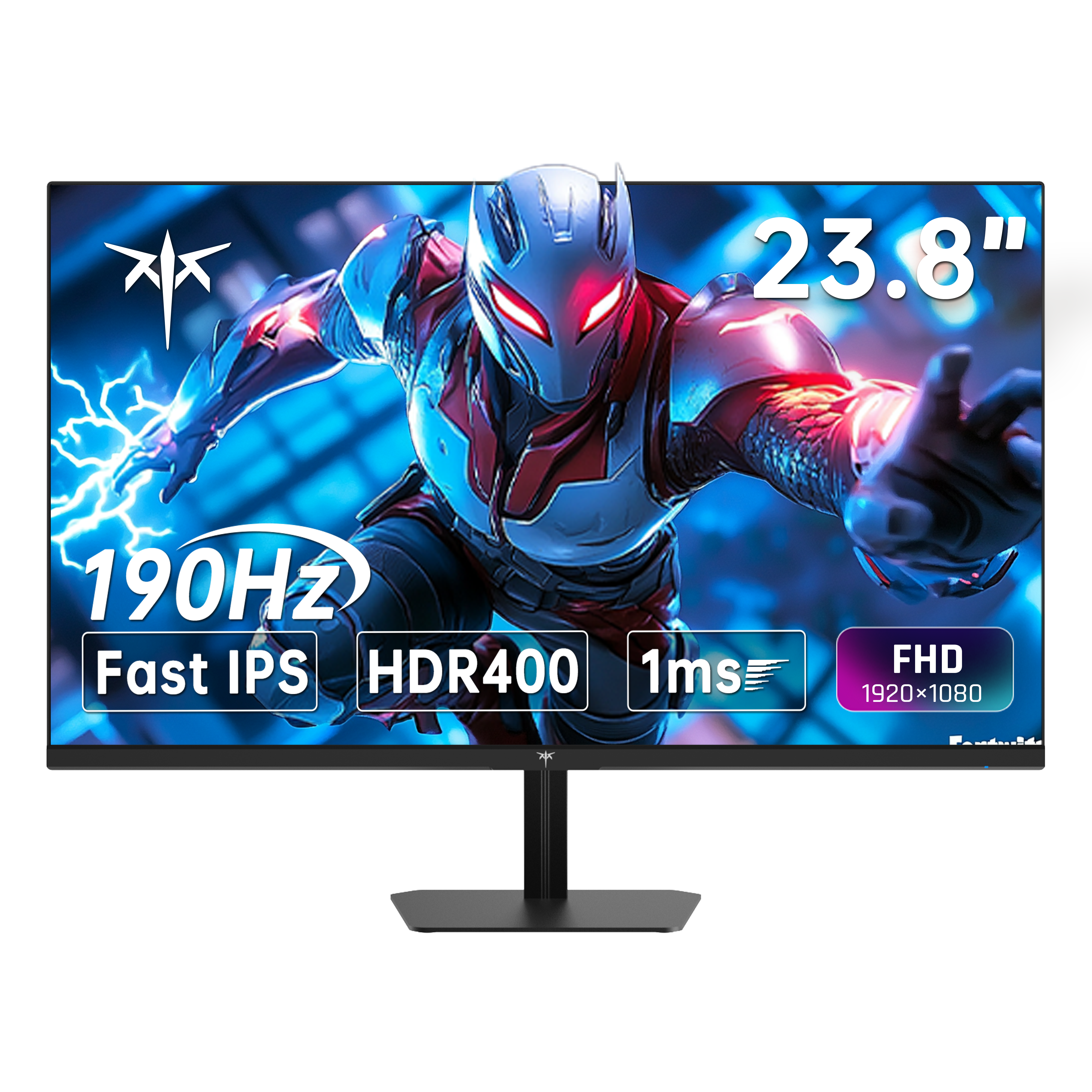
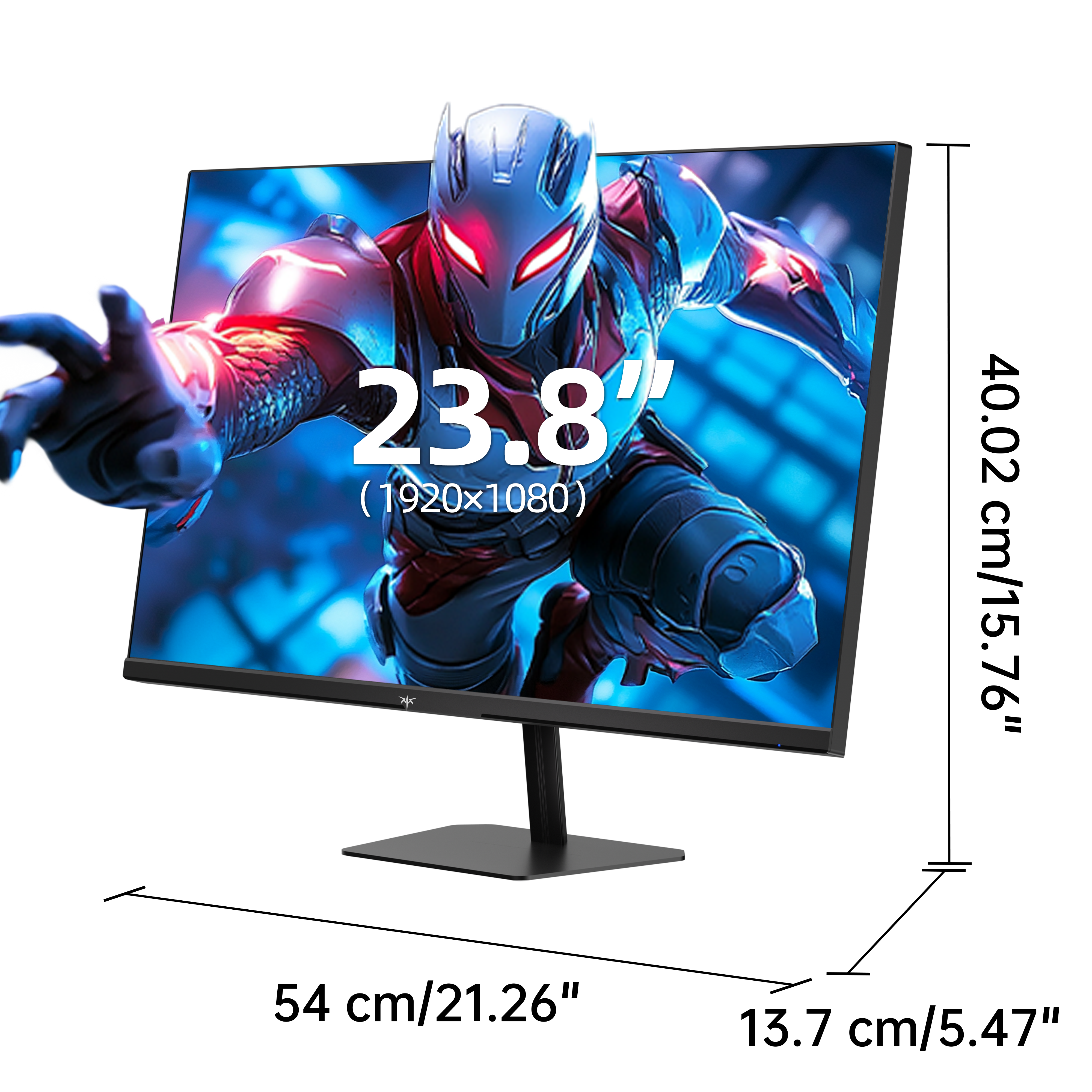
While 1080p Full HD may no longer be the default resolution, it remains the ultimate performance choice for ultra-fast, competitive gaming setups. Rendering 1080p requires roughly 44% of the processing power needed for 1440p (2K) and just 25% of 4K. This massive GPU headroom converts directly into ultra-high frame rates—which is why the fastest esports displays in our catalog operate at native 1080p resolution.
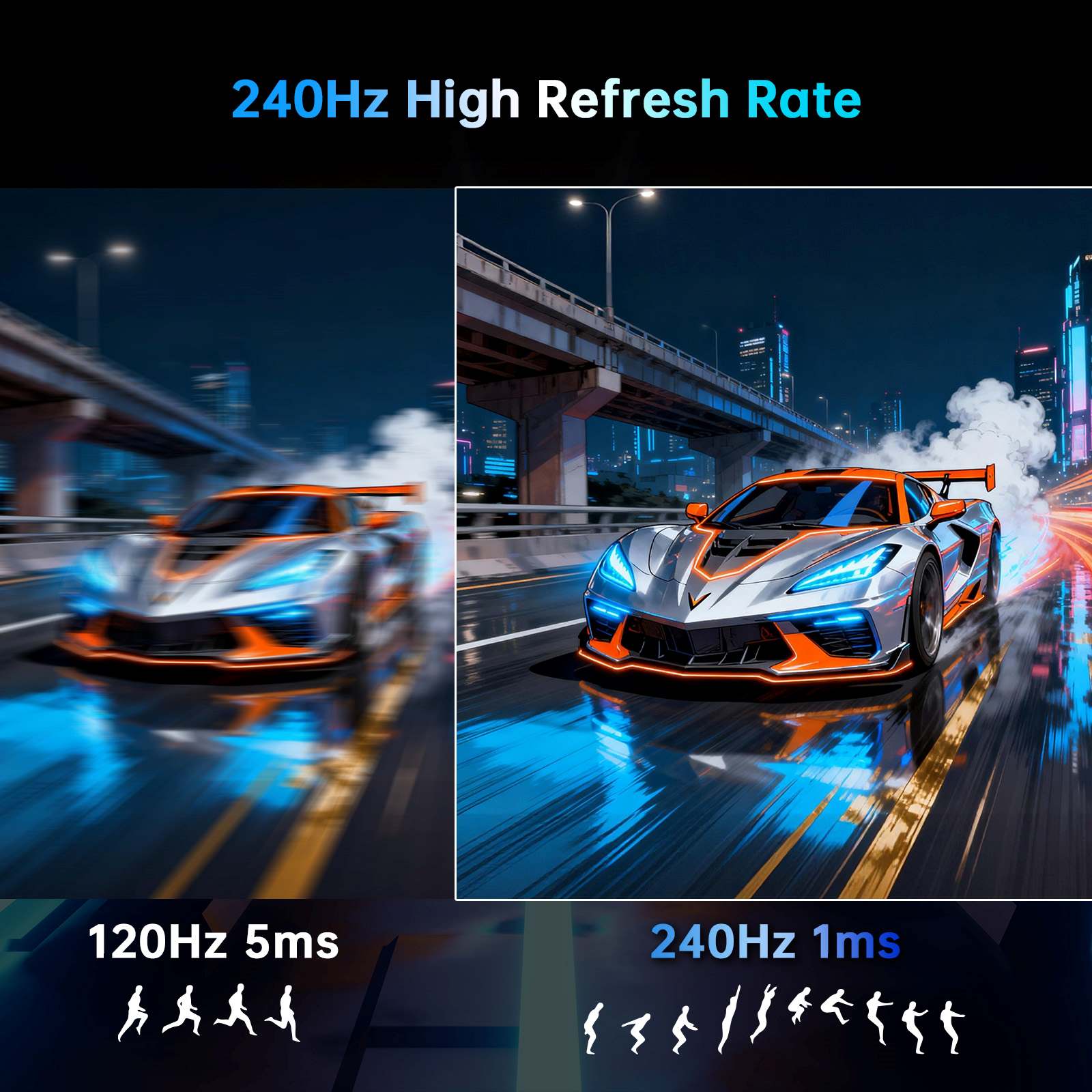
This rendering efficiency also stretches your budget further. Choosing 1080p allows you to prioritize extreme refresh rates (like 240Hz, 360Hz, or 400Hz) and sub-millisecond response times for maximum speed per dollar. For competitive esports players and system builds where maintaining rock-solid, maximum frame rates all day is essential, lower pixel count is an intentional performance strategy, not a compromise.
Pixel density (PPI) dictates screen sharpness. At 24 to 25 inches, 1080p delivers roughly 92 pixels per inch (PPI), keeping text crisp and visuals detailed. At 27 inches, density drops to ~82 PPI, where text edges begin to soften. Discover the exact visual differences in our 2K vs 1080p monitor sharpness comparison.
Pro Tip: Native 1080p content actually renders sharper on a native 1080p display than scaled down on a 1440p monitor due to 1:1 pixel mapping without interpolation artifacts. Ensure your DisplayPort or HDMI cable supports high-bandwidth modes to unlock full refresh rates.
Balance screen size against refresh rate performance to find the ideal display for your gaming rig or mobile workstation:
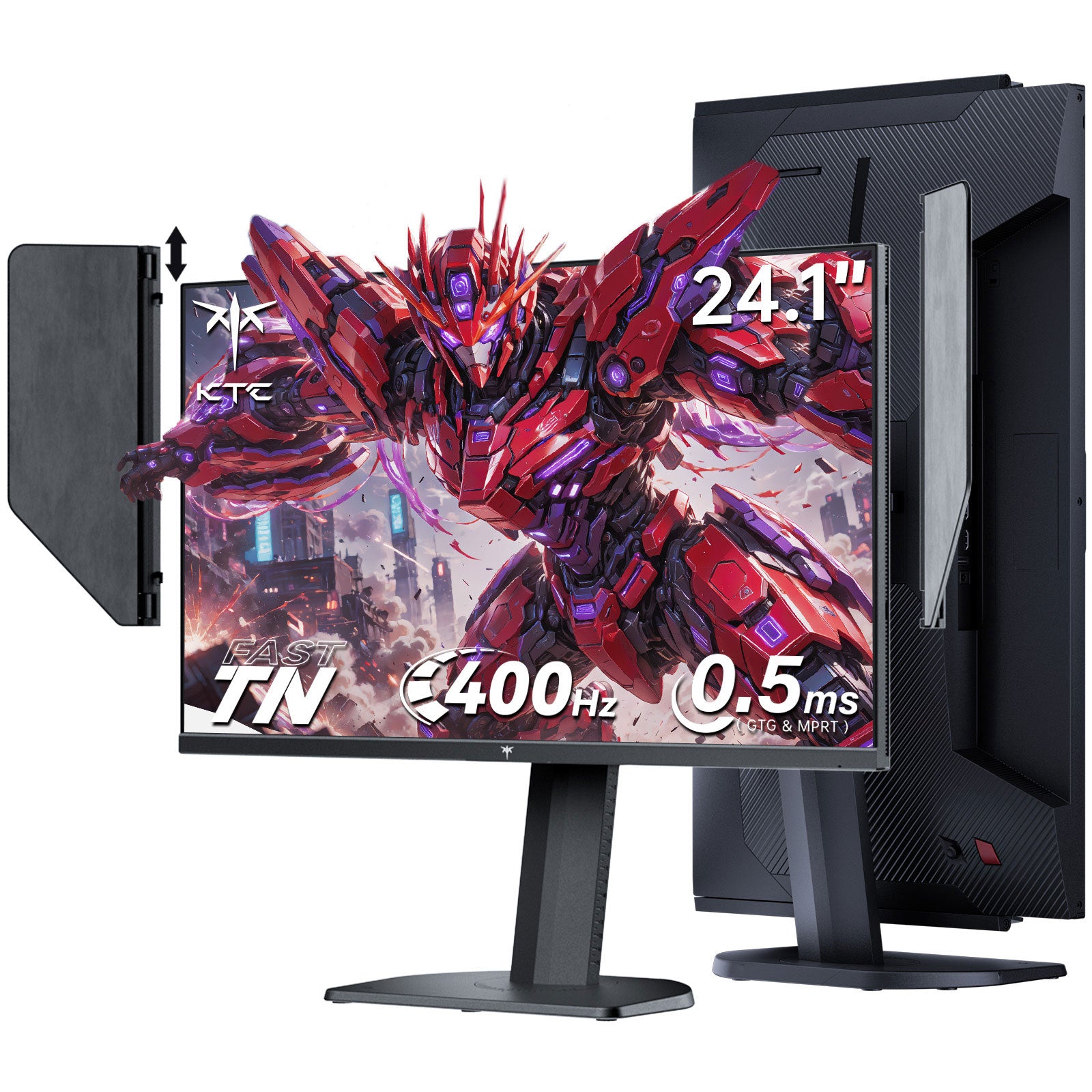
Maximize your in-game speed and GPU efficiency with KTC 1080p Full HD monitors. From 400Hz flagship esports monitors with glare hoods to curved 240Hz displays and portable travel screens, get the maximum speed per dollar without overpaying for pixels you don't need.
Yes! For competitive gaming and esports (such as FPS titles), 1080p is the premier resolution for maintaining sustained 240Hz to 400Hz frame rates on mainstream GPUs. For text-heavy productivity on screens larger than 27 inches, 2K or 4K resolutions are recommended.
24 to 25 inches is considered the sweet spot for 1080p resolution. At 24 inches, pixel density (~92 PPI) yields crisp text and sharp visuals. 27 inches remains great for fast gaming, though text will feel slightly softer up close.
Running a high-end GPU at 1080p shifts the processing demand to your CPU to push maximum frame rates. If your primary goal is driving ultra-high refresh rate gaming (e.g., 240Hz–400Hz), this CPU-heavy workload is the ideal performance trade-off.
1080p provides the highest refresh rate per dollar spent. Read our best gaming monitors under $300 buying guide to see how FHD compares to 1440p options in terms of speed and budget allocation.