







32 inch / 49 inch monitors
KTC Multiple Display for Diverse Scenarios

KTC Multiple Display for Diverse Scenarios
Filters
12 products
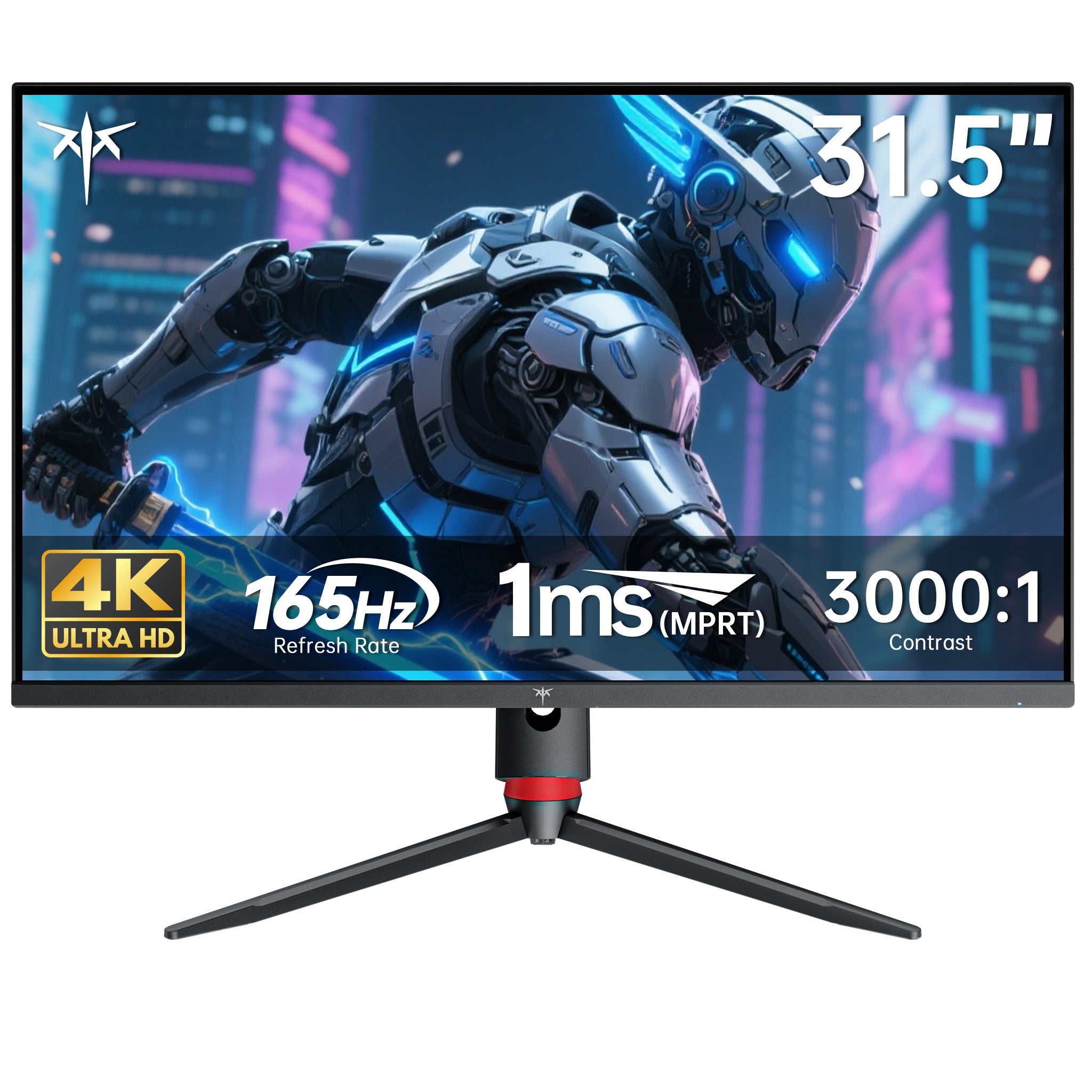
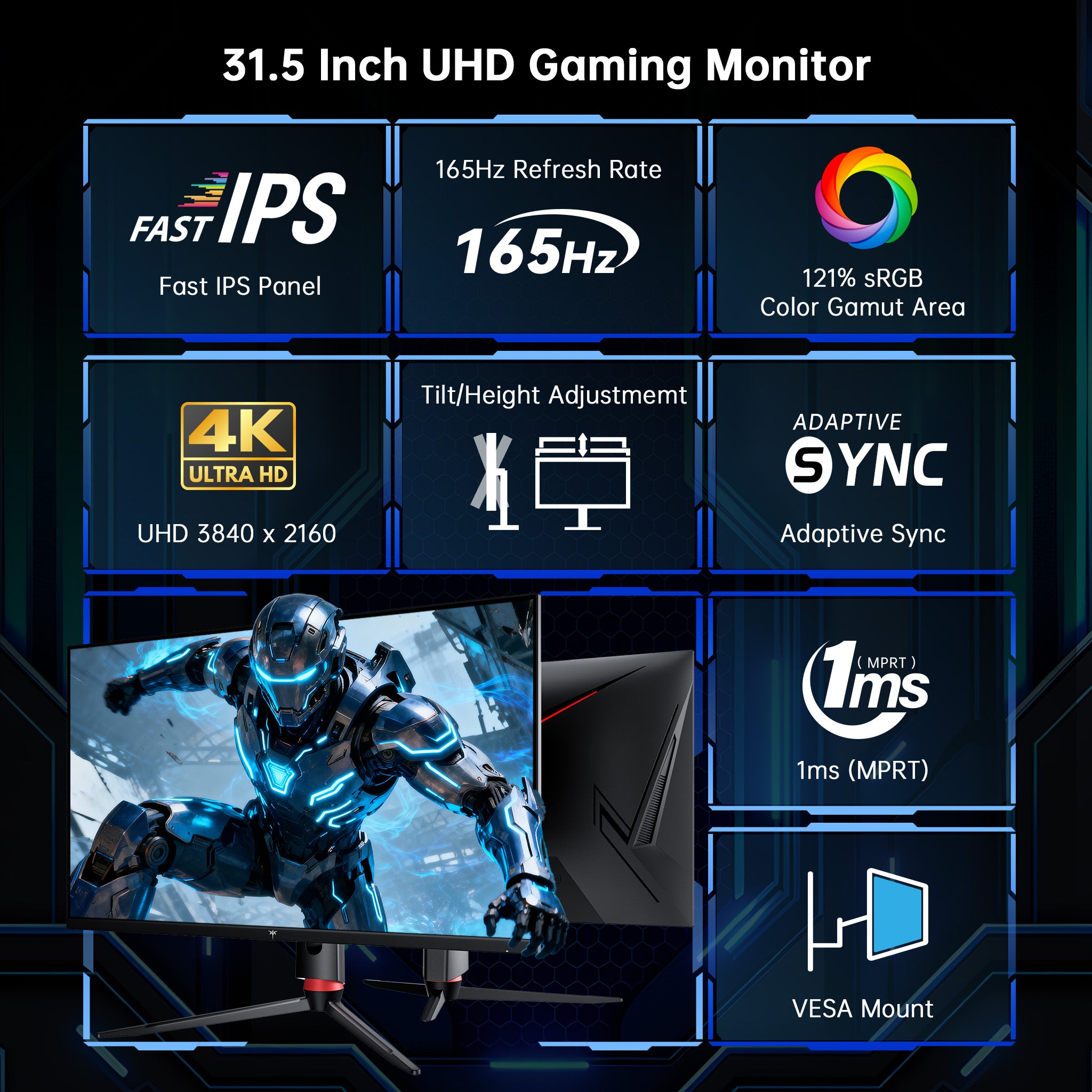
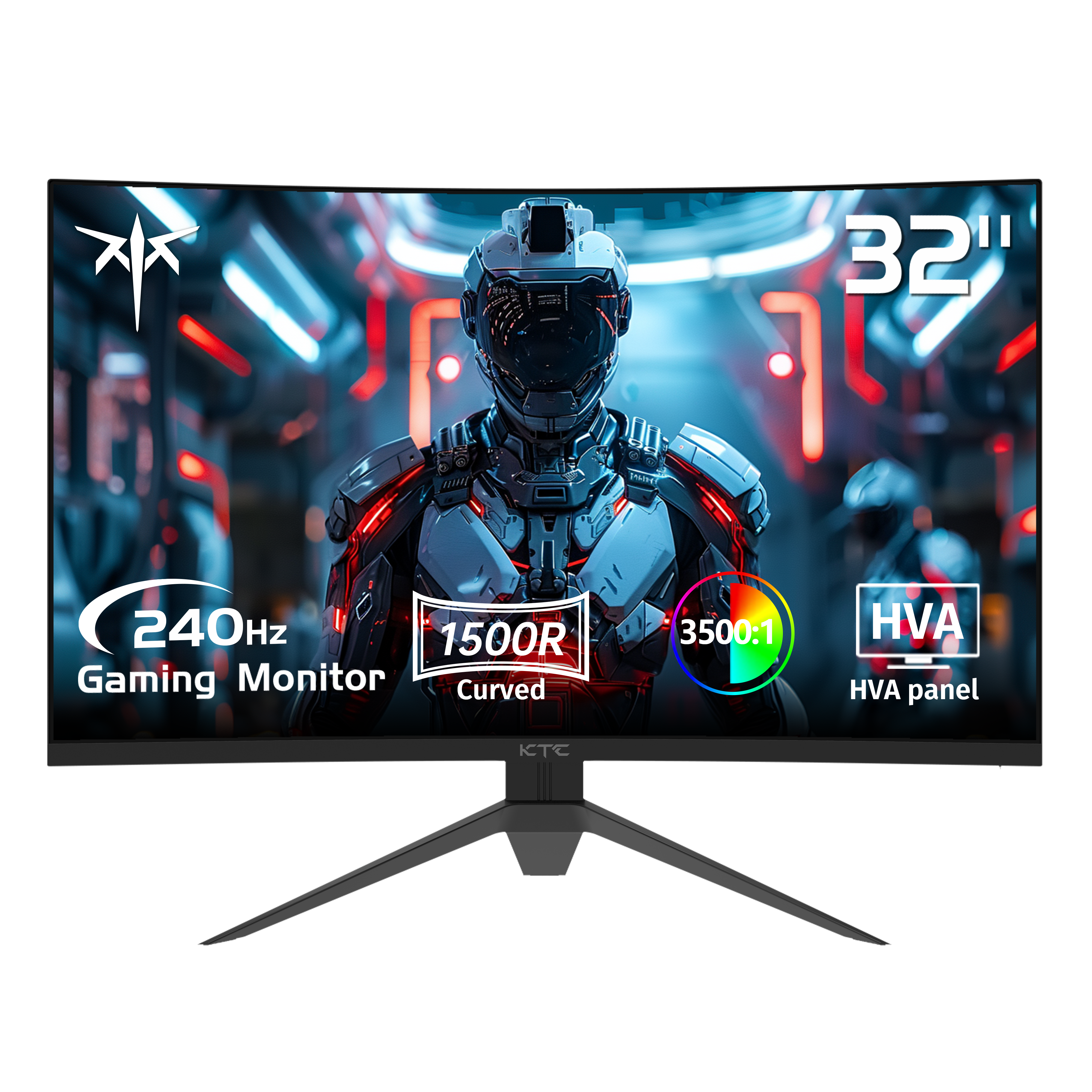
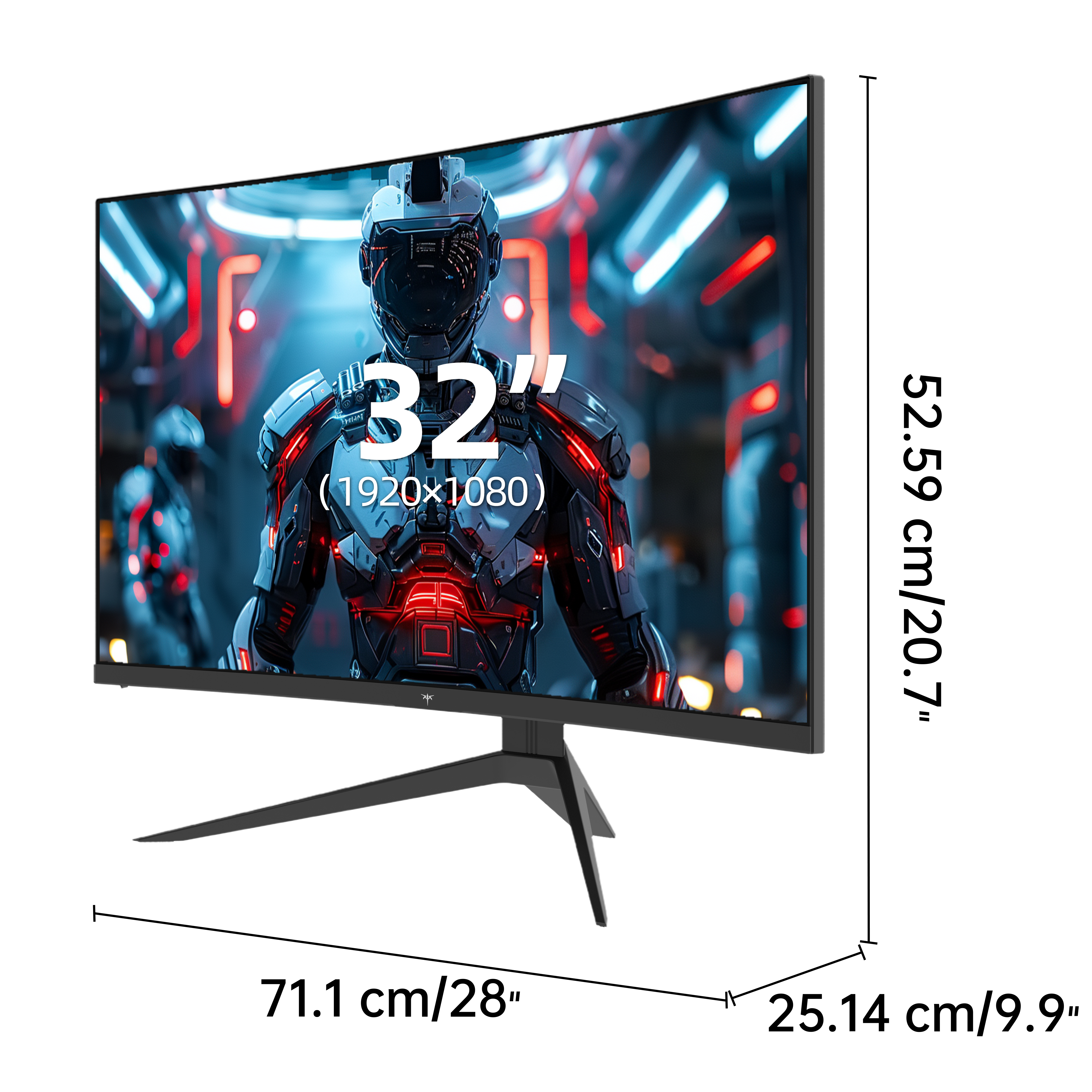
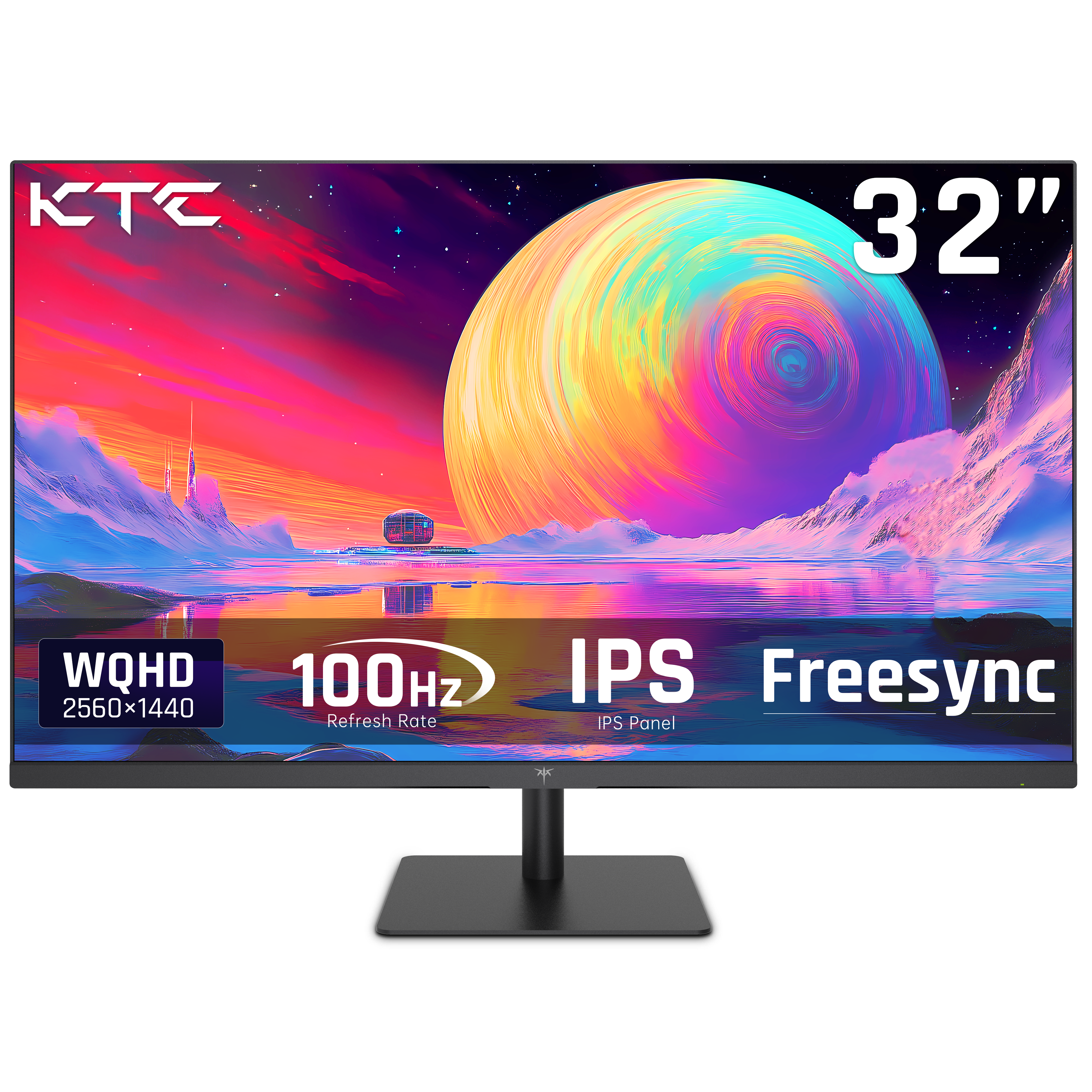
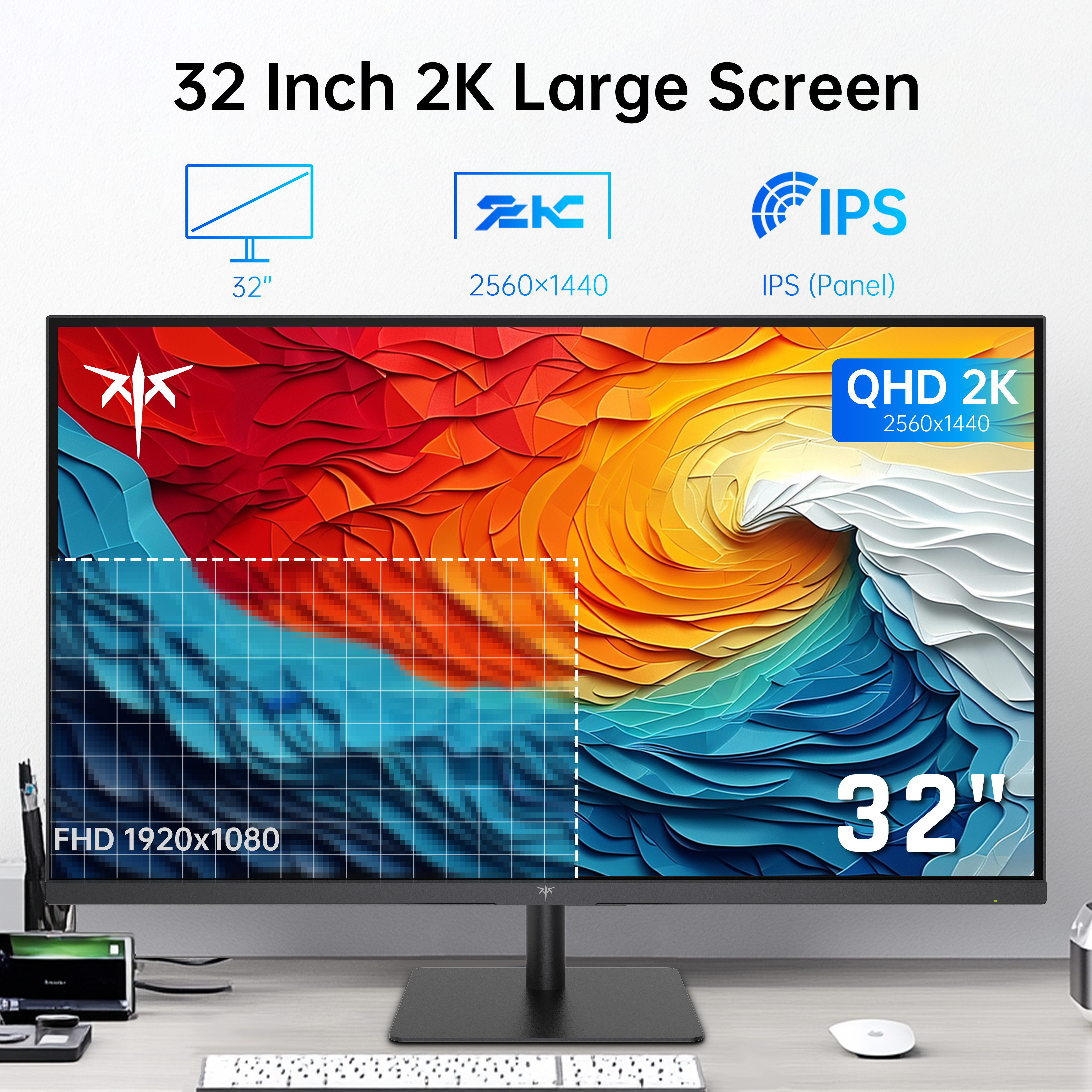
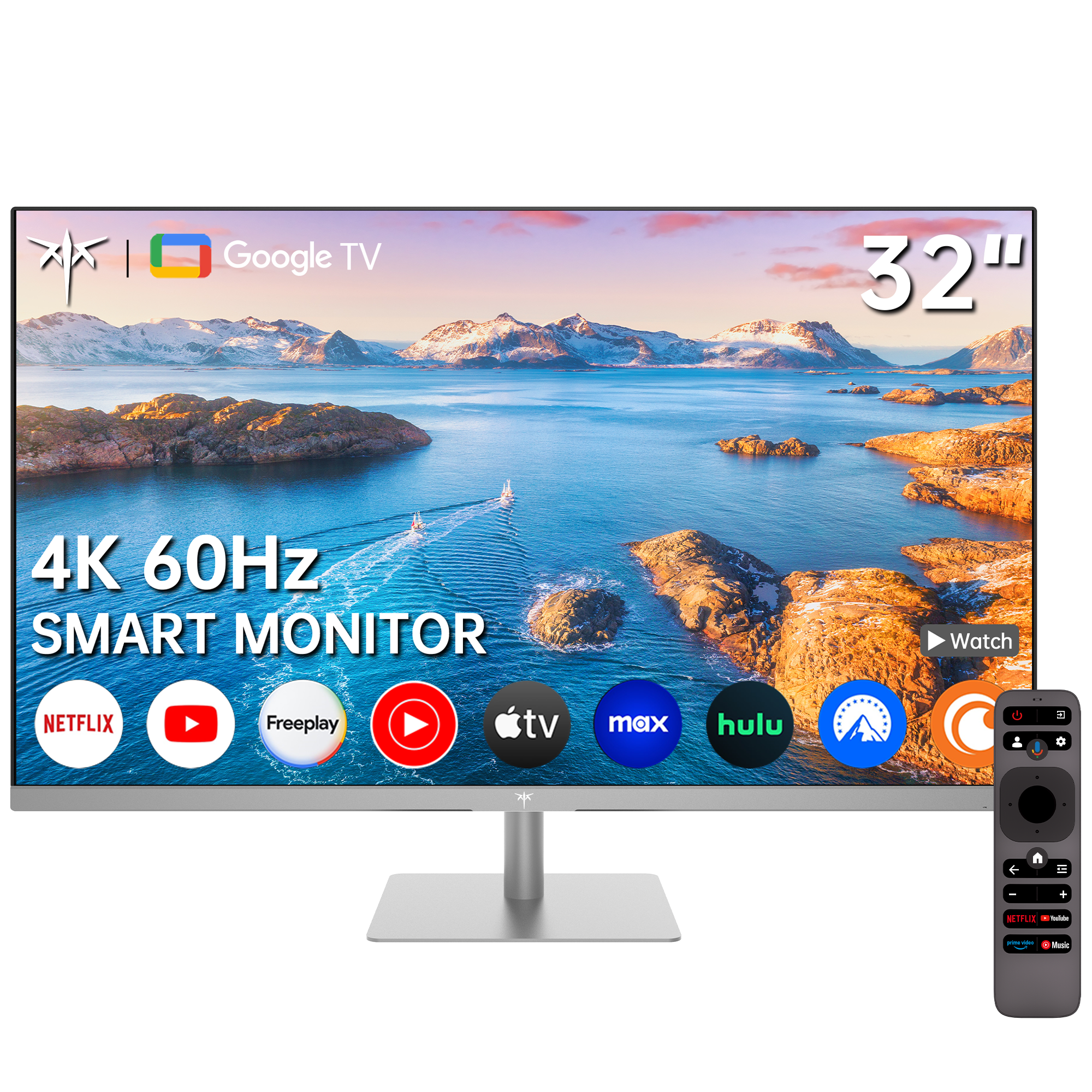

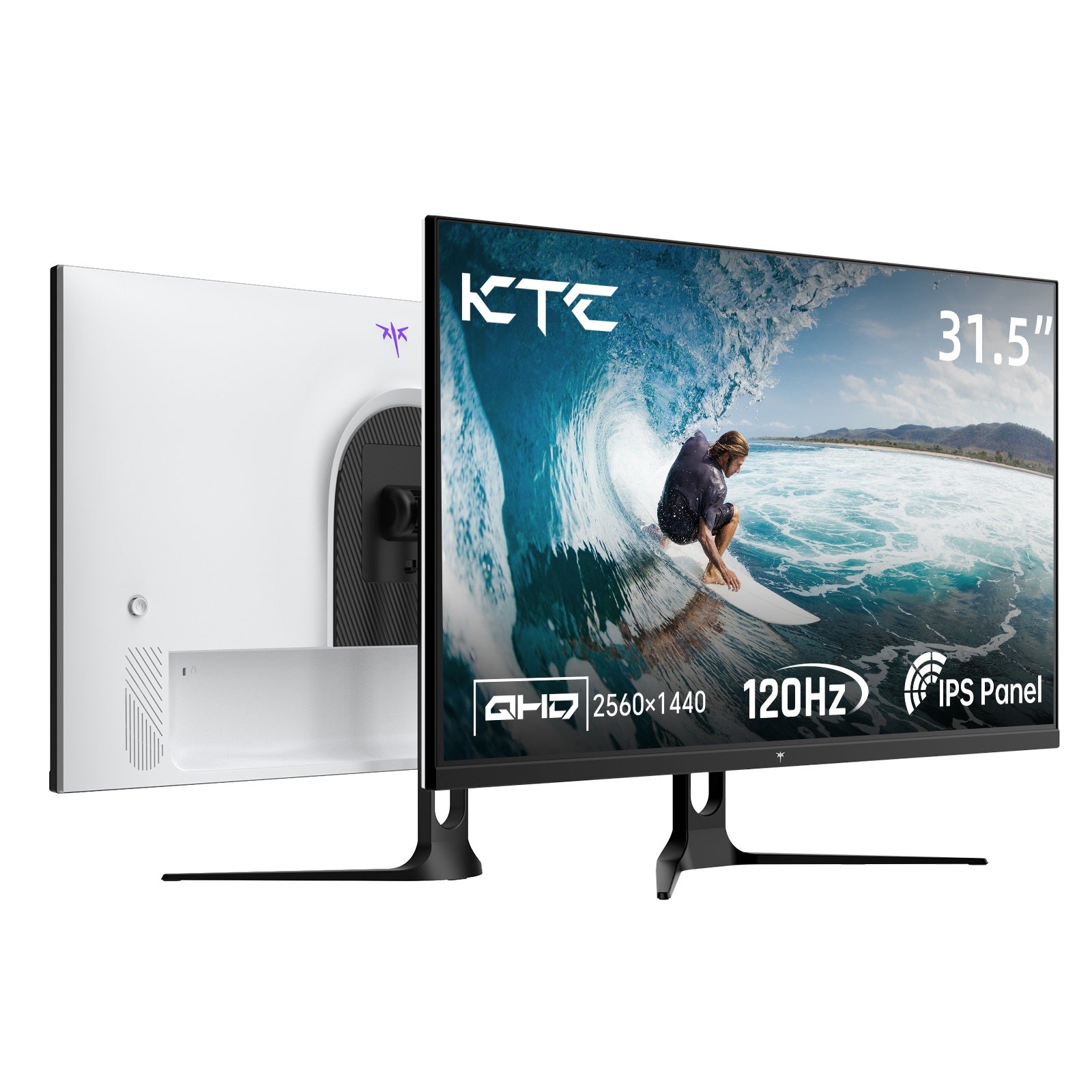
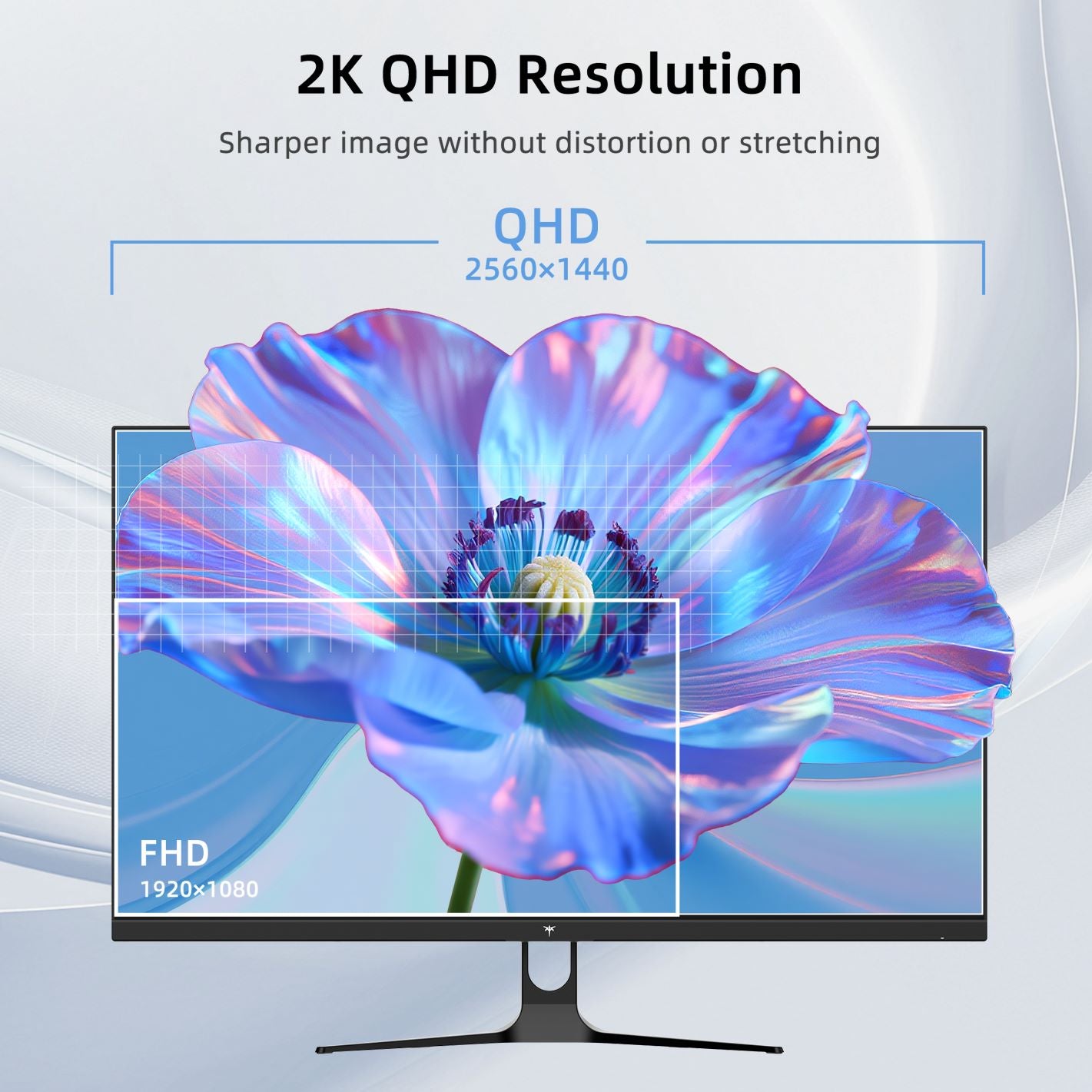
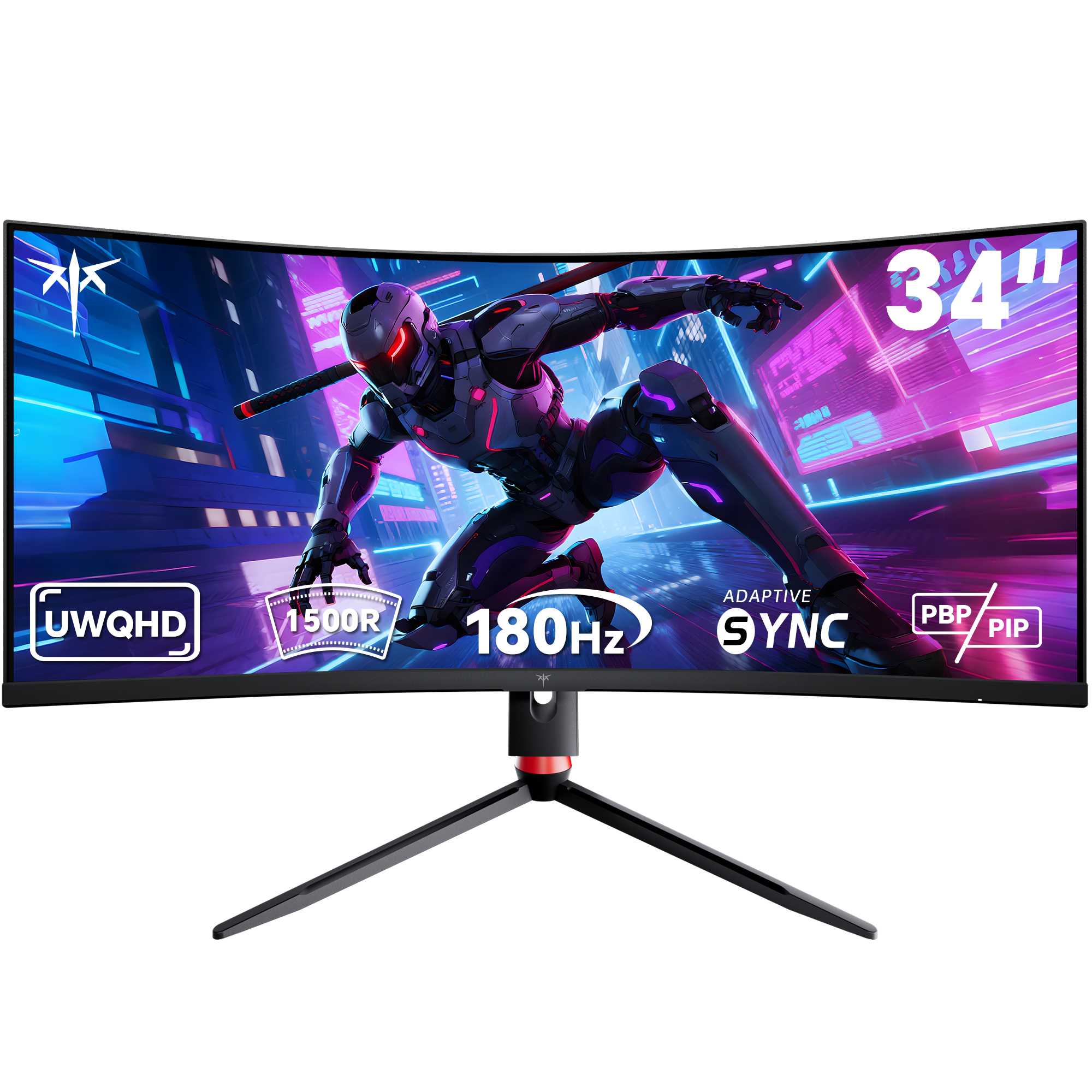
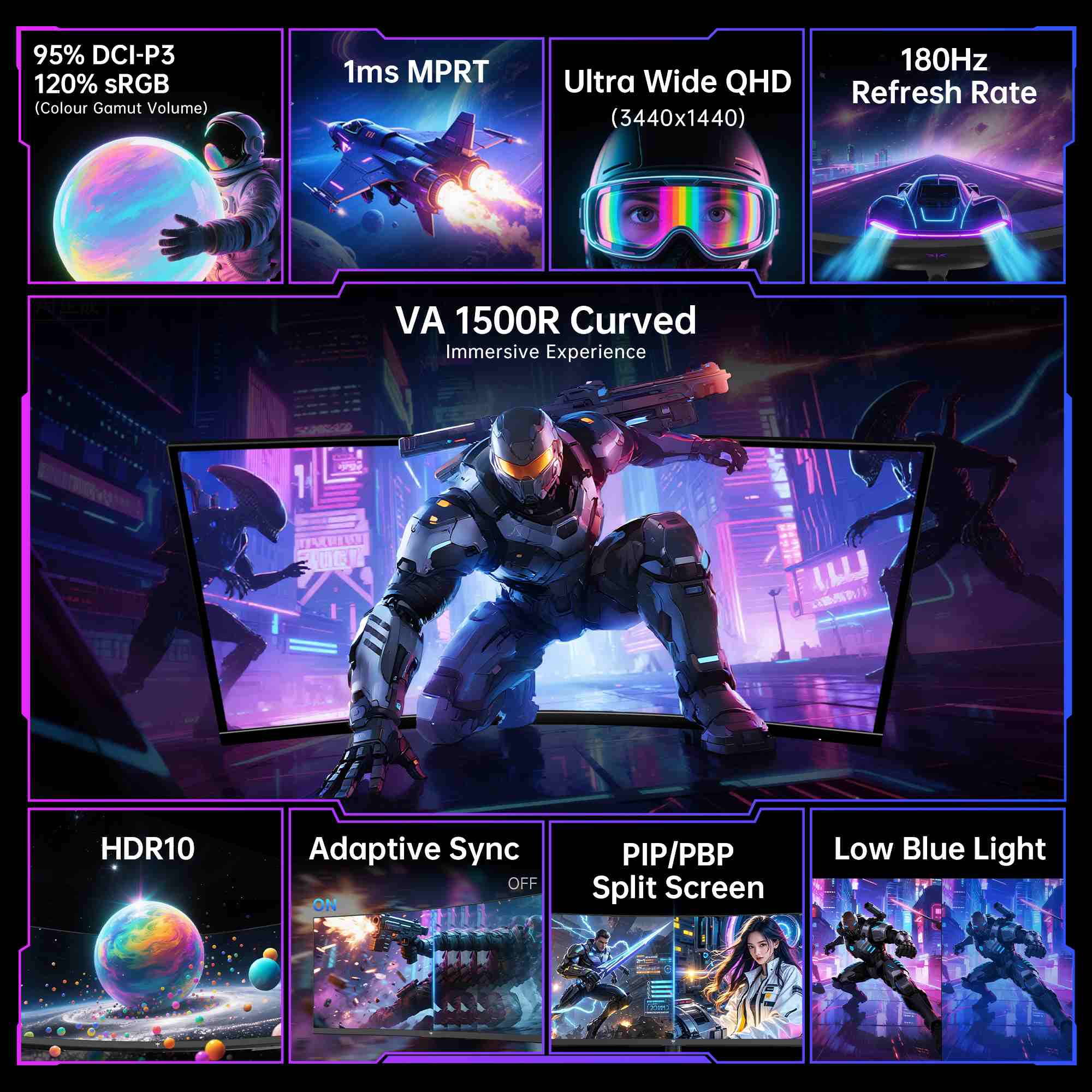

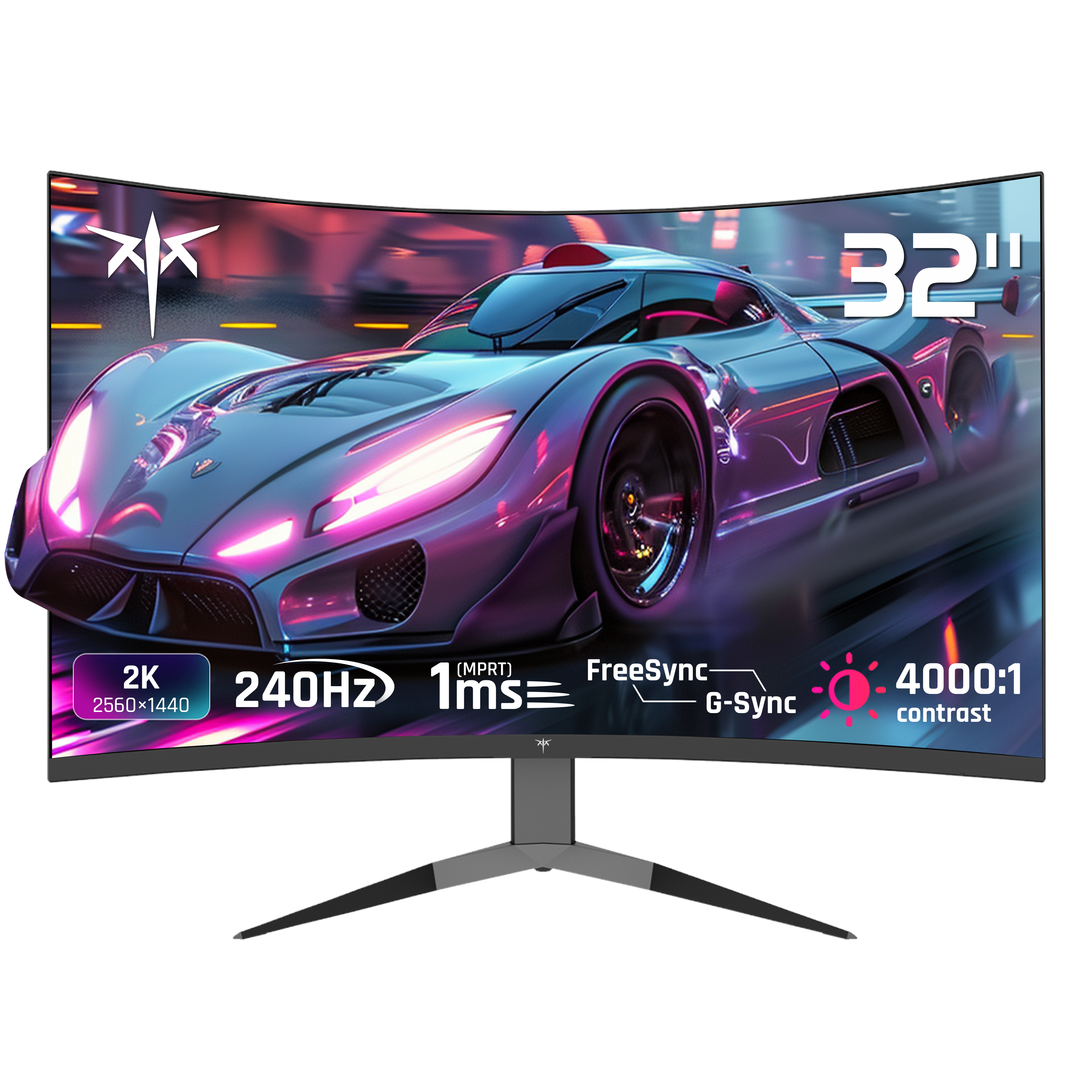
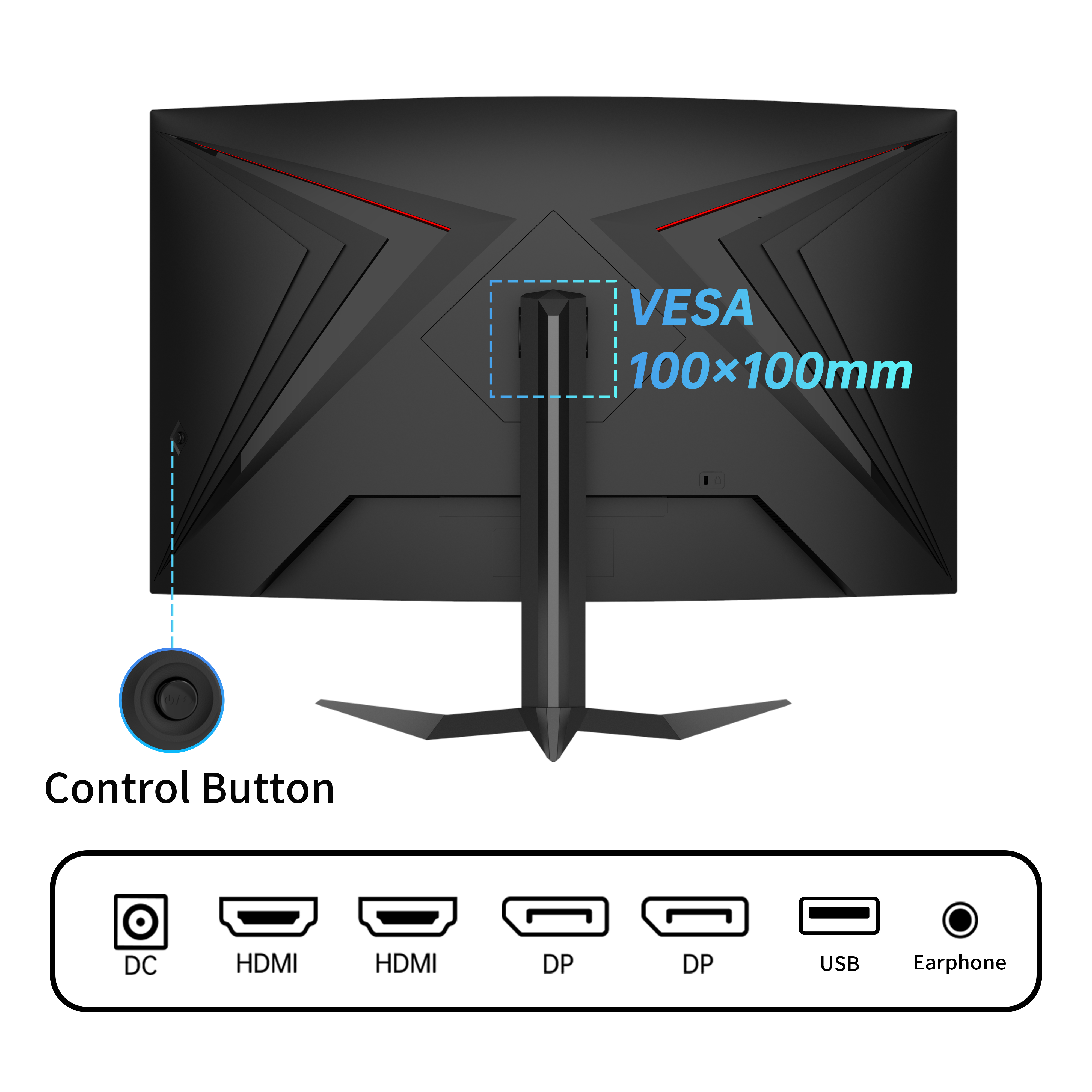
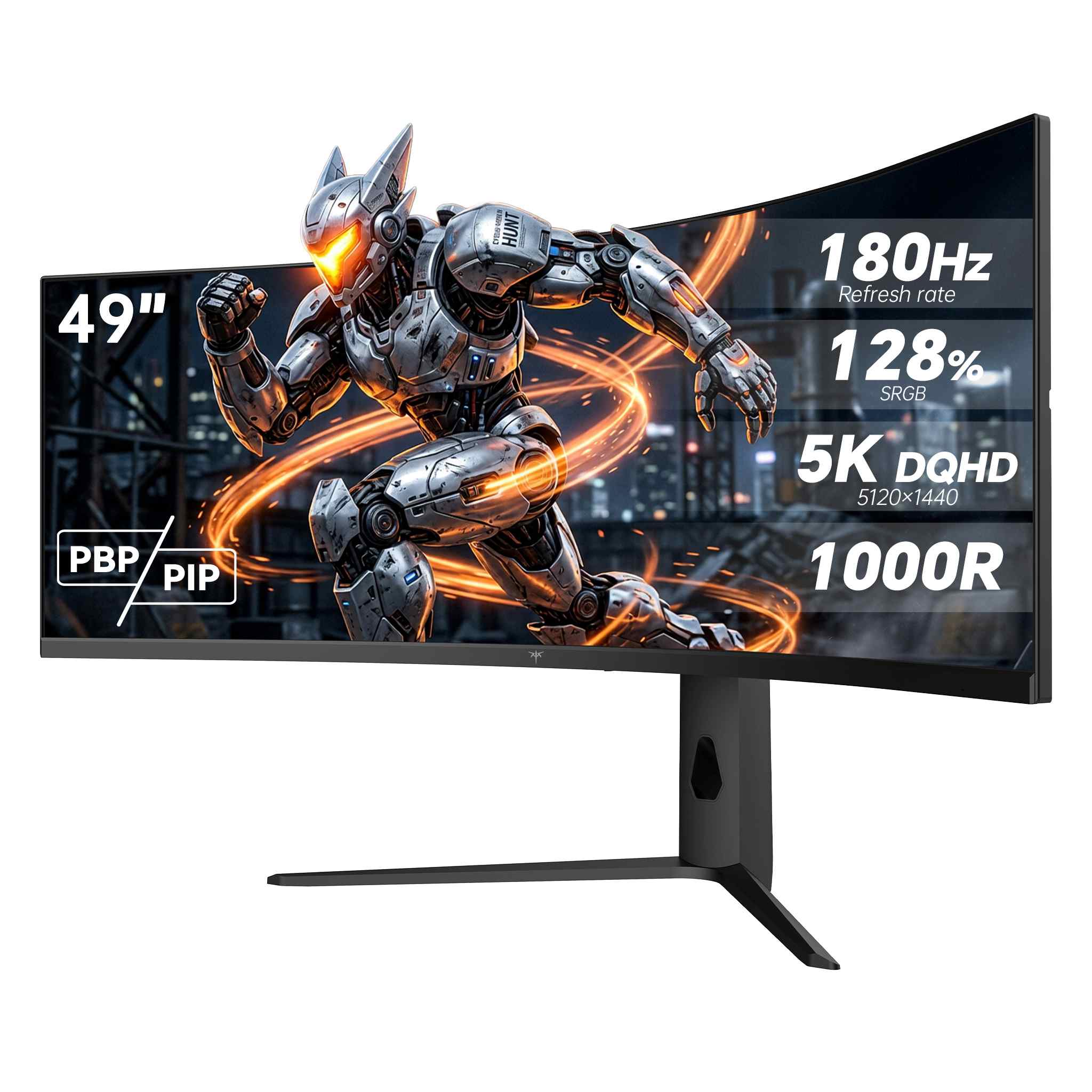
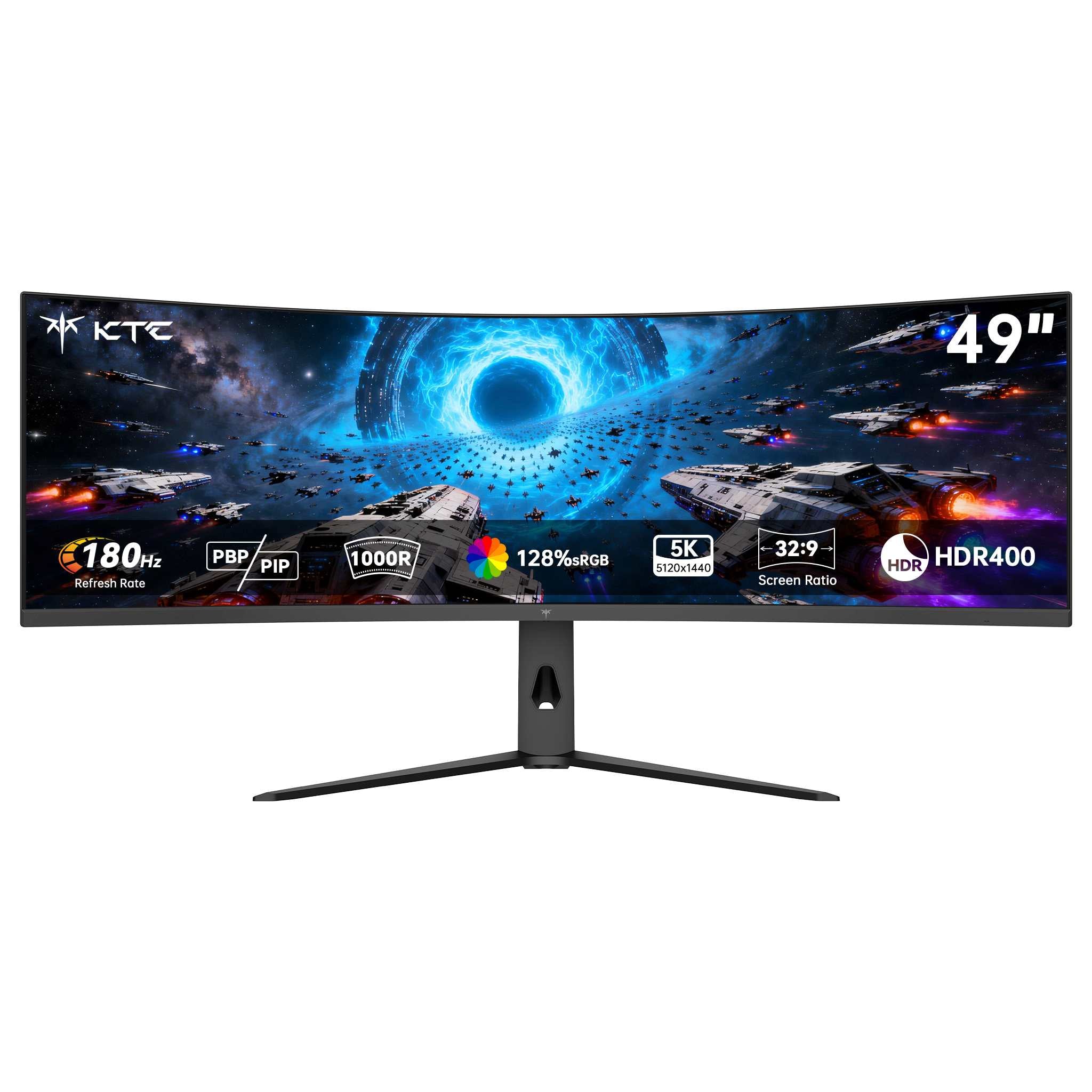
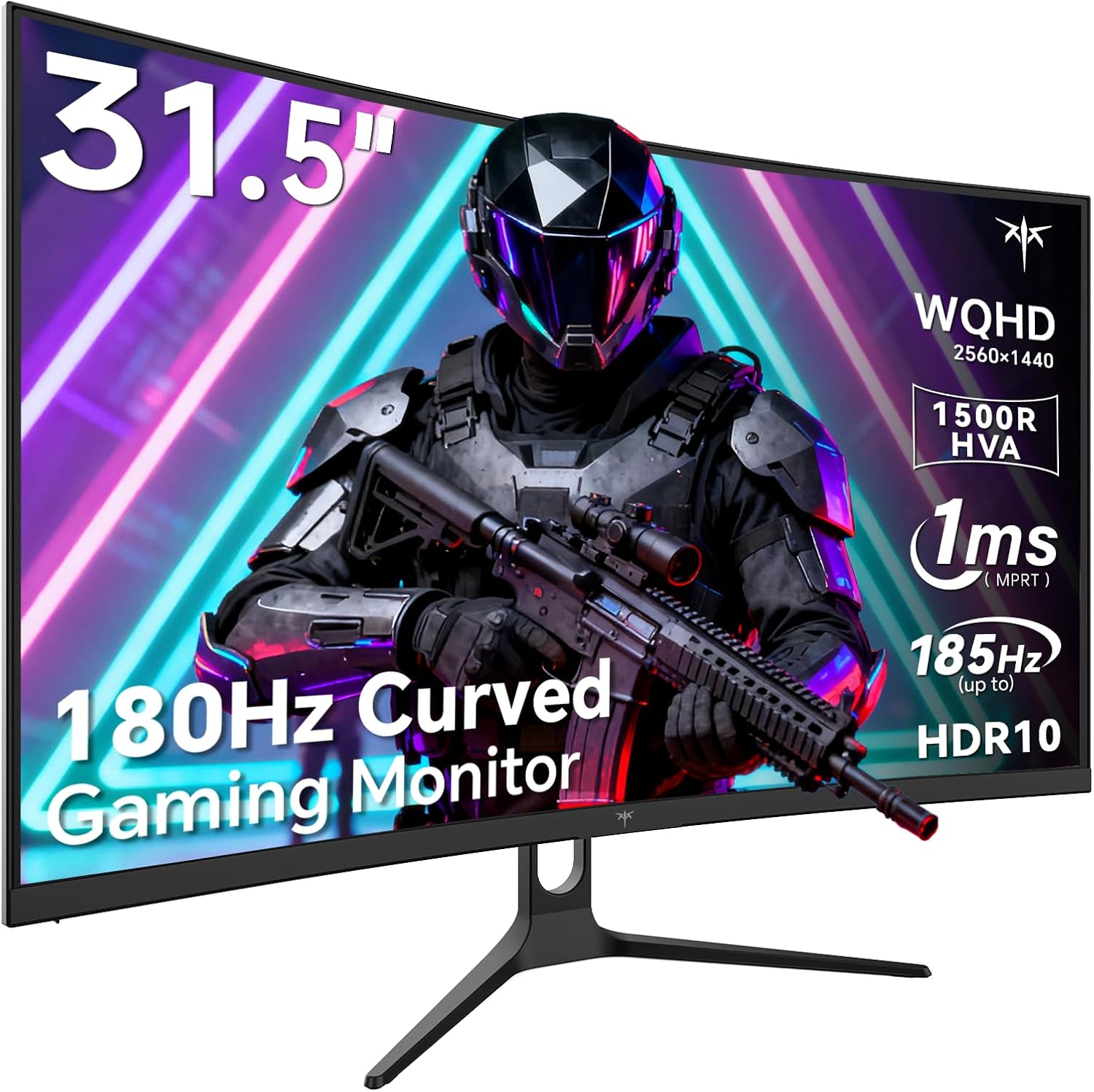
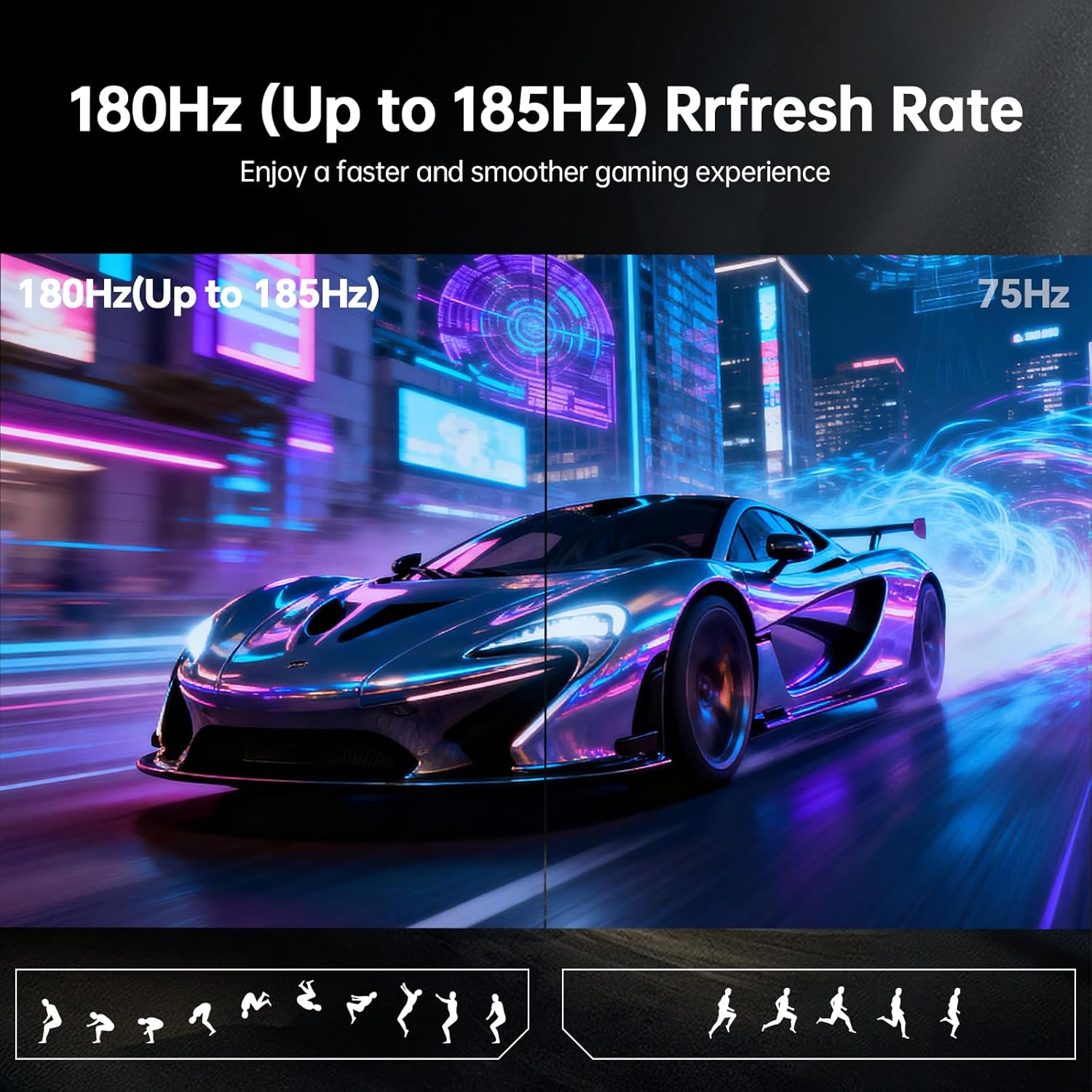
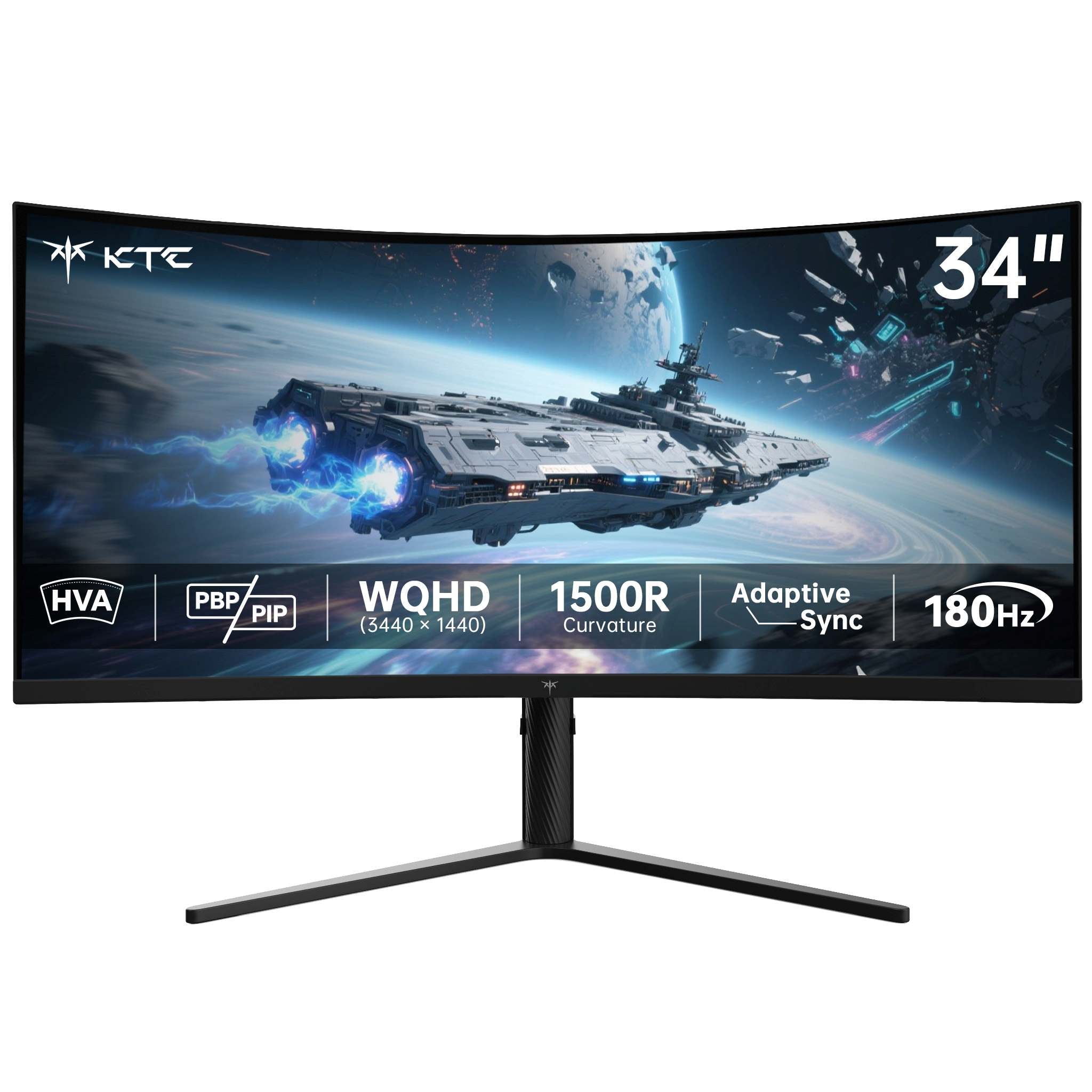
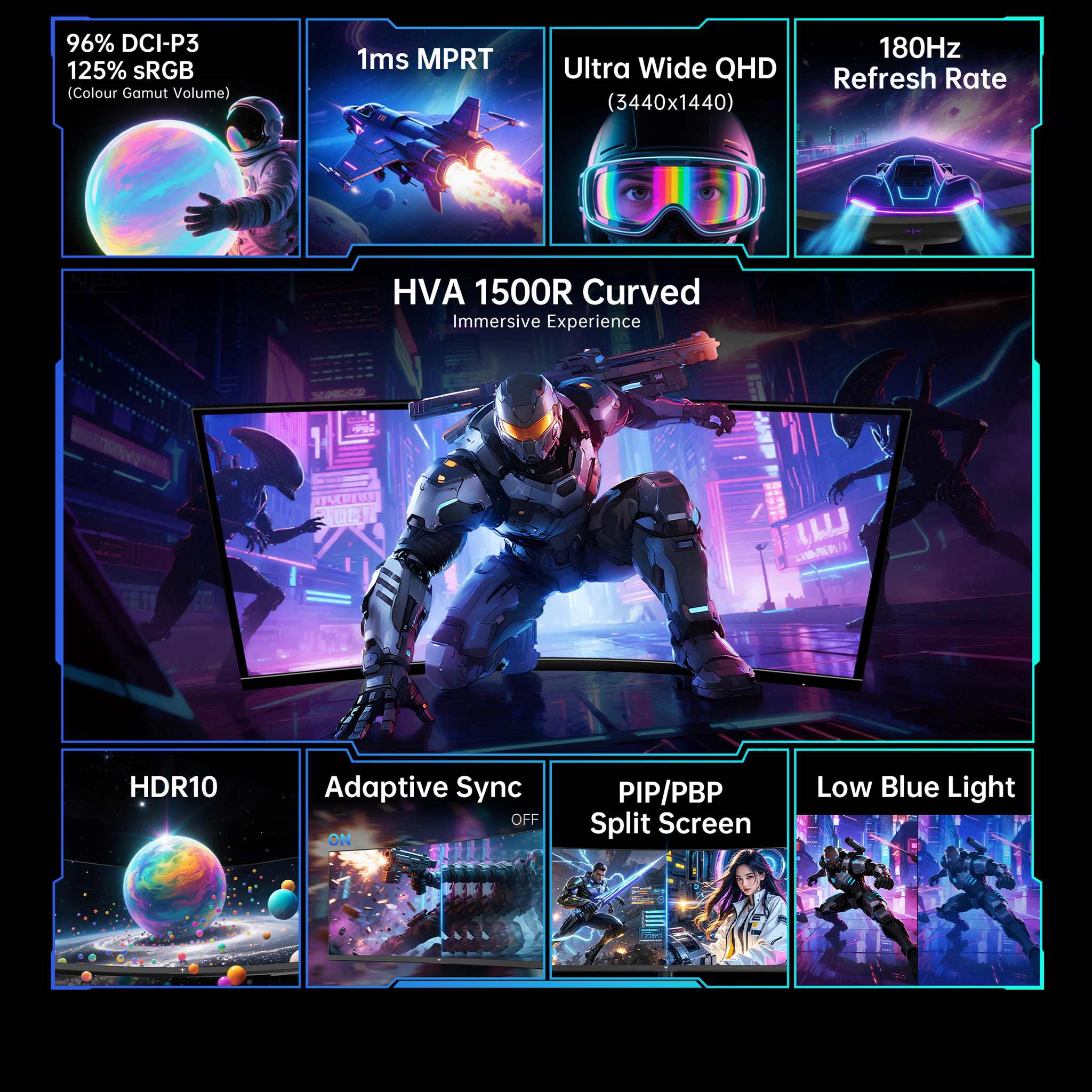
Past 32 inches, higher screen resolution transitions from a nice-to-have to an absolute necessity. Spreading the same pixel count across a physically larger screen increases individual pixel size, meaning a resolution that looks tack-sharp on a 27-inch display can look noticeably coarse at 32 inches. The practical baseline for a 32-inch monitor is 1440p (QHD), which delivers roughly 92 pixels per inch (PPI)—similar density to a 24-inch 1080p screen—preventing text edges from softening.
For large-format displays, viewing geometry is just as critical as pixel density. Extra screen real estate only boosts productivity if you sit far enough back to comfortably take in the full screen without constant neck turning. Desk depth is often the single deciding factor in whether a 32-inch 16:9 or 34-inch ultrawide monitor actually enhances your workflow.
A large monitor requires adequate viewing distance to prevent eye fatigue and unnecessary head movement. Sitting too close forces you to turn your head to reach screen corners, adding neck strain over long work or gaming sessions. Explore exact placement metrics in our monitor size vs. desk depth setup guide to calculate the ideal viewing distance for your space before ordering.
It is equally important to choose the right aspect ratio for your workflow. A 32-inch 16:9 monitor provides vertical height that excels for reading long documents, editing code, and handling complex spreadsheets. Conversely, a 34-inch 21:9 ultrawide panel maximizes horizontal width for seamless side-by-side multitasking, though it offers slightly less vertical height than a 32-inch display. Evaluating which screen axis you run out of first makes choosing the right panel straightforward.
Match panel size and curvature to your desk depth, then pair it with the ideal resolution for crisp text and immersive visuals:
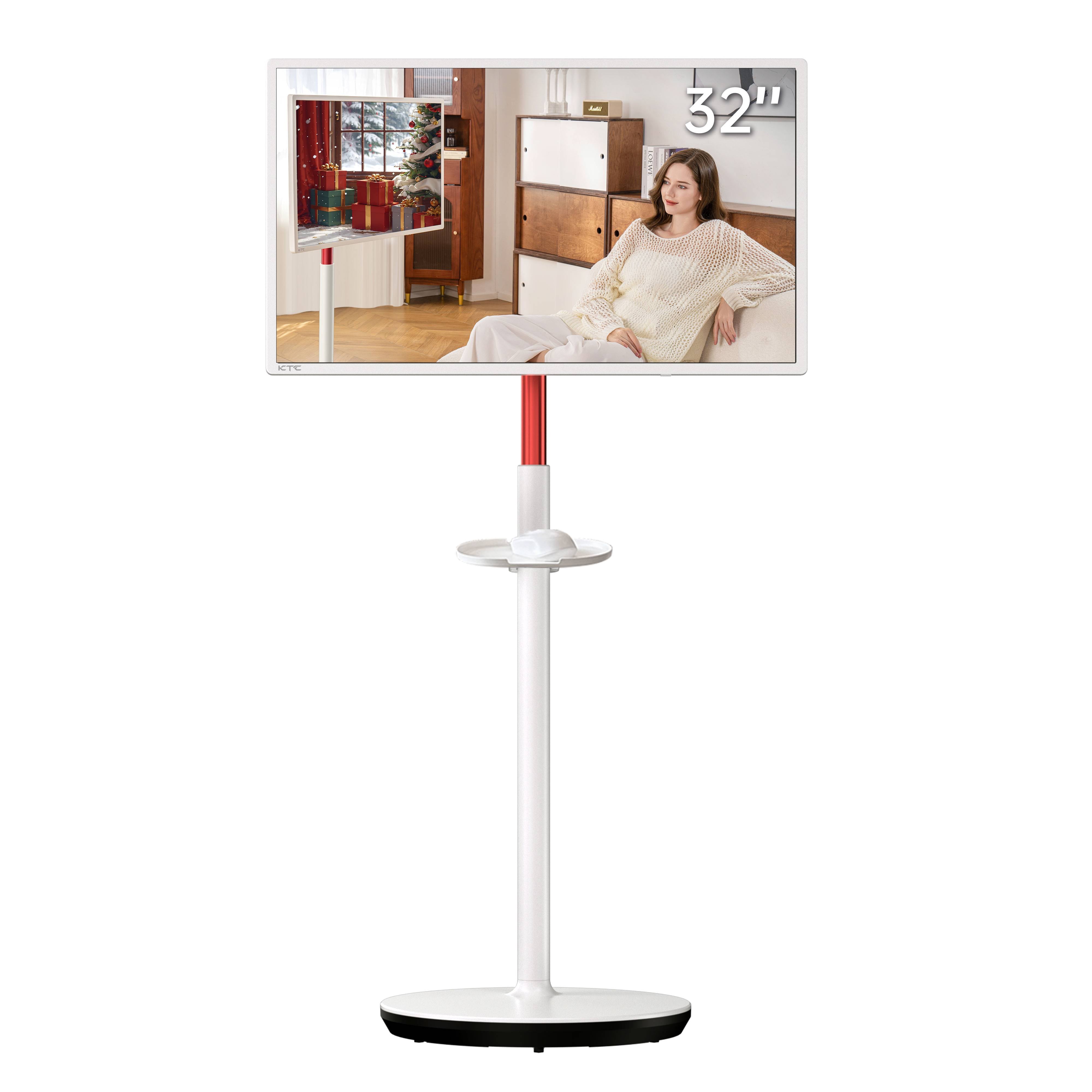
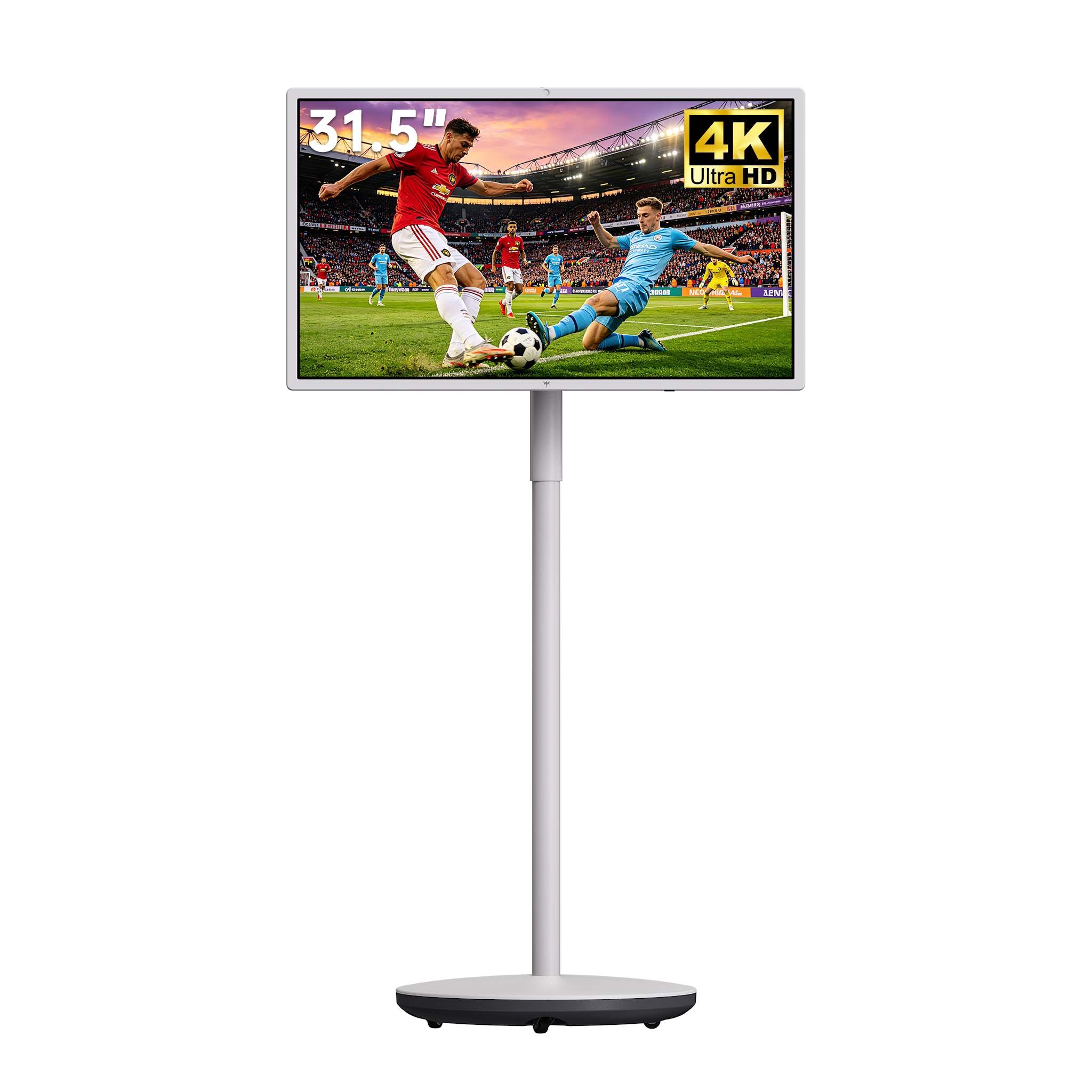
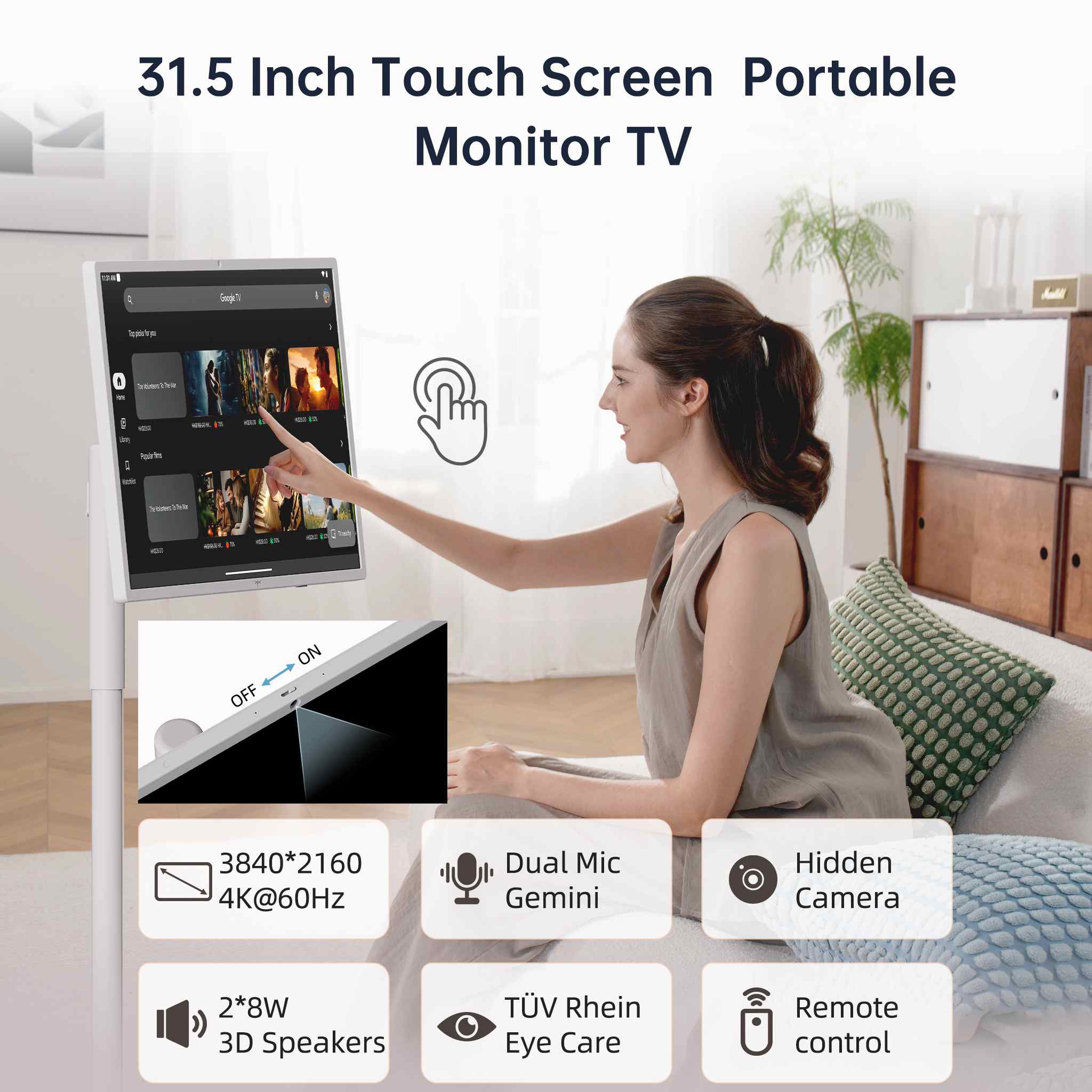
Upgrade your workstation and gaming setup with KTC 32-inch, 34-inch, and 49-inch monitors designed for maximum clarity and ergonomic comfort. Whether you need a 32-inch 4K high-refresh display for competitive gaming, an ultrawide monitor for side-by-side multitasking, or a mobile smart touchscreen, choose the right balance of size, curve, and pixel density to elevate your desktop experience.
Yes, 1440p (QHD) works well for gaming and general computing at 32 inches, yielding around 92 PPI (comparable to a 24-inch 1080p display). However, for heavy text processing, document editing, or graphic design, upgrading to a 32-inch 4K monitor provides noticeably sharper text edges and finer detail.
A viewing distance of roughly 3 feet (around 32 to 36 inches) is recommended for a 32-inch monitor. Sitting closer forces frequent head rotation to view the outer corners, which causes neck strain over extended work sessions.
Choose a 34-inch 21:9 ultrawide monitor if you need horizontal width for side-by-side app windows or expanded field-of-view in games. Select a 32-inch 16:9 display if your work benefits from vertical screen height, such as writing code, viewing spreadsheets, or reading long documents.
Large monitors make great console displays, provided the panel supports your console's native resolution and refresh rate outputs via HDMI 2.0 or HDMI 2.1. Read our 27-inch vs. 32-inch console gaming guide to choose the best panel size for PS5 and Xbox Series X setups.