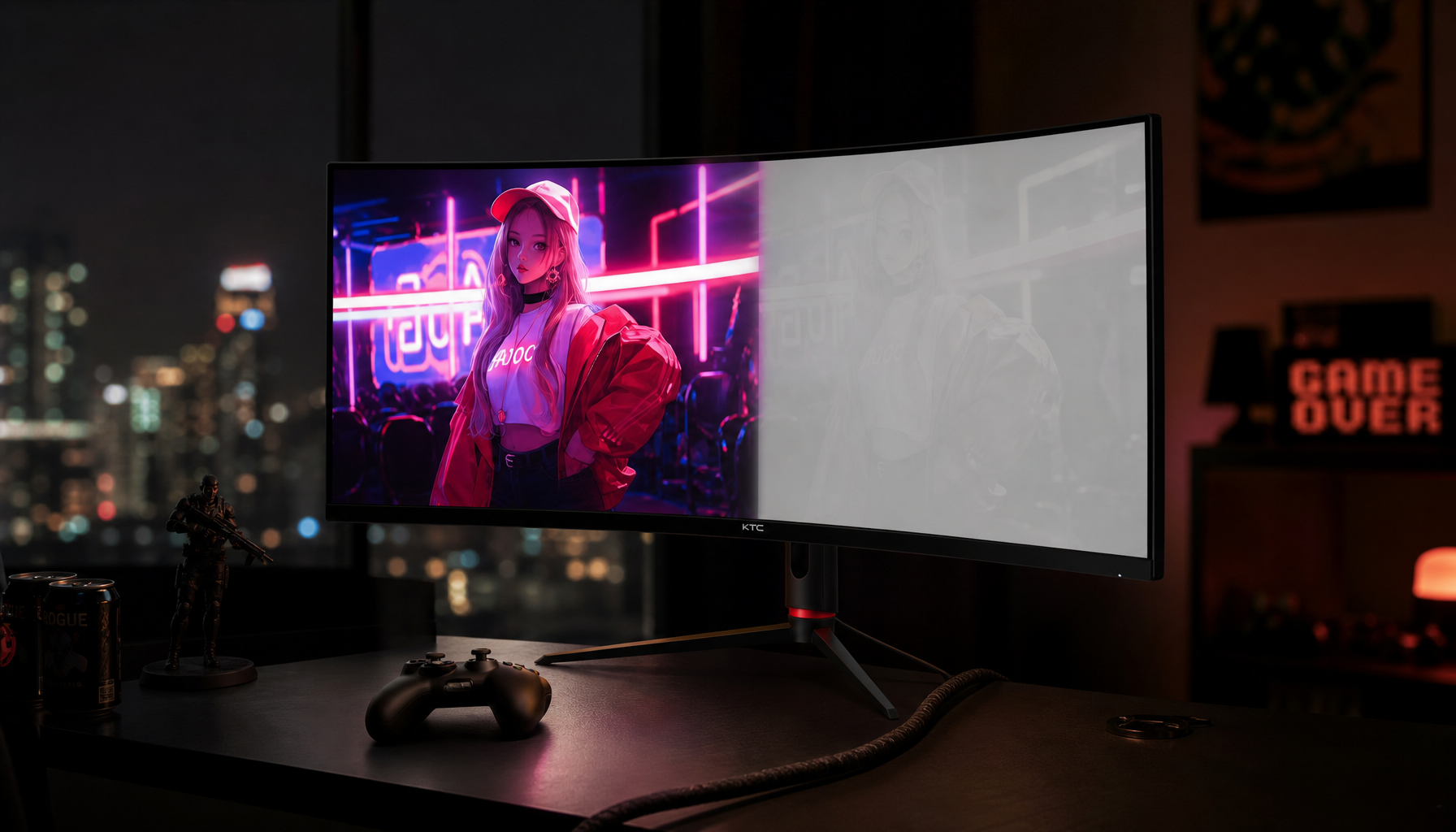
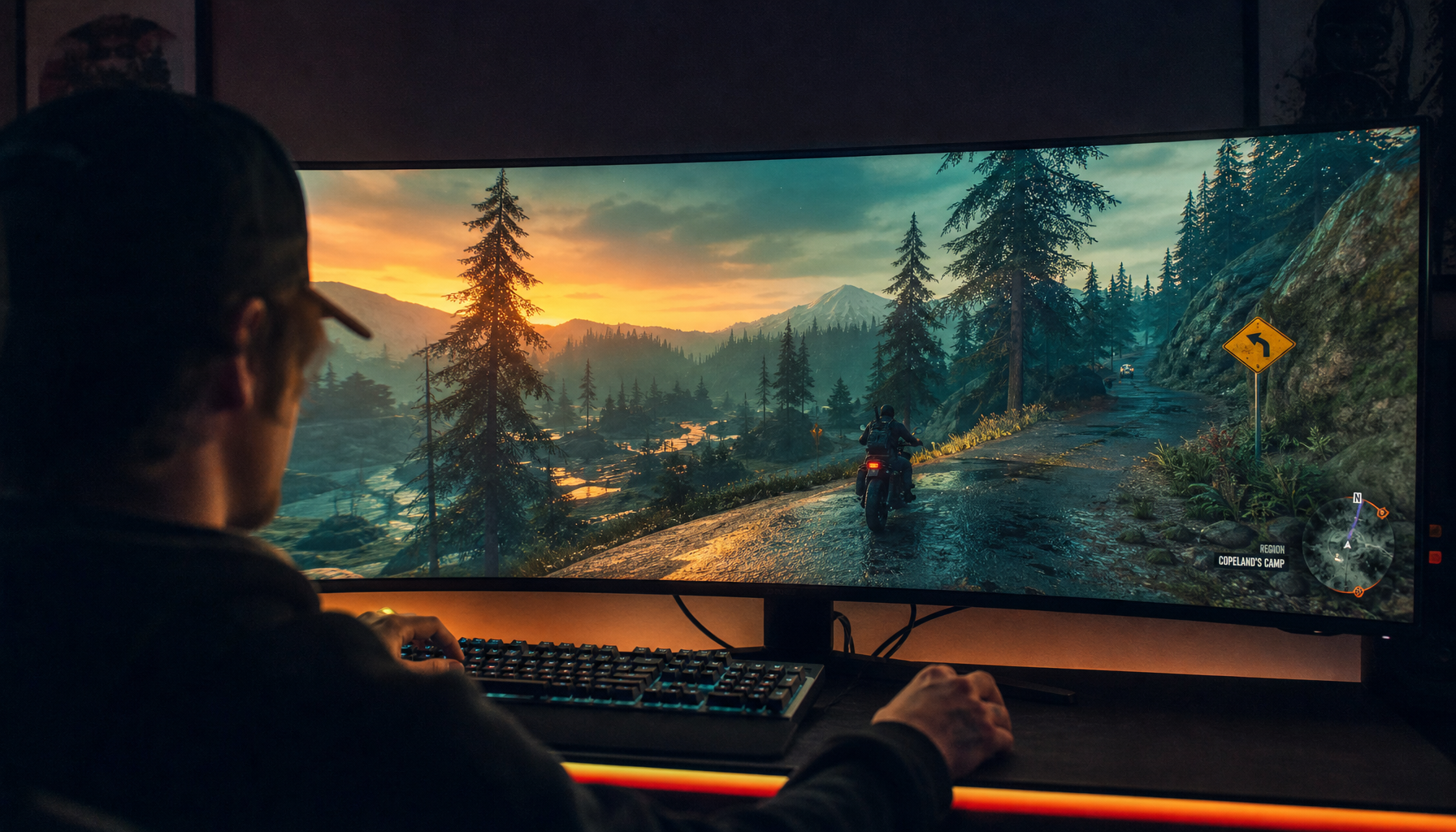
Portable monitors help creators judge exposure, color, framing, and client feedback on-site instead of discovering problems after the shoot. Their real value is faster decision-making with fewer color surprises, provided the screen is accurate, bright, stable, and calibrated.
Ever packed up a location shoot, opened the footage later, and realized the skin tones or product colors were not what the laptop made them seem? A field monitor with strong gamut coverage, low Delta E, and a calibrated workflow can give you a testable advantage: more reliable color calls before the set is gone. This article explains where portable monitors help, where they still fall short, and how to choose one without overspending.
The Shift: Color Decisions Are Moving Closer to Capture
Location work has always pressured teams to move fast. Producers may need same-day edits, early assemblies, client previews, or quick approvals before props, lighting, talent, or locations disappear. That is why on-location editing has expanded beyond news and sports into corporate events, reality production, commercial shoots, and film workflows, where location editing is often about making credible decisions under imperfect conditions.
For photographers and videographers, the portable monitor is not just extra screen space. It is a mobile confidence tool. A laptop display may be fine for file naming, backups, and basic selects, but color grading demands a screen that can show subtle hue shifts, shadow detail, and highlight roll-off without forcing you to guess. When a brand’s red packaging, a bride’s dress, or a product’s brushed metal finish has to look right, a better display changes the quality of the decision.
What On-Location Color Grading Actually Means

On-location color grading is the practical process of evaluating and adjusting color, contrast, exposure, and tone near the shoot environment instead of waiting for a studio edit bay. In a photo workflow, it may mean checking tethered RAW previews in editing software. In video, it may mean reviewing log footage with a LUT, checking a rough grade, or confirming that skin tones and product colors are usable before the crew wraps.
A proper color grading monitor is built to make those judgments repeatable. Professional buying criteria typically include high resolution, wide color gamut, calibration support, and low Delta E, because color grading monitors exist to help creators judge hues, tones, shadows, and highlights reliably.
The portable version trades some studio comfort for mobility. You may not get the same screen size, uniformity controls, hood, ports, or sustained brightness as a dedicated desktop reference monitor. The advantage is that you can bring a workable color station to a hotel room, client office, pop-up set, vehicle, or remote production space.
Why Portable Monitors Are Winning on Location
They Reduce Color Guesswork Before It Becomes Expensive
A small laptop screen can hide problems. It may crush shadows, exaggerate saturation, shift white balance, or make sharpening decisions harder. Serious photo editors are advised to prioritize wide-gamut displays because they can reproduce a broader palette, especially when working with RAW files, and sRGB and Adobe RGB matter because web and print outputs use different color expectations.
For web-first photography, full sRGB coverage is a practical baseline. For print-heavy product, fashion, or fine-art work, Adobe RGB coverage becomes more important. For video, DCI-P3 and Rec.709 relevance depends on delivery. A portable monitor that clearly states its gamut coverage gives the operator a more honest preview than an unknown laptop panel.
They Make Shared Review Less Awkward

On set, color is rarely judged by one person in isolation. A director, client, stylist, editor, or art director may need to see whether the image is working. Portable displays solve the problem of everyone huddling around one laptop by giving the group a larger or better-positioned viewing surface. For creator review workflows, a portable smart display can help when shared previews are more useful than private laptop viewing.
A practical example is a product shoot in a rented studio. The photographer can keep capture software on the laptop while the portable monitor shows a clean preview to the client. That separation prevents the client from staring at folders, tools, and histograms while still letting them approve color direction, reflections, labels, and composition.
They Improve Speed Without Forcing a Full Edit Suite
A lightweight second screen lets you keep scopes, reference images, thumbnails, timelines, notes, or client comments visible while the main screen stays dedicated to the image. More display area reduces switching and helps prevent small-screen mistakes during shoots, especially when several people are involved in review, tethering, or file management.
The value calculation is simple. If a $180-ish portable screen helps avoid one reshoot, one missed product defect, or one hour of back-and-forth after the client leaves, it has done more than add convenience. It has protected the production day.
The Specs That Matter for Color Work

Color accuracy is the first filter. Delta E describes the visible difference between intended and displayed color; lower is better. For professional photo work, Delta E under 2 is commonly treated as strong, while under 1 is excellent for critical judgment, and low Delta E appears repeatedly in color-accuracy recommendations for portable creative displays.
Gamut is the second filter. A display with 100% sRGB can be very useful for online content, but print and high-end retouching may call for stronger Adobe RGB coverage. Video creators should pay attention to DCI-P3 and Rec.709 claims, depending on the grading target. Resolution matters too, but 4K is not automatically better if it drains power, raises cost, or comes with weak brightness and poor uniformity.
Field Priority |
What to Look For |
Why It Matters |
Web photography |
Near-100% sRGB, matte surface, stable brightness |
Helps online edits translate cleanly |
Print photography |
Strong Adobe RGB, low Delta E, hardware calibration |
Supports more reliable print color decisions |
Video review |
Rec.709 or DCI-P3 relevance, HDR awareness, good contrast |
Helps judge tone, saturation, and highlight detail |
Mobile editing |
USB-C video and power, sturdy stand, low weight |
Cuts setup friction in temporary workspaces |
Client preview |
Larger size, wide viewing angles, anti-glare finish |
Makes group review more comfortable |
Brightness and contrast are not luxury specs. Field locations bring glare, windows, mixed lighting, and rushed setups. Independent portable-monitor testing often flags dim panels and weak contrast as major weaknesses, and tested portable monitors vary widely in measured brightness, connectivity, stand design, and color performance.
Calibration Is the Difference Between Useful and Misleading
A portable monitor can be good hardware and still be wrong if it is not calibrated. Color management keeps image colors as consistent as possible across devices, and monitor calibration adjusts brightness, contrast, gamma, color balance, and neutral grays so edits are based on a more trustworthy display.
A practical field routine is to calibrate before the job, not during the chaos of the shoot. Let the screen warm up, disable dynamic contrast or vivid modes, work under the kind of lighting you expect to use, and create a profile with a hardware calibrator if the monitor supports it. For photo editing, gamma 2.2, a white point near 6000K to 6500K, and brightness around 100 to 150 nits are common starting points, adjusted for the actual room.
Calibration cannot turn a weak panel into a reference display. It also cannot make two different monitors perfectly identical. That is why uniformity, panel quality, and color-gamut coverage still matter when buying.
Ergonomics and Power Can Make or Break the Setup

Portable monitors often fail in practical ways. The color may be acceptable, but the stand collapses, the screen sits too low, the cable pulls loose, or the laptop battery drains faster than expected. Field work already involves awkward tables, bad chairs, harsh light, dust, heat, and unstable power, so the display kit has to be designed as a system.
The ergonomic problem is real: many portable displays sit flat or off to the side, encouraging users to hunch or twist. A better setup raises the display and aligns it with the body, and portable monitor ergonomics are strongest when the screen is closer to eye height instead of lying low on a desk.
Power planning is equally important. USB-C can simplify the kit because one cable may carry video and power, but only if the laptop and monitor support the right video mode and power behavior. HDMI usually carries video only, so you may need a second cable for power. Before a paid shoot, test the exact laptop, cable, charger, hub, camera feed, and monitor combination at home. If the monitor flickers or dims, lower brightness first, then add dedicated power.
Pros and Cons of Portable Monitors for Location Grading
The strongest advantage is speed with confidence. A calibrated portable monitor gives photographers and videographers a better surface for checking color, comparing references, managing files, and showing work to collaborators. It is cheaper and easier to move than a full studio monitor setup, and it fits the reality of hotel rooms, client offices, temporary tables, and small crews.
The drawbacks are just as practical. Portable monitors are usually smaller than desktop creative displays, and many budget models are not suited to color-sensitive work. Some have weak stands, limited brightness, poor contrast, glossy reflections, fragile mini-HDMI ports, or incomplete color coverage. OLED models can deliver excellent contrast and rich color, but long static sessions raise burn-in concerns, which photo-editing monitor buyers should weigh against the benefits of true blacks and vivid output.
The decision comes down to risk. If your on-location work is casual, a basic second screen may be enough. If your work involves paid product color, client approvals, print delivery, beauty retouching, or video grading, a cheap panel can cost more in corrections than it saves at checkout.
How to Choose the Right Portable Monitor
Start with the job, not the spec sheet. A wedding photographer doing same-day selects may need brightness, fast setup, and reliable sRGB more than 4K. A product photographer preparing print ads should prioritize Adobe RGB, uniformity, matte coating, and calibration. A videographer reviewing footage with clients may care more about viewing angle, DCI-P3 or Rec.709 relevance, size, and stable power.
A 14- to 16-inch monitor is the practical travel range for most laptop bags. A 17-inch model gives more room for timelines and shared review but adds weight. Larger smart displays from 25 to 32 inches can make sense for mobile studios or client-facing review stations, but they are no longer throw-it-in-the-backpack tools.
Do not buy solely from factory claims. Look for hands-on testing, measured brightness, color coverage, Delta E, stand quality, and port behavior. A budget monitor can be excellent for spreadsheets and scripts yet unsuitable for grading. Some testing roundups make that distinction clearly by noting that certain portable monitors are strong for business travel or gaming but not ideal for professional content creation because online photo work and print or video color accuracy are not the same standard.
FAQ
Can a Portable Monitor Replace a Studio Reference Monitor?
For final high-stakes grading, usually no. A strong portable monitor can support field review, rough grading, client approval, and early correction, but a controlled studio setup with a larger calibrated display is still the better final checkpoint for demanding print and video delivery.
Is 4K Necessary for On-Location Color Grading?
Not always. 4K helps with high-resolution stills and detailed video review, but color accuracy, gamut, uniformity, brightness, contrast, and calibration support matter more than pixel count alone. A well-calibrated 2K portable display can be more useful than a cheap 4K screen with poor color.
Should Photographers Choose IPS or OLED?
IPS remains a reliable choice for wide viewing angles, matte options, and predictable color work. OLED offers deeper blacks and stronger contrast, which can help visual review, but buyers should consider price, brightness behavior, and burn-in risk during long sessions with static editing interfaces.
Final Word
Photographers and videographers are adopting portable monitors because location work now demands faster, better-informed visual decisions. The winning setup is not the thinnest or flashiest screen; it is the calibrated, stable, bright, color-capable display that lets you leave the location knowing the image holds up.