Curved displays can feel easier on the eyes because they bring the screen edges closer to a centered viewer, but comfort depends on size, curve, distance, lighting, posture, and the work you do.
Do your eyes feel fine in the center of an ultrawide monitor but tired when scanning the corners? A well-matched curved display can make edge-to-edge viewing feel more natural, while a poor setup can add glare, distortion, or neck strain. Here is how to tell whether a curved screen will actually help your desk, game, or workday.
The Core Idea Behind Curved Monitor Comfort
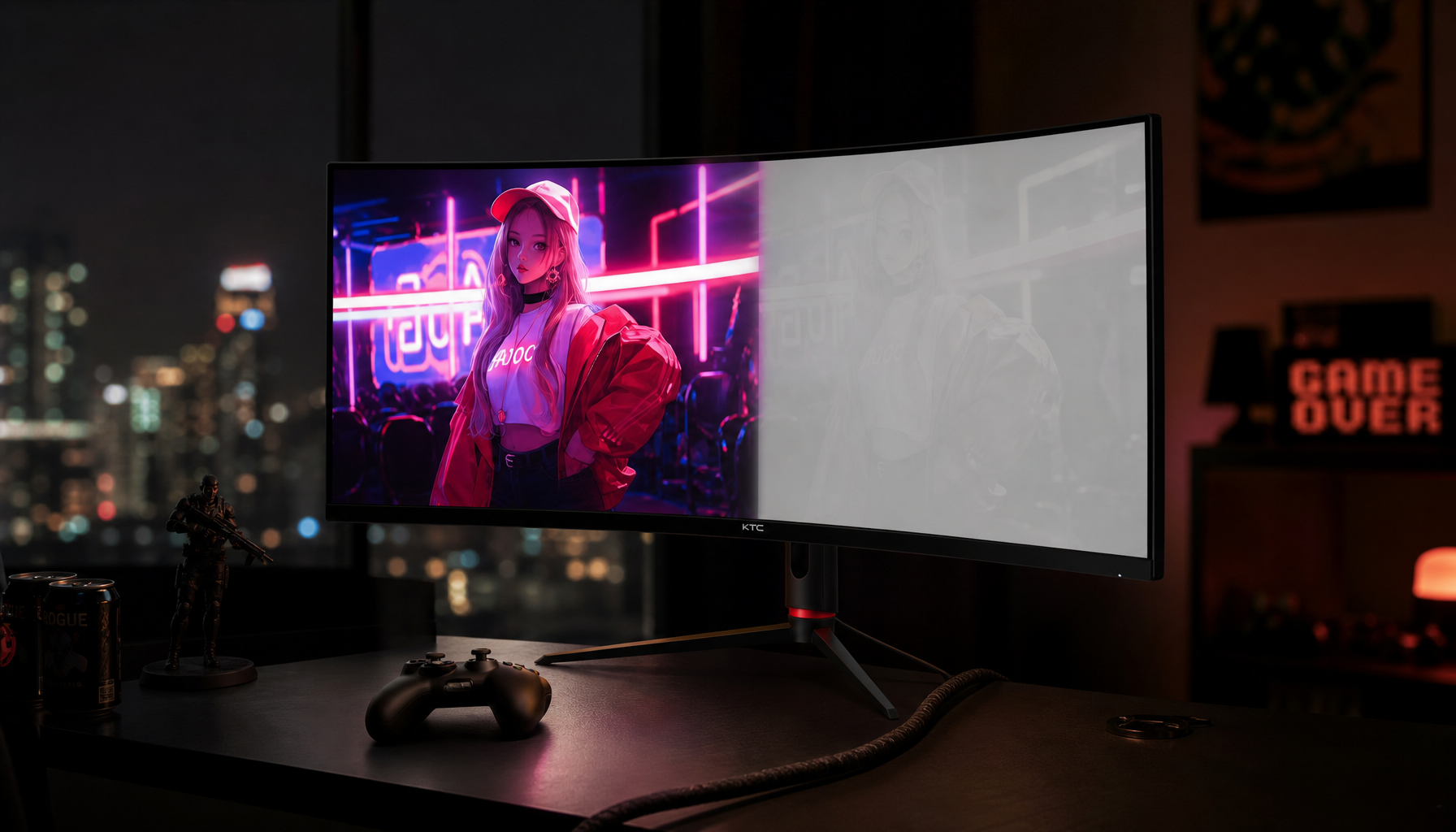
A curved monitor bends inward toward you, usually described by an R-value such as 1000R, 1500R, or 1800R. Lower numbers mean a stronger curve, so 1000R wraps more aggressively than 1800R; monitor curvature is meant to keep more of the panel at a similar distance from your eyes.

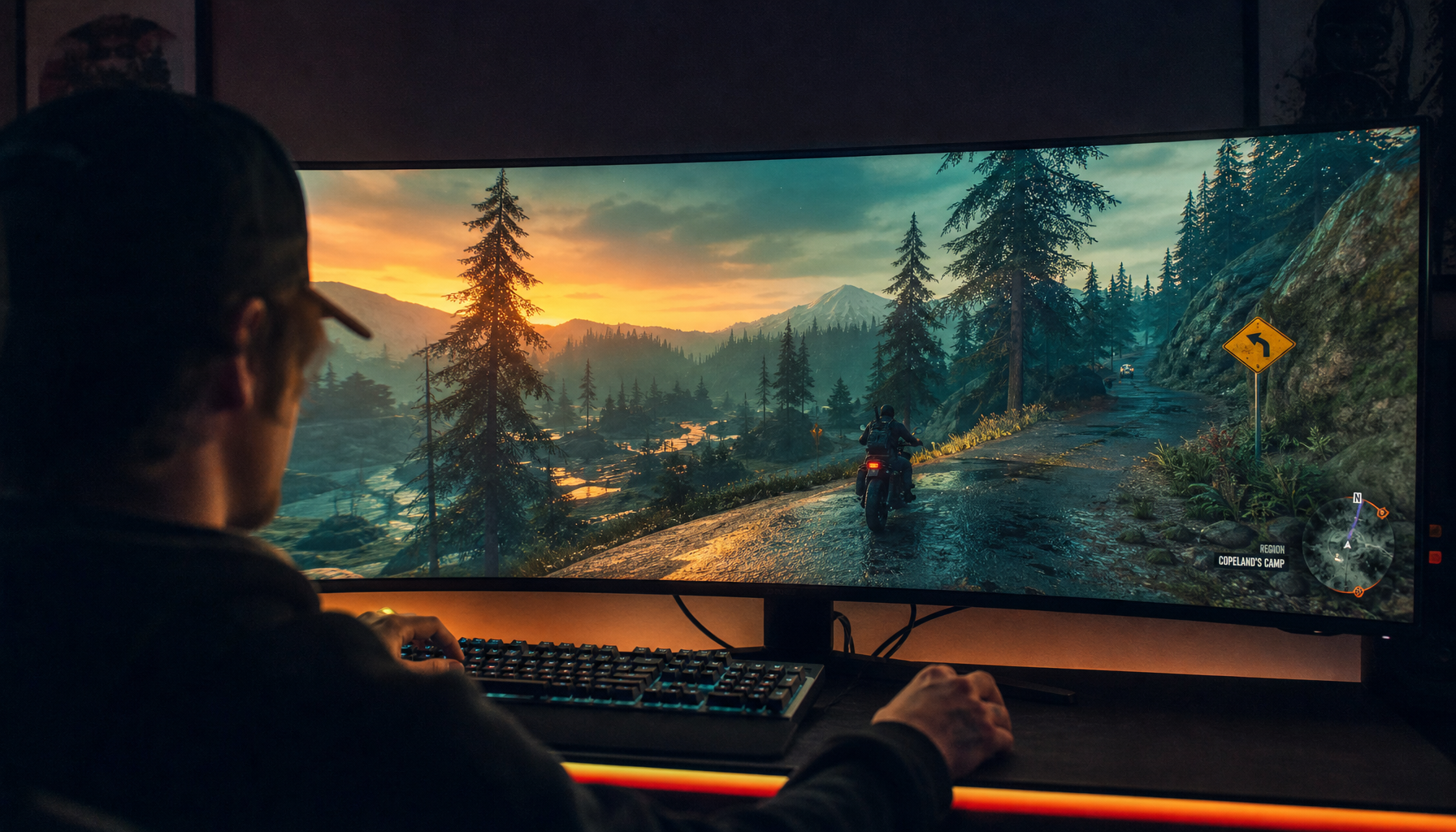
That is the marketing logic: on a large flat monitor, the center is closer than the edges, especially on 34-inch and 49-inch ultrawides. A curve pulls those edges inward, which can reduce the feeling that your eyes are constantly refocusing across the display. For racing sims, flight sims, wide timelines, and spreadsheet-heavy work, that can make the screen feel less like a wall and more like a cockpit.
Research cited by one ergonomics source points in the same direction, though not as a universal guarantee. It references a 2016 Harvard Medical School study with 27 participants in which curved-monitor users reported fewer issues such as eye strain, blurred vision, and focusing difficulty. It also cites research linking curved monitors with lower refocusing demand and a reported 7% faster reading result in a separate study. Those findings make curved displays credible for comfort, but they do not mean every curve fits every person, desk, or task.
Why Comfort Breaks Down in Real Setups
The first reason is viewing position. Curved panels are optimized for one centered viewer, which works well for a solo gaming station or a fixed productivity desk but less well for side viewing, presentations, or sharing a screen with a teammate. A screen that feels immersive from the sweet spot can look warped or less consistent when viewed off-center.
The second reason is curvature mismatch. A 1000R curve can feel powerful and immersive for simulation gaming, while 1500R is often the balanced middle ground and 1800R feels gentler for office work. If you sit too far back from an aggressive curve, the wraparound benefit drops and the panel can feel visually odd. One gaming-display source notes that curved monitors are generally most effective around 2 to 3 ft from the viewer, especially on large gaming displays. That is why the same model can delight one gamer and frustrate another using it from a deeper desk or couch-like chair position.
The third reason is glare. Some sources present curved screens as reducing glare by directing light more evenly, while others warn that the curve can catch reflections from more angles. The likely reason for the disagreement is setup: a matte curved monitor placed away from windows can feel calmer, while a glossy curved screen facing a bright window can produce distracting reflection bands. The practical warning about increased glare is worth taking seriously at purchase time because lighting problems are common and easy to underestimate.

The Eye-Comfort Claim Is Real, but It Is Not the Whole Ergonomic System
Screen shape is only one part of eye comfort. Setup advice from ergonomics sources points to the bigger system: monitor height, distance, tilt, room lighting, glare control, posture, blinking, and breaks all affect fatigue. A curved screen at the wrong height can still push your chin forward or make you scan upward all day, turning an “eye-care” purchase into a neck-strain problem.
For a practical baseline, place the top of the monitor at or slightly below eye level, sit roughly an arm’s length away, and use a slight downward gaze. Common guidance puts typical viewing distance around 1.7 to 2.3 ft, with a 10- to 20-degree downward gaze and a modest upward tilt to reduce glare and eye surface exposure. If your curved ultrawide stand pushes the panel too close on a shallow desk, the curve may feel intense instead of comfortable; one source warns against large curved monitors on desks under about 2.5 ft deep.

Lighting matters just as much as geometry. A bright screen in a dark room forces your pupils to keep adapting, while a dim screen in a bright room makes text harder to resolve. There is no single best screen mode for everyone: light mode can be better for daytime reading, dark mode can feel better in dim rooms, and warm tones after sunset can reduce harshness. The best setting is the one that matches the room, not the one printed on a spec sheet.
Curved vs. Flat: Where Each Wins
Use case |
Curved display advantage |
Flat display advantage |
Immersive gaming |
Stronger wraparound feel, especially on 21:9 or 32:9 screens |
Better geometry for competitive precision and predictable aim judgment |
Office productivity |
More comfortable wide workspace when centered correctly |
Easier mounting, smaller footprint, simpler shared viewing |
Creative work |
Wide timelines and tool panels feel more integrated |
Straighter visual geometry for CAD, architecture, and precision design |
Shared viewing |
Works if everyone sits near center |
More consistent viewing from side angles |
Portable work |
Poor fit for travel and shared desks |
Better for laptop-based dual-screen setups |
A curved ultrawide can replace two flat monitors cleanly because there is no center bezel, and the continuous workspace can support video editing, coding, research, and dashboard work. Sources often highlight 34-inch and 49-inch curved ultrawides for replacing dual 24-inch setups, especially when paired with window snapping or picture-by-picture features. That is a real productivity advantage when your work benefits from persistent context across the full width.
Flat displays still win when geometry is the product. CAD lines, architectural grids, UI spacing, and precision retouching can feel less trustworthy on an aggressive curve because straight lines may appear bowed. If your paycheck depends on judging straightness, a flat 4K or 5K panel may be the more reliable tool even if a curved display feels more immersive.
How to Choose a Comfortable Curve
Start with screen size and distance, not marketing language. A 24-inch or 27-inch curved monitor may feel subtle, while a 34-inch ultrawide is where the curve starts to earn its keep. For a fixed desk, measure whether you can sit about 2 to 3 ft back with the panel centered and the top edge near eye level. If the stand eats too much desk depth, budget for a compatible monitor arm.

Match curve strength to the job. A 1000R display is aggressive and best reserved for immersion-first gaming, racing, flight simulation, and users who want the screen to wrap strongly around their view. A 1500R panel is usually the safer performance choice for mixed gaming, browsing, and media. A 1800R curve is the calmer office option for spreadsheets, timelines, and long reading sessions.
Do not let curvature distract from core display quality. For gaming, refresh rate, response time, and input lag still matter; a cheap curved panel with sluggish motion will not feel premium just because it bends. Buying guidance should treat refresh rate and response time as decision points alongside resolution, panel type, ports, curvature, and adaptive sync.
When a Curved Display Is Probably Worth It
A curved monitor is a strong bet if you sit alone at one fixed desk, want a large or ultrawide screen, and spend long sessions in games, video timelines, spreadsheets, dashboards, or multi-window workflows. It is especially compelling when you want one clean panoramic workspace instead of two separate monitors.
A flat monitor is probably better if you share the screen often, need exact geometry, mount your display on a wall, work from a shallow desk, or travel between setups. Portable smart screens, compact flat monitors, and laptop-friendly second displays are more practical for hybrid workers who value flexibility over immersion.
The right conclusion is not “curved is better for eyes.” It is sharper than that: curved displays can reduce visual effort when the curve, distance, size, lighting, and task all line up. Buy for your viewing geometry first, then for specs, and eye comfort becomes a result you can actually feel rather than a slogan on the box.