







Featured story
Why Some 144Hz Gaming Monitors Look Clearer in Motion Than 240Hz Models
A well-tuned 144Hz gaming monitor can look clearer than a 240Hz model. Motion clarity is about fast pixel response & low overshoot, not just a high refresh rate.

KTC Journal
Monitor reviews, gaming guides, productivity advice, and practical display know-how from the KTC team.
A well-tuned 144Hz gaming monitor can look clearer than a 240Hz model. Motion clarity is about fast pixel response & low overshoot, not just a high refresh rate.

A DisplayPort 2.1 monitor doesn't always need a new cable. A v1.4 cable is compatible but can limit 4K high-refresh, 8K, and ultrawide displays. See when an upgrade is essential.
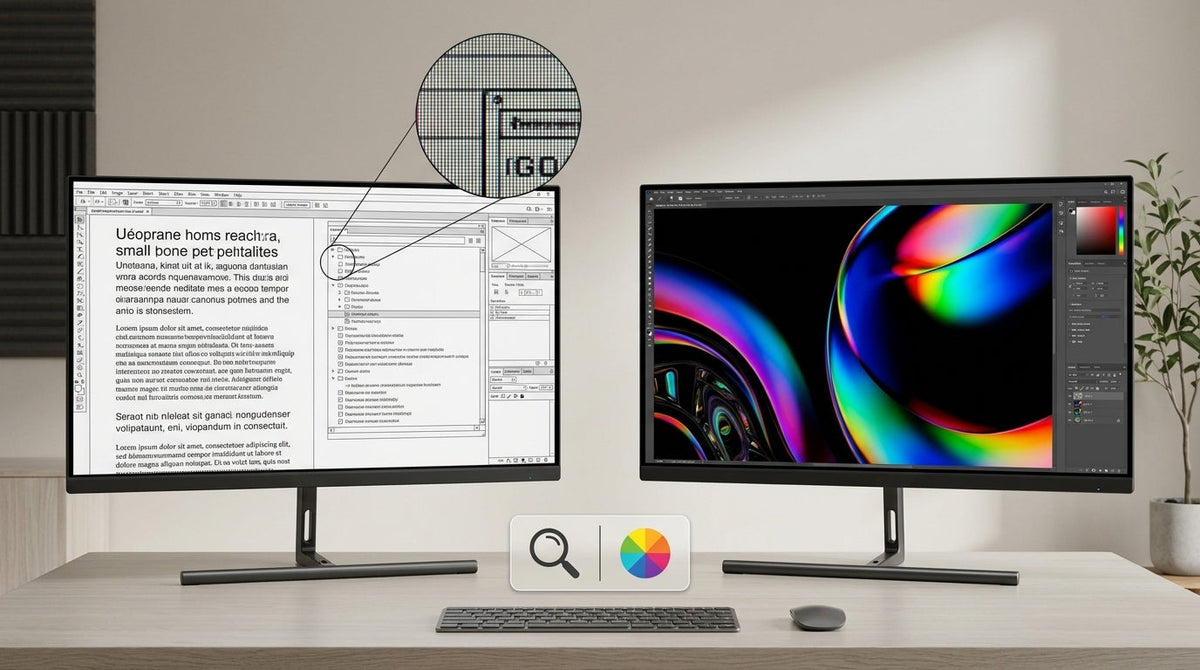
At 27 inches, a 5K monitor delivers noticeably higher pixel density than 4K—218 PPI versus 163 PPI—which can produce sharper text and finer details in close-up work. However, wh...
Bit depth vs. resolution: which matters more for your monitor? Get more resolution for sharper text and workspace. Prioritize bit depth for smooth gradients and color accuracy.
A true 10-bit color monitor provides superior gradients for creative work. This guide shows when it's essential and when 8-bit plus FRC is the better choice for gaming or office tasks.
Console performance mode at 60 fps can feel less smooth than a PC. The difference is due to frame pacing, input latency, and display response time, not just frame rate.

Multiple monitors productivity can decrease when you add too many screens. For most desk workers, a dual monitor setup is the sweet spot for efficiency, while a third often adds distraction and hurts ergonomics.