Higher zone density can make streaming compression artifacts easier to notice because the display controls brightness more precisely. That precision improves contrast and HDR impact, but it can also expose blockiness, banding, mosquito noise, and bitrate-starved shadows that softer displays may hide.
Zone Density Makes the Screen More Honest
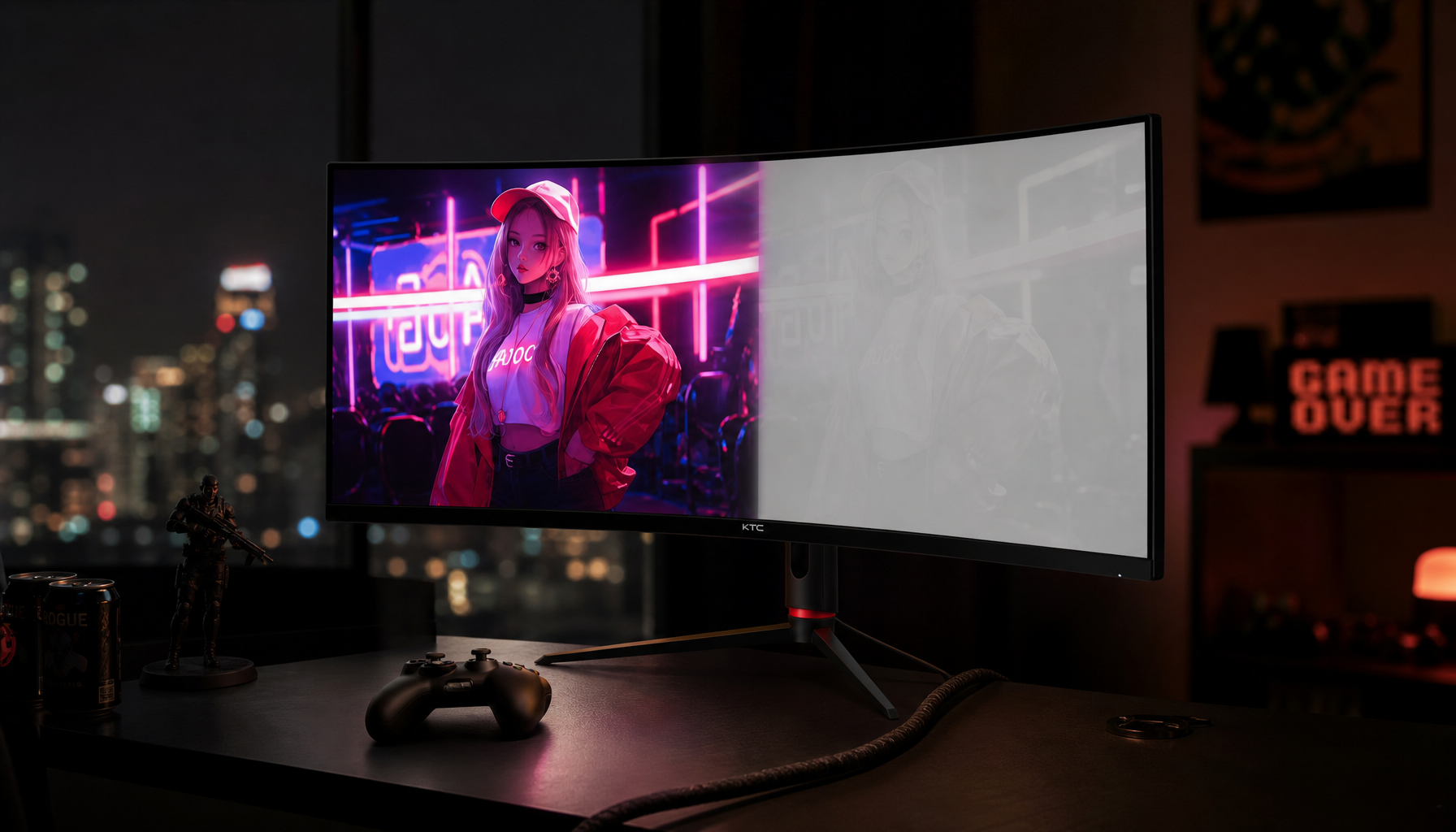
Zone density refers to how many independent backlight dimming zones a display uses across the panel. More zones mean smaller areas of the screen can brighten or darken independently.
For gaming monitors and premium productivity displays, that usually means better black depth, stronger highlights, and less haloing around bright objects. In streaming video, though, this same precision can reveal flaws created lossy compression, where visual data is discarded to reduce bitrate.
A low-zone or edge-lit screen may smear dark detail together. A high-zone display is more likely to show the exact shape of crushed blacks, block boundaries, or uneven gradients.

Why Streaming Artifacts Stand Out More
Streaming platforms use adaptive bitrate delivery, so picture quality changes with bandwidth, device capability, codec, and scene complexity. Fast motion, smoke, rain, dark interiors, esports broadcasts, and low-light movies are especially demanding.
On a high-zone HDR display, macroblocking can appear in shadows and black backgrounds. Skies, fog, and game menus may show color banding, while mosquito noise can flicker around text, subtitles, and HUD elements. In motion-heavy scenes, grass, crowds, and particle effects may turn soft or unstable.

This is not because zone density creates artifacts. The display is simply resolving more contrast and local luminance detail, making existing video damage harder to ignore.
More Zones Still Improve the Experience
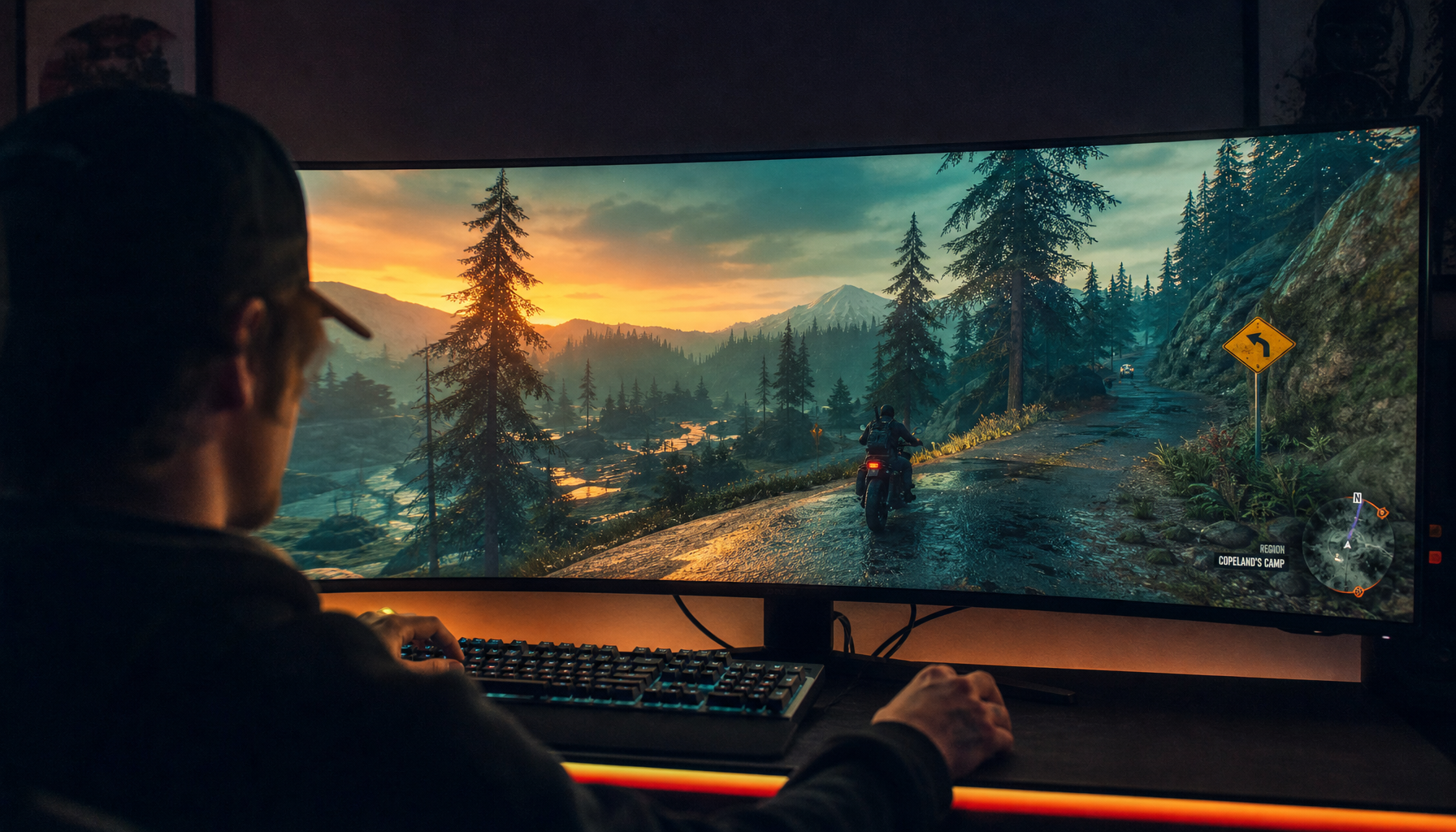
High zone density remains a major win for immersion. A 1,000-zone display can separate a bright explosion from a dark alley far better than a basic 16-zone display. For HDR games, cinematic streaming, and office work with mixed dark and bright windows, that control matters.

The tradeoff is source-quality sensitivity. If you watch a 4K HDR stream at a low bitrate, the display may expose compression in the same way a sharp studio monitor exposes a low-quality image export. Compression artifacts commonly include block-boundary discontinuities, blurring, ringing, and visible quantization errors.

A useful rule: the better the display, the more your streaming source matters. Upgrading the screen without improving bitrate, codec, or connection can make weak streams look less forgiving.
How to Reduce Visible Artifacts
For the cleanest picture, match the display’s capability with a stronger streaming chain.
- Use the highest available stream quality, especially for 4K HDR.
- Prefer wired Ethernet or strong 5 GHz/6 GHz Wi-Fi for a stable bitrate.
- Disable excessive sharpness, which can outline compression noise.
- Use moderate local dimming if the highest setting exaggerates blooming or banding.
- Avoid repeated re-encoding when creating your own streams or videos.
For creators, higher upload bitrate and efficient codecs matter. Modern streaming workflows often balance bitrate, resolution, and codec efficiency because lower bitrate can remove fine detail before the viewer ever sees it.
The Bottom Line for Monitor Buyers
Zone density does not cause compression artifacts, but it changes how visible they are. Higher-density local dimming gives you deeper contrast and stronger HDR while also making poor streams look more obviously compressed.
For pro gaming, streaming, and productivity, choose the higher-zone display if you value immersion and contrast. Pair it with strong sources, stable bandwidth, and sensible picture settings so the monitor reveals the content, not the compression.