VA panels win on centered contrast, but that advantage weakens fast when your eyes move to the side, above, or below the screen. The deeper blacks that look cinematic from the sweet spot can turn flatter, grayer, or less detailed once gamma shift and brightness loss enter the picture.
Why VA Looks So Strong From the Center
A VA panel’s core advantage is how well it blocks backlight when showing dark content. That is why VA monitors often deliver deeper blacks and stronger native contrast than IPS displays, making them attractive for dark-room gaming, movie watching, and focused desktop work.
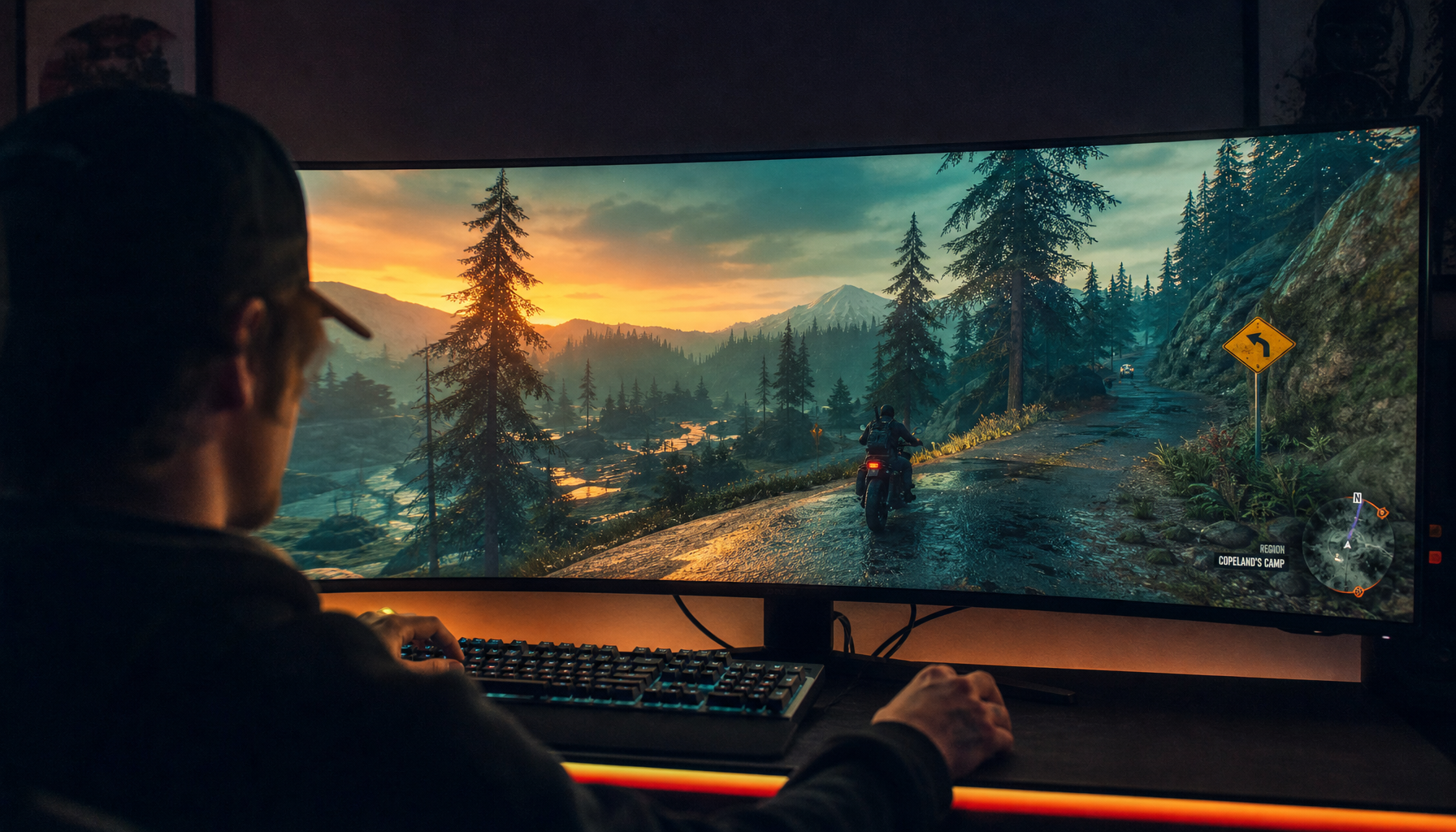
In practical terms, VA is built for the centered user. If you sit squarely in front of a 27-inch or 32-inch display, dark UI themes, space games, horror titles, and high-contrast video can feel more dimensional than on a typical IPS panel. Several buying comparisons frame VA as the better pick when deep blacks matter more than wide-angle consistency.

That centered performance is real. The mistake is assuming it stays intact from every seat.
What Changes Off-Center
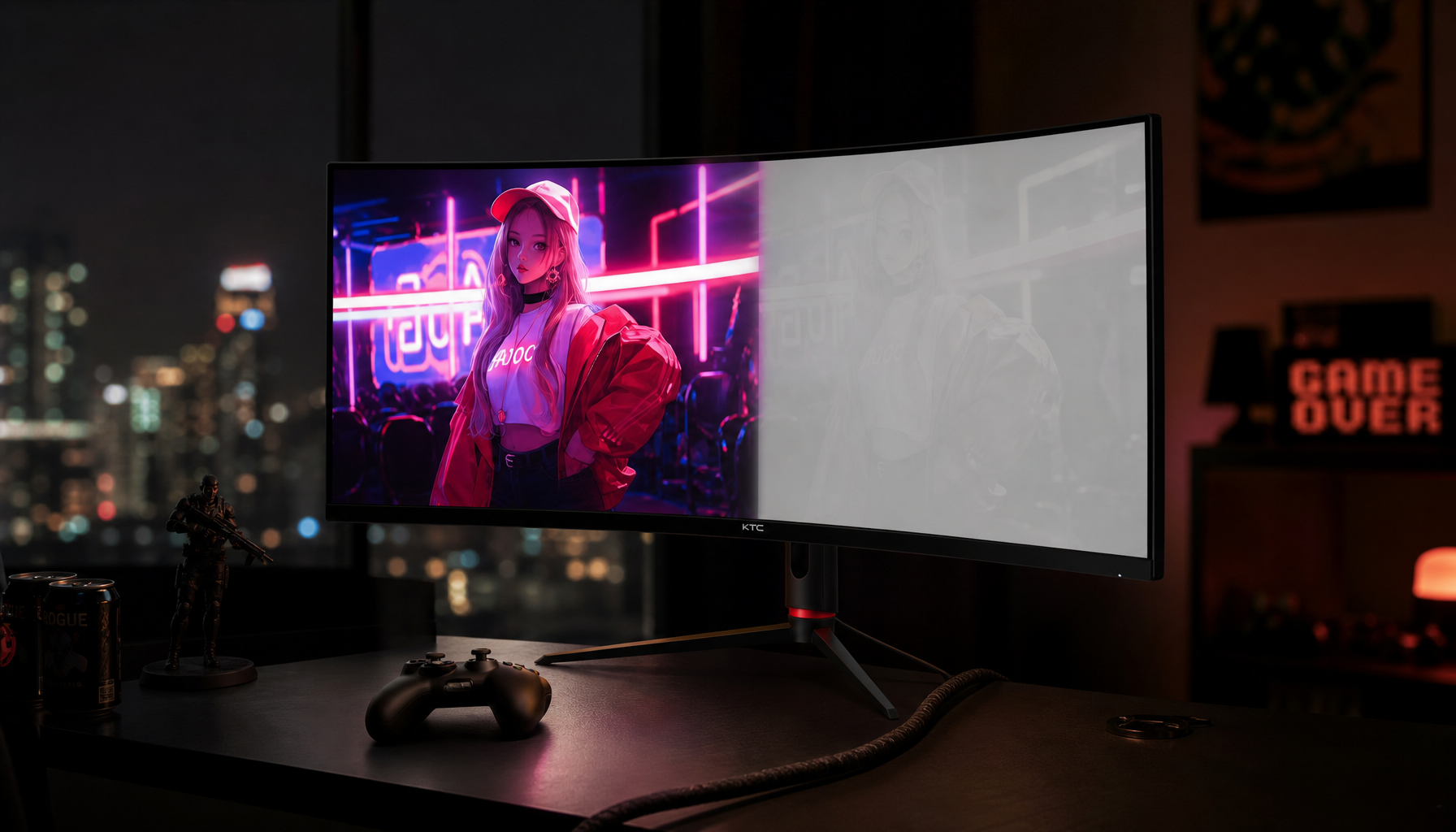
Move off-axis and VA’s strengths become less stable. The screen can show gamma shift, raised blacks, color washout, and uneven shadow detail, especially in darker scenes where VA is supposed to shine.
At roughly 30 degrees off-center, some VA panels show visible contrast and color loss, while IPS panels tend to hold brightness and color more consistently. A practical comparison notes that VA panels can show contrast, gamma, and color shifts beyond about 20 to 25 degrees off-center.

That matters more than spec sheets suggest. A listed viewing angle near 178 degrees does not mean the image remains premium across that whole range; it often means the picture is still technically visible, not that blacks, grayscale, and color stay accurate.
The Contrast Math Users Actually Feel
Imagine a VA monitor that looks rich from the center because its contrast is several times higher than that of a standard IPS display. Now shift to the side during a co-op session, client review, or second-monitor setup. Blacks lift, midtones shift, and the perceived advantage narrows.
For a quick desk example, a person sitting 2 ft from a large ultrawide may see the far edges from a noticeably different angle than the center. That can make dark sidebars, spreadsheet gridlines, timelines, or game HUD elements look inconsistent across the same panel.

This is why VA often feels excellent on a single centered monitor but less reliable on wide displays, shared screens, or multi-monitor layouts. One home theater discussion puts the tradeoff plainly: VA usually gives better blacks from the center, but side seating can make the image look washed out.
Best Setup Choices for Gaming and Work
Choose VA when your setup protects the sweet spot. Choose IPS when people, windows, or screen edges regularly pull the viewing angle away from center.
For solo, centered, dark-room gaming and movies, VA is often the stronger choice. It can also work well for static office work where high text contrast matters. IPS is usually safer for shared viewing, design reviews, and color-sensitive tasks, and it is often the better fit for large ultrawides when edge consistency matters. A curved VA display can reduce the edge angle, but it does not eliminate VA shift.
For competitive gaming, VA contrast can improve atmosphere, but viewing stability and motion clarity may matter more in fast shooters. For productivity, VA can make text pop, yet IPS remains the safer choice for collaboration and consistent color across the screen.
The Practical Takeaway
VA contrast is a high-value advantage, not a universal one. It performs best when your eyes are centered, your room lighting is controlled, and your content rewards deep blacks.
Once you move off-center, the gap between VA and IPS can shrink quickly. For immersive solo play, VA still earns its reputation; for wide desks, shared displays, and precision work, viewing position can turn that contrast win into a compromise.