IPS monitors can deliver fast, color-rich HDR gaming and crisp productivity visuals, but uneven black levels can make dark scenes look gray, cloudy, or brighter in the corners.
Why Black Uniformity Matters in HDR
HDR is designed to show brighter highlights, wider color, and more visible shadow detail, but good HDR also depends on contrast and black depth. A monitor may support HDR, yet still look washed out if its panel cannot separate dim shadow tones from its backlight floor; proper HDR content needs both brightness and convincing darkness.
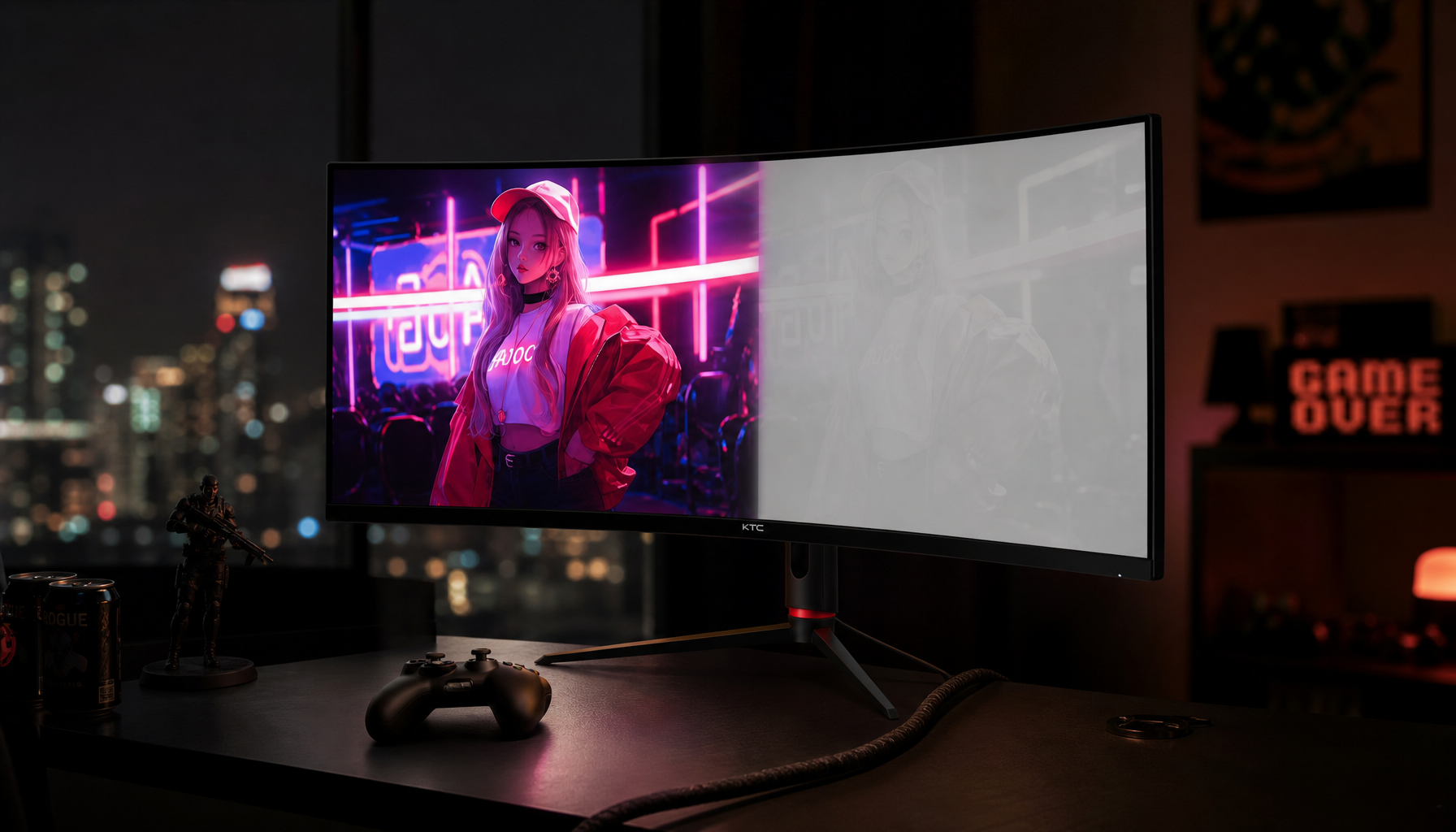
On an IPS panel, black level uniformity affects immersion most in low-light scenes: night maps, space backdrops, horror games, dark movie sequences, and black UI themes. If one corner glows more than the center, your eye reads that area as screen haze instead of in-game atmosphere.

For competitive players, this can also affect focus. A bright patch in a dark corner may pull attention away from motion, crosshair placement, or subtle enemy outlines.
IPS Glow vs. Backlight Bleed
IPS glow is a viewing-angle effect. It often appears as a silvery or warm haze near the corners, especially when you sit close to a large screen or view it off-axis.

Backlight bleed is different. It is light leaking through panel edges or pressure points, and it tends to stay visible from more angles.
Both can reduce perceived black level, but they feel different in use. IPS glow shifts when you move your head; bleed usually stays in the same place. In HDR dark scenes, either one can make shadow detail feel less stable because the panel’s “black” is no longer visually even.
IPS is not automatically poor for HDR, but an edge-lit IPS monitor without strong local dimming has less control over dark-zone precision than OLED or a well-tuned Mini LED display.
How It Changes Dark Scene Experience
The biggest impact is raised blacks. Instead of a cave, skyline, or stealth corridor looking deep and layered, the darkest areas can appear charcoal gray. That weakens HDR’s punch because bright highlights no longer contrast against a convincing dark base.

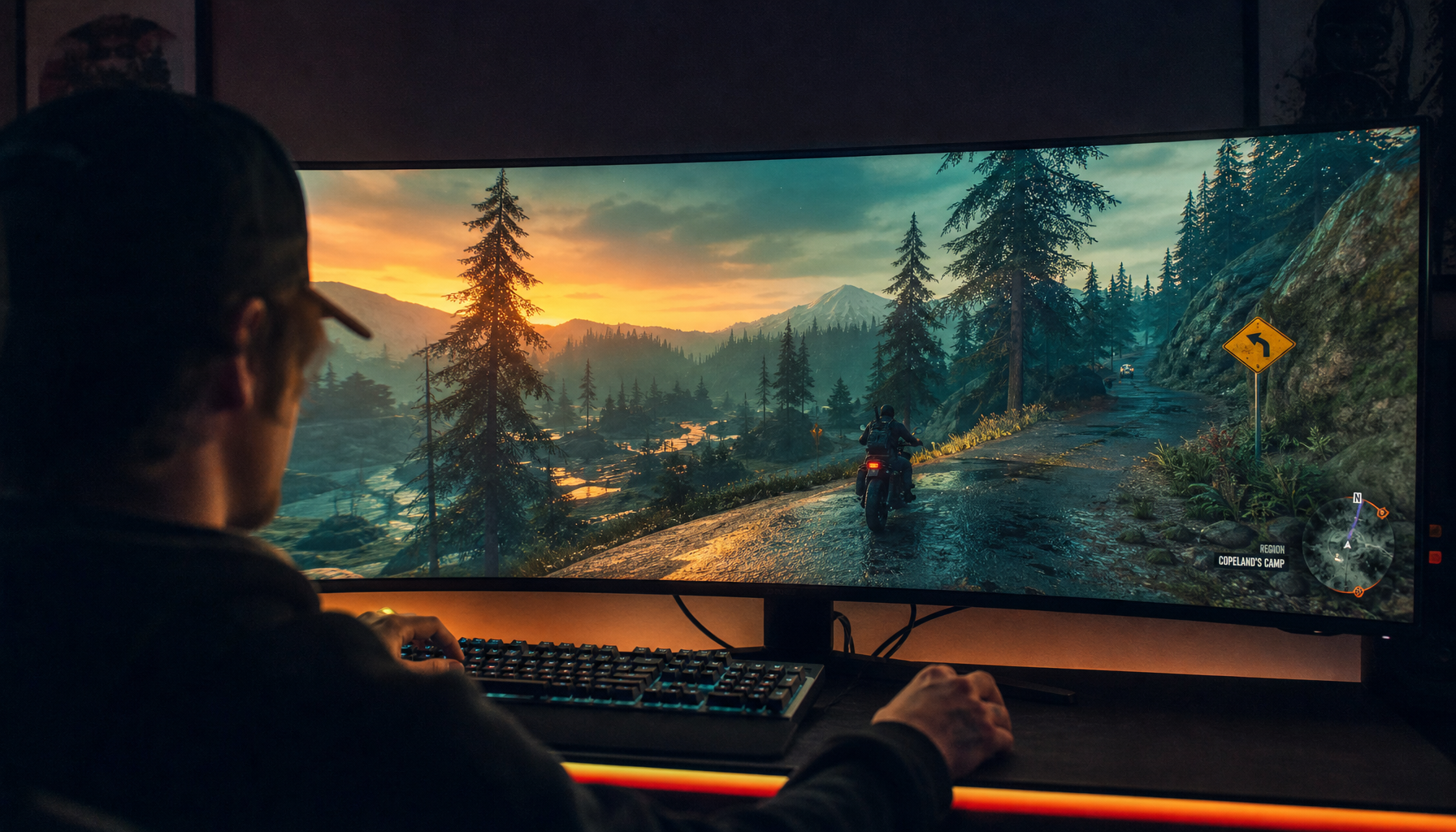
Uneven black level also changes how detail is perceived. In one part of the screen, a dark texture may look visible; in another, it may disappear into glow or clouding. That inconsistency is especially noticeable on ultrawide and 32-inch displays, where your viewing angle to the corners is naturally steeper.
For gaming, foggy blacks can reduce tension in horror games, flatten space and sci-fi scenes, make dark competitive maps look inconsistent from edge to edge, turn HDR movie letterbox bars gray, and make photo or video shadow grading harder.
Windows setup matters too. HDR should be enabled and calibrated at the system level when needed because Windows HDR settings affect how the PC maps brightness and black levels to the display.
What to Look for Before Buying
Do not judge an IPS HDR monitor by the HDR logo alone. Look for measured contrast, local dimming behavior, real peak brightness, and user reports on uniformity.
For stronger dark-scene HDR, prioritize full-array or Mini LED local dimming over basic edge lighting, higher native contrast within the IPS category, good black-uniformity samples in dark-room reviews, adjustable HDR calibration, usable local dimming modes, and a size and seating distance that reduce corner glow.

If you mainly play bright esports titles or need color-stable office performance, IPS still makes sense. If your priority is cinematic HDR in dark rooms, black level uniformity should move near the top of your buying checklist.