







Featured story
Why VRR Can Cause Screen Flickering on Console Gaming Monitors
VRR flicker on your console gaming monitor is a common issue, not a broken console. This guide explains why it happens on VA & OLED panels and offers practical fixes.

KTC Journal
Monitor reviews, gaming guides, productivity advice, and practical display know-how from the KTC team.
VRR flicker on your console gaming monitor is a common issue, not a broken console. This guide explains why it happens on VA & OLED panels and offers practical fixes.
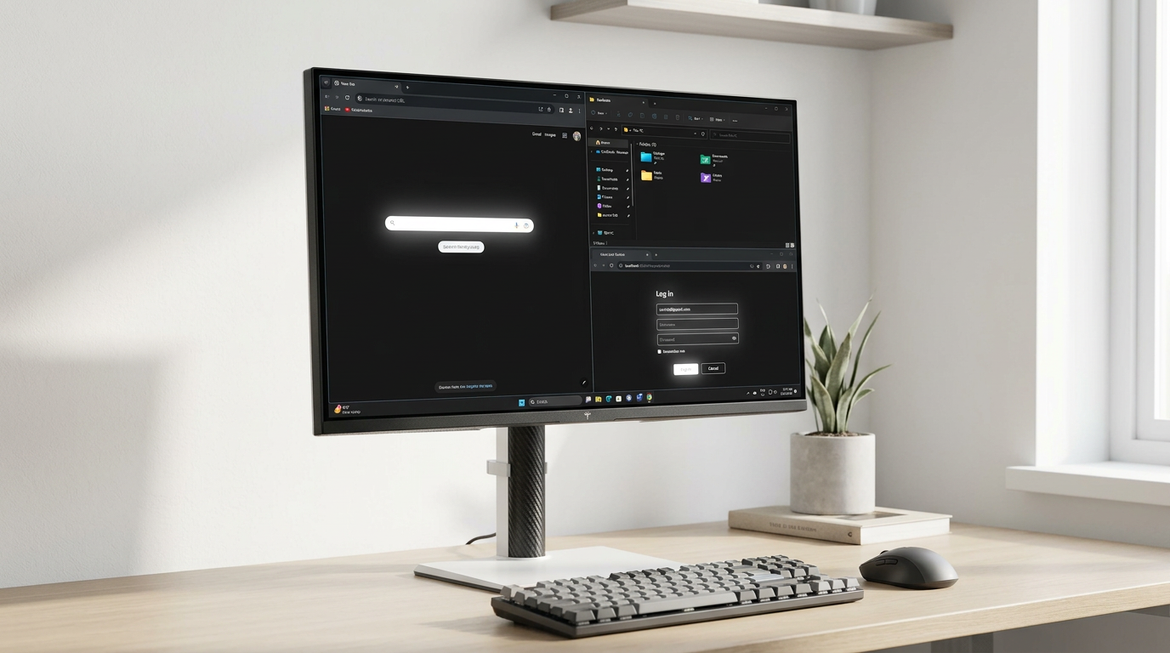
Mini-LED local dimming helps HDR contrast, but desktop windows and dark-mode apps can make blooming easier to notice. This article shows when to lower it, when to turn it off, and how to test whether a preset actually improves text clarity.
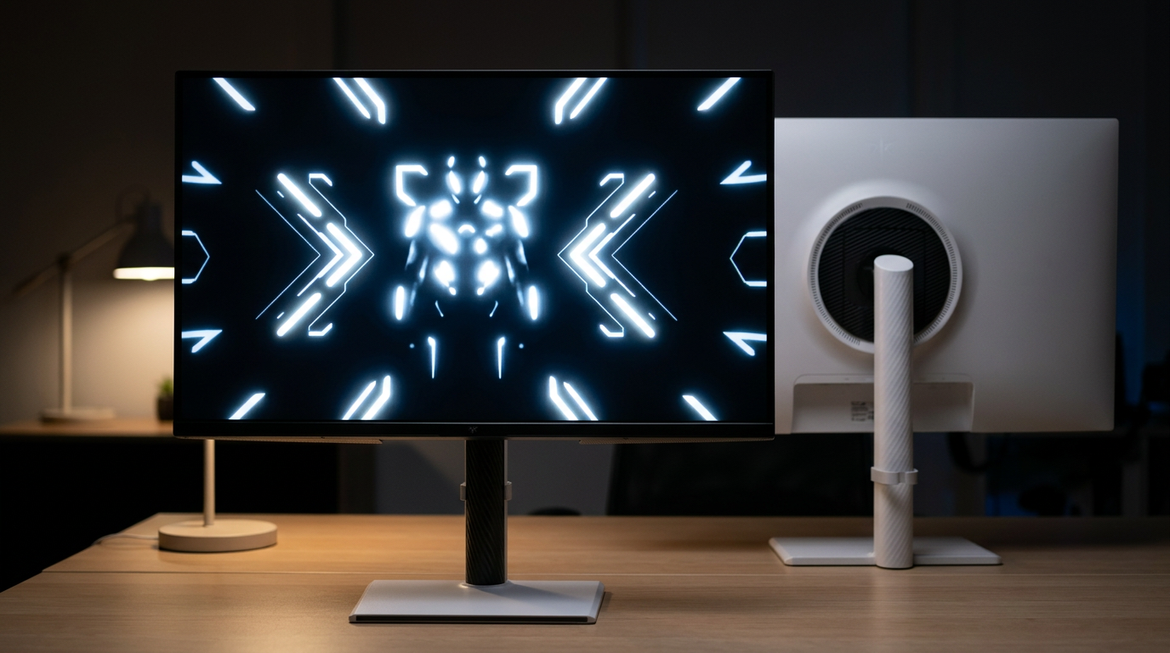
Mini-LED blooming is the halo effect that can show up around bright elements on dark screens. This guide explains why it happens, how to reduce it in settings, and which 27-inch Mini-LED setups make the most sense for HDR gaming and text-heavy use.
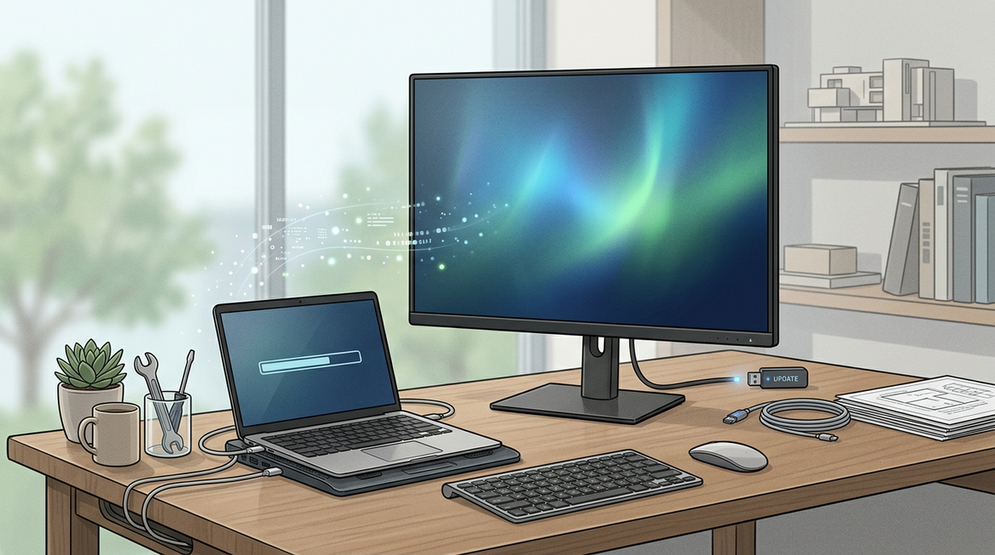
Monitor firmware updates are most useful for stability, menu behavior, and compatibility checks, not miracle image upgrades. This guide explains when to update, what can change, and how to do it safely over years of ownership.
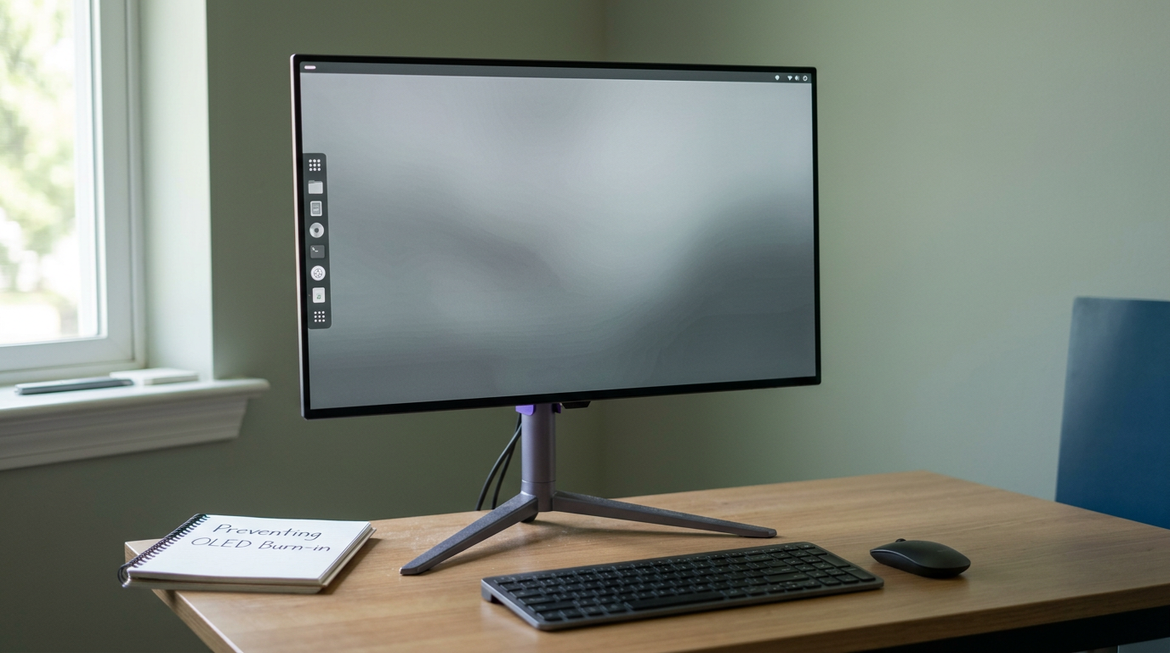
OLED burn-in risk is real on desktop monitors, but it is manageable. The safest approach combines reasonable brightness, sleep timers, built-in protection features, and a workflow that reduces long static exposure.
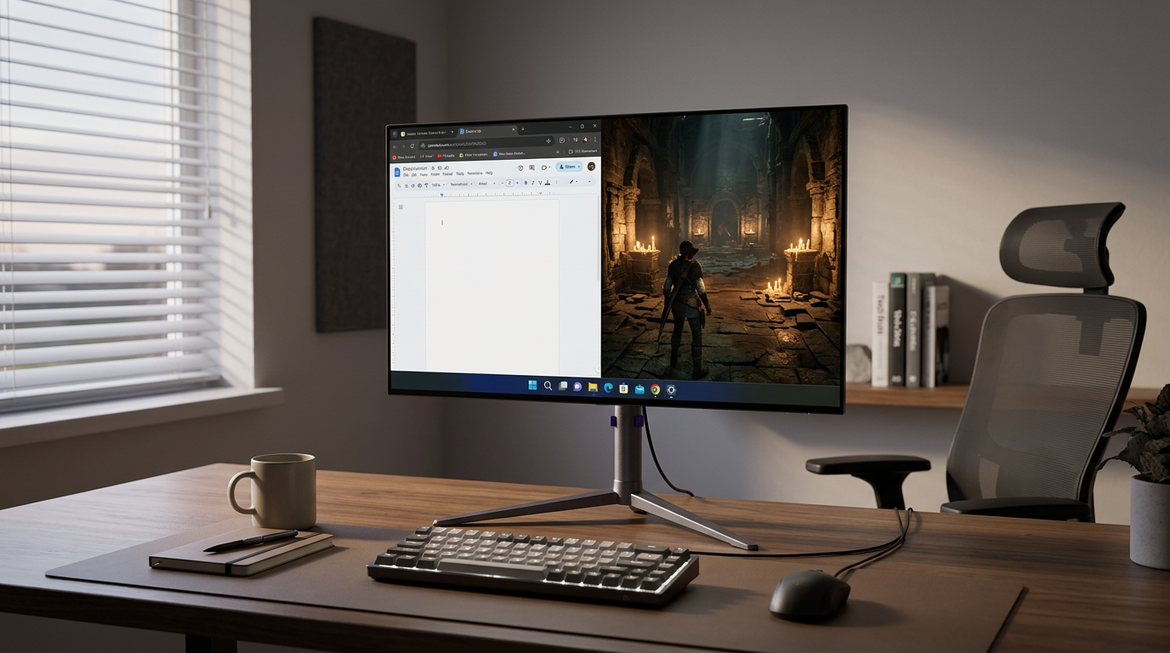
OLED burn-in is usually a slow wear issue, not an instant failure. For mixed work and gaming, the safest approach is to reduce how long bright static elements stay on-screen, use pixel-shift features, keep desktop brightness moderate, and choose a less static-heavy panel if most of your day is spent in fixed UI.

MegPad battery life is best judged by your real routine, not the headline number alone. This guide shows what changes runtime, how to stretch it, and when to keep the charger nearby.