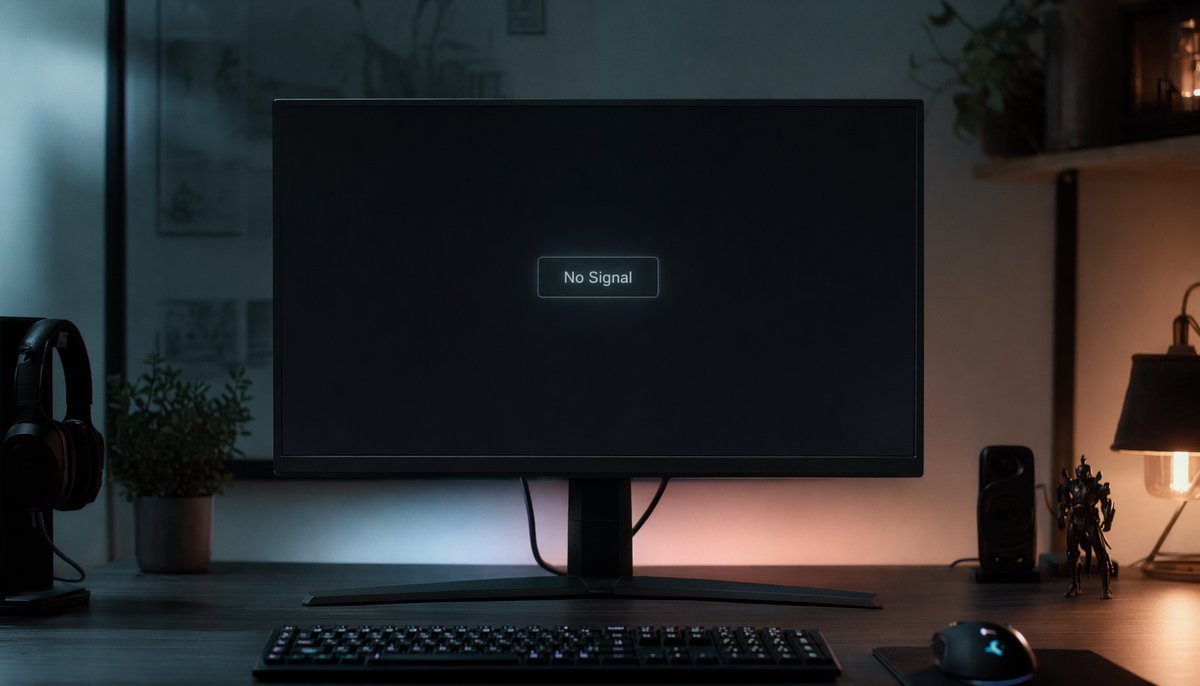
Featured storyCan Any USB-C Cable Carry Video or Do You Need a Specific Type?A USB-C cable can carry video, but only if it supports DisplayPort Alt Mode, USB4, or Thunderbolt. Many cables are for charging only. Get the right specs to avoid a blank screen.Jun 15, 2026/10 min read
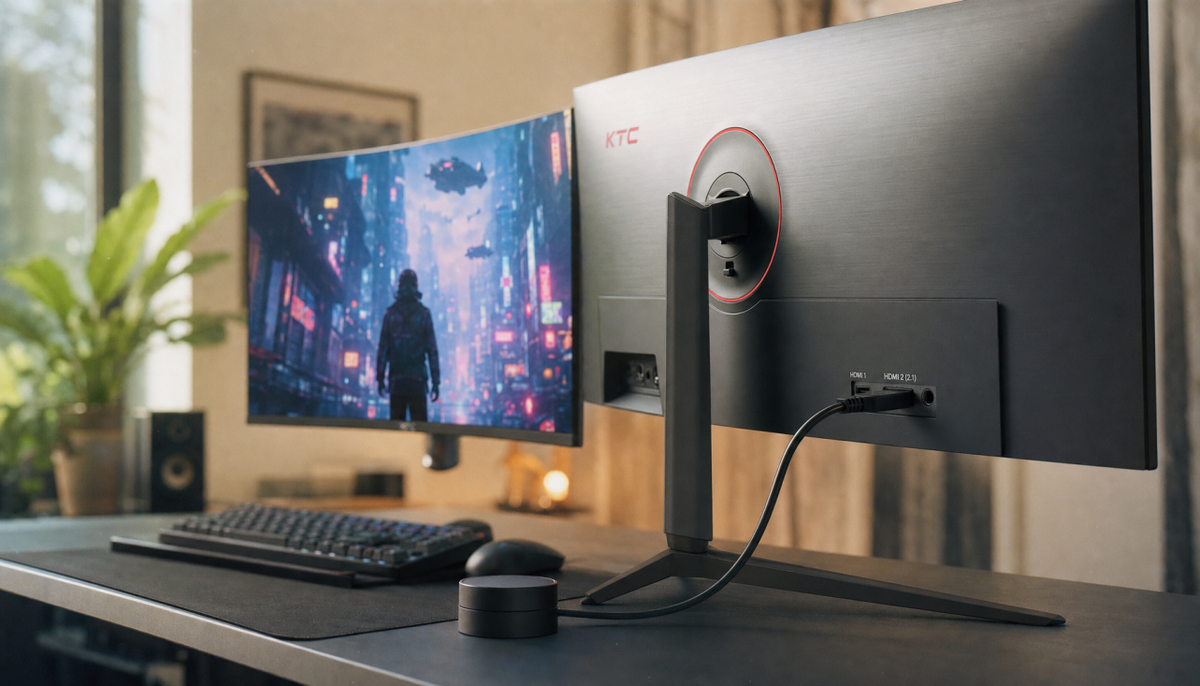
What Is the Maximum Cable Length for HDMI 2.1 at 4K 120Hz?The ideal HDMI 2.1 cable length for 4K 120Hz is around 10 ft for passive copper cables. For longer runs from a gaming PC or console, active or optical HDMI is necessary for a stable signal.Jun 15, 2026/9 min read
Can You Run 4K 240Hz Over DisplayPort 1.4 or Only DisplayPort 2.0?A 4K 240Hz signal works over DisplayPort 1.4 with DSC compression, but uncompressed output requires DP 2.1. Review the trade-offs in stability, cost, and performance.Jun 15, 2026/8 min read
Why Does VRR Work on Some HDMI 2.0 Monitors But Not Others?VRR on HDMI 2.0 requires more than just the right port. Success depends on the monitor's firmware, adaptive sync support, and the signal chain from your PC or console.Jun 15, 2026/11 min read
Why Does My HDMI 2.0 Cable Cap at 1440p 120Hz Instead of 4K?An HDMI 2.0 cable capping at 1440p 120Hz instead of 4K is common due to bandwidth limits. Attain 4K 120Hz by checking your entire signal chain—from ports to the cable—for HDMI 2.1 compatibility.Jun 15, 2026/9 min read
How to Tell If Your HDMI Cable Actually Supports 48Gbps BandwidthA 48Gbps HDMI cable must be a certified Ultra High Speed cable for stable 4K 120Hz or 8K 60Hz signals. Use the official QR label or a signal test to confirm true bandwidth.Jun 15, 2026/8 min read
Can HDMI 2.1 Cables Overheat or Fail Under Continuous 4K at 120 Hz Use?An HDMI 2.1 cable overheating during 4K 120Hz use is rare. Signal failure, like black screens or sparkles, usually stems from poor cable quality, excessive length, or bad shielding.Jun 15, 2026/8 min read