Featured storyWhy Does My Third Monitor Not Appear When Daisy-Chaining DisplayPort?A third monitor not appearing in a DisplayPort daisy chain is often due to bandwidth limits, disabled MST, or GPU constraints. Get practical fixes for no signal errors.Jun 11, 2026/11 min read
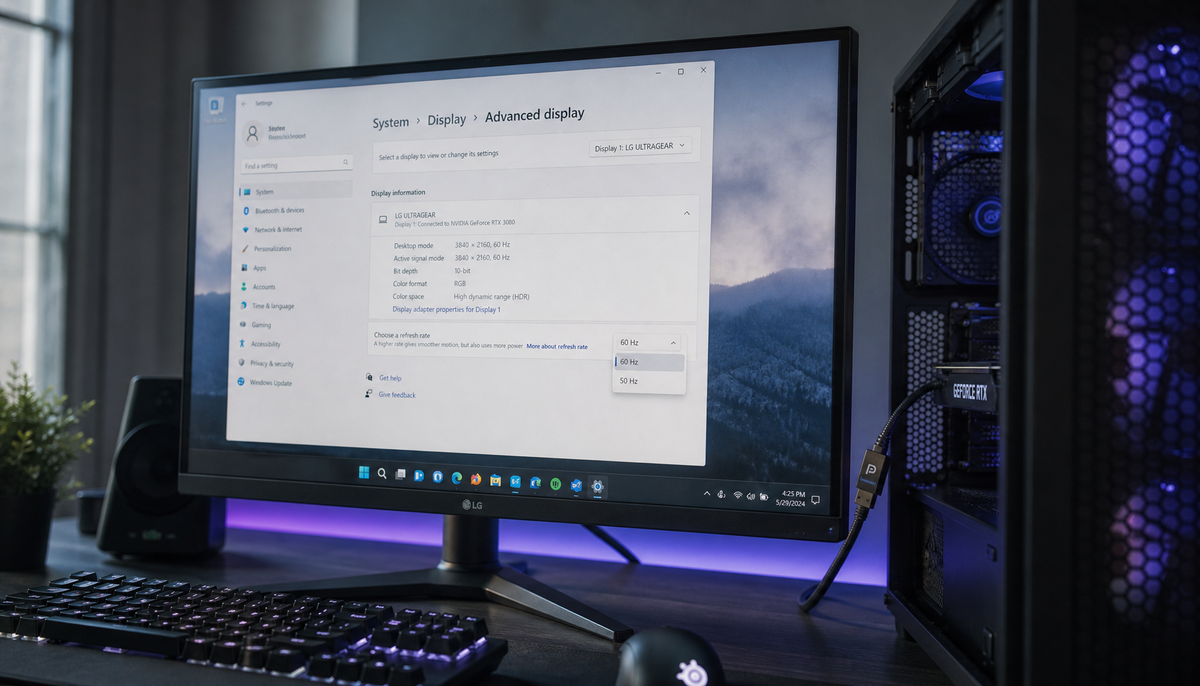
Why Does My DisplayPort 1.4 Monitor Only Show 4K 60Hz Instead of 144Hz?Your DisplayPort 1.4 monitor stuck at 4K 60Hz usually points to a bandwidth limit, incorrect settings, or a DSC issue. Get clear steps to check your cable, GPU, dock, and monitor settings to enable the full 144Hz refresh rate.Jun 11, 2026/9 min read
Why Does My HDMI Audio Cut Out When Switching Refresh Rates?HDMI audio cut out when switching refresh rates? This is often due to a new HDMI handshake. Get stable sound by matching display modes, checking cables, and managing bandwidth.Jun 11, 2026/10 min read
Why Does My Monitor Show “Out of Range” When I Try 4K 144Hz Over HDMI?A monitor 'Out of Range' error at 4K 144Hz via HDMI often signals a bandwidth issue. Get your high-refresh display working with simple fixes for your cable, ports, and GPU settings.Jun 11, 2026/8 min read
How to Enable Full HDMI 2.1 Bandwidth on 40-Series GPUsGet full HDMI 2.1 bandwidth on your 40-series GPU. Our guide details the correct cable, display port, and settings to fix low refresh rates, achieve 4K 120Hz+, and ensure sharp text.Jun 11, 2026/10 min read
Why Does My Console Show “No Signal” When I Switch to 120Hz Mode?A console 'No Signal' at 120Hz error is often a bandwidth issue. This guide shows you how to troubleshoot your HDMI cable, port, VRR, and HDR settings to fix the black screen.Jun 11, 2026/8 min read
Can You Run Two 4K 60Hz Monitors From a Single HDMI 2.1 Port Using a Splitter?Running two 4K 60Hz monitors from one HDMI port is possible, but a splitter only mirrors your display. Get the facts on when a splitter works and what you need for a true dual-monitor extended desktop, like a dock or USB-C adapter.Jun 11, 2026/9 min read