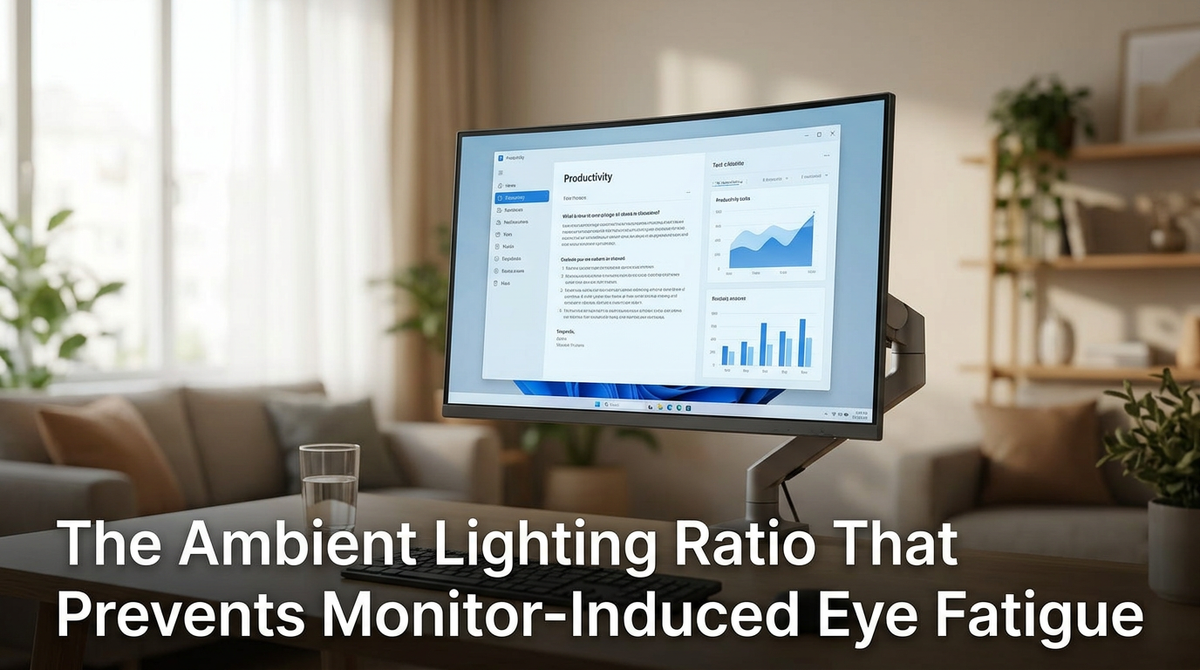
Featured storyThe Ambient Lighting Ratio That Prevents Monitor-Induced Eye FatigueThe ideal ambient lighting ratio prevents monitor eye fatigue. Set bias lighting to 10-20% of your screen's brightness to soften contrast and reduce visual strain.May 14, 2026/4 min read
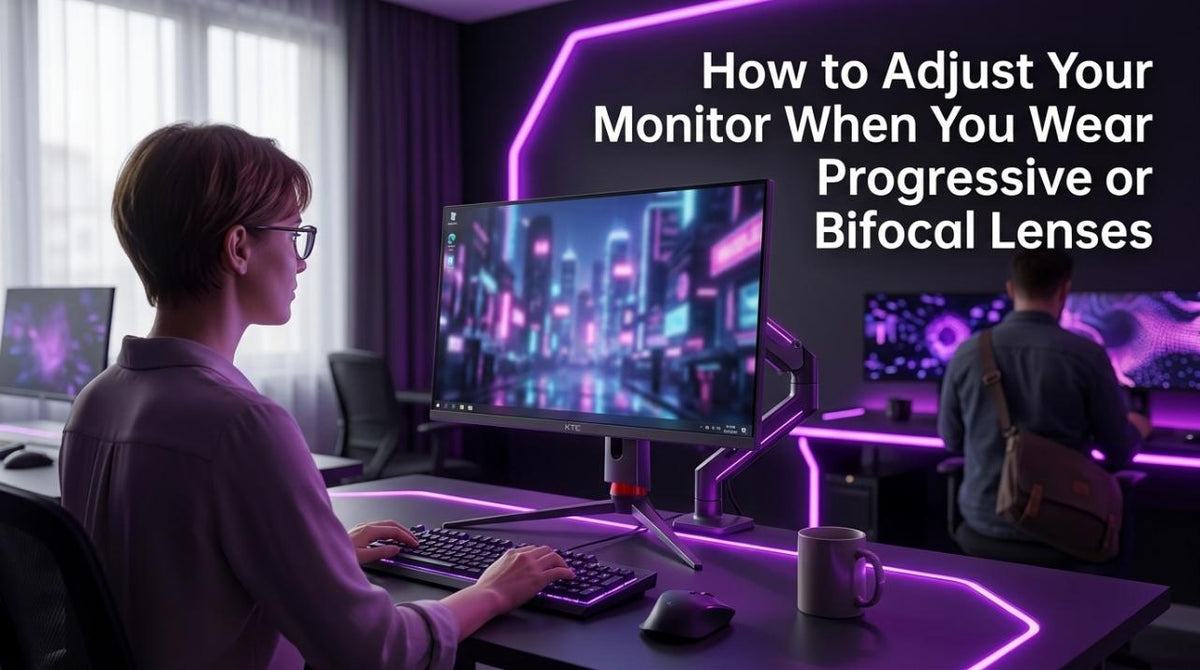
How to Adjust Your Monitor When You Wear Progressive or Bifocal LensesMonitor setup for progressive or bifocal lenses is key to preventing neck pain. Lower your screen and tilt it back to see clearly through the correct lens zone. This simple adjustment provides a sharp view and comfortable posture.May 14, 2026/4 min read
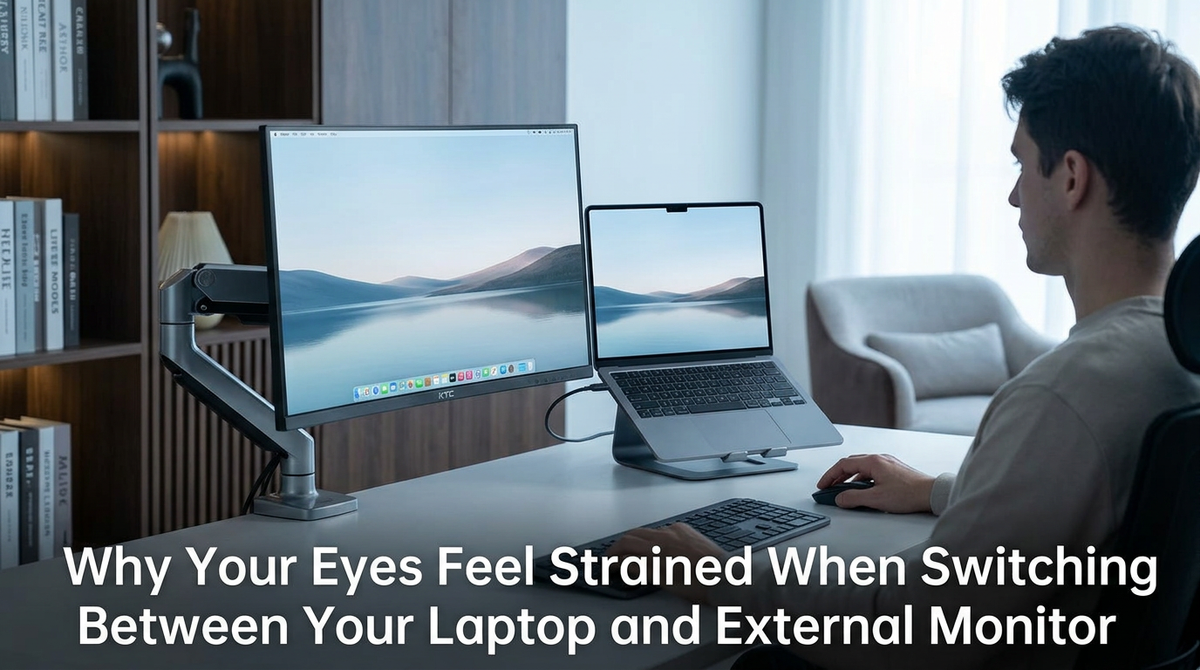
Why Your Eyes Feel Strained When Switching Between Your Laptop and External MonitorEye strain from a laptop and external monitor is common. It's caused by your eyes constantly adjusting to different distances, brightness, and text sizes. Get relief by creating a unified visual workspace.May 14, 2026/4 min read
The Refresh Rate Threshold Where Sensitive Users Notice Reduced Eye StrainA higher refresh rate can reduce eye strain for sensitive users. While 60Hz may feel tiring, 100Hz is the ideal threshold for office work, offering smoother motion.May 14, 2026/4 min read
How to Identify Whether Your Eye Strain Comes from Your Monitor or Your PrescriptionEye strain from your monitor can cause headaches and blur. Get simple tests to tell if your screen or glasses prescription is the true cause. We outline key signs for both.May 14, 2026/4 min read
Why Your Eyes Feel More Tired with Larger Monitors Despite Bigger TextLarge monitors can cause eye strain not from bigger text, but from low pixel density, wide scanning, and poor setup. Get tips on resolution, distance, and brightness for better eye comfort.May 14, 2026/4 min read
How Do You Detect and Measure Overshoot Artifacts When Testing Different Overdrive Levels?Overshoot artifacts cause distracting halos on your monitor. Get clear motion by testing each overdrive level. See how to spot inverse ghosting and choose the best setting.May 14, 2026/7 min read