



Featured story
Value Monitor Quality Verification Framework
A practical framework for checking value-tier monitors before purchase and after delivery. It helps buyers separate usable quality from ownership risk without relying on hype.

KTC Journal
Monitor reviews, gaming guides, productivity advice, and practical display know-how from the KTC team.
A practical framework for checking value-tier monitors before purchase and after delivery. It helps buyers separate usable quality from ownership risk without relying on hype.

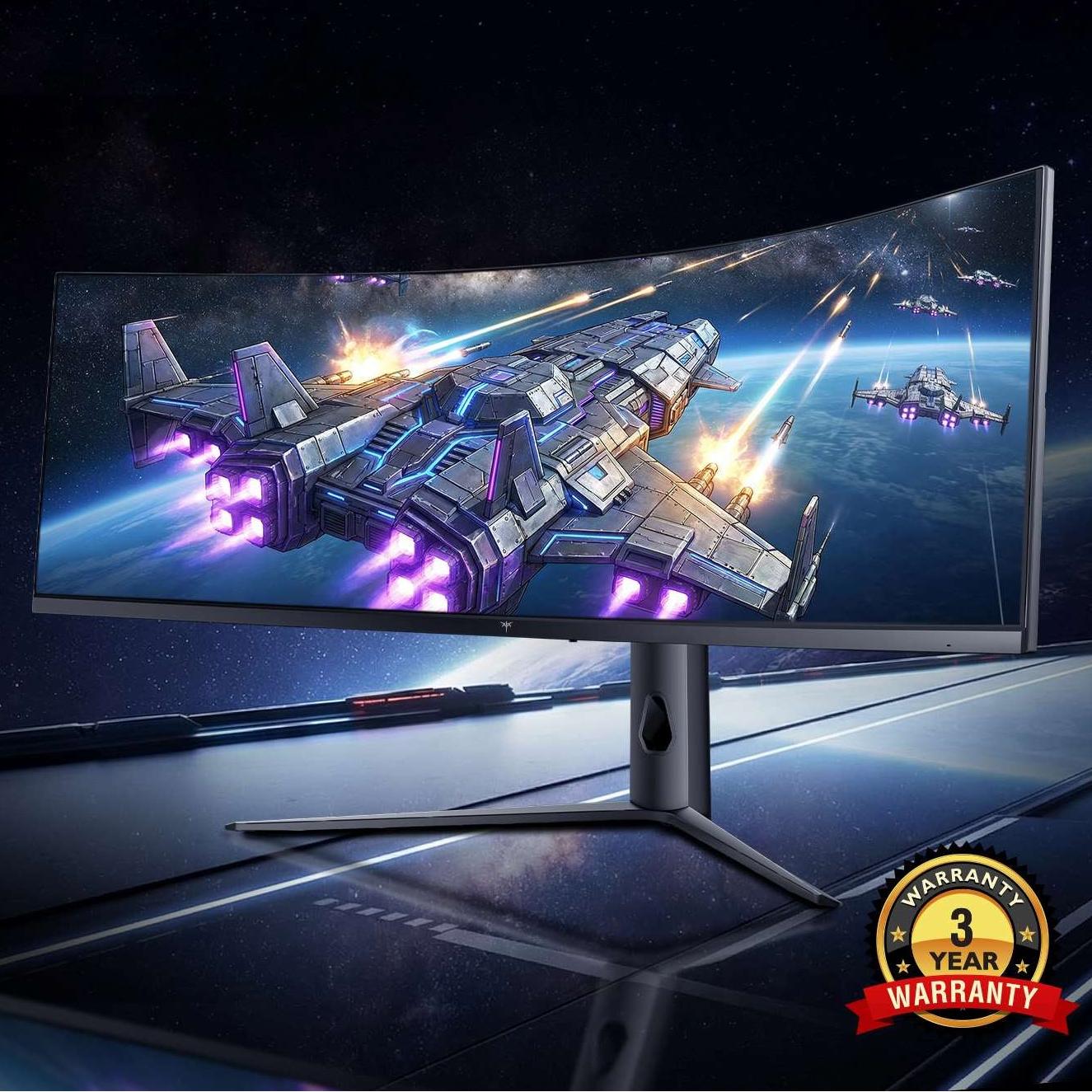
A single ultrawide can replace two monitors for some workflows, but the real test is desk depth, viewing comfort, and app behavior. This guide shows when a 49-inch super ultrawide is the closest practical replacement, when a 34-inch is only a consolidation step, and what to check before switching.
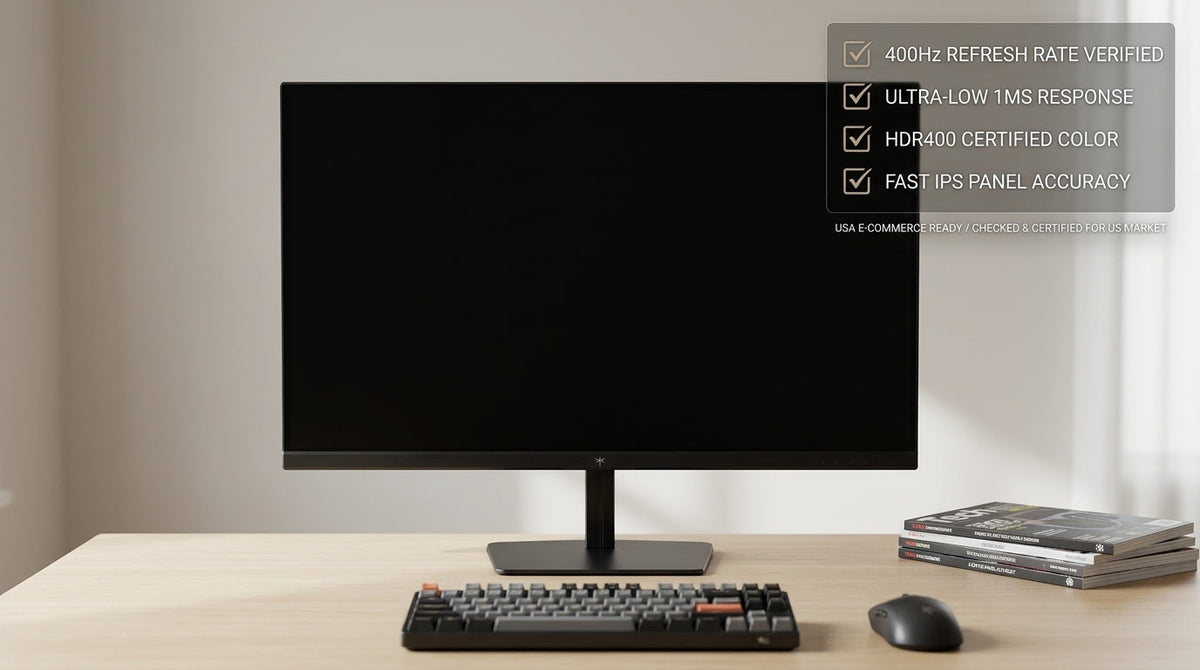
A neutral buyer-check guide for KTC monitor reliability, focused on QC clues, policy clarity, firmware support, and when the lower price is worth the risk.
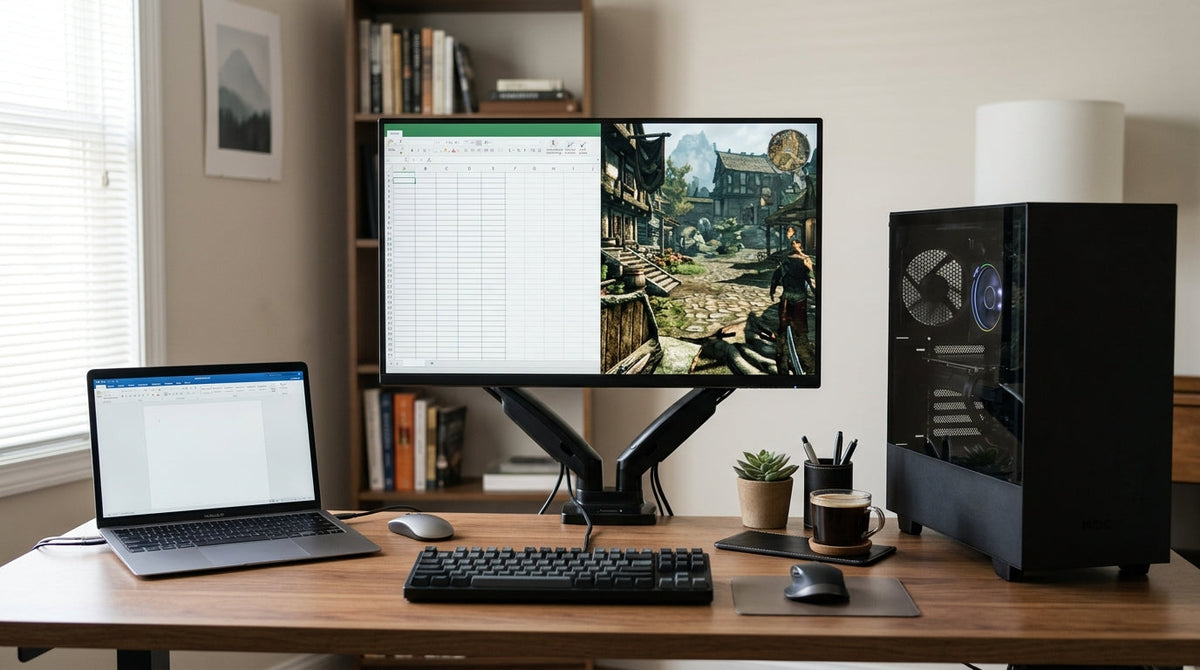
A practical decision tree for choosing a monitor for work and gaming, with clear branches for text-heavy work, balanced hybrid use, gaming-first buyers, and laptop-plus-PC desks.
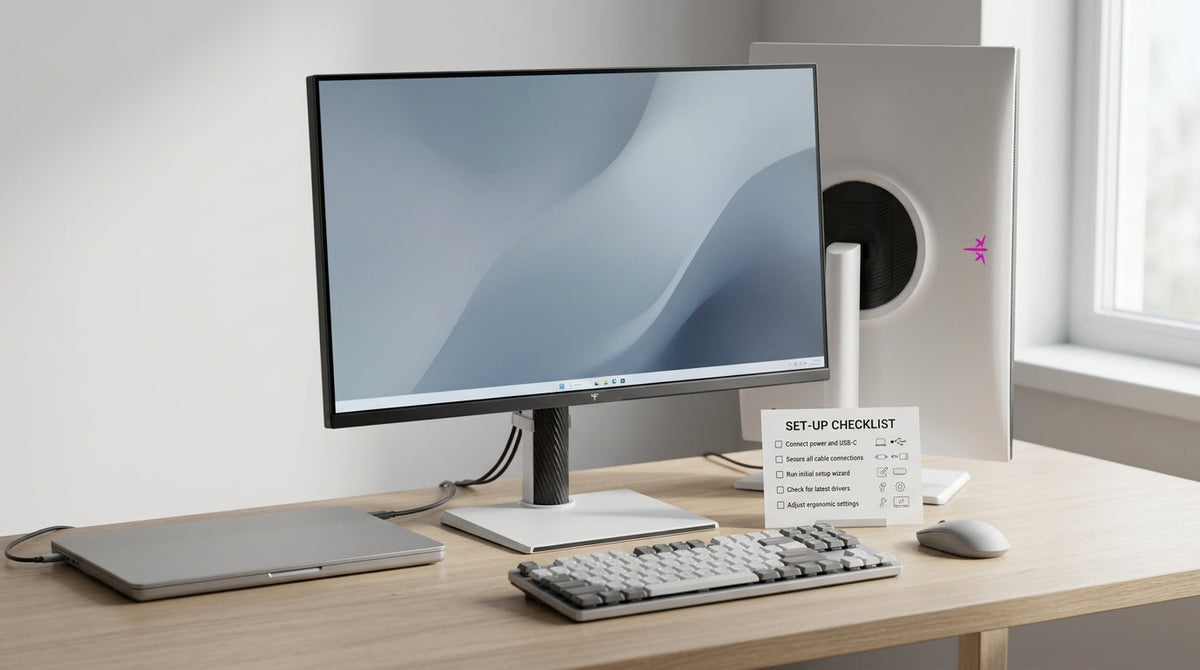
Buyers should treat firmware support lifespan as a pre-purchase risk estimate, not a promise. This guide shows which questions, update-history patterns, and policy signals matter most when comparing value-brand monitors, including KTC.
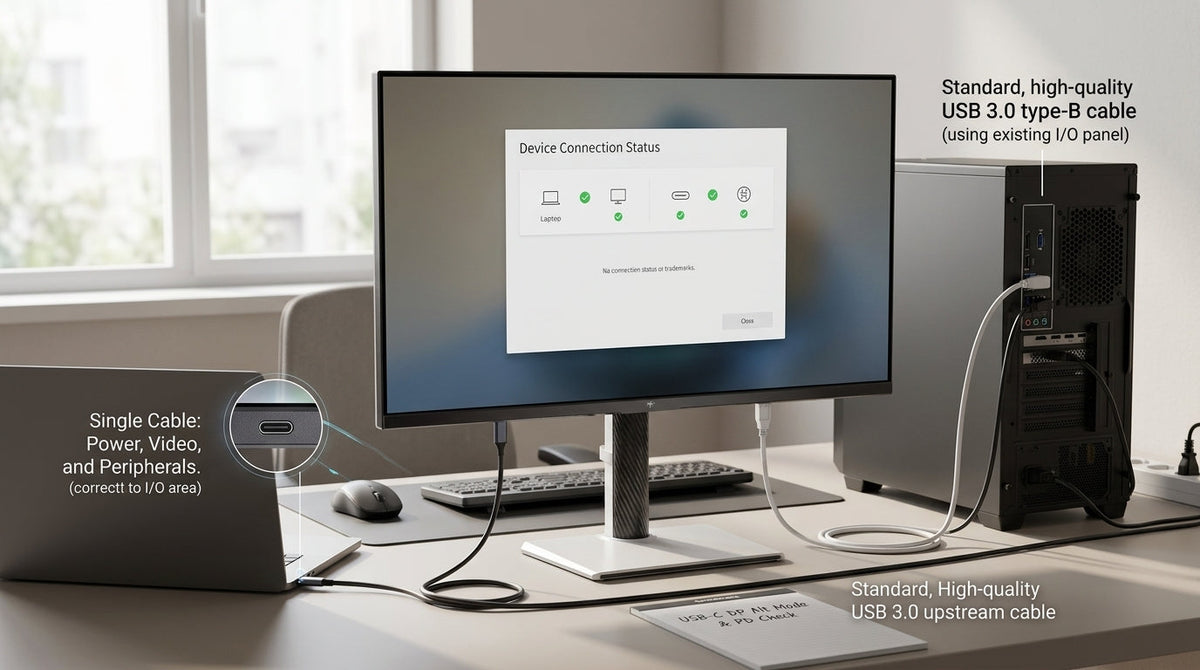
A USB-C KVM monitor can replace part of a dock setup, but only when the laptop, cable, monitor mode, and charging needs line up. This guide shows how to check compatibility before buying.
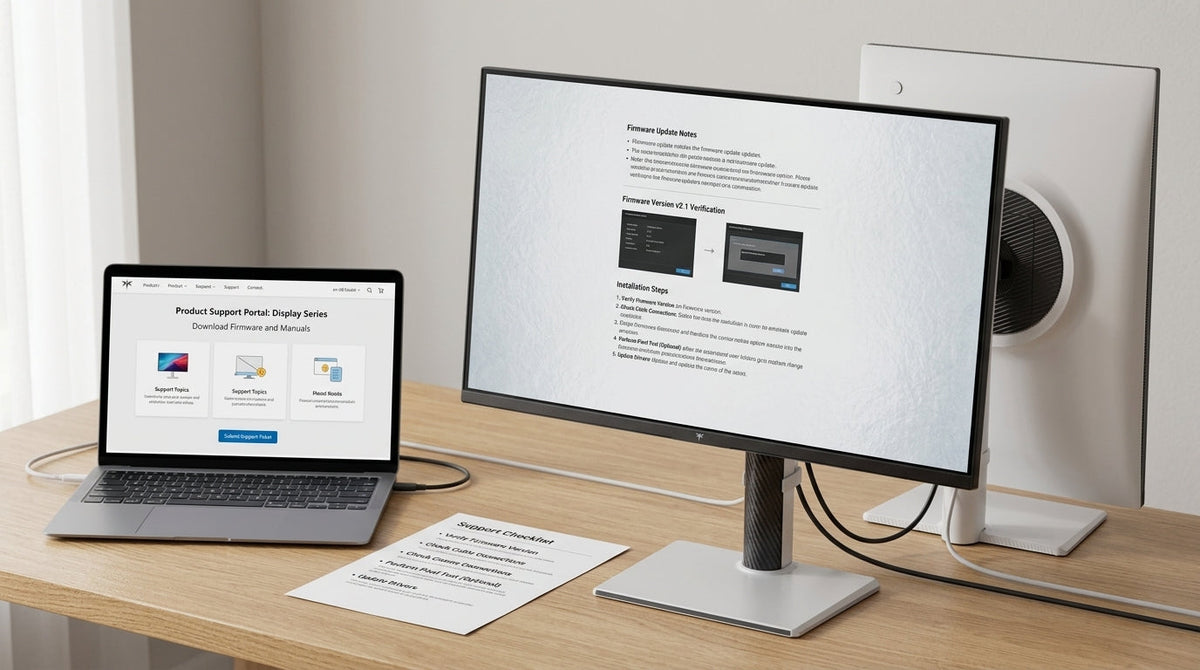
A practical pre-purchase guide for US monitor shoppers who want to judge firmware support, update transparency, and stability risk before buying.