In 2026, 540Hz monitors have reached the market, but the central question for competitive esports players has shifted from raw speed to practical limits: can your hardware sustain the required frame rates, and does the human eye perceive a meaningful edge over 360Hz or 400Hz panels? The 0.92ms reduction in frame time from 360Hz to 540Hz delivers diminishing returns for most players, while the real advantage lies in improved motion clarity through halved persistence—if your GPU can maintain stable 500+ FPS. For the majority of ranked FPS competitors running mid-to-high-end rigs, a 360Hz or 400Hz monitor like the KTC H25X7 represents the practical sweet spot, avoiding the steep hardware tax and cost premium of 540Hz without sacrificing competitive viability.

Is 540Hz the New Competitive Edge in 2026?
The arrival of 540Hz LCD panels marks a new peak in refresh-rate technology for esports. Yet as this TechSpot analysis of refresh rate scaling demonstrates, the jump from 360Hz to 540Hz reduces the per-frame time budget by only 0.92ms. This is roughly one-sixteenth the improvement seen when moving from 60Hz to 144Hz, making it a point of diminishing returns for raw latency. The more tangible benefit appears in motion clarity, where higher refresh rates reduce sample-and-hold persistence—the time each frame remains on screen before updating.
For competitive players in Valorant, CS2, or Overwatch 2, this matters most during fast tracking or flicks. However, the upgrade only pays off if your system can deliver consistent frames near the panel's maximum. Without that, micro-stutter and unstable 1% lows can erase any perceived advantage. The core decision therefore hinges on whether the clarity gain justifies the hardware investment and whether your sensitivity to blur makes the difference noticeable in real matches.
Motion Clarity Methodology: Beyond the Spec Sheet
Measuring whether a 540Hz monitor delivers in practice requires looking past headline refresh rates to persistence, pixel response (GtG), and certification standards. At 540Hz, each frame lasts approximately 1.85ms; halving persistence from 360Hz levels can significantly cut display motion blur, provided the panel's GtG transitions stay under that window. As explained in the Blur Busters guide to persistence versus motion blur, doubling refresh rate and frame rate effectively halves motion blur when pixel response keeps pace.
VESA ClearMR 13000 has become the benchmark certification for flagship competitive displays in 2026, quantifying the ratio of clear to blurry pixels during motion. Panels achieving this tier demonstrate the motion clarity needed for esports. Sub-1ms GtG remains essential—standard IPS or VA panels often introduce ghosting or overshoot at these speeds, requiring specialized E-TN or Fast IPS technology.
Real testing uses pursuit-camera methods that simulate eye tracking. These reveal whether claimed refresh rates translate to cleaner target acquisition or simply add overshoot artifacts. For most players, the methodology takeaway is clear: prioritize panels with strong ClearMR ratings and verified low GtG over raw Hz numbers alone.

For more on why higher refresh rates don't fully eliminate blur, see our guide on sample-and-hold blur and its limits. Understanding pixel overdrive and inverse ghosting also helps tune settings to avoid new artifacts at extreme speeds.
The 540Hz LCD vs. 480Hz OLED Motion Clarity Paradox
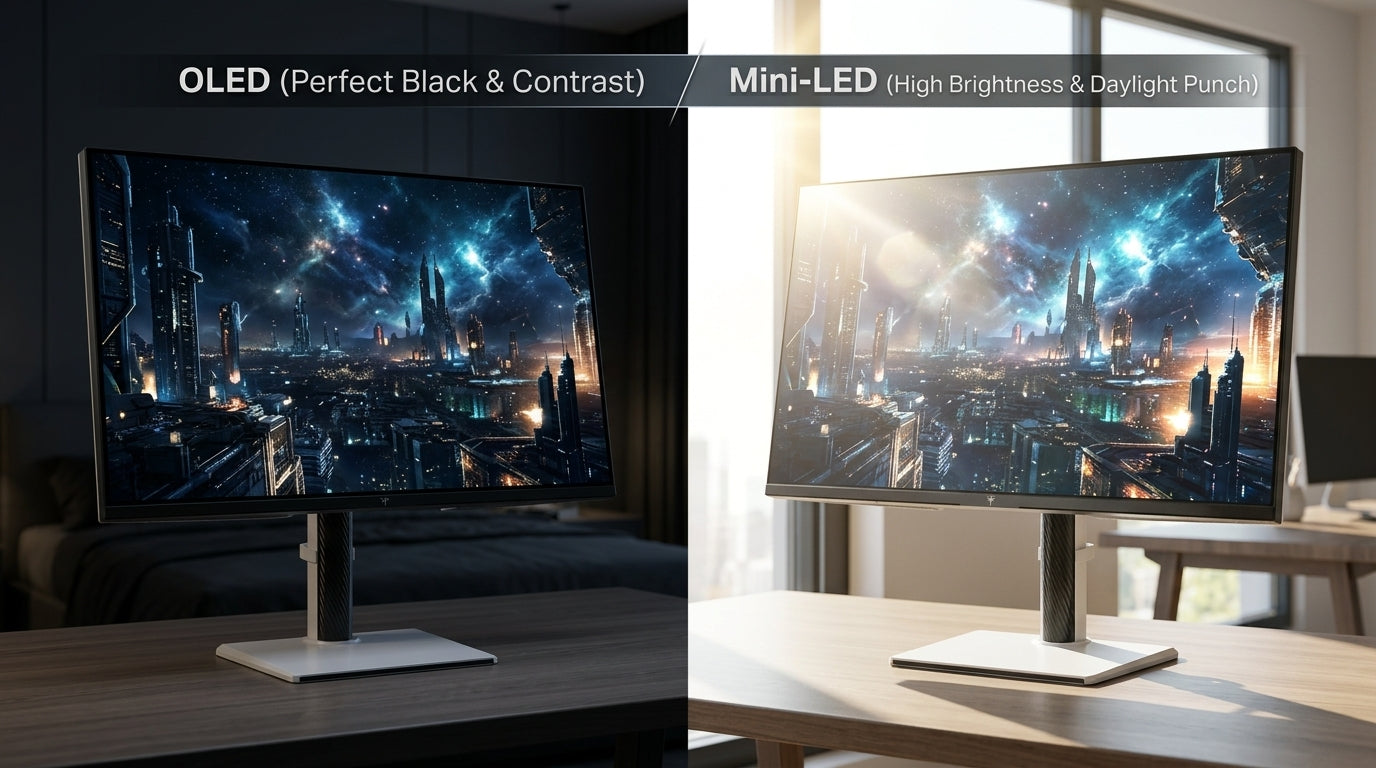
Despite the higher refresh rate, 540Hz LCD panels face stiff competition from 480Hz OLEDs in perceived motion clarity. A 540Hz LCD offers a 1.85ms frame window, but its pixel transitions must complete within that tight budget. In contrast, 480Hz OLEDs provide a slightly longer 2.08ms window paired with near-instantaneous 0.03ms GtG response times. Pursuit-camera comparisons shared in motion-clarity communities often show the OLED delivering cleaner tracking with less smear, even at the lower refresh rate.
This creates a practical paradox: the highest-Hz LCD is not automatically the clearest option. OLED's self-emissive pixels eliminate backlight lag and achieve near-CRT response, though they require careful burn-in management during long sessions with static HUD elements. For players sensitive to blur during rapid movement, the OLED route can outperform a 540Hz LCD that relies on aggressive overdrive and still shows minor GtG-induced artifacts.
The requirement for specialized panel tech underscores this. Standard panels struggle to hit the sub-1ms GtG needed at 540Hz without introducing overshoot. As a result, many competitive setups now weigh OLED clarity against LCD brightness and longevity. The decision often comes down to your tolerance for potential burn-in versus your need for maximum sustained brightness in bright rooms.
RTX 60-Series Benchmarks: The 540 FPS Hardware Tax
Sustaining 540 FPS in competitive titles demands flagship-level hardware that most players lack in 2026. High-end RTX 60-series GPUs paired with CPUs featuring large L3 caches (such as the latest X3D variants) are typically required to keep 1% lows above 500 FPS. Dropping below that threshold introduces micro-stutter that negates the monitor's motion benefits, turning a premium purchase into a regression in playability.
Benchmarks and scaling projections indicate that even with optimized settings at 1080p, maintaining stable 540 FPS across varied maps and fights remains challenging outside of top 0.1% rigs. This creates the real “hardware tax”: the additional cost of GPU, CPU, cooling, and power delivery often exceeds the monitor price itself. For players unable to sustain those frames, a 360Hz or 400Hz panel paired with a more balanced system delivers smoother overall experience.
If your current setup struggles to hold 300+ FPS, upgrading the monitor to 540Hz first is rarely the right move. Check your 1% lows in your main title first. As covered in our article on what happens when your GPU can't keep up with the monitor, unstable frame pacing creates more noticeable problems than a modest refresh-rate gap. Similarly, why a 240Hz monitor can sometimes feel slower than a well-tuned 165Hz display highlights how system stability often outweighs headline specs.
540Hz vs 360Hz: The 'Clarity vs. Latency' Decision Matrix
The practical difference between 540Hz and 360Hz (or 400Hz overclocked options) comes down to a clarity-versus-latency trade-off rather than a simple “faster is better” equation. Latency chasers focused on raw input lag see limited benefit from the 0.92ms frame-time reduction, which remains below most human reaction-time variability. Clarity specialists, however, gain from reduced persistence that sharpens tracking in titles heavy on movement.
540Hz vs 360Hz: Clarity vs. Latency Decision Matrix
Tiered comparison of three refresh-rate scenarios across latency gain, motion clarity, hardware demand, and overall value.
View chart data
| Category | 540Hz Pro | 400Hz Sweet Spot (KTC H25X7) | 360Hz |
|---|---|---|---|
| Latency Gain | 3.0 | 2.0 | 1.0 |
| Motion Clarity | 3.0 | 2.0 | 1.0 |
| Hardware Demand | 1.0 | 2.0 | 3.0 |
| Value | 2.0 | 3.0 | 2.0 |
The matrix above uses tiered scoring (3 = best in category, 1 = lowest) to illustrate the pattern. 540Hz excels in clarity and latency but demands the highest hardware and delivers lower overall value for the cost. The 400Hz sweet spot—exemplified by the KTC H25X7 360Hz/400Hz OC Fast IPS monitor—scores strongly across value and accessibility while still providing excellent motion clarity for most competitive scenarios. A standard 360Hz setup remains the safest entry point for players on mid-range GPUs.
This split helps clarify who should upgrade: clarity-focused pros with flagship RTX 60-series hardware may justify 540Hz. Competitive amateurs benefit more from allocating budget toward GPU improvements and choosing a balanced 400Hz option. The KTC 25" FHD 300Hz/320Hz monitor also serves as a strong vertical-oriented alternative for those prioritizing compact desks.
For broader context on choosing refresh rates, review our guide to which refresh rate is best for gaming and the importance of 1ms GtG for FPS players.
Is 540Hz Worth It for Your Setup?
540Hz is worth considering only if you already run a high-end RTX 60-series system capable of stable 500+ FPS, compete at the highest levels where every millisecond of tracking precision counts, and have budget remaining after maximizing CPU, RAM, and cooling. In that narrow case, the reduced persistence can sharpen fast-motion performance in titles like Valorant or Apex Legends.
For the vast majority of players, it is not the best use of funds. The hardware demands, cost premium of $400–$600 over strong 400Hz alternatives, and limited perceptible latency gain make 360Hz or 400Hz the rational choice. Start by measuring your current 1% lows and average FPS in your main game at competitive settings. If they fall below 350–400, prioritize hardware upgrades or a well-tuned 360Hz/400Hz monitor instead.
Check your setup against these filters before buying:
- Can you sustain 90%+ of the monitor’s rated refresh rate in real matches?
- Do you notice smearing during fast pans more than input delay?
- Is your budget better spent on GPU/CPU improvements for smoother frame pacing?
If the answer to any is “no,” a 400Hz model such as the KTC H25X7 or a strong 360Hz option from the 240Hz-400Hz Monitors collection will likely deliver a better day-to-day competitive experience. Match your choice to your actual rig and playstyle rather than chasing the highest number on the spec sheet.
FAQs
Do You Need 540Hz for Competitive Gaming in 2026?
No, most competitive players do not need 540Hz. The 0.92ms latency improvement over 360Hz is smaller than typical human reaction variability and is easily masked by network latency or inconsistent frame pacing. A stable 360Hz or 400Hz setup paired with strong hardware usually provides the majority of motion-clarity gains at a lower total system cost.
How Much GPU Power Is Required to Run 540 FPS in Esports Titles?
Stable 540 FPS generally requires a flagship RTX 60-series GPU and a high-cache CPU such as the latest X3D series. Even then, 1% lows can dip below 500 FPS in intense fights, introducing stutter. Mid-range cards typically max out around 300–400 FPS at competitive settings, making 540Hz a poor match unless you plan a full high-end upgrade.
Is 540Hz LCD Better Than 480Hz OLED for Motion Clarity?
It depends on the specific panel implementation. While 540Hz offers a higher refresh rate, many 480Hz OLEDs deliver superior perceived clarity thanks to near-instant GtG response. Pursuit-camera tests often favor the OLED for tracking fast objects, though LCDs maintain advantages in peak brightness and burn-in resistance. Test both if possible.
What Should I Check First Before Buying a 540Hz Monitor?
Measure your current average and 1% low FPS in your primary game at competitive settings. If they fall below 450–500, the monitor upgrade will be limited by your hardware. Also verify the panel’s VESA ClearMR rating and real-world GtG performance rather than relying on refresh-rate claims alone.
Is the KTC H25X7 a Good Alternative to 540Hz Monitors?
Yes, for most competitive amateurs the KTC H25X7 (360Hz native, 400Hz overclock) offers an excellent balance of motion clarity, price, and hardware accessibility. At roughly $230 it undercuts 540Hz models by several hundred dollars while delivering strong performance that matches or exceeds many higher-priced options when paired with a capable but not flagship PC.
Does Higher Refresh Rate Automatically Improve Aim?
No. Refresh rate improves motion clarity and can make tracking feel smoother, but it does not directly boost aim mechanics, mouse precision, or reaction time. Gains are most noticeable when your system already delivers stable high frame rates; otherwise, other factors like mouse sensitivity, crosshair placement, and practice deliver larger improvements.