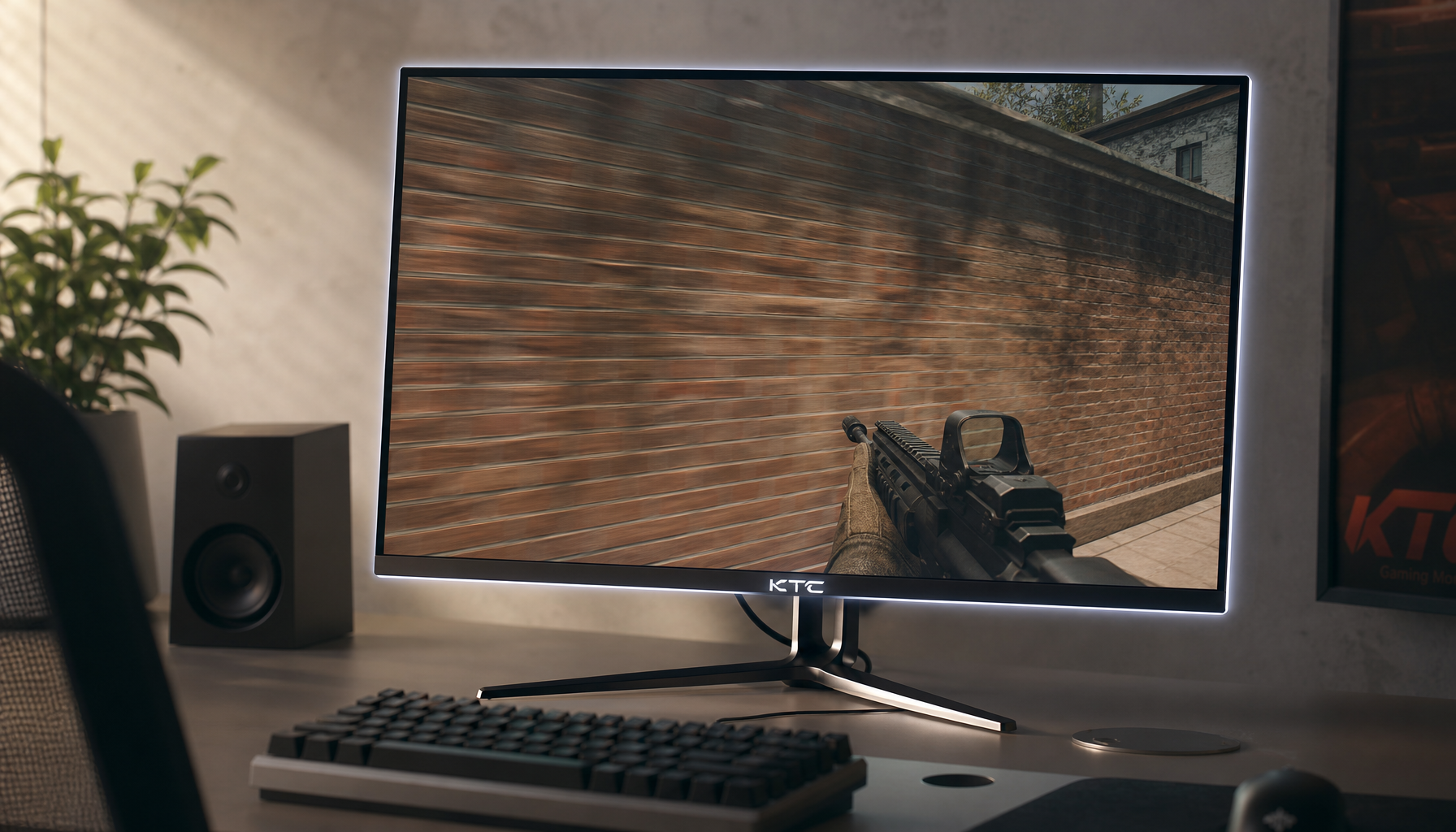
Rolling smart displays give retail teams a practical way to replace rigid static signage with a single unit that can serve as an interactive menu board, a mobile product demo station, or a flexible wayfinding tool. In 2026 retail environments and pop-up shops, these battery-powered screens on wheels adapt quickly to shifting traffic patterns and promotions without permanent installation.

Why 2026 is the Year of the Rolling Smart Display
Retailers are moving away from fixed signage because store layouts, seasonal campaigns, and daily traffic patterns change too often for static solutions. The retail digital signage market is projected to reach over $26 billion by 2026, growing at a CAGR of 8.1% as stores seek more flexible promotion tools.
Industry research from the National Retail Federation identifies portable, battery-powered interactive kiosks as a key growth area for 2025-2026. These rolling units eliminate the need for hardwired installations, cutting setup time and cost for temporary activations or layout changes. For operations managers and visual merchandising teams, this mobility means one device can handle multiple daily roles instead of multiple fixed signs.
The shift matters most in environments where foot traffic varies sharply or where quick repositioning creates sales opportunities that static displays cannot match. However, success depends on choosing hardware that balances easy movement with safety, compliance, and realistic daily operations.
The Dynamic Deployment Playbook: Menu, Demo, or Navigator?
Retail traffic rarely stays constant, so a rolling smart display performs best when its role changes with the store state. The Dynamic Deployment Framework helps teams decide whether to prioritize interactive demos, wayfinding, or promotional messaging at different times of day.
During low-traffic periods, position the display near high-margin products to function as an interactive demo station. Data indicates that buyers engaging with interactive content are significantly more likely to convert, with some platforms reporting up to a 32% increase when replacing static displays with interactive demos. This “Magnet” role works well when staff can give shoppers undivided attention.
In peak hours, move the unit to entry points or decision points to act as a navigator. Portable digital signage has become a benchmark for real-time wayfinding in hospitality and event environments, allowing staff to reduce customer frustration by repositioning tools based on daily traffic patterns.
For pop-up shops or flash sales, the same unit creates agile promotional zones that static signage cannot reach. This “Agile Promo” role aligns with 2026 retail trends toward temporary micro-zones.
Traffic Density and Display Role
Use this to see how the display’s primary role should shift as store traffic changes.
View chart data
| Scenario | Low traffic | Moderate traffic | High traffic |
|---|---|---|---|
| Demo | 3.0 | 2.0 | 1.0 |
| Wayfinding | 1.0 | 2.0 | 3.0 |
| Promotion | 2.0 | 2.0 | 1.0 |
This visual shows the likely primary role of the display by store traffic level: demo-led in lighter traffic, wayfinding-led as traffic rises, and more selective promotion use in between. Treat it as a planning guide, not a fixed rule. Interactive content generally drives higher engagement than passive video loops, but results still depend on content quality, placement, and staffing.

The Mobile Paradox: Safety, Compliance, and Operations
Mobility creates hidden operational demands that many teams underestimate. The same features that make a display easy to roll also require careful planning around safety, accessibility, and daily maintenance.
For safety in high-traffic retail environments, mobile displays should meet industry standards like the UL 10-degree tilt test, which ensures the unit remains stable and tip-resistant on uneven surfaces. Bottom-heavy designs with locking casters are essential; top-heavy units pose a real liability risk when customers or staff bump them.
To remain compliant with ADA accessibility standards, interactive mobile displays must have touch-operable parts no higher than 48 inches from the floor to accommodate wheelchair users. This requirement often conflicts with ideal eye-level placement for standing shoppers, so height-adjustable models become important.
Battery management adds another layer. Even “mobile” units need a dedicated charging zone for 6–8 hours of off-peak recharging. Failing to map this docking location in advance frequently results in dead screens during peak sales hours. System-on-Chip designs reduce cable clutter, but the added battery weight demands high-grade casters to avoid marking premium retail flooring.
These constraints mean the real purchase question is not simply “Can it move?” but “Can my team maintain it reliably every day without creating new safety or compliance problems?”
Evaluating Hardware for the Retail Floor
When selecting a rolling smart display, start with built-in battery capacity and wheel quality rather than screen size alone. Units with at least 8500–9500 mAh batteries avoid power cords that create tripping hazards across the sales floor. Look for casters rated for commercial use that roll smoothly yet lock securely.
Height adjustability and the ability to switch between portrait and landscape orientation support different content formats. A display that works as a vertical menu board in the morning can rotate to landscape for product demos in the afternoon. Integrated Android systems with Google EDLA certification simplify content updates without extra media players or PCs.
Screen brightness of 300–400 nits and anti-glare coatings help visibility under typical retail lighting. For pop-up or temporary use, prioritize models with quick-release stands and remote controls that let staff reposition and update content without tools.
The KTC MEGAPAD 32" 4K Android 13 Google EDLA Smart Touch Monitor with 9500mAh Battery meets many of these criteria with its rolling stand, height adjustment, portrait rotation, and long battery runtime, making it a practical option for retailers who need one device for multiple roles. Check current specifications against your specific floor surfaces, lighting, and compliance needs before purchasing. Similar options appear in the broader Mobile Touch Screen collection.
Retailers should also review related guidance on how to remove fingerprints from touch-enabled portable displays and what viewing angle actually measures on a monitor to maintain screen quality in daily use.
FAQs
How Long Does It Take to Set Up Battery-Powered Digital Signage for a Pop-Up Retail Event?
Most users complete setup in 5-15 minutes, including unboxing, positioning, and initial content sync via mobile app. Actual time varies by location constraints and familiarity; plan for a test run the day before to ensure reliability.
What Content Strategy Works Best for Retail Pop-Up Digital Displays?
Focus on short, high-impact loops (15-30 seconds) featuring product close-ups, customer testimonials, and limited-time offers. Prioritize visual storytelling over text; test sequences in-store to confirm they drive engagement without overwhelming foot traffic. Results depend on your specific audience.
What Are the Best Tips for Using Digital Signage at Pop-Up Retail Events?
Position screens at eye level in high-traffic zones, preload content for offline use, and secure devices against bumps. Bring a spare battery pack for events longer than 8 hours. Always verify local event rules for electrical and placement compliance.
How Long Does the Battery Last in High-Traffic Retail Environments?
Battery life typically reaches 8-12 hours under standard brightness and looped video playback, based on field tests. Factors like screen brightness, temperature, and content type can reduce this; monitor usage and carry a charger for full-day events.
Can This Digital Signage Integrate With My Existing Retail Management Systems?
Integration is possible via API or export tools with many POS and inventory platforms, though success depends on your specific systems and may require custom setup or third-party help. Test compatibility early; full synchronization is not guaranteed without technical review.