Oxide TFT backplanes improve Mini-LED dimming precision by giving the monitor more stable, higher-speed electrical control over its local-dimming zones. In practice, that can mean tighter highlights, less obvious blooming, and more consistent HDR behavior as refresh rates, resolutions, and zone counts climb.
Ever notice how a bright HUD element or subtitle can light up too much of a dark screen on an otherwise impressive gaming monitor? The difference between “good HDR” and “annoying haloing” often comes down to how precisely the display can control each dimming zone, especially once you add 4K resolution, ultrawide layouts, and 160 Hz or faster refresh rates. This breakdown shows where oxide TFT actually helps, where it does not, and how to use that information when buying a monitor.
Why the backplane matters in a Mini-LED monitor
A Mini-LED monitor’s backplane is the switching layer that tells each local-dimming zone when to rise, hold, or fall in brightness, and metal-oxide TFT backplanes are used because they offer high mobility, low leakage current, stability, and image uniformity over large areas. For monitor buyers, that matters because local dimming is not just about how many zones exist. It is also about how accurately those zones can be driven from frame to frame.
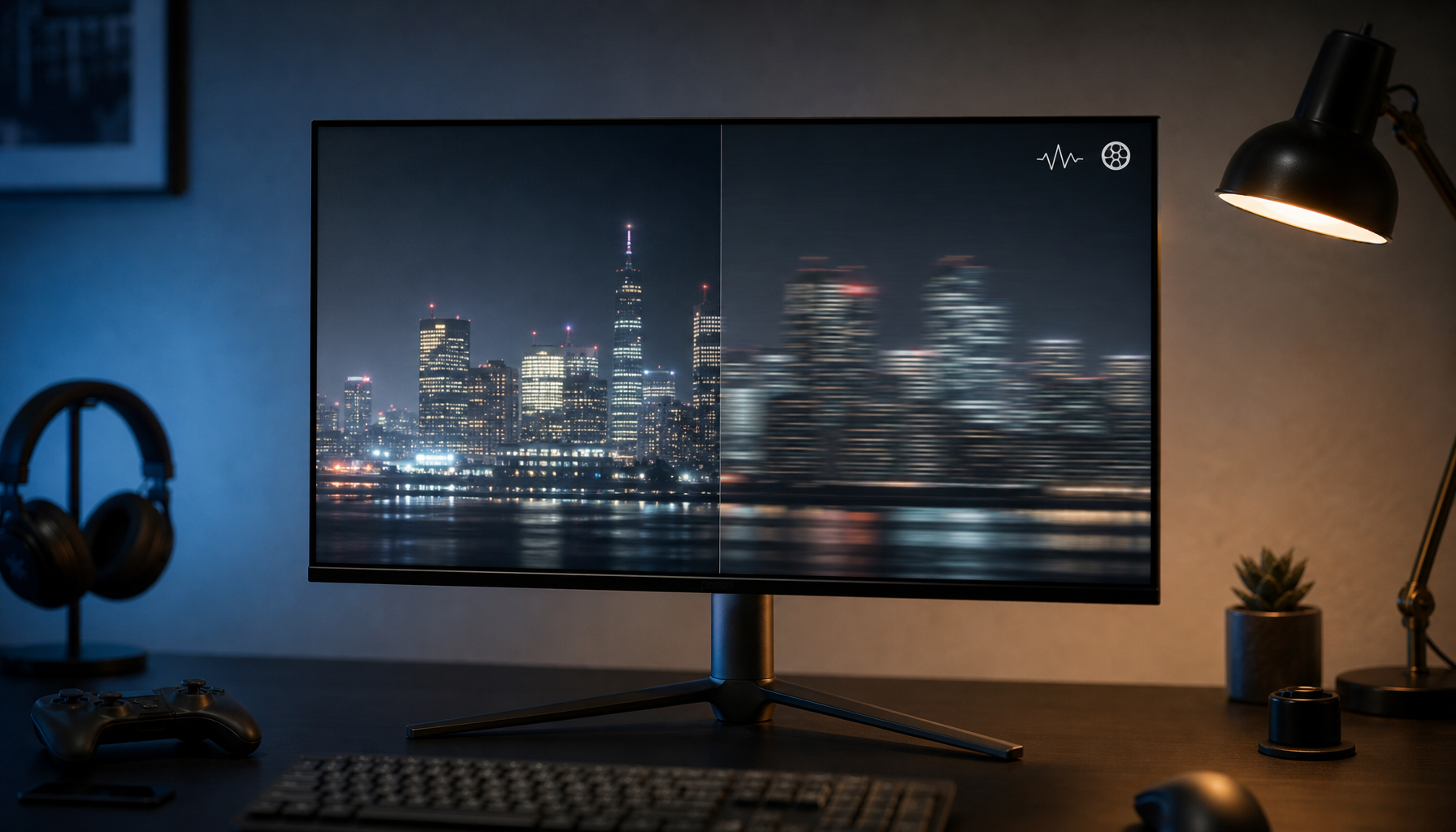
On a gaming monitor, the easiest failure case is a small bright object on a dark background: a white crosshair, a moon in a night scene, or subtitles over black bars. Test patterns that isolate local dimming behavior make it obvious that imprecise zone control creates larger halos and lifted blacks around bright objects. Better electrical control does not replace good dimming algorithms, but it gives those algorithms a stronger foundation.

One important caveat: most public technical papers focus on oxide TFT backplanes in OLED, microLED, or active-matrix LED structures rather than a direct apples-to-apples Mini-LED monitor comparison. The article’s core takeaway is therefore an inference from closely related display backplane research, not a claim that oxide alone guarantees a better monitor. That distinction matters if you are comparing real products rather than just spec sheets.
What oxide TFT changes electrically
One 2024 oxide-backplane prototype reported electron mobility 20 to 50 times higher than amorphous silicon, alongside 1,000 nits brightness and 99% DCI-P3 coverage. Higher mobility matters because the backplane can charge and regulate drive elements more easily, which becomes increasingly valuable as dimming zones multiply and the monitor has less time to update them between frames.
Research on active-matrix LED displays also shows why monitor engineers care about oxide TFT behavior. In one oxide-TFT backplane study, the display achieved 120 Hz operation with good grayscale expression and a TFT mobility around 18.4 cm²/V·s. That does not describe a desktop Mini-LED LCD directly, but it does show the same electrical advantage: faster, more stable transistors make fine brightness control easier at video speeds.
A recent large-panel oxide-TFT paper adds another practical clue. A 31-inch 4K oxide-TFT display running 120 Hz had only 170 microseconds of blank time across 2,160 rows, and the design work focused on keeping threshold shifts and mura under control. Once you stack high resolution, high refresh, and dense dimming control together, timing margin gets tight. Oxide helps by giving the backplane more headroom before those limits show up as instability on screen.
How that translates to visible HDR performance
The first visible win is usually better highlight containment. When a zone can be driven more predictably, bright details such as stars, UI elements, muzzle flashes, or reflections are less likely to spill excess light into neighboring dark areas. That does not mean blooming disappears, but local-dimming behavior improves when the display can combine stronger electrical control with higher zone counts.

The second win is luminance consistency. Metal-oxide TFT backplanes are valued for image uniformity over large areas, which is especially relevant on 32-inch 4K panels and 34-inch or 49-inch ultrawides where uneven dimming becomes easier to spot. In real use, this can show up as fewer brightness mismatches across the screen during HDR scenes with mixed dark and bright regions.
The third win is stability near black. Oxide TFTs are attractive partly because of low leakage and stable device behavior, and a device study on oxide TFT structures reported higher drain current with improved threshold-voltage and subthreshold characteristics in its optimized design. For monitor buyers, the practical interpretation is simple: when the backplane holds dark states more cleanly, the monitor has a better chance of keeping shadow areas dark instead of letting them glow gray around small bright objects.

Why high-refresh, 4K, and ultrawide monitors benefit the most
The case for oxide TFT gets stronger as monitor demands stack up. The current Mini-LED monitor market already spans everything from 180 Hz ultrawides to 320 Hz gaming panels and zone counts from a few hundred to several thousand. As those specs rise together, the local-dimming system has to make more decisions, more quickly, across a larger active area.

That is why oxide matters more on a 27-inch 4K 160 Hz HDR monitor or a 34-inch ultrawide with more than 2,000 zones than on a basic office display. In those heavier workloads, the backplane needs enough speed and consistency to avoid turning fast HDR transitions into smearing, pumping, or obvious halo expansion. The benefit is not that oxide creates better image processing by itself; it is that it makes demanding monitor designs easier to execute well.
Portable monitors and simpler desktop displays are a different story. If the screen has modest brightness, limited HDR capability, or only a small number of dimming zones, oxide TFT may be a nice engineering choice without being the top buying priority. In that tier, panel tuning, zone count, response behavior, and usable brightness usually affect the experience more than the backplane label alone.
What to prioritize when shopping for an oxide Mini-LED monitor
For buyers, the right question is not “Does it use oxide TFT?” but “What problem is oxide helping solve on this specific monitor?” Modern Mini-LED monitors already vary widely in zone count, refresh rate, and form factor, so oxide should be treated as an enabling technology rather than a standalone quality stamp. If two monitors have similar brightness, similar tuning, and similar zone density, oxide is a meaningful tiebreaker. If one monitor simply has far more zones and better HDR execution, that usually matters more.
The table below summarizes where oxide tends to help most in monitor buying:
Parameter |
Typical non-oxide implementation |
Oxide TFT implementation |
Why buyers notice it |
Transistor mobility |
Lower |
Higher; one prototype reported 20 to 50 times a-Si |
More timing headroom for dense zone control |
Leakage and dark-state stability |
More limiting |
Generally better controlled |
Cleaner blacks around small bright objects |
Large-panel uniformity |
Harder to maintain |
Better suited to large-area consistency |
Fewer visible brightness mismatches on 32-inch and ultrawide panels |
High-refresh operation |
Tighter electrical margins |
Better fit for fast scan and drive timing |
More stable HDR behavior at 160 Hz and above |
Buying impact |
Helpful, but secondary |
Helpful, but still secondary to total implementation |
Best used as a tiebreaker after zone count, HDR brightness, and tuning |
A practical rule works well here: prioritize zone count, usable HDR brightness, refresh rate, and motion performance first; then use oxide TFT as a sign that the monitor may be better equipped to manage those demands cleanly. In other words, oxide helps you get more out of an ambitious Mini-LED design, but it does not magically turn a low-zone monitor into a top-tier HDR display.
FAQ
Q: Does oxide TFT eliminate blooming on Mini-LED monitors?
A: No. Blooming is still strongly tied to local-dimming zone count and algorithm behavior. Oxide TFT can improve control precision, but it cannot fully overcome a coarse zone layout.
Q: Is oxide TFT only relevant for HDR movies and single-player games?
A: No. As refresh rates and resolutions rise across gaming monitors, the backplane has to update more aggressively, so oxide can also matter for motion stability and fast scene transitions.
Q: Should I choose oxide TFT over a monitor with more dimming zones?
A: Usually no. Higher mobility and stability are useful electrical advantages, but most buyers will see a bigger difference from stronger overall HDR implementation, especially more effective zone density and better tuning.
Practical Next Steps
If you are buying a gaming or ultrawide Mini-LED monitor, treat oxide TFT as a meaningful plus when the display is already pushing high refresh, high resolution, and high zone counts. That is where its extra electrical headroom is most likely to show up as cleaner HDR highlights and less distracting haloing.
Use this checklist before you buy: - Check the local-dimming zone count first. - Verify real HDR brightness and not just the marketing badge. - Look for high-refresh models where oxide is supporting a demanding spec stack, not replacing one. - Test or watch dark-scene patterns with bright HUD elements, subtitles, or stars on black backgrounds. - Use oxide TFT as a tiebreaker when two monitors are otherwise close.
References
- a company profile and oxide-backplane prototype details
- Metal oxide TFT backplanes overview
- a platform summary of metal oxide TFT backplane advantages
- Active-matrix LED display using oxide TFT backplane
- 31-inch 4K oxide-TFT display paper
- Oxide TFT device study
- Mini-LED monitor market list and spec ranges
- Local dimming test patterns