DisplayPort 2.1 can absolutely handle a 4K 240Hz gaming monitor, but only the right DP 2.1 tier can do it uncompressed. In many real monitor setups, “DP 2.1” still means 4K 240Hz with DSC rather than full native bandwidth headroom.

If you bought a 4K 240Hz monitor and still cannot select every top-end color or HDR mode you expected, the port label is probably hiding the real limit. The same display mode can demand almost 80 Gbps without compression or less than 23 Gbps with compression, which is why some setups feel effortless and others feel strangely fragile. Here is how to tell when DisplayPort 2.1 really matters, what it changes on a gaming monitor, and what to check before you spend more.
DisplayPort 2.1 Is Three Different Bandwidth Levels
The three tiers matter more than the version number
The phrase DisplayPort 2.1 has three UHBR tiers is the first thing most monitor buyers miss: UHBR10, UHBR13.5, and UHBR20. In raw link rate, that means 40 Gbps, 54 Gbps, and 80 Gbps, with effective payloads of about 38.69 Gbps, 52.22 Gbps, and 77.37 Gbps after encoding overhead.
Why “DP 2.1” on a spec sheet is incomplete
That matters because not every DisplayPort 2.1 monitor delivers the full 80 Gbps. Some monitor and GPU implementations stop at UHBR10, which can still be useful for compressed 4K 240Hz, but it is not the same thing as a full UHBR20 path. For gaming monitor buyers, this is the difference between “works at 240Hz” and “works at 240Hz with the exact color depth and signal path I wanted.”
Connection or tier |
Rated bandwidth |
What it usually means for a 4K 240Hz monitor |
DisplayPort 1.4a |
32.4 Gbps |
Usually needs DSC for 4K 240Hz |
DP 2.1 UHBR10 / DP40 |
40 Gbps raw, 38.69 Gbps effective |
4K 240Hz is realistic with DSC, not full uncompressed headroom |
DP 2.1 UHBR13.5 / DP54 |
54 Gbps raw, 52.22 Gbps effective |
More margin for HDR and very high-end panels, but 4K 240Hz is still commonly a DSC path |
DP 2.1 UHBR20 / DP80 |
80 Gbps raw, 77.37 Gbps effective |
Can carry 4K 240Hz without DSC |
When 4K 240Hz Is Truly Uncompressed
The cleanest path is UHBR20
A four-link UHBR20 connection can carry 4K at 240Hz without DSC. That lines up with the practical math: uncompressed 4K 240Hz at 10-bit color lands close to 80 Gbps, so only the top tier of DP 2.1 has enough room to do it natively on a gaming monitor.

Why so many monitors still use DSC
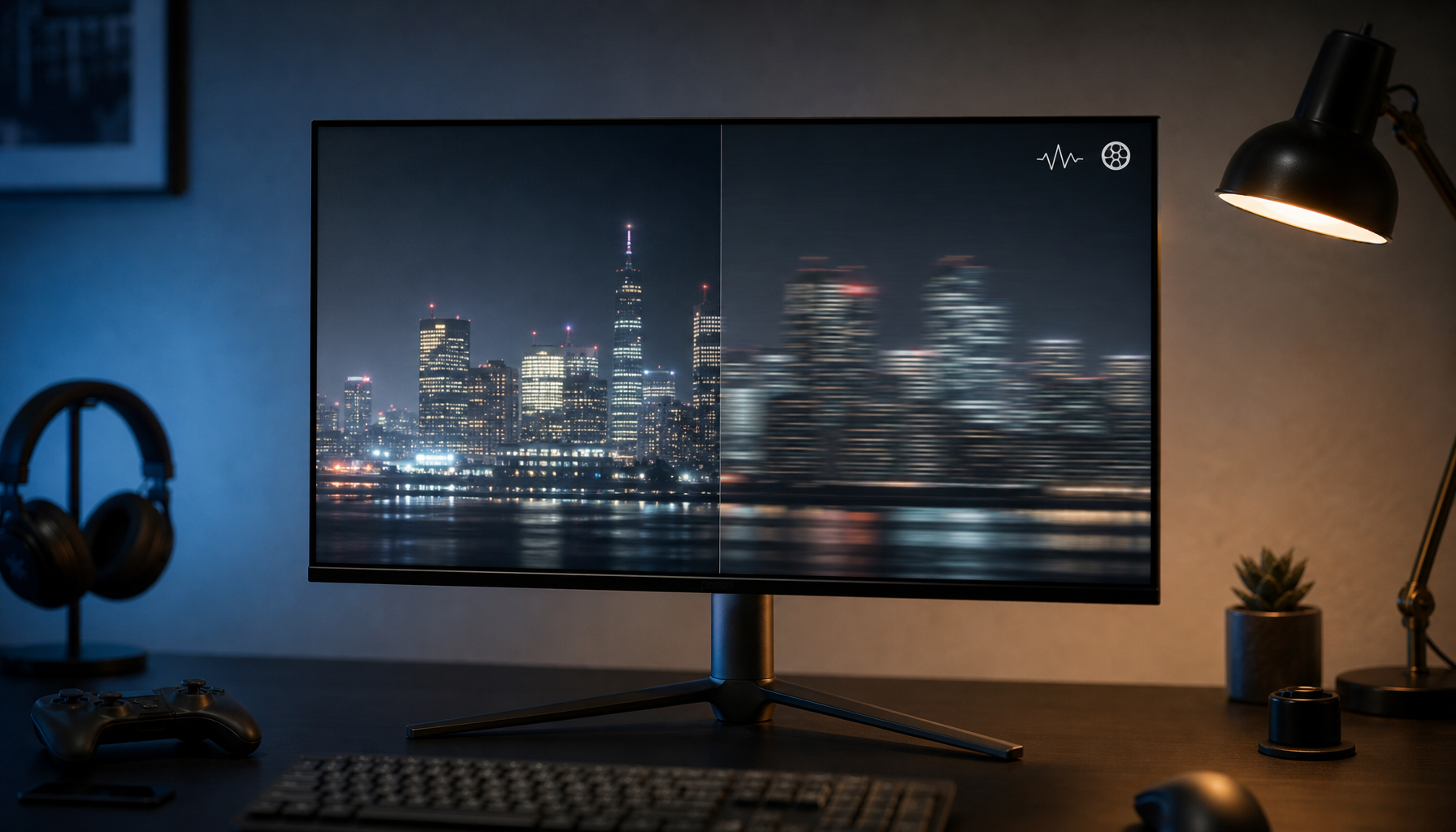
For many real displays, DSC is what makes 4K 240Hz possible on older or lower-bandwidth links. An industry group describes DSC as visually lossless, and a forum discussion cites latency of less than one scan line, but there are still tradeoffs: a source notes that DSC can introduce artifacts in edge cases and may disable extras such as certain PC-side scaling features on some PC setups.
Where DisplayPort 2.1 Actually Changes the Experience
It is usually about headroom, not a new look by itself
For PC gaming monitors, DisplayPort 2.1 brings more than three times the bandwidth of DP 1.4a. The visible change is usually not “better pixels” from the port itself; it is the ability to run 4K 240Hz with more freedom around 10-bit color, HDR, and full RGB without leaning as hard on compression.
The benefit gets bigger as monitors get more ambitious
That headroom matters most on higher-resolution, higher-refresh HDR monitors, especially large ultrawides. A 27-inch or 32-inch 4K 240Hz panel is demanding but manageable; a 7680×2160 ultrawide at 240Hz pushes much harder and, in certain flagship ultrawide examples, needs UHBR13.5 and at least a DP54 cable. That is why DP 2.1 matters more for flagship ultrawides than for every standard 16:9 gaming monitor.
The Real Bottlenecks: GPU, Cable, and Monitor
The GPU output can cap the whole setup
The GPU often decides the ceiling before the monitor does. A company notes that one recent GPU family tops out at UHBR13, another at UHBR10, and another stays on DP 1.4a, while another company says a newer GPU generation moves up to UHBR20. If your monitor supports DP80 but your graphics card does not, you are not getting a true 80 Gbps link.
Cable length is not a minor detail at this level
The cable is the next weak link. Active DP80LL cables described by an industry group extend UHBR20 runs from about 3.3 ft to as much as 9.8 ft, while a company says most certified DP80 cables buyers actually find are around 3.9 ft or shorter. On a desk with a tower under the table, that is not a trivial shopping detail.

Real-world failures often look like “the monitor is broken”
A support forum case showed a familiar pattern: HDMI was capped below the monitor’s peak refresh, the included DisplayPort cable initially worked at full speed, and then the display went black after a reboot. That thread was about 1440p 240Hz, not 4K 240Hz, but the lesson carries over: handshake stability, cable quality, and exact port capability matter just as much as the version label on the box.

Buying a 4K 240Hz Monitor Without Guesswork
Match the panel class to the rest of the system
A 4K 240Hz gaming monitor usually lands in the 27-inch to 32-inch range, which is the sweet spot for sharpness and desk fit. That class is excellent for players who want both detail and motion clarity, but a company is also right that fully using 4K 240Hz normally calls for a high-end PC, and many games still will not hold 240 fps at native 4K with max settings.
Treat vague connectivity specs as a buying risk
When spec sheets hide the exact UHBR tier, buyers should assume there may be limits around 10-bit RGB, highest-refresh HDR, or future GPU upgrades. In practical monitor shopping, a lower-cost DP 2.1 implementation can still be fine if you are comfortable with DSC, but a premium OLED, Mini-LED, or ultrawide monitor deserves a premium level of disclosure from the manufacturer.
Final Takeaway
The fastest way to avoid a bad purchase
For most buyers, 4K 240Hz is a whole-system decision, not just a monitor-port decision. If your goal is simply to run a current 4K 240Hz gaming monitor well, DP 1.4 plus DSC can still be enough. If your goal is uncompressed 4K 240Hz, cleaner bandwidth headroom for HDR and 10-bit color, or a better path into next-wave ultrawide and higher-refresh panels, UHBR20-class DP 2.1 is the version worth paying for.
Action checklist
- Check the GPU output spec first: DP 1.4a, UHBR10, UHBR13.5, or UHBR20.
- Confirm the monitor lists the actual DP tier, not just “DisplayPort 2.1.”
- Match the cable label to the target link: DP40, DP54, or DP80.
- Keep UHBR20 cable runs short unless you are using an active cable designed for longer distance.
- Decide whether DSC is acceptable for your gaming and desktop workflow.
- Verify 240Hz, HDR, RGB/full range, and VRR settings after connecting the monitor.
FAQ
Q: Do I need DisplayPort 2.1 for every 4K 240Hz gaming monitor?
A: No. Many 4K 240Hz monitors can run over DP 1.4 or lower-tier DP 2.1 by using DSC. DP 2.1 becomes much more important if you want uncompressed 4K 240Hz or more bandwidth margin for future displays.
Q: Is DSC a problem for gaming?
A: Usually, no. It is commonly described as visually lossless and very low latency, but it can still affect a few PC-side features or create artifacts in edge cases, which is why some enthusiasts still prefer full-bandwidth native links.
Q: What cable should I buy for a 4K 240Hz monitor?
A: Buy the shortest certified cable that matches the bandwidth you actually need. For full UHBR20-class operation, a DP80 cable is the safer target, and longer runs may call for an active cable rather than a generic passive one.
References
- How to Choose the Best 4K 240Hz Gaming Monitor | a company
- DisplayPort 2.1b and HDMI 2.1b – Everything You Need to Know | a company
- DisplayPort 2.1 Explained | a publication
- Understanding DisplayPort 2.1 | a company knowledge base
- Bandwidth Calculator | a brand
- They’re lying to us about DP 2.1 | a forum
- [SOLVED] What display cable or bandwidth is needed for 2560x1440 @240Hz? | a support forum