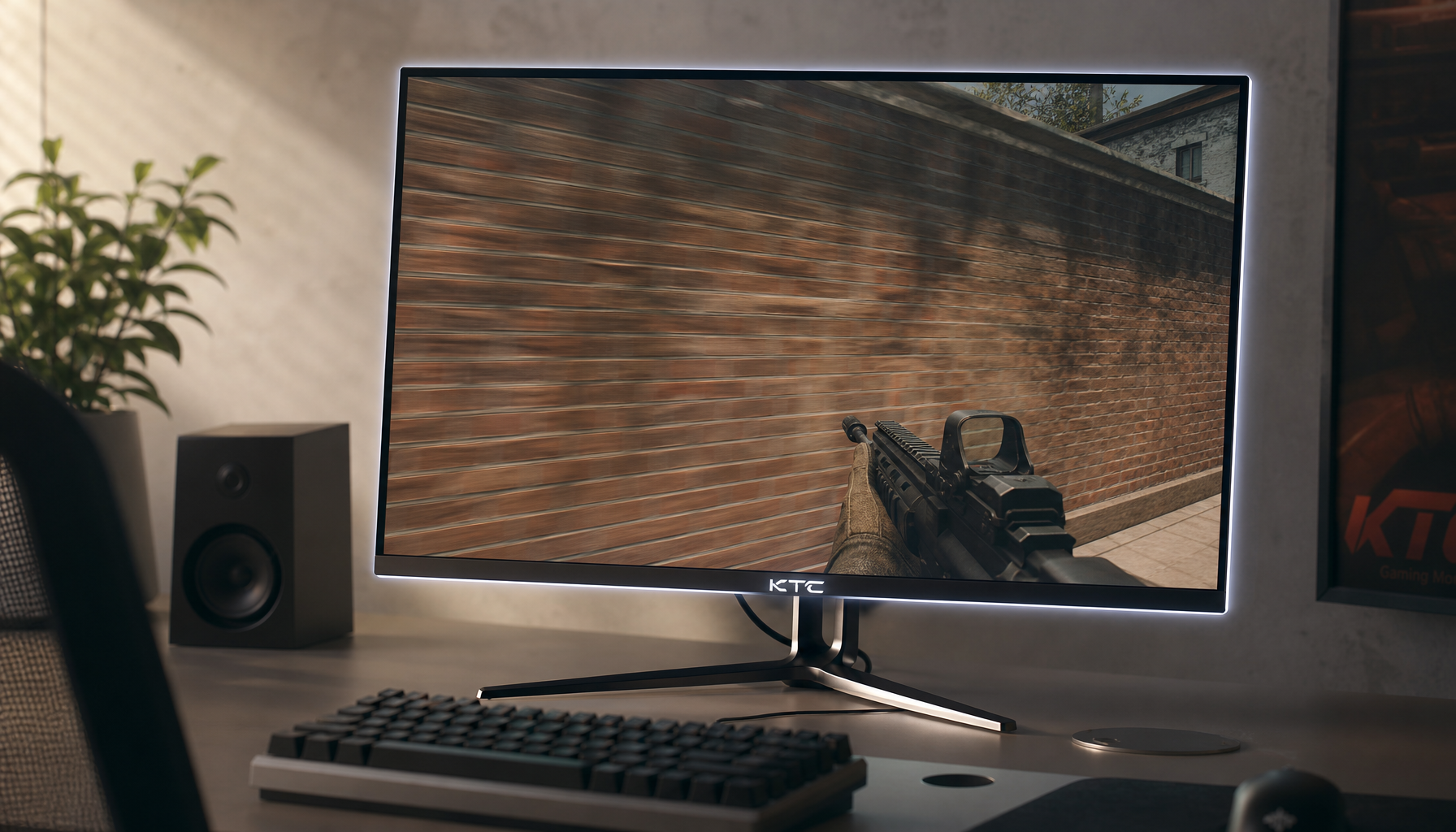
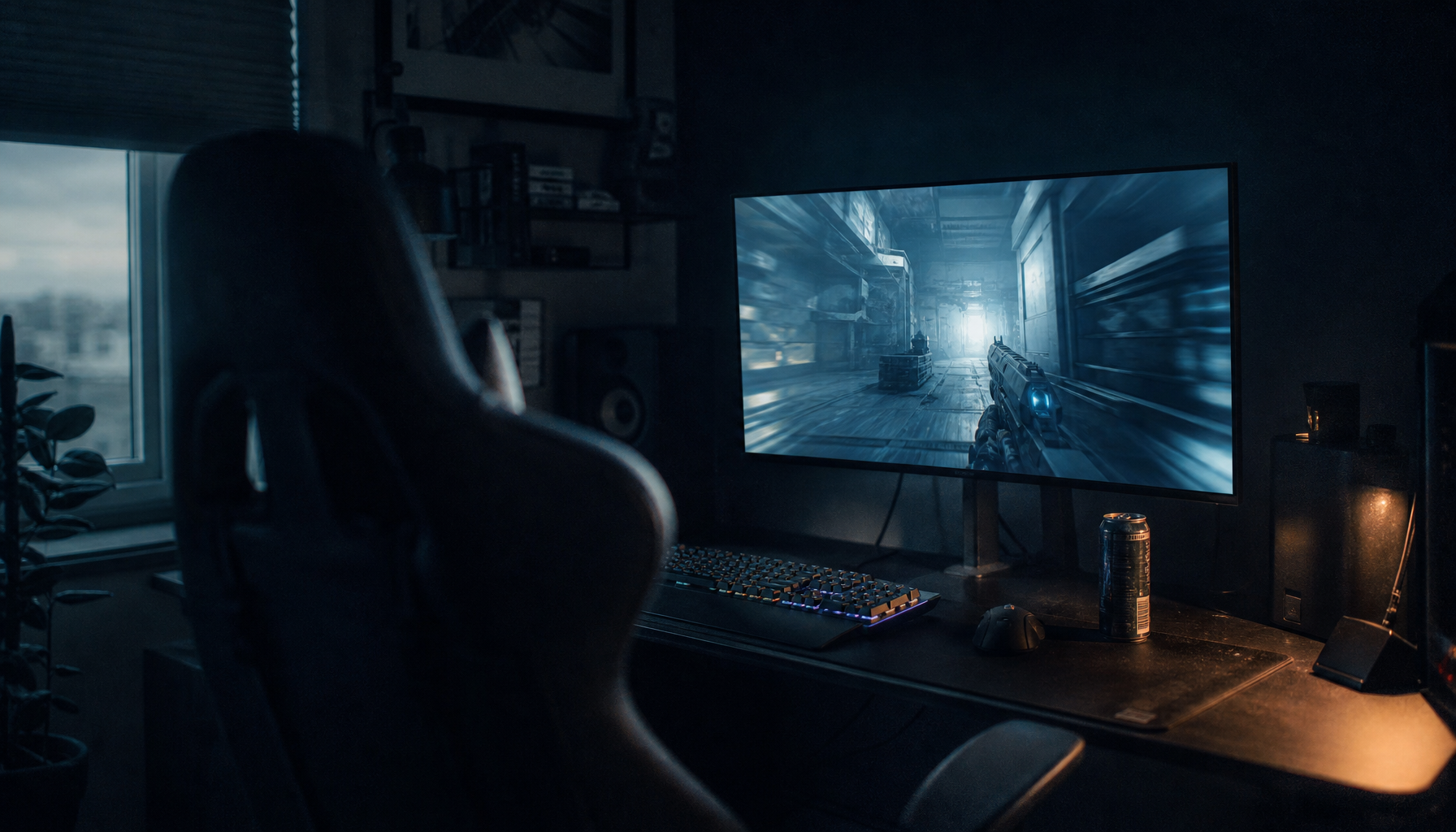
Your 2026 flagship GPU might hit impressive peak frame rates in esports titles, but sustaining a locked 400 fps or higher while feeding a 400Hz+ monitor is a different story. Bandwidth limits, CPU bottlenecks, mouse polling rates, and panel response times often prevent most setups from realizing the full competitive edge these ultra-high refresh rate displays promise. For dedicated CS2 or Valorant players with a balanced high-end system, a well-chosen 400Hz monitor can reduce perceived input delay and improve motion clarity, but only if your CPU, peripherals, and connection can keep up; otherwise, a 240Hz or 360Hz option frequently delivers more consistent value.

Bandwidth Reality Check: DP 2.1 UHBR20 vs DP 1.4/DSC
The raw data rate required for uncompressed 4K at 240Hz or 1080p at 500Hz+ quickly exceeds what older DisplayPort standards can deliver without compression. As the official DisplayPort specification from VESA confirms, DP 2.1 with UHBR20 mode supplies up to 80 Gbps—nearly triple the effective bandwidth of DP 1.4—allowing true uncompressed transmission at these extreme rates.
Most “DP 2.1” GPUs and monitors released before 2026 only support UHBR13.5, which still requires Display Stream Compression (DSC) to reach 400Hz+ workloads. DSC is visually lossless for the vast majority of competitive gamers, yet it can introduce minor compatibility quirks in multi-monitor setups or add a small amount of encoding latency that some players notice during pixel-perfect aiming. The VESA DSC standard overview notes these edge-case behaviors, which is why next-generation 2026 GPUs that fully implement UHBR20 are expected to make uncompressed ultra-high refresh gaming more practical.
Check your GPU and cable first. If your current card only outputs DP 1.4, even a 400Hz monitor will fall back to DSC or lower refresh modes. Upgrading the cable alone rarely solves bandwidth shortfalls—verify the GPU’s supported UHBR level before purchase. For most players running 1080p or 1440p esports titles, DP 1.4 with well-tuned DSC still provides a highly competitive experience, but uncompressed DP 2.1 removes any lingering doubt about signal integrity.
For more on what happens when your graphics hardware cannot sustain the monitor’s advertised refresh, see our guide What Happens When Your GPU Can’t Keep Up With Your Monitor’s Refresh Rate?.
Beyond the GPU: The Hidden Hardware Bottlenecks
Even with an RTX 5090-class GPU, reaching a stable 400 fps in competitive titles is usually limited by the CPU, memory subsystem, or input peripherals rather than raw graphics power. At these frame rates the processor must prepare each frame in roughly 2.5 ms or less; any cache miss or background task can cause 1% lows to dip below 300 fps, creating visible stutter on a 400Hz panel.
Mouse polling rate is another frequently overlooked constraint. A standard 1000Hz mouse updates position only once per millisecond, which can produce a visible “staircase” or micro-stutter effect when paired with a monitor refreshing every 2 ms or faster. Community testing on forums such as r/MouseReview shows that 4000Hz or 8000Hz polling is typically required to keep input updates aligned with ultra-high refresh output. However, those higher polling rates generate significantly more CPU interrupts, which can reduce average frame rates and create a new performance bottleneck—especially on CPUs without large cache.
Memory latency and game-engine frame caps add further friction. Many esports titles still enforce hard limits around 300–400 fps, and unstable 1% lows often matter more for perceived smoothness than occasional peaks above 500 fps. System optimization, fast RAM, and a high-cache CPU (such as AMD’s X3D series) become essential supporting players.
The practical takeaway is straightforward: a 400Hz+ monitor only delivers its advertised advantage when the rest of the chain—CPU, RAM, mouse, and driver settings—can sustain frame rates close to the refresh target. If your current setup struggles to maintain 240 fps with stable lows, the extra Hz will mostly go unused. For deeper troubleshooting on perceived speed differences, review Why Does My 240Hz Monitor Feel Slower Than My Friend’s 165Hz Display?.
Fast IPS vs OLED: The Race for Zero Motion Blur
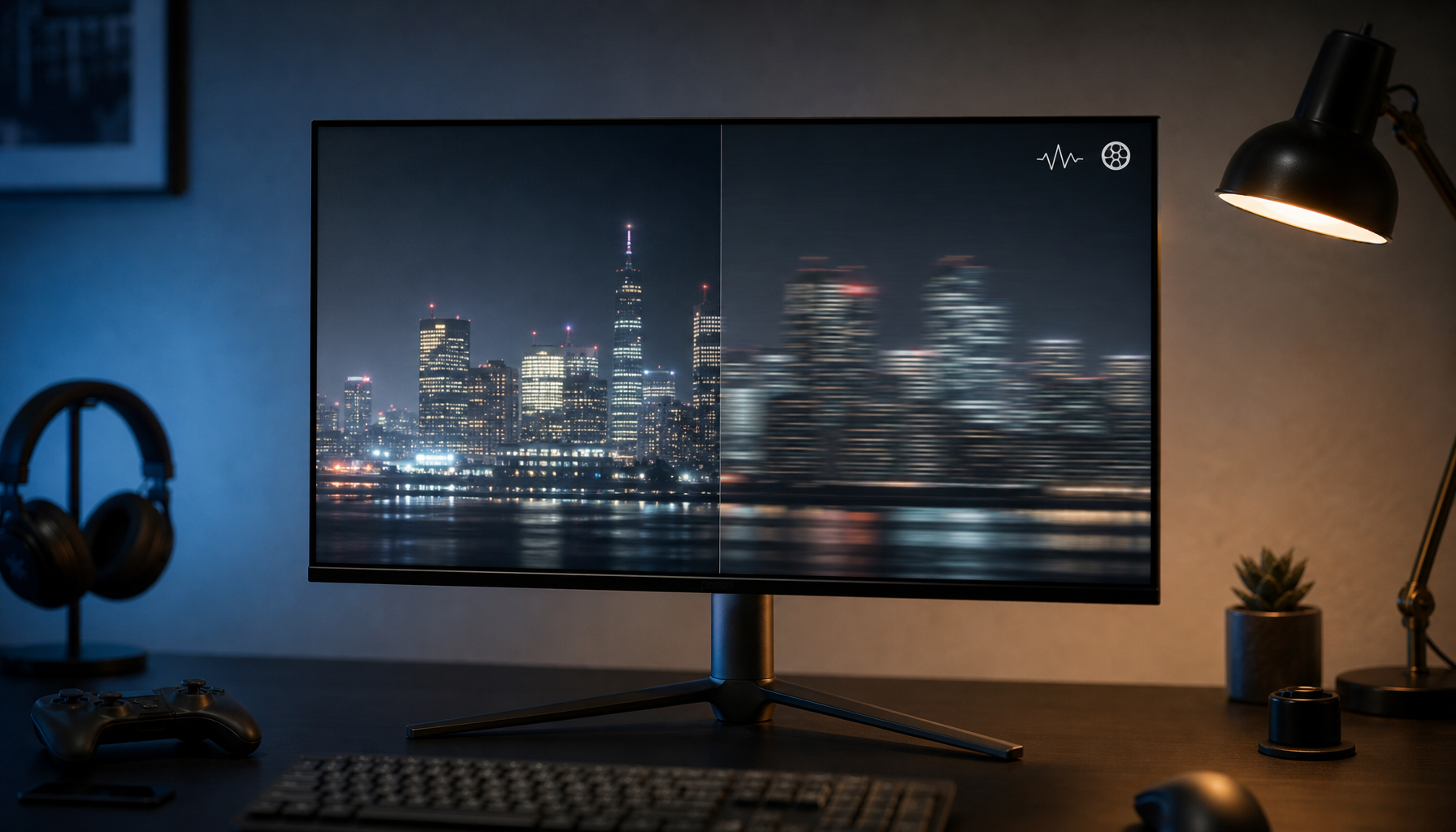
Once frame delivery is stable, the panel’s pixel response time determines how cleanly motion appears. OLED panels achieve roughly 0.03 ms GtG response, meaning pixels are settled for nearly the entire frame duration even at 480Hz. Fast IPS panels, while capable of 360–500Hz refresh, typically rely on aggressive overdrive to reach 4–5 ms GtG; this can reduce ghosting but often introduces overshoot or inverse ghosting that remains visible during rapid crosshair movement.
The well-known motion-clarity paradox helps illustrate the difference. At 540Hz an LCD frame lasts only 1.85 ms, yet a “1 ms” GtG panel still spends a substantial portion of that interval transitioning, leading to smearing. An OLED at 480Hz settles almost instantly, delivering cleaner perceived motion in fast-twitch esports. Blur Busters testing consistently shows that the jump from good LCD response to near-instant OLED response remains more noticeable than simply doubling the refresh rate on an LCD.
Both technologies still suffer from sample-and-hold persistence blur unless backlight strobing (ULMB 2 on LCD) or equivalent OLED black-frame insertion is enabled. Strobing reduces blur but cuts brightness and can introduce flicker, while native OLED contrast avoids these trade-offs. Burn-in risk on modern OLED gaming panels has improved substantially with pixel-shift and screen-saver features, yet it remains a consideration for players who leave static HUD elements visible for hours daily.
Fast IPS tends to be brighter, cheaper, and free of burn-in worries—qualities that still matter for many competitive players. OLED currently leads in motion clarity and contrast, making it the stronger choice when your system can sustain the required frame rate and you prioritize the cleanest possible image.
The chart below summarizes these trade-offs using conservative tiers derived from Blur Busters research and typical esports observations. Higher bars indicate better motion clarity on that axis.
Fast IPS vs OLED: Motion Clarity at Ultra-High Refresh Rates
A decision aid for esports motion clarity. OLED’s near-instant pixel transitions remove most GtG-related trailing and overshoot, while sample-and-hold persistence still leaves some blur on both panel types unless strobing or black-frame insertion is used.
View chart data
| Category | Fast IPS | OLED |
|---|---|---|
| GtG Response Time | 2.0 | 2.0 |
| Persistence Blur | 2.0 | 2.0 |
| Visual Artifacts | 1.0 | 2.0 |

KTC’s own lineup reflects these realities. The KTC 24.5 inch 360Hz/400Hz OC Fast IPS FHD Gaming Monitor H25X7 offers bright, affordable speed with solid overdrive tuning for players who prefer maximum nits and no burn-in risk. For those prioritizing pixel-level clarity, the KTC OLED 27" 2K 240Hz/0.03ms USB-C Gaming Monitor G27P6 provides the near-instant response that makes 400Hz-class gameplay feel exceptionally clean. Both sit inside the broader 240Hz-400Hz Monitors collection, letting you compare specs side-by-side before deciding.
Our longer guide on persistence explains why simply raising the refresh rate does not eliminate all blur: What Is Sample-and-Hold Blur and Why Higher Refresh Rates Don’t Eliminate It?.
The Verdict: Should You Buy a 400Hz+ Monitor Today?
A 400Hz or 500Hz monitor is worth buying today only if you consistently maintain frame rates within 10–15% of the panel’s refresh target in your main esports titles and are willing to upgrade supporting components. Hardcore players focused on Valorant, CS2, or similar lightweight games on a 2026 RTX 5090-class system with a 4000Hz+ mouse and DP 2.1 connectivity can feel a tangible reduction in perceived input lag and cleaner tracking. For everyone else—especially those playing CPU-heavy or capped titles, or whose systems hover around 200–300 fps—a 240Hz or 360Hz monitor paired with stable 1% lows usually provides a more noticeable day-to-day improvement.
Frame-rate stability matters more than headline peaks. If your 1% lows frequently drop below 240 fps, the extra refresh rate mainly serves as future-proofing rather than immediate competitive gain. Consider your upgrade path: a high-quality 400Hz Fast IPS or OLED becomes a smarter long-term investment once your CPU and peripherals can sustain the required output.
If you mainly play AAA or story-driven games that rarely exceed 200 fps, or if your current rig struggles at 1440p, a 360Hz model or even a well-tuned 240Hz display paired with strong VRR remains the practical sweet spot. Check your actual in-game 1% lows, verify your GPU’s DisplayPort spec, and test your mouse polling before committing to the top tier.
For balanced advice on matching hardware, see How to Choose the Perfect Monitor to Match Your Graphics Card and our refresh-rate overview Which Refresh Rate Is Best for Gaming: 60Hz, 144Hz, or 240Hz?.
Is 500Hz Worth It for Competitive Gaming in 2026?
Only for players who already sustain 450+ fps with stable 1% lows in their chosen title and use a 4000Hz+ mouse on a high-cache CPU. The incremental motion-clarity gain over 400Hz is small for most humans, and many game engines still impose frame caps that prevent full utilization. A 400Hz monitor paired with excellent system balance is usually the more realistic target.
Does DP 2.1 UHBR20 Matter for 1080p or 1440p Esports?
At 1080p or 1440p the bandwidth demands are lower, so DP 1.4 with DSC can still deliver 400Hz+ without visible quality loss for the majority of competitive players. UHBR20 removes any compression step and improves multi-monitor compatibility, but the difference is rarely decisive unless you also run 4K or multiple high-refresh displays.
Should I Choose OLED or Fast IPS for a 400Hz+ Setup?
Choose OLED if your priority is the cleanest possible pixel response and you can manage burn-in precautions. Fast IPS remains preferable for brighter rooms, lower cost, or zero burn-in worry. Both deliver excellent esports performance once your system feeds them adequate frames; the panel choice is secondary to achieving stable high frame rates.
What Mouse Polling Rate Do I Need With a 400Hz Monitor?
Most users notice smoother cursor tracking with at least 4000Hz polling. 8000Hz can further reduce perceived jitter but increases CPU load and may lower average fps on mid-tier processors. Test in your specific game; many players find 4000Hz a practical compromise that avoids new bottlenecks.
When Does a 400Hz Monitor Stop Being Worth the Cost?
When your sustained frame rate with acceptable 1% lows sits below roughly 300 fps, or when your CPU cannot handle high mouse polling without dropping frames. In those cases the extra refresh mainly acts as headroom for future upgrades rather than immediate competitive benefit. A 240Hz or 360Hz monitor paired with rock-solid frame delivery will feel more responsive for the majority of players in 2026.