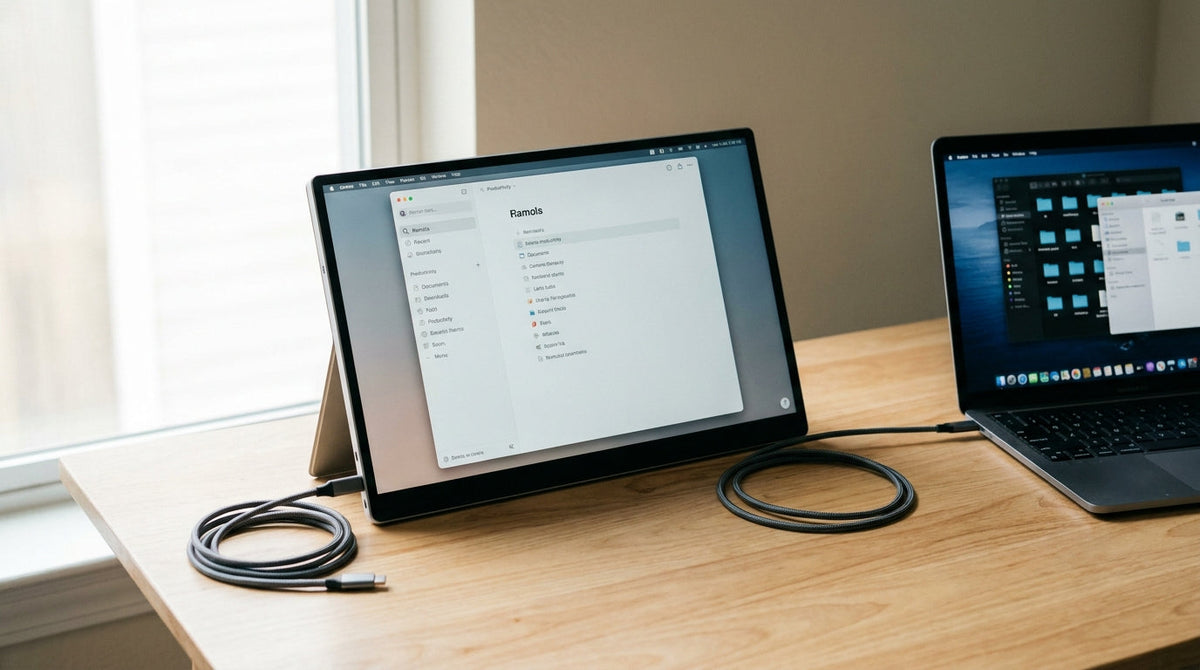
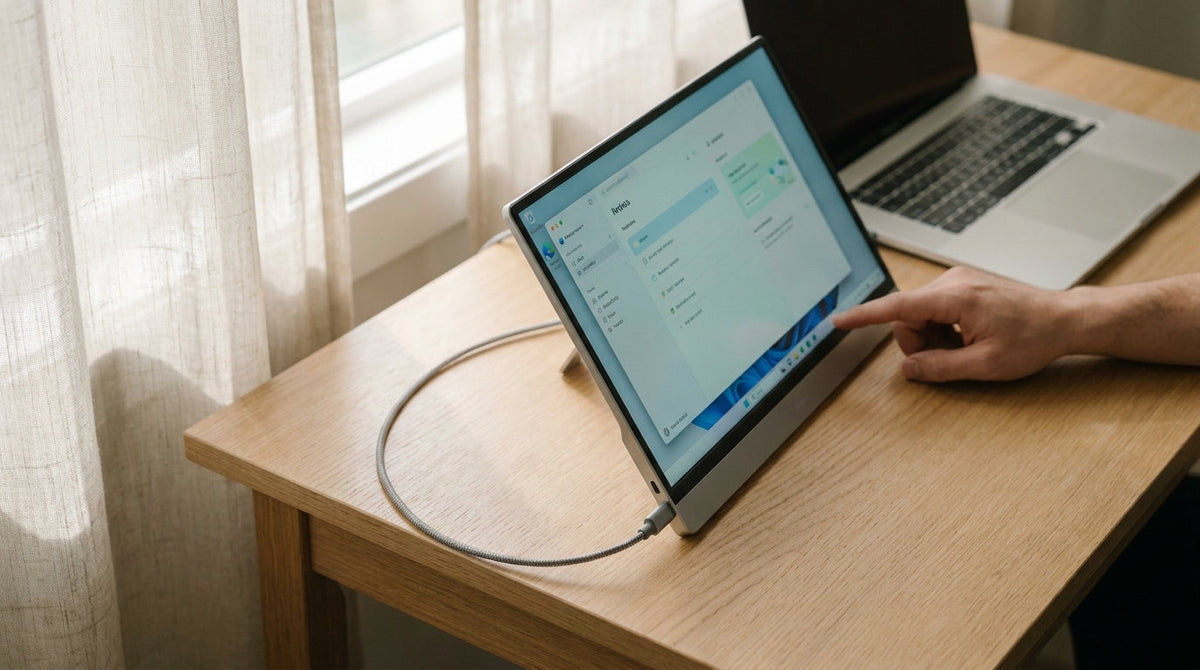
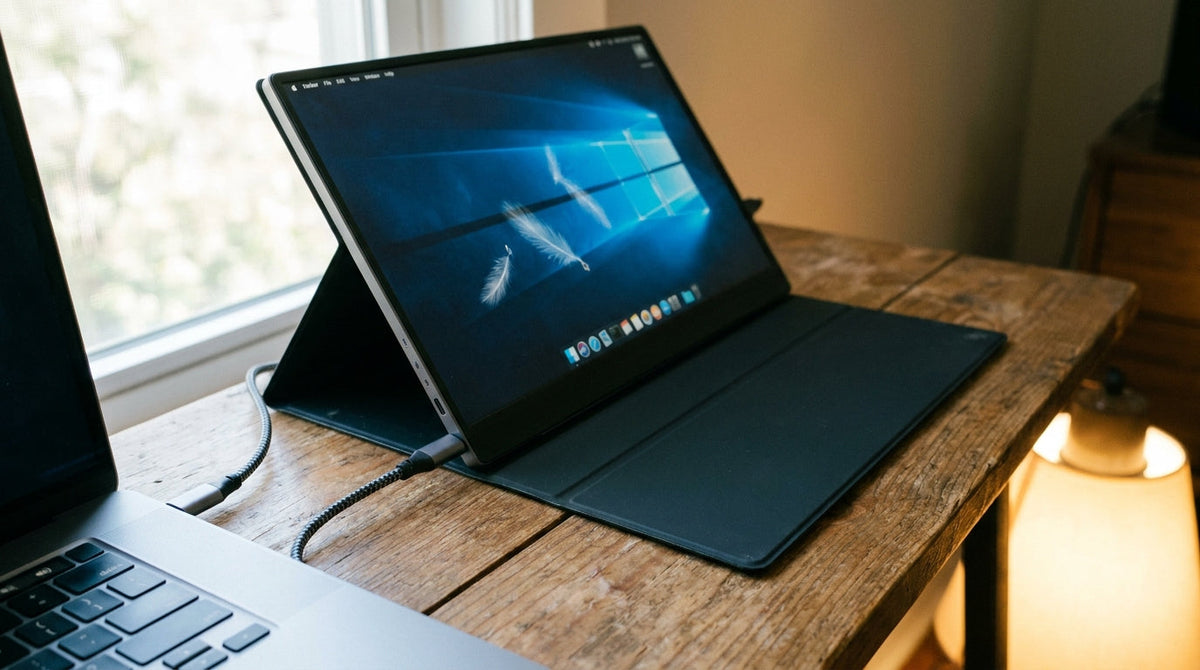
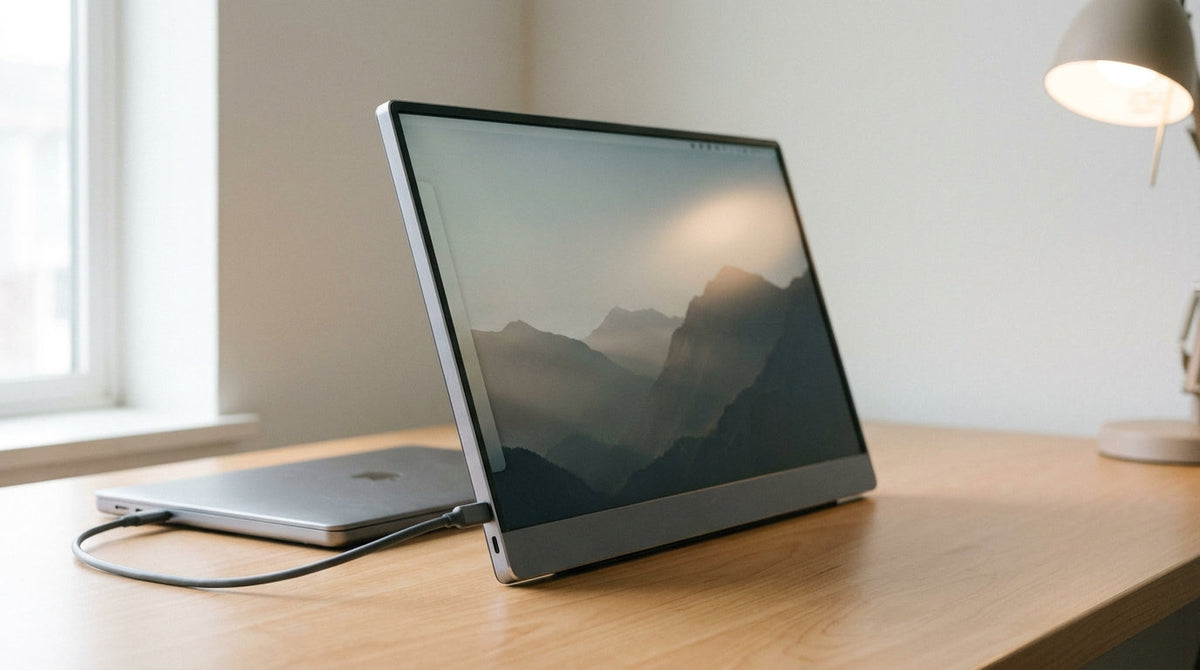
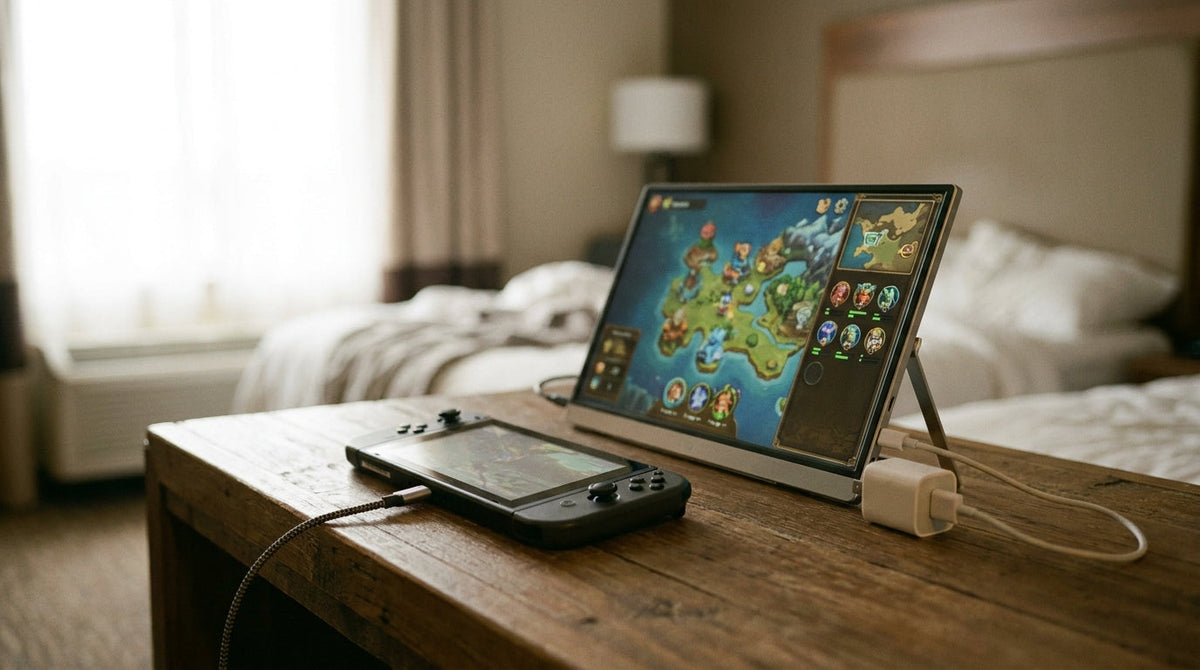
Featured storyMegPad Hybrid Office Mobility GuideA practical guide to using MegPad home office mobility for hybrid work, with setup checks, room-to-room use cases, model fit, and a repeatable daily routine.Jun 8, 2026/11 min read
Mini-LED Local Dimming Settings GuideA practical guide to Mini-LED local dimming settings for desktop use, including how haloing happens, which settings fit different scenes, and what to check before leaving it on all day.Jun 8, 2026/8 min read
Smart Display Privacy Settings for Shared WorkspacesShared smart displays need deliberate privacy setup. This guide shows what to check first, how Android permission controls help, and where shared-room workflows still need manual verification.Jun 8, 2026/9 min read
KTC Monitor Calibration Verification Without HardwareLearn how to do a practical KTC monitor calibration without tools check on day one, using free patterns and visual tests to judge whether factory color is good enough or needs paid calibration.Jun 8, 2026/9 min read
KTC Monitor Arrival Quality Inspection ChecklistUse this arrival QC checklist to catch dead pixels, stuck pixels, bleed, uniformity issues, and DSE early, while you still have time to act.Jun 8, 2026/9 min read
KTC Monitor Firmware Update and Stability GuideA cautious KTC monitor firmware update can improve stability, but the wrong file or a bad flash can create new display problems. This guide shows how to check your version, update safely, verify success, and handle black screen or no-signal issues without guessing.Jun 8, 2026/8 min read
Thunderbolt Dock and USB-C Monitor Compatibility GuideThunderbolt dock usb c monitor compatibility depends on the whole chain: laptop port support, cable quality, dock bandwidth, monitor input mode, and the refresh or resolution you want. This guide shows what usually breaks first, how to test each piece, and when a direct connection is the safer choice.Jun 8, 2026/8 min read