Featured storyWhy Does My Portable Monitor Keep Disconnecting Over USB-C?A portable monitor keeps disconnecting over USB-C often due to power, cable, or port issues. Get a stable second screen by isolating power, testing your cable, and checking port support.Jun 10, 2026/10 min read
Why Does Your Drawing Tablet Lose Pressure Sensitivity or Pen Calibration After Switching Between Computers?Drawing tablet lose pressure sensitivity when you switch computers? This happens due to mismatched drivers, app settings, OS ink, or display mapping. Get solutions for restoring pen pressure and calibration on a new PC without blaming the hardware.Jun 10, 2026/11 min read
How to Stop Your USB Webcam from Freezing or Showing a Black Screen After Switching Between ComputersA USB webcam freezing or showing a black screen after switching computers is often a simple device, power, or permission issue. Get a practical sequence to restore video.Jun 10, 2026/11 min read
How to Prevent Your External Hard Drive from Disconnecting or Corrupting Files When You Switch Computers Through KVMKVM external drive disconnects risk file corruption. Protect your data by always ejecting the drive before switching computers to prevent file system errors and data loss.Jun 10, 2026/9 min read
Why Does Your Second Monitor Stay Black After Switching Computers Through a KVM While the Primary Display Works Fine?A second monitor stays black after a KVM switch due to bandwidth, cable, or EDID handshake failures. Get your dual display working by checking signal paths, resetting the KVM, and matching refresh rates.Jun 10, 2026/10 min read
How to Prevent Your Clipboard from Clearing When You Switch Between Computers Using a KVMPrevent your clipboard from clearing when using a KVM by pairing it with a clipboard-sharing tool. This guide shows how to sync text across computers without sacrificing performance.Jun 10, 2026/8 min read
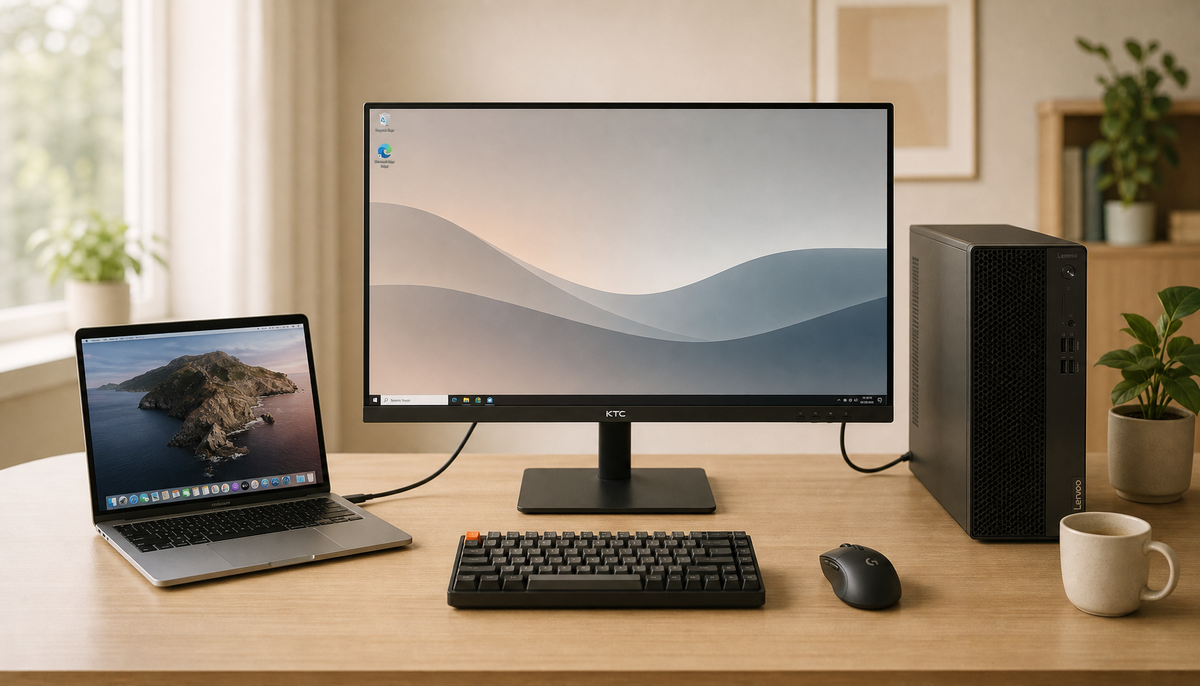
Can You Use a Monitor’s Built-In KVM to Switch Between a PC and a Mac Without Driver Issues?A monitor's built-in KVM offers seamless switching for PC and Mac setups, often without needing drivers. The key is matching ports, bandwidth, and understanding macOS limits.Jun 10, 2026/12 min read