Featured storyWhy Console Audio Stutters or Crackles When Your Monitor Changes Refresh RateConsole audio stutter during refresh rate changes points to display signal, VRR, or audio path problems. Use our checklist to isolate the cause of pops and crackles.Jun 9, 2026/12 min read
Can You Rename Console Video Inputs on a Monitor for Easier Switching?Renaming monitor video inputs simplifies switching between consoles. If your display lacks this feature, get a faster setup with port planning, OSD shortcuts, or external switches.Jun 9, 2026/12 min read
How to Split Console Chat Audio and Game Audio Across Your Monitor, Headset, and SpeakersSplit game and chat audio on your console to send game sounds to speakers and voice chat to your headset. This guide shows you how to route audio using your monitor, headset, or an HDMI extractor without sacrificing performance.Jun 9, 2026/12 min read
How to Stop a Game Console From Waking Your Monitor From StandbyStop a console from waking your monitor from standby. Get the steps to disable video-link control & set a fixed input, fixing wake-ups without losing HDR, VRR, or 120Hz.Jun 9, 2026/12 min read
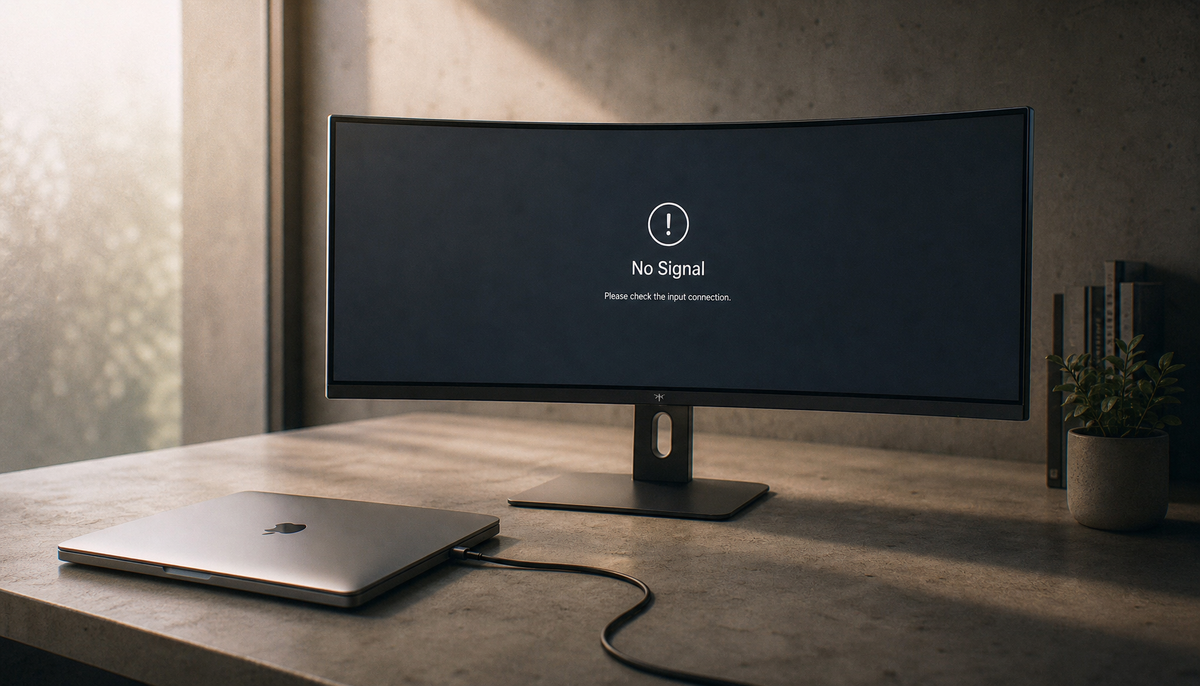
Why Console Input Switching Takes Several Seconds and Shows a Black Screen on Gaming MonitorsConsole input switching causing a black screen? This is a normal signal handshake, often slowed by 4K, 120Hz, and HDR. Get practical settings to reduce this delay.Jun 9, 2026/12 min read
Does Console Digital Video/Audio Output Support Object-Based Surround Audio on Gaming Monitors?Console surround sound on a gaming monitor often fails due to monitor limitations. For true object-based audio, route your console to a capable soundbar or headset.Jun 9, 2026/14 min read
How to Reduce Console Input Lag in Quality Mode with the Right Monitor SettingsReduce console input lag in Quality Mode and make games feel more responsive. This guide shows you how to tune your monitor settings, from Game Mode to VRR, for tighter controls.Jun 9, 2026/10 min read