







Featured story
Why Do Touch Screens Become Less Responsive as They Age?
A touch screen becomes less responsive over time due to dirt, software issues, and aging components, not just tapping. See why calibration, cleaning, and updates are key.

KTC Journal
Monitor reviews, gaming guides, productivity advice, and practical display know-how from the KTC team.
A touch screen becomes less responsive over time due to dirt, software issues, and aging components, not just tapping. See why calibration, cleaning, and updates are key.
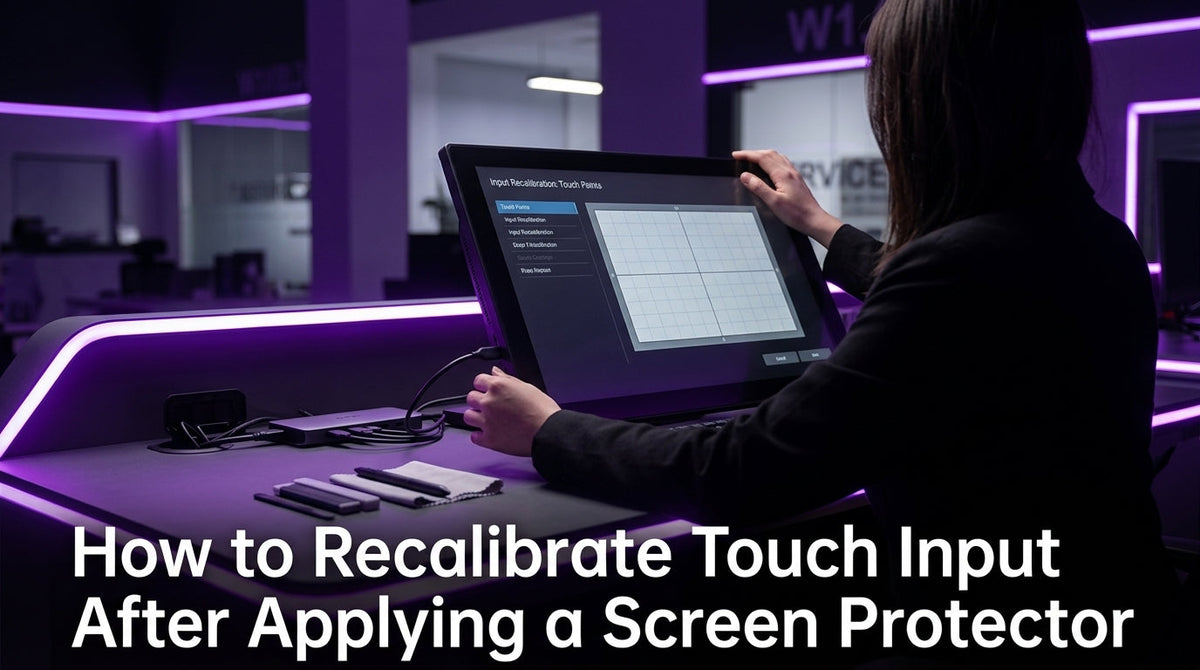
Recalibrate touch input after applying a screen protector to fix inaccurate taps. Adjust sensitivity, run OS calibration, and check for physical issues to restore accuracy.
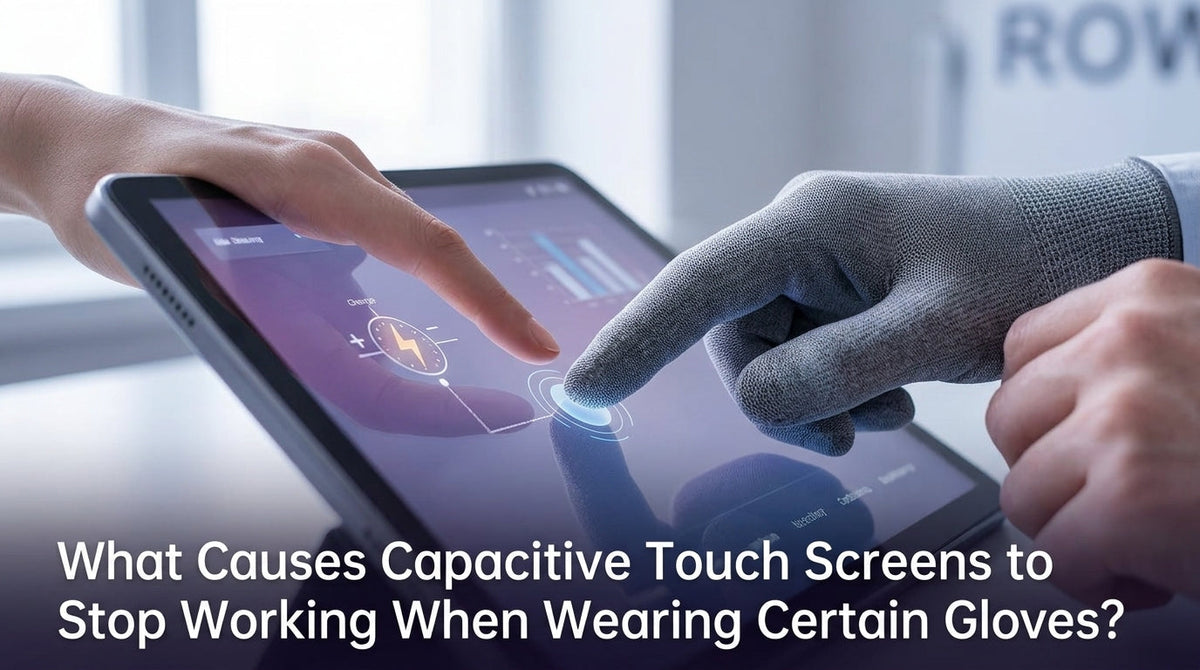
Capacitive touch screens stop working with gloves because the material is an insulator that blocks electrical signals. This guide explains the science and why conductive gloves are the solution.
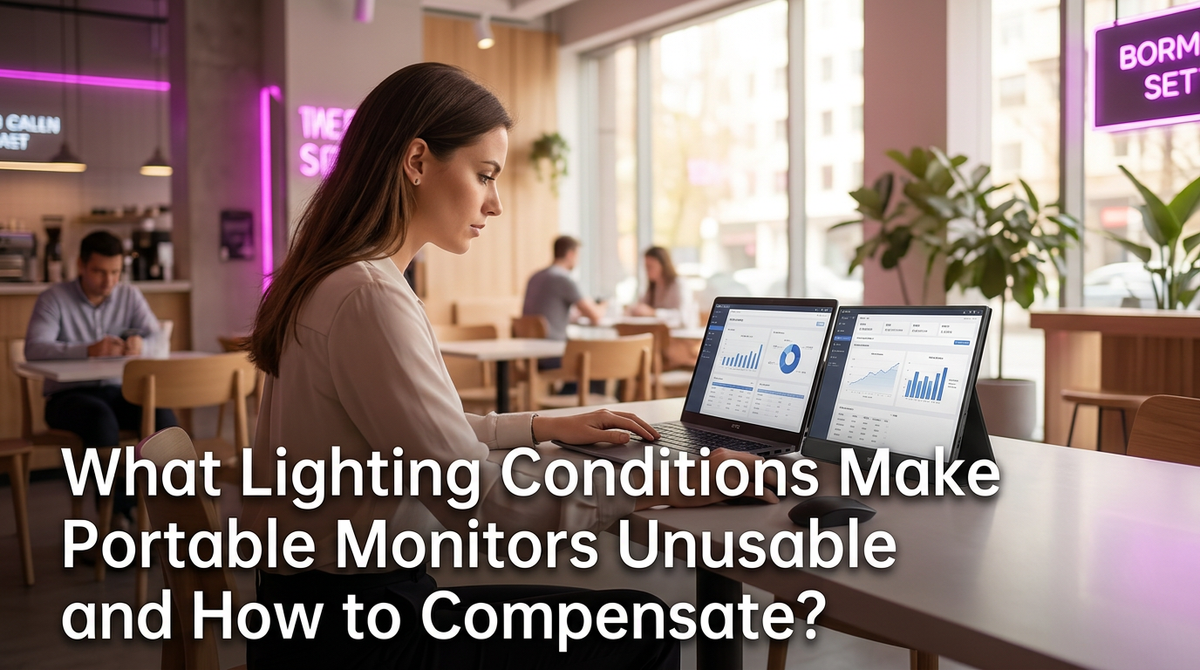
Portable monitor usability suffers when direct sun or glare makes the screen unreadable. The right brightness (nits), anti-glare finish, and viewing angle ensure clarity indoors and out.

Uneven touch sensitivity across a screen is often due to hardware, not software. Sensor geometry, controller calibration, and screen layers can create weak spots. Get tips on how to test your panel, clean the surface, and improve your screen's response.
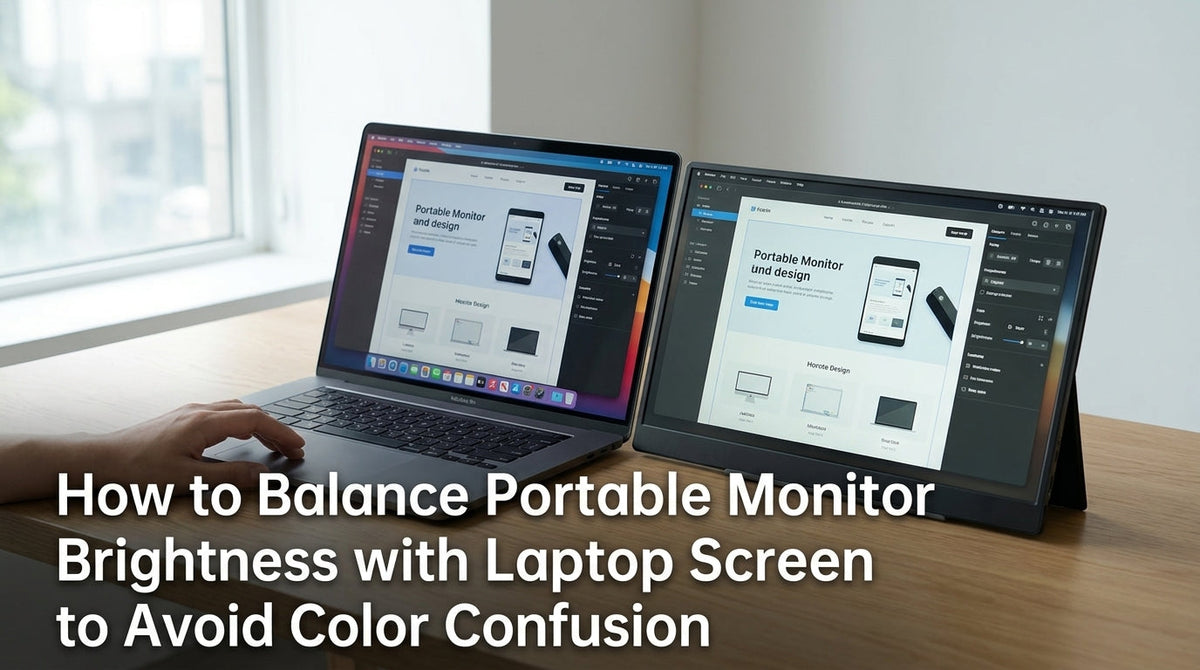
Balance portable monitor brightness with your laptop to prevent color confusion and eye strain. Get consistent color by matching perceived whites and using neutral settings.
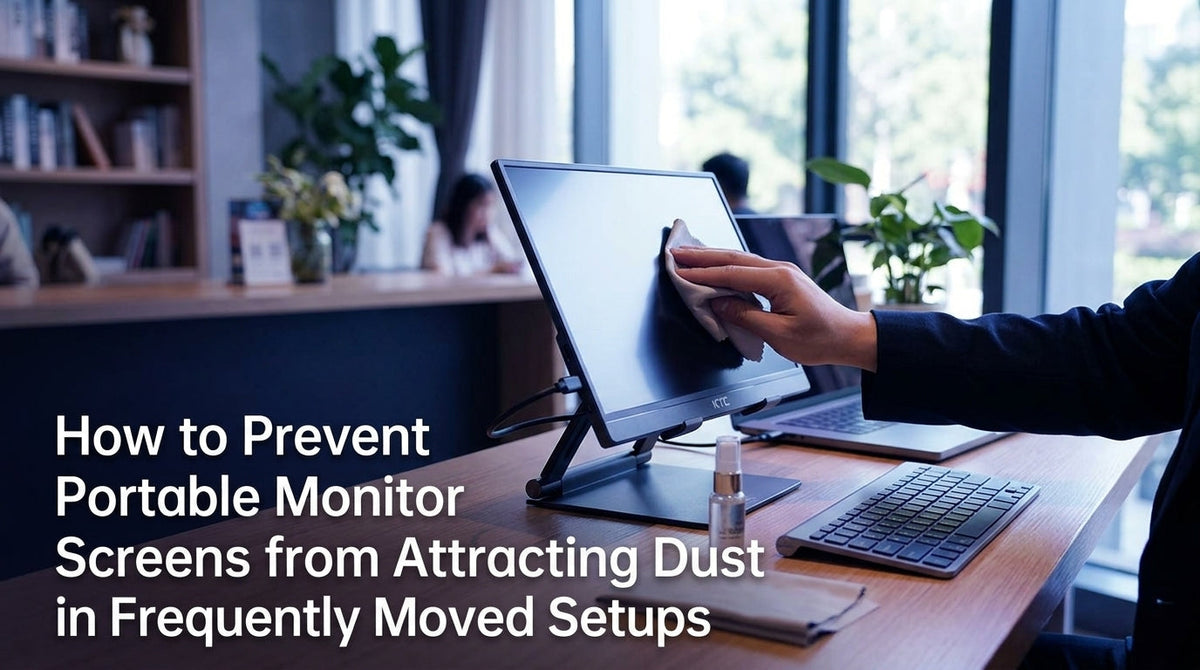
Prevent portable monitor dust with simple routines for your mobile setup. Reduce static, protect the panel during transit, and clean with gentle microfiber habits.