







Featured story
What Monitor Resolution Matches High-Density Display Sharpness?
Monitor resolution sharpness requires the right PPI for your viewing distance. Compare 4K, 5K, and 1440p monitors at 27 & 32 inches for crisp text and ideal OS scaling.

KTC Journal
Monitor reviews, gaming guides, productivity advice, and practical display know-how from the KTC team.
Monitor resolution sharpness requires the right PPI for your viewing distance. Compare 4K, 5K, and 1440p monitors at 27 & 32 inches for crisp text and ideal OS scaling.

Early signs of OLED degradation on gaming monitors include faint unevenness, subtle color shifts, and shadows from static UI elements like taskbars before burn-in occurs.

Curved monitor viewing distance is key for immersion. Get guidance on matching 1000R, 1500R, or 1800R curvature to your desk setup, screen size, and use case.

A 32-inch 1440p monitor has similar pixel density to a 24-inch 1080p screen. This guide covers the key tradeoffs in viewing distance, text clarity, and gaming performance.
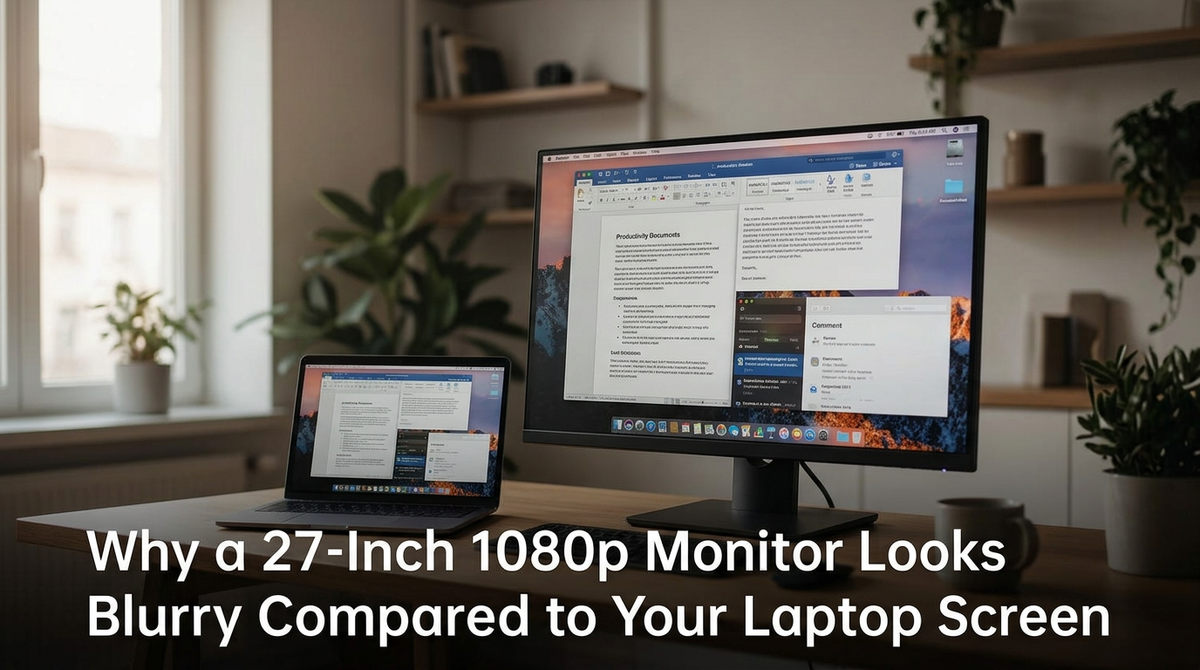
A 27-inch 1080p monitor looks blurry due to low pixel density, making text less sharp than on a laptop. Get settings to improve clarity and see when a 1440p upgrade is better.
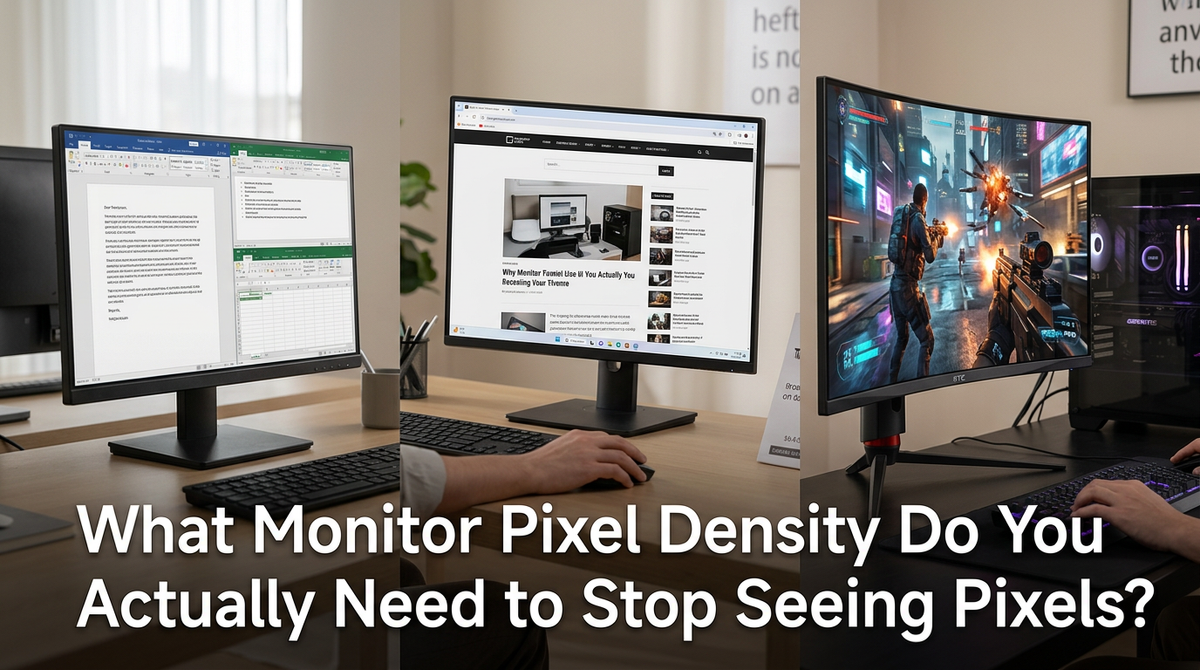
Monitor pixel density is key for sharpness. At a normal desk distance, 100 PPI stops images from looking coarse, while 140+ PPI makes pixels unnoticeable. Get guidance on the right PPI for your 1080p, 1440p, or 4K monitor.
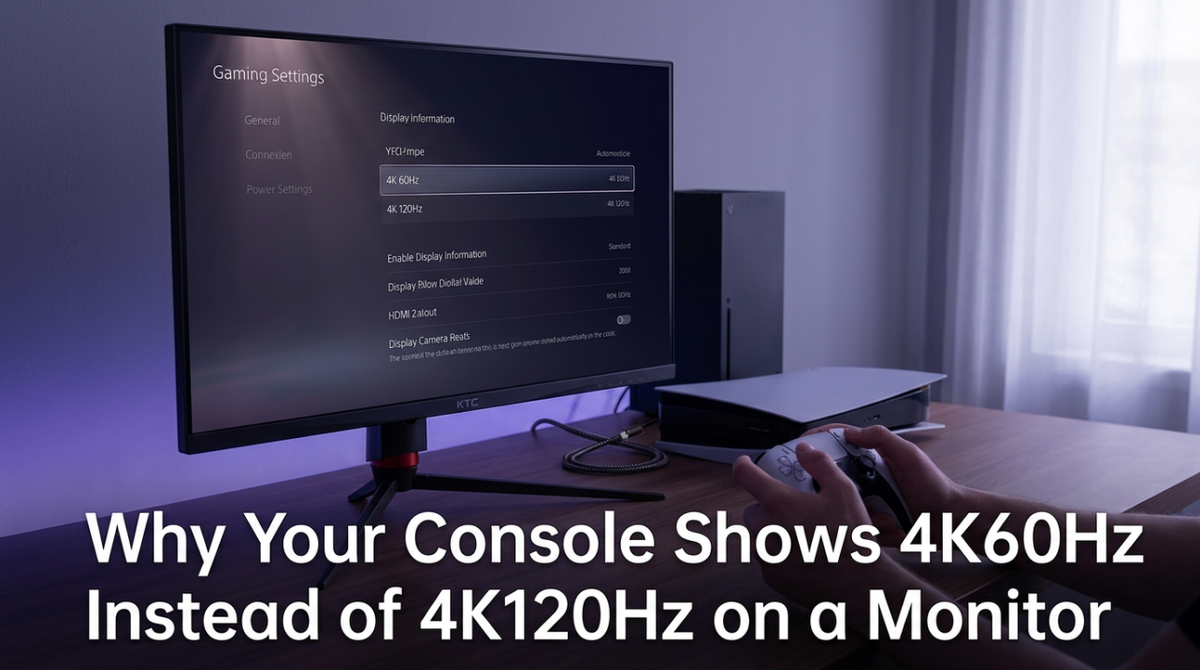
Seeing 4K 60Hz instead of 120Hz from your console? The issue is often the monitor's HDMI port, the cable, or a specific setting. Get your hardware working correctly for true 4K 120Hz gaming.