Yes, if you avoid exposing the monitor directly to voltage swings and use a quality USB-C PD power bank, UPS, or surge-protected power path.
Why Portable Monitors Are Vulnerable
Portable monitors look low-risk because many draw only about 8W to 15W in normal use, but the weak point is power quality, not just wattage.
A brownout means reduced voltage, and the return of normal electricity can trigger a surge. Both can stress sensitive electronics, including computers, peripherals, and displays connected through USB-C or HDMI. That risk is why consumer electronics need stable voltage, not just enough power.
The monitor may also pass instability to your laptop if you use USB-C for both video and power. In a mobile workstation, the display, laptop, charger, and cable behave like one power chain.

The Safest Setup: Battery First, Wall Second
For unstable grids, the cleanest option is to power the monitor from a USB-C PD power bank or UPS instead of directly from the wall. A power bank can run many portable monitors if it safely meets the display’s voltage and wattage requirements, and 65W is a strong target for many setups using USB Power Delivery.
A practical field setup:

- Use a 65W or higher USB-C PD power bank.
- Match the monitor’s required voltage and wattage.
- Use a 100W-rated USB-C cable for power stability.
- Lower brightness during outages to extend runtime.
- Recharge only when grid power looks stable.
A 20,000mAh power bank can often cover a few hours of 1080p monitor use, depending on brightness and panel type. A 4K portable display will drain faster because higher resolution and brightness demand more power.
Surge Protection Still Matters
If you must use wall power, avoid plugging the monitor’s adapter straight into an unknown outlet. A surge protector is not the same as a basic power strip; it is designed to absorb or redirect excess voltage away from connected devices.
For high-value laptop and display setups, a UPS is better than a simple surge strip because it adds battery backup and voltage regulation. In unstable areas, that matters during flickers, brownouts, and sudden power restoration.
Surge protection also wears out over time. If the protector has taken a major hit, shows a failed protection light, or is physically damaged, replace it before trusting it with your monitor, laptop, or gaming handheld.

Choose the Right Portable Monitor for Unstable Power
Not every portable monitor behaves the same under imperfect power. Some models need a second cable at high brightness, while others support cleaner single-cable use through USB-C.
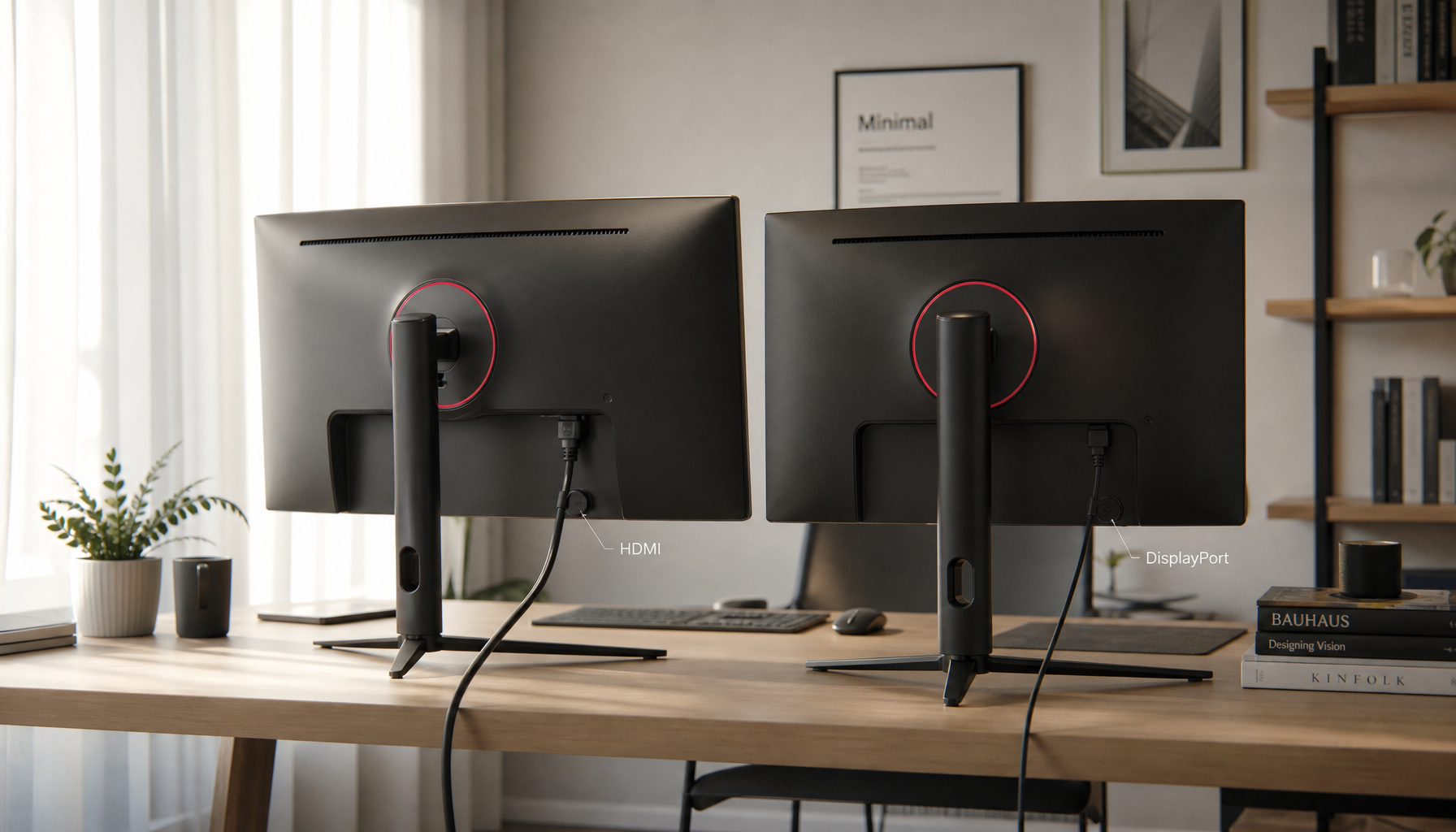
For unstable-grid use, prioritize USB-C PD passthrough, dual USB-C ports, lower power draw at usable brightness, a stable kickstand, and HDMI input for fallback device compatibility. Portable monitor buyers already compare brightness, weight, panel quality, and connectivity; expert roundups show the category spans productivity, creative, gaming, and travel needs across many price points. For unstable-grid use, versatile connectivity becomes more than convenience; it is protection through flexibility.

Bottom Line
You can use a portable monitor in countries with unstable power grids without damaging it, but the monitor should not be the first device exposed to the wall outlet. Put a UPS, surge protector, or USB-C PD power bank between the grid and your screen.
For the most reliable mobile workstation, run the portable monitor from a 65W+ PD battery, keep brightness reasonable, and use properly rated cables. That setup protects the panel, preserves laptop battery health, and keeps your screen time productive when the grid is unstable.