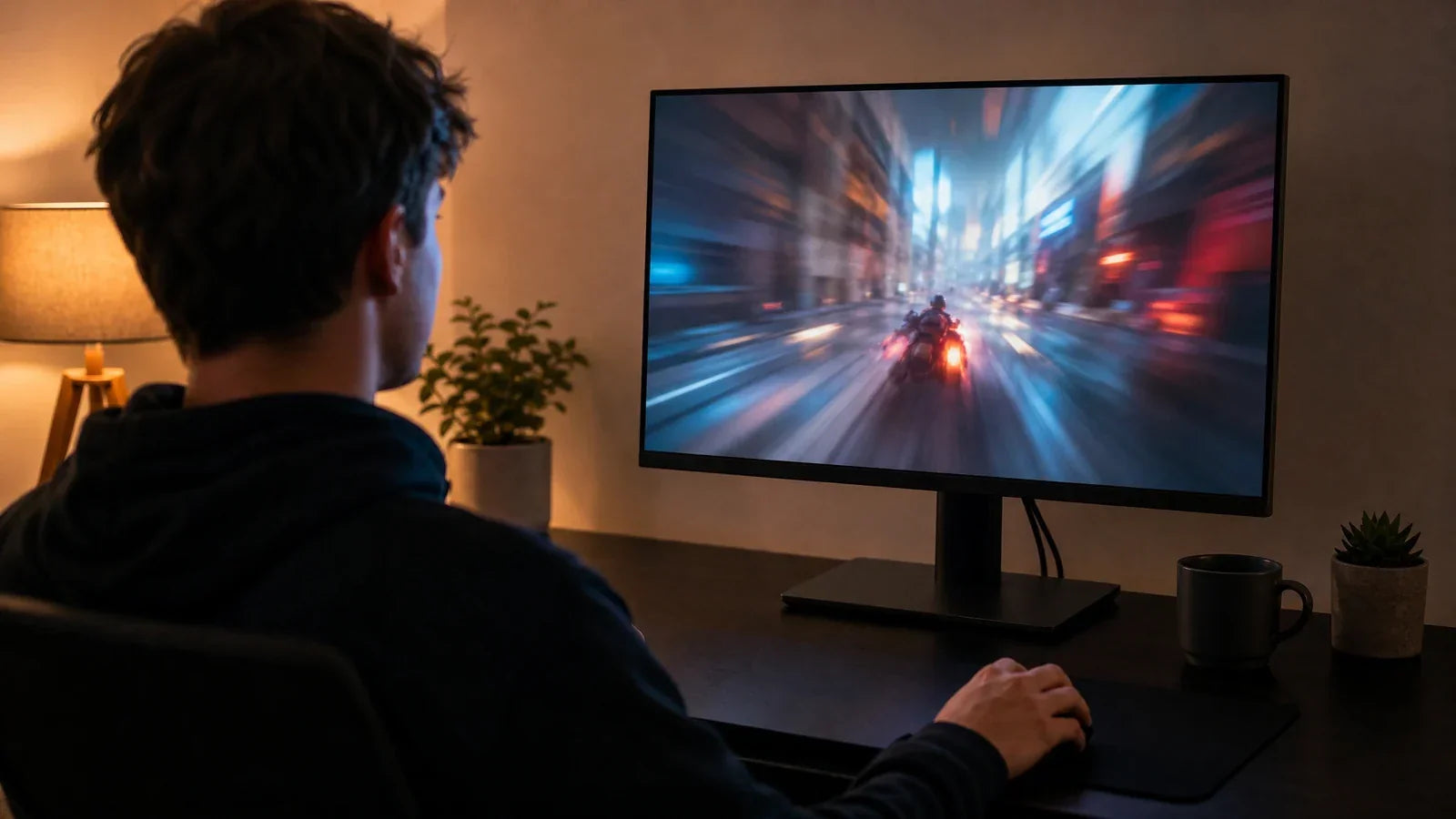
In today’s digital age, prolonged screen time is unavoidable. Whether you’re working from home or just browsing the internet, staring at an office computer monitor for hours can lead to digital eye strain. To counteract this, many have turned to blue light filters in the form of software or hardware. But what’s the real difference, and which one is better for your eyes? In this article, we will explore the pros and cons of hardware low blue light technology versus software blue light filters and help you decide which is best for your eyes and your home office setup.
The Truth About Blue Light and Eye Fatigue
Blue light is emitted by most digital screens, including office computer monitors, smartphones, and TVs. While blue light is essential for regulating our circadian rhythms, exposure to high amounts of it—especially at night—can lead to digital eye strain. Symptoms of this strain include dry eyes, headaches, and difficulty focusing, making it especially troublesome for those working long hours in front of a screen.
The issue is that blue light has a shorter wavelength, meaning it scatters more than other colors, leading to eye fatigue. Over time, this strain can lead to discomfort and even more serious long-term issues. That’s why many people turn to either hardware low blue light technology or software filters to reduce blue light exposure.

What Are Software Blue Light Filters? (Windows Night Light & f.lux)
Software blue light filters, such as Windows Night Light and the popular program f.lux, are programs designed to reduce blue light emission from your office computer monitor. These tools change the color temperature of your screen, typically shifting the display towards warmer tones. The primary purpose of this adjustment is to make your screen less harsh on the eyes, particularly at night when blue light can disrupt sleep patterns.
How Software Blue Light Filters Work:
- Windows Night Light: This feature is built into Windows 10 and later versions. It automatically adjusts your screen's color temperature based on the time of day, making the display warmer as it gets later.
- f.lux: f.lux is a third-party program that works similarly by adjusting the screen’s color temperature according to the time of day. It can be manually customized for specific environments or personal preferences.
The Problem with Software Solutions (The "Yellow Tint")
While software solutions like Night Light and f.lux can help reduce blue light exposure, they come with one major downside: the yellow tint. These programs shift the screen towards warmer colors, which can distort the overall appearance of images and text. This is particularly problematic for graphic designers and creators who rely on accurate color representation for their work. While these programs may reduce eye strain, they do so by altering the natural colors on your screen.
Furthermore, software solutions only filter the blue light after it’s already emitted from your monitor. They don’t stop the light from reaching your eyes; they simply adjust the visual output to make it more comfortable.

What Is Hardware Low Blue Light Technology?
Unlike software filters, hardware low blue light technology is built into the actual office computer monitor. These monitors feature a built-in filter that reduces blue light at the hardware level, which means the light is less likely to reach your eyes in the first place. This technology works by filtering out the harmful blue light wavelengths while maintaining the integrity of color accuracy.
How Hardware Low Blue Light Works:
- Color Filters: The monitor uses special coatings or materials to reduce the amount of blue light emitted.
- Physical Adjustments: Some monitors offer features that allow you to manually adjust the amount of blue light emission, giving you full control over your screen’s color temperature without affecting the visual quality.
Many modern monitors also include built-in low blue light settings within the OSD (On-Screen Display) menu. This allows users to adjust low blue light levels directly on the monitor without relying on operating system features or third-party software. Because the adjustment is handled by the monitor itself, users can switch between different viewing modes more conveniently while maintaining a consistent experience across connected devices.
Hardware low blue light monitors can reduce blue light exposure while maintaining color accuracy, making them ideal for those who need both comfort and precision, such as graphic designers or those working with photos and videos.

Shifting the Blue Light Spectrum Without Ruining Colors
One of the key advantages of hardware low blue light technology is its ability to filter out blue light without distorting colors. Unlike software blue light filters, which change the entire color spectrum, hardware filters focus only on the wavelengths that are harmful, allowing you to maintain accurate colors.
This is especially important for professionals like graphic designers or video editors, where color accuracy is essential. Hardware low blue light technology gives you the best of both worlds: reduced eye strain and accurate color representation.

Hardware vs. Software: Which Is Better for Graphic Designers and Creators?
For those working in creative fields like design or video production, accuracy is critical. In this case, hardware low blue light technology is often the better choice. Since it doesn't alter the color spectrum as software does, it ensures that the visuals on your screen remain true to life, which is crucial for tasks like color correction, photo editing, and graphic design.
Software filters may be suitable for casual use, such as browsing or light work, but they can interfere with the fine details required for professional work. For anyone who needs to see colors in their true form, a monitor with built-in hardware low blue light technology is the best solution.
Another practical advantage is ease of control. Many professional monitors provide OSD-based low blue light adjustments, allowing users to quickly switch between productivity, reading, and color-critical work modes. This flexibility makes it easier to reduce eye strain during long sessions without constantly changing software settings.
Choose the Right Blue Light Solution
When it comes to reducing blue light exposure and protecting your eyes, both software blue light filters and hardware low blue light technology offer benefits. However, they serve different purposes and suit different needs. Software filters like Windows Night Light and f.lux are easy and cost-effective solutions for reducing eye strain, but they alter the color accuracy of your screen. Hardware low blue light monitors, on the other hand, provide a more accurate solution without compromising color integrity, making them the better choice for professionals in creative fields.
When selecting the best monitor for home office use, consider your priorities. If you need accurate color for professional work, a hardware low-blue-light technology monitor is your best option. However, if you're just looking to reduce digital eye strain casually, a software filter might be a good temporary fix.
FAQs about low blue light monitors
Do hardware low blue light monitors completely eliminate blue light?
While hardware low blue light monitors significantly reduce blue light exposure, they don’t entirely eliminate it. They filter out harmful wavelengths, but some blue light will still pass through.
Are software filters better than hardware low blue light technology?
It depends on your needs. For casual use, software filters work well. However, if you require accurate color representation for work like graphic design, hardware with low blue light technology is the better choice.
Can hardware low blue light technology damage my monitor?
No, hardware low blue light technology is designed to enhance your viewing experience without causing harm to your monitor. It works by reducing specific wavelengths, not by reducing brightness or clarity.
What is the best office computer monitor for home offices?
Look for a monitor that offers hardware low blue light technology and high color accuracy if you work in design or similar fields. For general office work, any monitor with blue light filtering options can be a good fit.
Can f.lux be used on any computer monitor?
Yes, f.lux can be installed on most monitors and will work with any computer screen, whether it’s an office computer monitor or a more specialized monitor. However, keep in mind it adjusts the screen’s color temperature and may alter color accuracy.