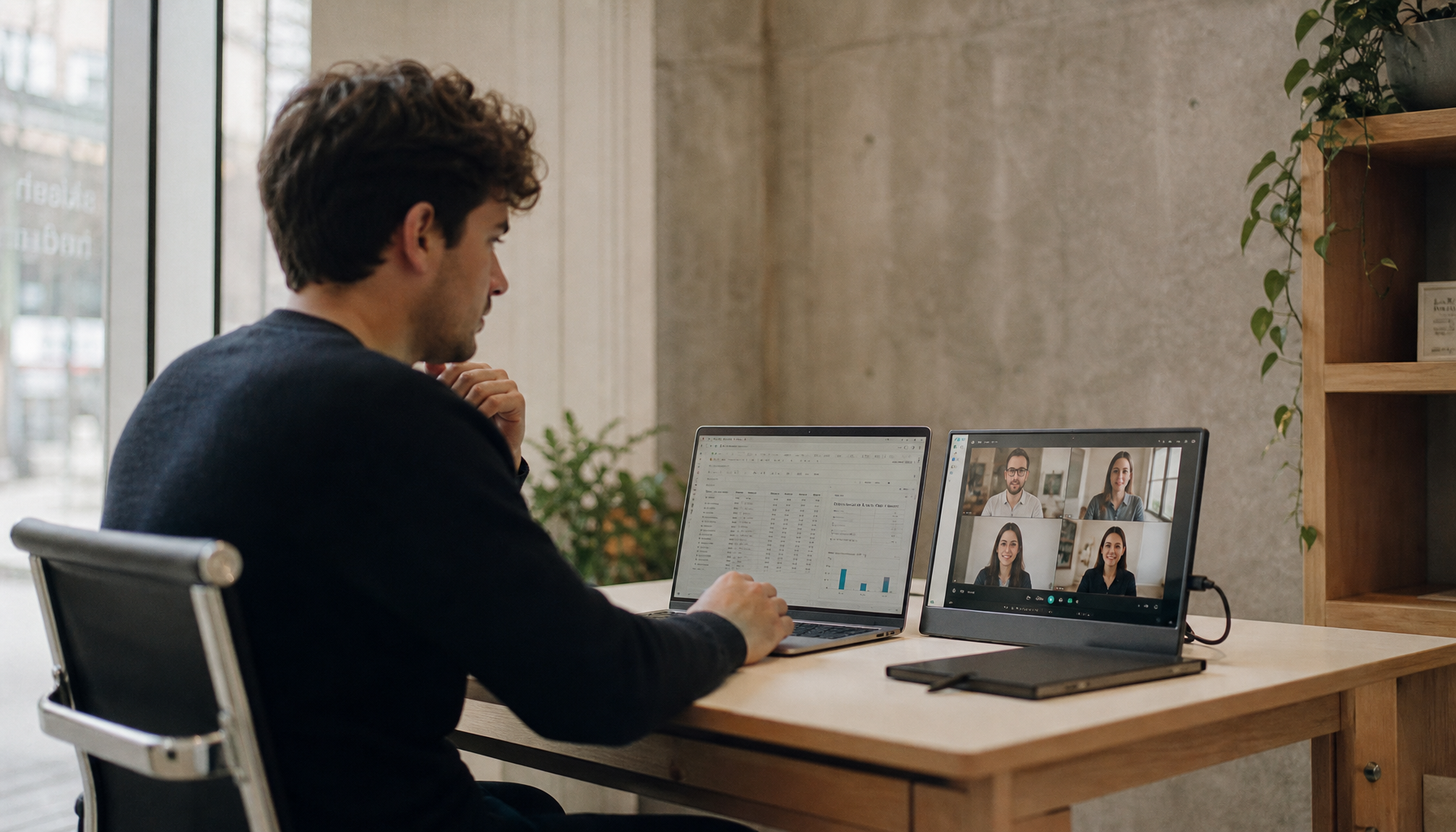
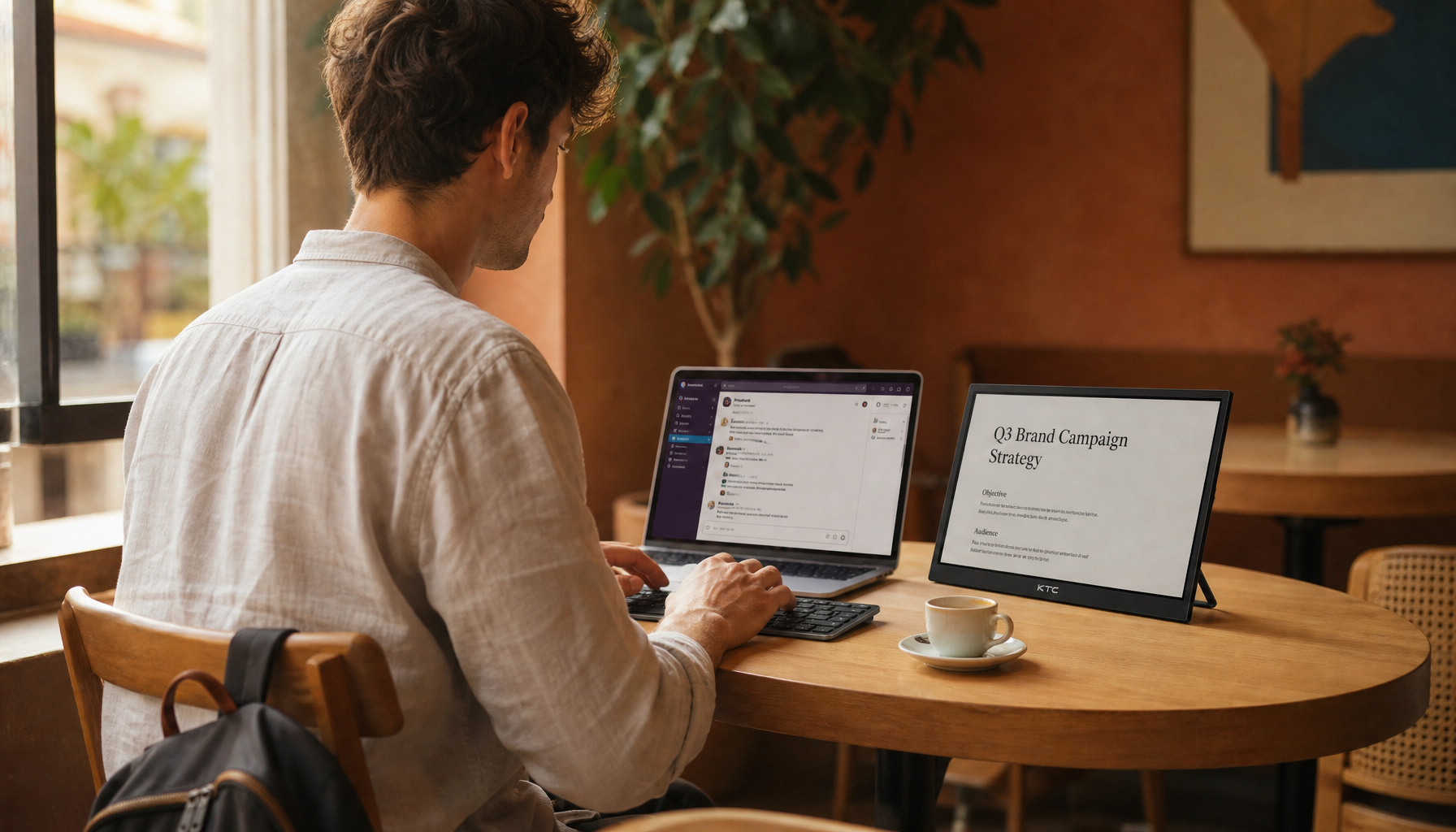
For an AI hobby station setup, the MegPad works best as a flexible secondary screen, not as the machine doing the creative heavy lifting. If you move between a desk, easel, keyboard stand, or music corner in the evening, a rolling 32-inch display can keep prompts, references, and outputs visible without forcing constant device switching.
Why a Rolling Screen Helps Creative Work
The main problem in a modern AI hobby station setup is not computing power. It is keeping the right information visible while you work. If the prompt lives on one device, the reference image on another, and the output on a third, the whole session starts to feel fragmented.
A rolling screen solves that by turning one display into a mobile reference surface. You can park it near the main computer during prompt drafting, then roll it closer to an easel, keyboard stand, or desk when you change tasks. The benefit is practical: fewer context switches, less window juggling, and less time spent hunting for the last good prompt or output.
The MegPad fits that idea as a mobile interface for creative hobbies, especially when the primary computer still does the actual rendering, coding, or music production. If you want a deeper comparison of why rolling screens are replacing fixed desks in some home setups, the mobile office workstation angle is a useful related read.

Where the MegPad Fits in an AI Hobby Workflow
The best way to think about this AI hobby station setup is as a visibility layer. It is useful when the session needs a prompt, a reference, and an output on screen at the same time. It is less useful if you only need a tiny secondary monitor or if your desk never changes.

Prompt Engineering and Local LLM Monitoring
For prompt work, the value is simple: keep the prompt, response, and notes visible together. That makes it easier to compare versions, trim wording, and preserve a useful line of thought without alt-tabbing every few seconds.
For local LLM monitoring, the display can act as a read-only status panel for logs, snippets, and generated outputs. That is a workflow convenience, not a model feature. The screen does not improve the model itself; it just gives you a larger place to watch what your system is already doing.
Generative Art Reference Boards
Generative art sessions often benefit from a bigger reference surface. A 32-inch panel gives more room for mood boards, palette notes, image iterations, and written prompts. That matters when you are comparing options visually rather than trying to finish a single image in one pass.
If you want a related browsing path for portable touch displays, the Mobile Touch Screen collection is the broad category to start from.
Music Production and Session Notes
In music workflows, the MegPad can stay open for lyric fragments, chord ideas, arrangement notes, or session references while the DAW stays on the main computer. That is useful when you are moving between a desk and a keyboard corner, because the display can follow the session instead of pinning you to one position.
If you use touch lightly for quick navigation, it works best as a secondary control surface, not as the main production tool. That keeps the workflow relaxed instead of trying to make the display do everything. Touch integration in DAWs offers related guidance.
Coding, Docs, and Tool Output Tracking
For coding, the most useful setup is usually a persistent side screen for docs, snippets, logs, or test output. You do not need to pretend the display is a replacement for a proper workstation. You just need enough room to watch the session without shrinking the main editor.
For readers comparing other setups, best 2026 monitor guidance for AI prompt engineers is a helpful follow-up on resolution and workspace trade-offs.
Why the 32-Inch Rolling Format Matters
A 32-inch rolling format changes the experience more than a spec sheet alone suggests. The screen is large enough to hold more than one type of content at once, but it is still mobile enough to move between hobby zones in the same home.
The trade-off is obvious: a fixed desktop monitor may feel more permanent and cleaner on a single desk, while a rolling display is better when the same screen has to follow your evening routine. If you never move between rooms, the mobility premium may not be worth it.
| Setup Type | What It Does Well | Where It Breaks Down |
|---|---|---|
| 32-inch rolling display | Keeps prompts, references, and outputs visible while moving between hobby zones | Takes more space and planning than a small portable screen |
| Smaller portable screen | Easier to fit on crowded desks and shelves | Less room for side-by-side references and monitoring |
| Fixed desktop monitor | Best for permanent desk layouts | Does not follow the workflow from room to room |
If you are browsing by category first, the broader All Monitors collection helps you compare fixed and mobile options before narrowing to a specific screen size.
The 32-inch MEGAPAD itself is a reasonable fit when your reference materials are too spread out for a smaller panel. If your setup only needs occasional notes or a compact secondary view, a smaller screen can still be the smarter choice.
What to Check Before You Build the Station
Before you buy or place a rolling AI hobby station setup, check the room itself first. The display only works well if the path between your work zones is practical.
- Make sure the screen can roll between your usual hobby spots without hitting furniture or tight corners.
- Confirm that the display can sit near the main computer without forcing awkward neck turns.
- Decide whether you actually need touch input, a built-in battery, or a camera, or whether you only need a passive reference screen.
- Check for power access, floor stability, and enough storage space when the station is not in use.
- Verify app support and external-device compatibility if you plan to mirror from a laptop or use specific creative tools.
That last point matters more than it sounds. A display can look ideal on paper and still feel awkward if the apps or input paths do not match the way you work.
For buyers who want a smaller portable touch route, the KTC MEGAPAD 25" portable touch monitor is a useful comparison point, especially if floor space is tight. If you want a product-category browse path instead, Smart Monitor collection is the safer starting point.
A Practical Setup Path for Hobbyists
A good AI hobby station setup does not begin with accessories. It begins with where the screen will live during a normal session.
- Start with the zone you use most, then place the display where it can be seen without blocking your main work surface.
- Set the height and angle for reading prompts, references, or outputs before adding extras.
- Use touch for quick navigation only when the screen is acting as a secondary control surface.
- Keep cable routing simple so the rolling station stays easy to move.
- Test the exact hobby workflow you care about, such as prompt drafting, image reference review, or live output monitoring.
That sequence keeps the setup grounded in the real session, not in showroom convenience.
If you want a deeper planning framework for dense workstation layouts, the developer and data science workspace blueprint is a relevant related guide.
For a product path that matches the same mobile format, the 32-inch MEGAPAD smart touch monitor is the most direct fit in this category, while the 27-inch MEGAPAD smart touch monitor is the easier option if footprint matters more than reference canvas.
The Best Fit for Different Hobby Types
The right choice depends on the work pattern, not the hobby label. A large rolling screen helps most when the session has multiple visible layers and you move between areas in the home.
| Hobby Type | Best Fit | Why It Helps | When A Smaller Screen Is Enough |
|---|---|---|---|
| AI-assisted coding | Strong fit | Keeps logs, docs, and output visible at once | If your editor already handles everything comfortably |
| Generative art | Strong fit | Gives room for references, palettes, and iterations | If you only need one image reference at a time |
| Music production | Good fit | Keeps notes and session references open near the DAW | If your desk is crowded or fixed in one place |
| General browsing and light reference use | Mixed fit | Convenient, but may be more screen than you need | If mobility is less important than footprint |
This is where the recommendation flips. If the display needs to move often and stay visible during long sessions, the larger rolling format makes sense. If the screen mostly sits in one place, a smaller model is easier to live with.
The KTC MEGAPAD 27" FHD Android 14 Google EDLA Smart Touch Monitor with 9500mAh Battery is the more compact alternative in the same family, and portable touch screen options help you compare that route with other choices.
A good rule of thumb is this: choose the 32-inch version when you want the screen to behave like a mobile reference station, not just a big touch display. Choose the smaller version when the room is tighter or the workflow is simpler.
Final Checks Before Buying
Before you commit, make sure the product matches the way you actually work. Confirm that you want touch, Android-based apps, a battery, or a built-in camera, and do not pay for features you will ignore. If your layout is fixed, a smaller screen may be easier to place. If your sessions move room to room, the larger rolling format is easier to justify.
The safest mental model is simple: the display supports the workflow, but the workflow still depends on the computer, apps, and your process.
FAQs
Q1. How Does a Rolling MegPad Help With AI Hobbies?
It helps by keeping prompts, notes, references, and outputs on one mobile screen while you move between hobby zones. That reduces device switching and makes it easier to keep the session visible. It does not make the AI itself better; it just makes the workflow easier to follow.
Q2. What Size Works Best for a Mobile AI Station?
A 32-inch screen works best when you need side-by-side viewing and expect to move the display between rooms or stations. A smaller model is better if your desk space is tight or you only need a compact reference screen. The right answer depends on how much content you want visible at once.
Q3. Can I Use the MegPad for Local LLM Monitoring?
Yes, if your connected device and apps support the workflow. It can serve as a larger monitor for logs, outputs, and notes, which is useful for watching a local LLM session. Treat it as a display and control companion, not as a specialized AI integration device.
Q4. What Should I Check Before Rolling It Between Rooms?
Check floor clearance, furniture spacing, cable length, and how often you really plan to move it. The best rolling setup is the one that stays easy to use after the first week. If moving it feels like a chore, the mobility advantage is probably smaller than it looked at purchase time.
Q5. Can It Replace a Main Monitor for Creative Work?
Sometimes, but not always. It can work as a flexible primary display for some hobby tasks, especially if touch and mobility matter. For heavier production work, many users will still prefer a dedicated main monitor and use the MegPad as a secondary reference station.
A Better Fit Than a Bigger Promise
The MegPad makes sense when your hobby workflow is mobile, visual, and a little messy in the best possible way. If you need one screen to follow prompts, references, and outputs around the house, it is a practical fit. If your setup is fixed or simple, a smaller display may be the cleaner choice. That is the real decision.