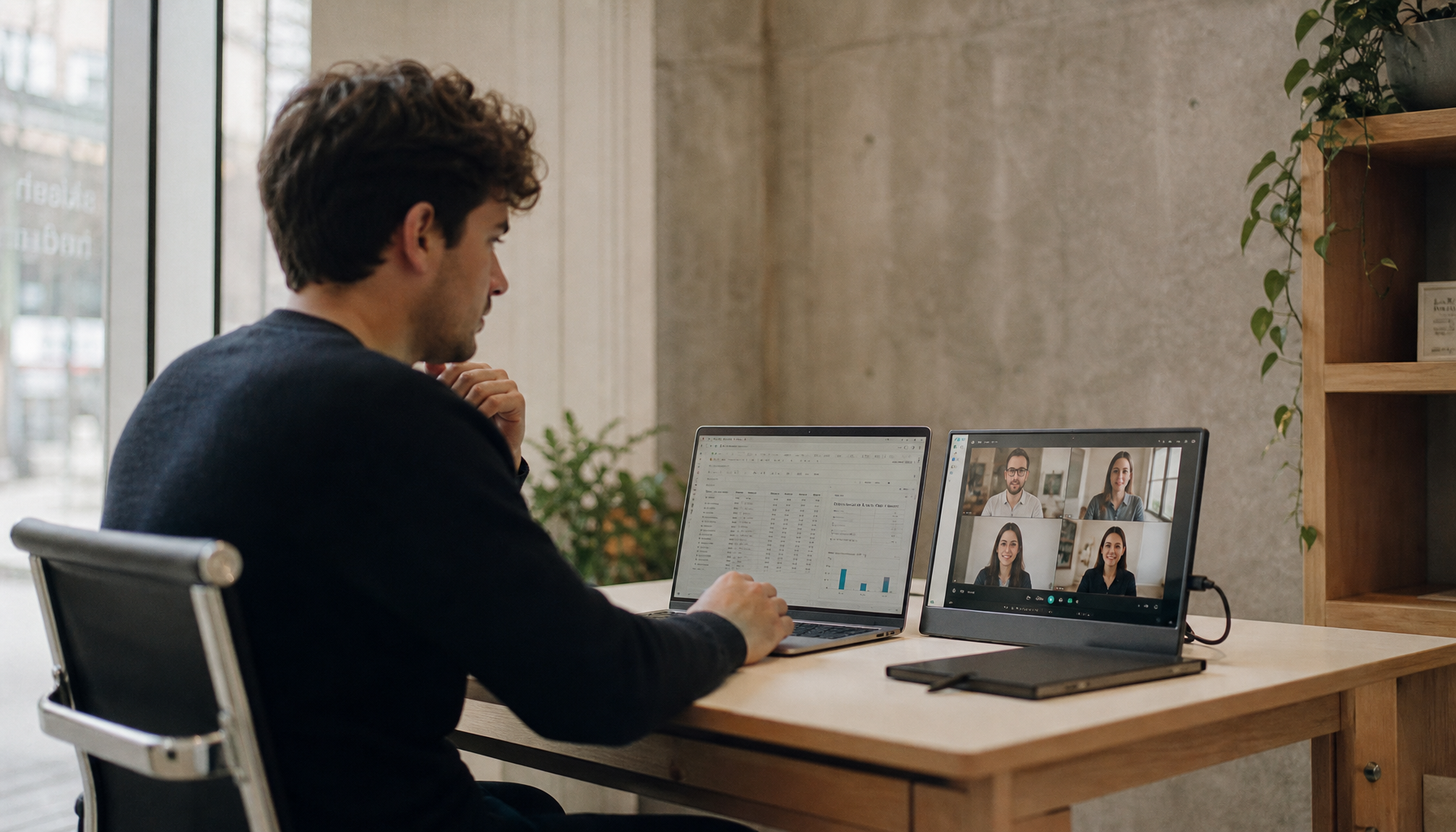
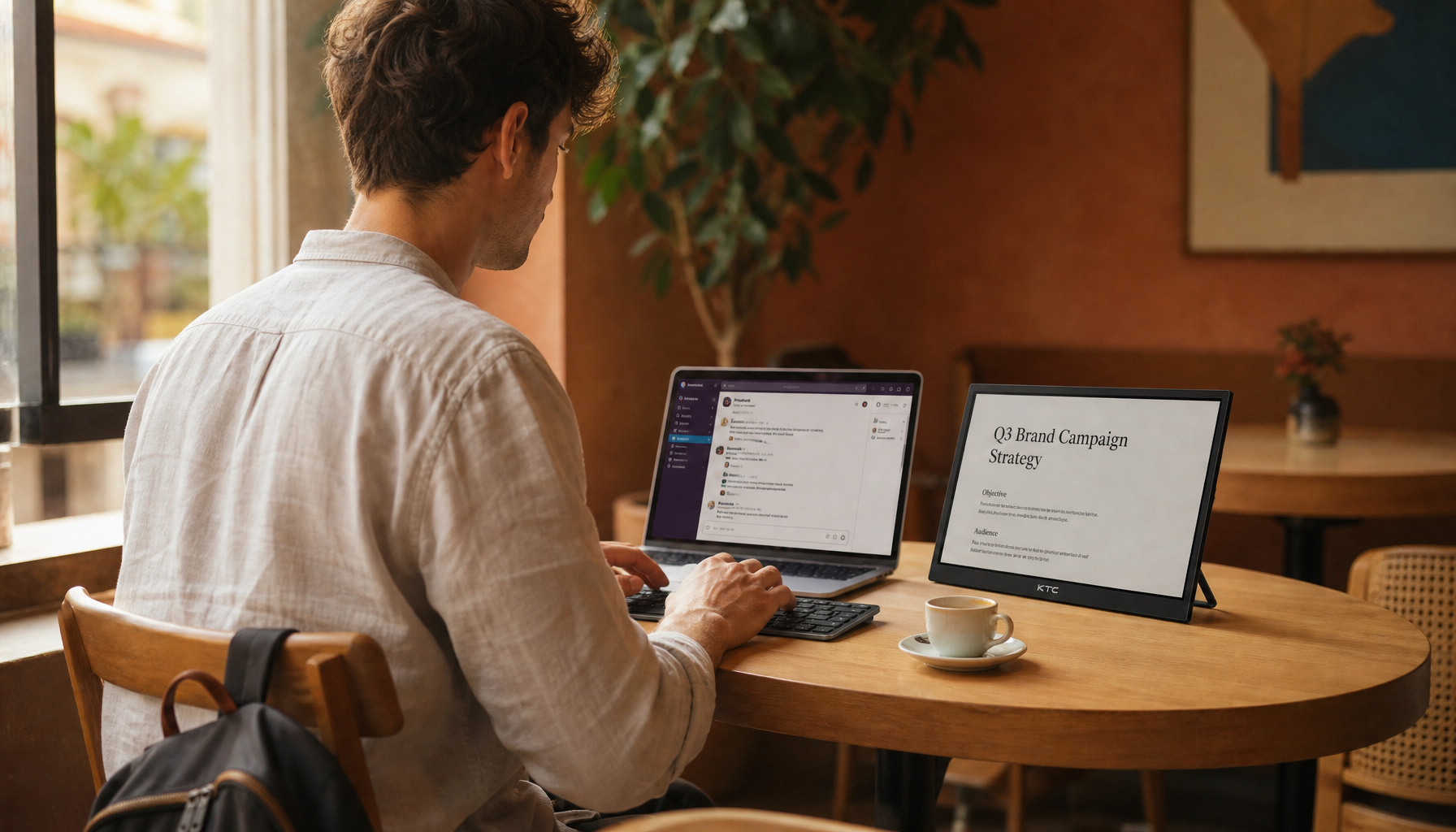
A 32:9 monitor usually is not the direct cause of neck strain. Discomfort is more often caused by poor placement, limited desk depth, and keeping active content too far from the center.
Why a 32:9 screen can feel harder on the neck

Computer monitor placement is a core part of ergonomic workstation design because poor positioning creates awkward postures that build up over hours, not minutes. That matters more with 32:9 displays than with standard 16:9 screens because the workspace is so wide that it is easy to park reference material, chat windows, maps, or dashboards near the edges. When the content you need sits outside your easy eye-movement range, your body starts helping your eyes by rotating the head.
That does not mean a 32:9 monitor is automatically bad. The same dual-screen ergonomics principle applies here: more horizontal workspace can improve productivity, but the physical risk rises when positioning makes you twist repeatedly instead of staying neutral. In practice, neck discomfort usually shows up when someone treats a very wide display like a wall-sized canvas and spreads active tasks across the full width instead of keeping the primary task near the middle.
A super-ultrawide also changes the geometry of your setup. Proper ergonomics means keeping the screen directly in front of you so you do not rotate left and right over and over. If you sit too close, even a well-centered 32:9 can force more horizontal scanning than your neck tolerates well. If you sit farther back at a desk with enough depth, the same screen can feel much more comfortable.
When the aspect ratio is not the real culprit
Improper monitor setup is a common cause of neck discomfort because it tends to create three specific postures: looking up at a monitor that is too high, looking down or leaning in toward one that is too low or too far away, and twisting toward a screen that is off-center. That is why two people can buy the same 32:9 monitor and have very different outcomes. One keeps the center of the panel slightly below eye level and feels fine; the other puts it on a shallow desk, sits too close, and ends every session rubbing the base of the neck.
The most common mistake with large displays is not the width but the height. Keeping the top of the screen at or slightly below eye level is a consistent ergonomic recommendation, and large panels often need to sit a little lower than owners expect so the screen center stays comfortably below the eyes. If the middle of a 32:9 sits too high, you are not just turning your head left and right; you are also tilting it upward, which leads to fatigue faster.
A second edge case matters more on large ultrawides. Bifocal users often need the screen lower than standard guidance because a high screen can make them tip the head back to find the right lens zone. On a 32:9 panel, that small extension posture gets repeated across a much wider field, so the setup becomes less forgiving than it would be on a smaller display.
How to tell if your 32:9 is causing the strain
Tech neck symptoms commonly include headaches, stiffness, and spasms. With a 32:9, the pattern is often more specific: discomfort builds on one side first, you notice yourself turning toward the same corner all day, and the pain eases when you temporarily drag your main app back toward the center of the screen. That strongly suggests the layout, not just the workload, is driving the problem.
A simple real-world test works well. Keep your main game HUD, document, or editing timeline in the middle half of the display for one or two full work sessions, and move lower-priority items like music, chat, or performance widgets farther out. If your neck settles down, the issue is probably not that 32:9 is inherently unsafe. It is that your most-used content was sitting too far from center.
The setup changes that matter most

Center the monitor directly in front of you first, then judge everything else from that reference point. On a 32:9, the center of the panel should line up with your nose, sternum, and keyboard, not with the left half of the screen. If one app dominates about 80% of your day, treat that app area as the true primary zone and keep it centered instead of trying to use the entire width equally.
Keeping the top of the screen at or slightly below eye level is the next high-value fix. On most super-ultrawides, your eyes should land naturally in the upper portion of the screen rather than dead center or near the bottom edge. If you feel pinching at the base of the neck, the display is often too high. If you keep leaning toward it, it is often too low, too far away, or both.

An arm’s-length viewing distance is a solid starting point, but 32:9 users should be especially honest about desk depth. A shallow desk pushes the screen too close, which makes the far edges more demanding. A monitor arm is often the cleanest fix because it lets you reclaim several inches of space, fine-tune tilt, and keep the display low enough without sacrificing keyboard room.
Frequent movement breaks matter just as much as monitor position. One major clinic recommends taking a break every hour to stretch tight neck and upper-body muscles, while another recommends even more frequent posture resets during long screen sessions. For gaming, that can mean standing between matches. For office work, it can mean using natural pauses between calls or tasks to reset your shoulders and neck before tension hardens into pain.
The tradeoff: immersive productivity versus physical tolerance

Business monitor testing in 2026 still treats 32:9 displays as legitimate productivity tools, including models positioned as substitutes for two QHD monitors. That value is real. You get uninterrupted horizontal space, no center bezel, and a cleaner setup for large spreadsheets, timelines, dashboards, and simulation games.
The tradeoff is that a 32:9 screen demands more setup discipline. Dual-monitor positioning advice already recommends a slight curve or inward angle to reduce neck strain, and that logic carries directly into super-ultrawides. If the display is flat, too close, and loaded with critical content at the edges, the immersion starts costing comfort. If the desk is deep enough, the screen is centered, and the most-used windows stay inboard, the same panel can feel easier to use than a poorly matched dual-monitor setup.
A practical rule for deciding whether 32:9 is right for you
A 32:9 monitor is usually a good fit when you have enough desk depth to sit back comfortably, you can mount or adjust the screen precisely, and your main task stays near the center while secondary items sit at the sides. It is a weaker fit when you work on a shallow desk, wear bifocals or progressives and already tilt your head back, or constantly need to read fine detail parked at the far left and right edges.
A super-ultrawide should pull you into the work or the game, not pull your head out of alignment. If your neck is doing noticeable left-right travel, the fix is usually not giving up on 32:9. It is making the screen behave like a centered tool instead of a panoramic wall.