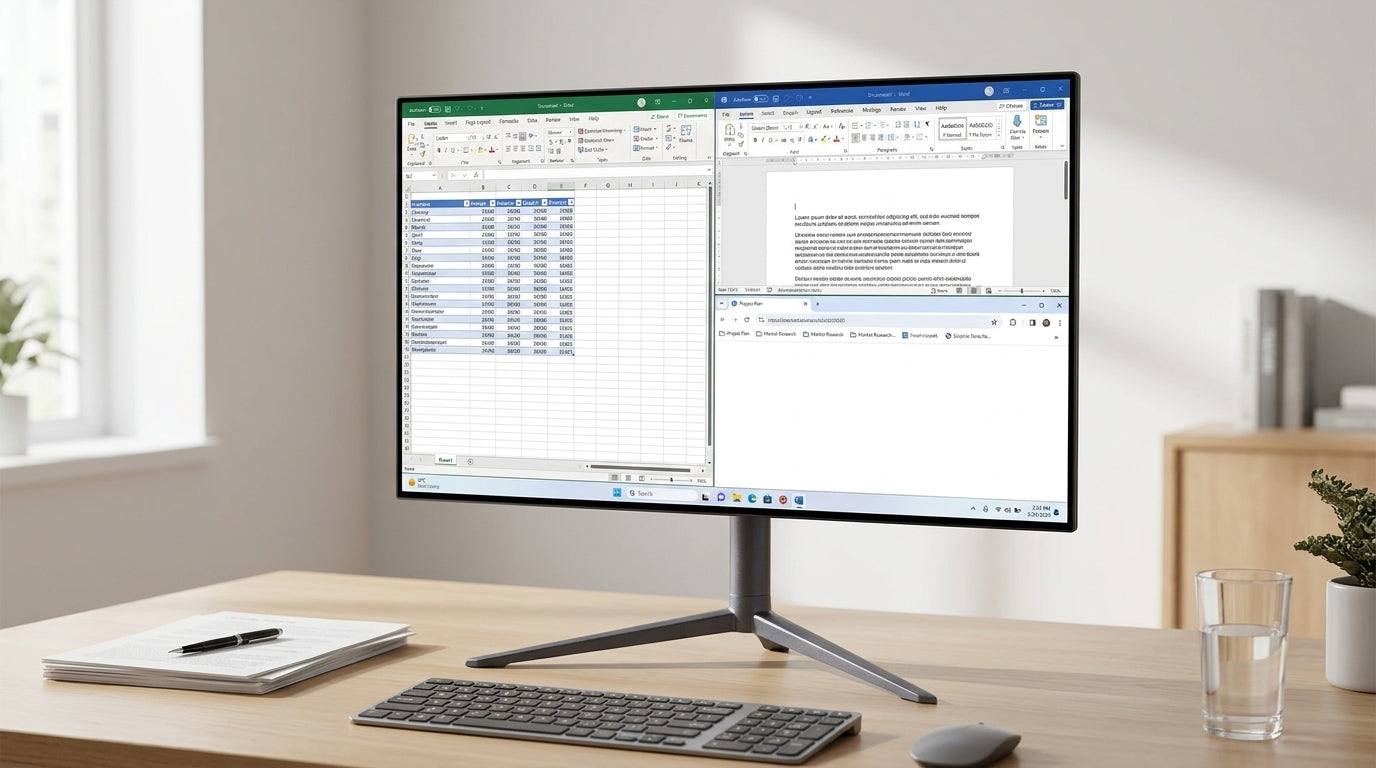
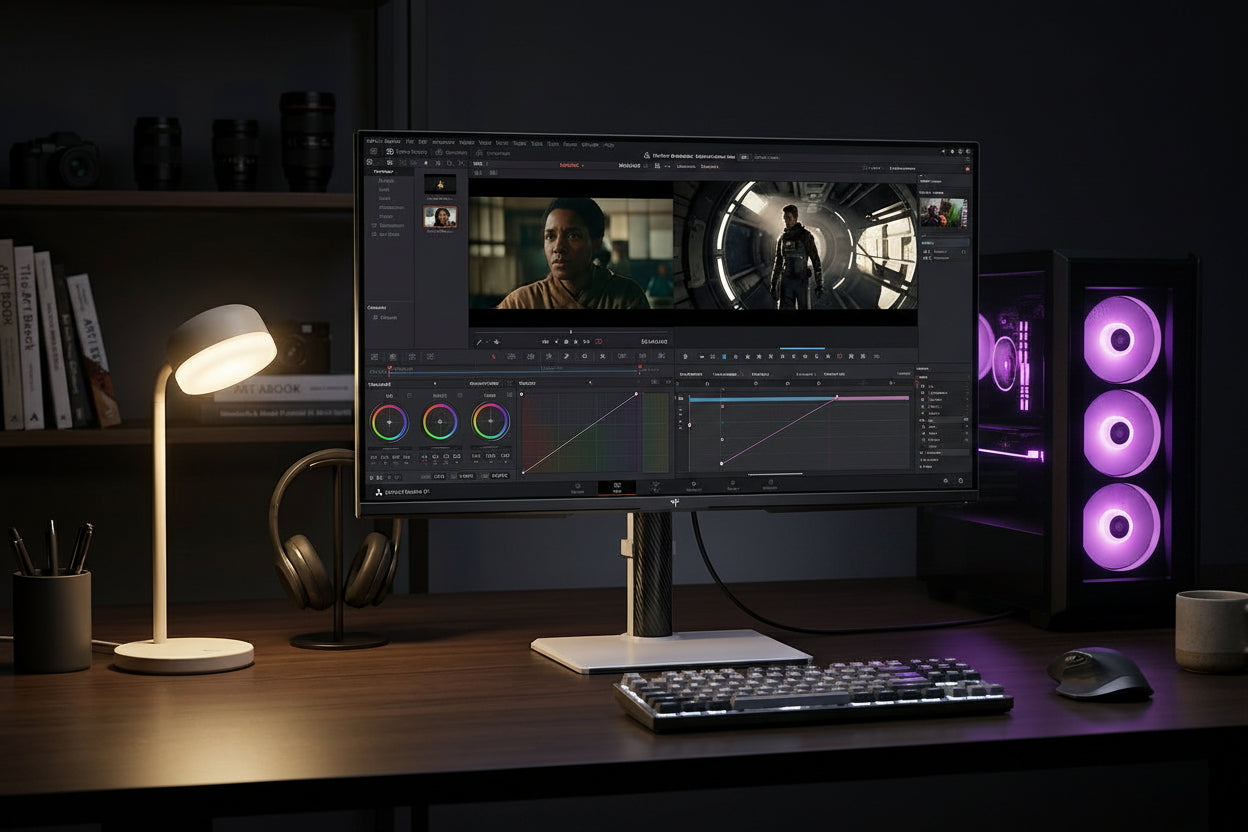
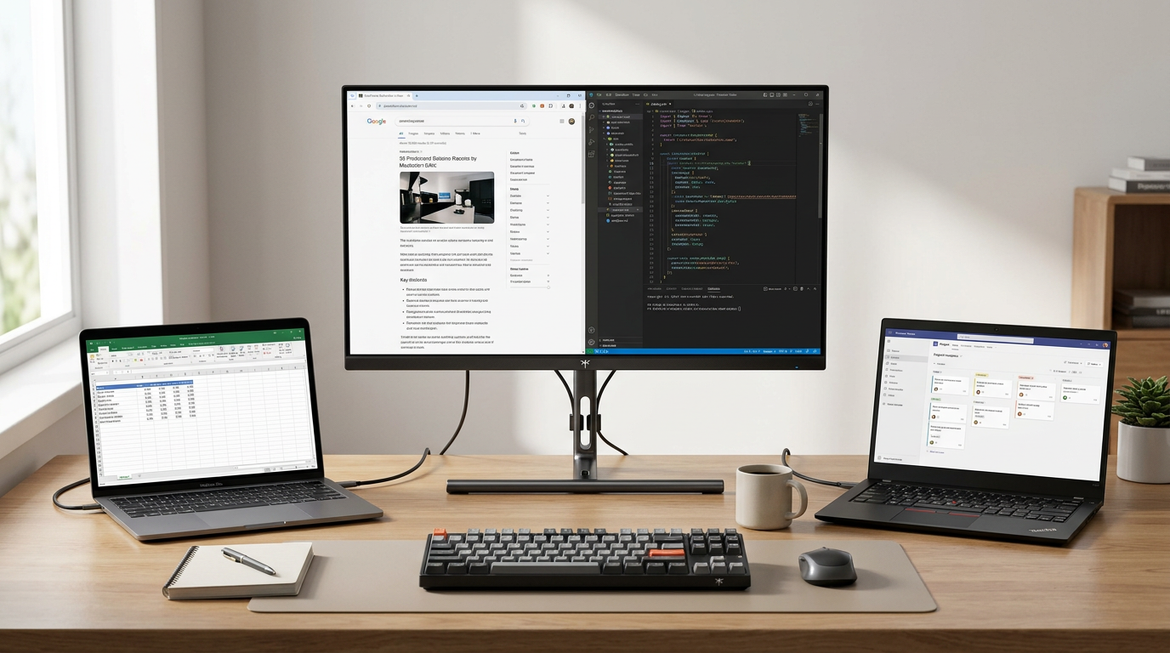
A portable smart display for travel makes the most sense when you want a screen that can do more on its own, not when you just need another panel to plug into a laptop. The portable smart display for travel category is best judged by three things: where you are using it, how much setup friction you can tolerate, and whether the screen needs to run apps independently.
What a Portable Smart Display Does on the Road
In plain terms, a portable smart display is a screen you can move more easily than a desk monitor, but that mobility still has limits. The KTC A25Q5 portable touch screen is a good example: it combines a 25-inch FHD IPS panel, Android 14, Wi-Fi, Bluetooth, speakers, USB-C, and a built-in battery, so it can function without relying on a separate laptop for every use.
That is the main travel advantage. It can reduce the amount of gear you need to unpack in a hotel room, RV, or temporary setup. It may also be easier to use for streaming, touch navigation, or casual media when you want the screen itself to handle the experience.
The trade-off is simple. Portable only means "easier to move," not "easy in every trip." Size, weight, battery use, and app dependence still shape whether the device feels convenient or cumbersome once you are away from home.

Where It Fits Best
A portable smart display for travel is most useful when the room or trip gives you a stable place to set it down. In a hotel desk or nightstand setup, the value is often in convenience: you get a screen that can run apps without tying every task to your laptop, and you may avoid hunting for a second outlet right away. That said, hotel Wi-Fi login steps can slow first-time setup, so this is better for travelers who do not mind a little arrival-day friction.

In RVs and temporary living spaces, the fit can be even better if the display will stay mostly stationary. The screen may be easier to use than a full desktop monitor when space changes from one corner to another, and battery power can help when outlets are not always where you want them. Brightness still matters here. A 400-nit display is usually fine for bright indoor light or shaded use, but direct sun is another story.
For work trips, flights, and car rides, separate the in-transit part from the destination part. A battery-powered display may be handy after you arrive or while parked, but it is less natural to treat as a constant on-the-move screen. The FAA's carry-on lithium battery guidance helps with flight transport, but transport compliance is not the same as easy travel usability.
In real travel use, the best fit is usually the trip where the screen stays put long enough to earn its keep. If the device will mostly live on a hotel desk, in an RV, or in a temporary work corner, a portable smart display for travel can feel justified. If you are constantly packing and unpacking, it can start to feel like a lot of hardware for a short stay.
| Travel scenario | Fit level | Why |
|---|---|---|
| Hotel desk | Practical fit | Stable placement and easy access to power |
| RV / temporary living | Practical fit | Can stay mostly stationary and use battery support |
| Work trips at destination | Possible with compromises | Useful after arrival, but setup steps still matter |
| In-transit flights / cars | Awkward / poor fit | Too much friction for constant on-the-move use |
| Outdoor / direct sun | Awkward / poor fit | Glare and brightness limits make use less comfortable |
What Limits Travel Usability
Battery life is the first spec most buyers look at, but it only tells part of the story. The A25Q5's runtime is listed under specific conditions: up to 11 hours at 55% brightness and 30% volume, up to 7 hours at 80% brightness and 50% volume, and up to 4 hours at 100% brightness and 100% volume. In travel terms, that means the number you care about is not just the battery rating, but the use pattern you actually expect on the road.
Brightness is the next limiter. A screen around 400 nits can work well in bright indoor rooms or shaded outdoor spots, but it is not something to treat as a direct-sun display. That matters for campsites, patios, and bright RV windows, where glare can change the experience fast.
Weight and size matter too. The A25Q5 is far less portable than a tiny travel monitor, so "portable" here is closer to "movable with a plan" than "throw it in any bag." That is useful if the screen will stay in one room for hours, but less useful if you expect frequent hand-carry travel.
App dependence adds another layer. When the display itself runs Android apps, Wi-Fi login and update steps become part of your arrival routine. That is often fine in a hotel or temporary apartment, but it is a real friction point if you want a screen that behaves like a simple plug-and-play accessory.
If you want a deeper look at runtime behavior, a MegPad battery-life check is worth a read. For buyers who care more about how the screen affects another device's battery, this portable monitor drain guide explains the trade-off from the laptop side.
A good rule of thumb is this: if you need the screen to be self-contained, battery-powered, and touch-friendly, the smart display earns its place. If you mostly need another display surface, the extra features can become extra weight.
How to Compare Travel-Ready Models
The cleanest way to compare a portable smart display for travel is to ask what problem it solves on the road. If the screen itself needs to run apps, stream media, or act as a standalone device, smart features matter. If the laptop or console already handles everything, those same features may not justify the extra bulk.
Here is a simple comparison frame you can use before buying.
| Travel factor | Why it matters on the road | Better when | A simpler portable monitor may be enough when |
|---|---|---|---|
| Battery | Reduces dependence on constant wall power | You use the screen away from outlets or in changing spaces | You always have a laptop or dock nearby |
| Brightness | Affects readability in bright rooms and shaded outdoor areas | You stay mostly indoors or in controlled light | You expect direct sun or very bright outdoor use |
| Weight and size | Shapes bag space and packing friction | The screen stays in one place for long stretches | You want the lightest carry possible |
| Apps and OS | Lets the screen operate on its own | You want streaming, touch, or media without a host device | Another device already runs the apps |
| Wi-Fi and Bluetooth | Adds flexibility, but also setup steps | You want wireless media or easy pairing | You prefer the fewest possible moving parts |
| Ports and cabling | Changes how fast you can set up | You use USB-C and want fewer adapters | You are fine with a very basic wired screen |
| Speakers or camera | Helps when the display is part of the experience | You plan to watch, call, or present from the screen itself | Audio and camera come from another device |
| Packing convenience | Predicts whether the device feels travel-friendly | The setup will mostly stay in a hotel room, RV, or rental | You need a true quick-carry second screen |
The A25Q5 fits the left side of that table better than a basic second screen. It is a more self-contained mobile touch screen option, so it makes the most sense when the display itself needs to do more.
If your travel use is simpler, the comparison flips. A battery-free monitor such as the H15F9 portable travel monitor is usually easier to carry, easier to power, and easier to treat as a true second screen. For a lot of short trips, that simplicity matters more than having apps on the display.
One practical decision sentence is worth remembering: if the screen is only there to extend a laptop, choose the simpler monitor; if the screen must work on its own, the smart display starts to make sense.
When a Portable Monitor Is the Better Buy
A portable monitor is often the smarter choice when the traveler already has the computing device, the apps, and the media playback sorted out. In that setup, the display only needs to show pixels. It does not need its own OS, battery runtime, or wireless app stack.
That usually means less charging, less weight, and fewer setup steps. It also means less to manage in a carry-on or on a small desk. If your trips are short, your workspace is tight, or you hop between locations often, the simpler path can feel better in practice.
The H15F9 travel monitor is the cleaner fit when you want a lightweight screen for laptop expansion, console play, or basic productivity. It is not trying to be a standalone entertainment device, and that is exactly why it can work better for frequent flyers or minimalist packers.
The main not-a-fit rule is straightforward: if you do not need the display to operate independently, do not pay for the extra behavior it adds.
A Practical Travel Fit Checklist
- Start with the trip type. A hotel desk, RV, and airport connection all create different kinds of friction, so do not treat them as the same use case.
- Check the power story next. The FAA carry-on battery rule covers transport, but you still need to know where the screen will charge and how long it will stay useful once unplugged.
- Look at brightness in the context of the destination. If you expect glare, windows, or outdoor shade, the spec matters more than it does in a dark room.
- Decide whether the screen needs its own apps. If the answer is no, a battery-free portable monitor is usually the less annoying option.
- Compare packing friction. A travel display only helps if it fits your bag space, your setup time, and the kind of trip you actually take.
If you want a single model to evaluate against that checklist, the A25Q5 is a reasonable travel-oriented smart display to review. If you want a category-level browse path, start with portable touch screen options and compare them against a simpler monitor before you decide.
Final Takeaway
A portable smart display for travel is a good fit when you want a screen that can stand on its own in hotels, RVs, or other temporary setups. It is a weaker fit when you only need a second screen, when you travel very light, or when direct-sun readability and arrival-day setup speed matter more than smart features. If you are torn, compare the trip you actually take to the friction you are willing to manage.
FAQs
How Portable Is a Battery-Powered Smart Display in Real Travel Use?
It is portable in the sense that you can move it from place to place, but it is not always light enough for casual grab-and-go travel. Size, weight, battery use, and setup steps all affect whether it feels easy or awkward once you arrive.
Can a Smart Display Replace a Laptop Screen on a Work Trip?
Usually not by itself. It can be a useful second screen or media device, but the laptop still does the main computing. The smart display earns its keep when the screen itself needs apps, touch, or independent playback.
What Travel Conditions Make Battery Life Drop Faster?
Higher brightness, louder audio, streaming, and more app activity can shorten practical runtime. That is why the battery number on the spec sheet should be read with its testing conditions, not as a universal day-long promise.
Why Might a Portable Monitor Be Easier for Frequent Flyers?
A basic portable monitor is often lighter, simpler to wire, and less dependent on Wi-Fi or app setup. For frequent flyers, those small differences can matter more than smart features that are never used.
Can I Use a Portable Smart Display for Camping or an RV Trip?
Yes, if you can manage power access, place it where it stays stable, and accept that glare or outdoor light may limit usability. It works best when the screen stays mostly stationary rather than moving constantly.
Should I Buy the Smart Display or the Simpler Monitor First?
If you are unsure, start with the simpler monitor unless you already know you need standalone apps, wireless playback, or touch-friendly control. The smarter screen is more specialized, so it should solve a clear problem before it earns the extra cost and bulk.