Battery-powered monitors solve the core challenge of off-grid RV living by delivering a large, high-quality screen without the heavy power demands of traditional displays or the inefficiency of inverters. These portable smart screens let you enjoy movies, work productively, or game comfortably while preserving your limited solar or battery capacity.

Portable monitors typically consume between 5W and 15W on average, compared to traditional LCD monitors which often exceed 25W to 60W, according to this analysis of energy-efficient tech. This difference translates directly into more usable hours on a standard RV solar setup or house battery bank.
Why Power Efficiency is the Foundation of Off-Grid Living
Using a regular home monitor in an RV quickly drains your power resources and forces frequent reliance on shore power or noisy generators. The low power draw of battery-powered monitors changes this equation by letting you run entertainment or productivity sessions longer without touching your main battery reserves.
In real RV setups, this efficiency avoids the “inverter tax”—the 10-20% energy loss that occurs when converting DC battery power to AC for standard devices. Direct DC or USB-C Power Delivery (PD) charging bypasses that loss, giving you more off-grid time from the same battery capacity.
For most travelers, this means the difference between watching a full movie on solar power versus needing to start the generator midway through. Checking your total power budget first—solar panel output, battery size, and daily consumption—helps decide whether a low-draw portable screen is the right fit.
Choosing the Best Battery-Powered Monitor for Your Rig
Look for monitors with built-in batteries, such as the KTC MEGAPAD 32" 4K Android 13 Google EDLA Smart Touch Monitor with 9500mAh Battery, which can provide several hours of untethered use. These eliminate the need for constant cable connections during short camping stops or while moving around the RV.
Resolution matters in an off-grid context. Full HD (1080p) options generally draw less power than 4K models, helping preserve battery life when runtime is limited. A smart monitor collection often includes both resolutions so you can match screen quality to your power constraints.
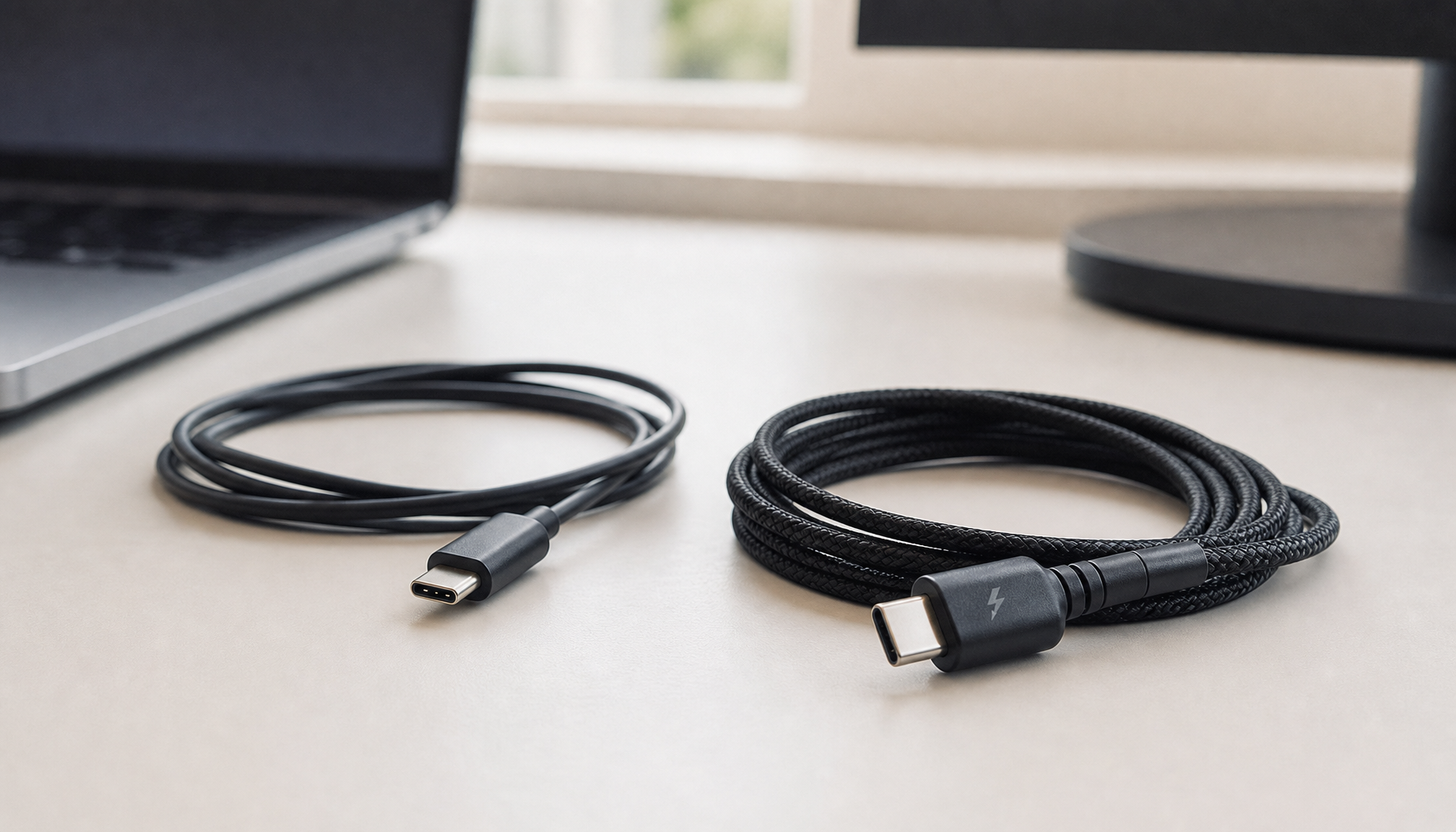
USB-C PD support is essential for single-cable setups that carry both video and power. This simplifies wiring in tight RV spaces and works directly from 12V systems with the right adapter. Consider your typical content—streaming, light work, or occasional gaming—before choosing between FHD and 4K, as higher resolution can reduce runtime noticeably.

Maximizing Your Power Budget: The RV Power & Thermal Survival Guide
Brightness is the primary factor affecting runtime. Running at 50% brightness instead of maximum can roughly double your available hours in many setups. Keep the screen at the lowest comfortable level for your lighting conditions to stretch limited battery capacity.
Thermal management protects battery health. Avoid charging or storing the monitor in temperatures above 45°C (113°F), which is common inside a parked RV on hot days. Use shade or ventilation to stay within safe operating ranges.
Prefer native 12V DC-to-DC or USB-C PD chargers over inverters. This approach reclaims efficiency that would otherwise be lost in conversion, extending your off-grid window. The chart below illustrates how these variables typically affect runtime in planning scenarios.
How Brightness, Resolution, and Inverter Use Change Off-Grid Runtime
This chart helps visualize the likely pattern: lower brightness and DC-native use typically extend runtime, while 4K panels and inverter use shorten it. The ranges are conservative planning bands for RV use, not exact results for every setup.
View chart data
| Category | Typical runtime range (hours) |
|---|---|
| Low brightness, FHD, DC-native | 10.0 |
| Medium brightness, FHD, DC-native | 5.0 |
| High brightness, FHD, DC-native | 3.0 |
| Medium brightness, 4K, DC-native | 2.5 |
| Medium brightness, FHD, with inverter | 4.0 |
Ensuring a Safe and Secure Setup in a Mobile Environment
Road vibration can loosen standard mounts and stress components over time. The ANSI/RVIA standards provide the framework for safe electrical and mechanical installations in RVs, making locking hardware or marine-grade arms preferable for long-term travel.
Quick-release systems with locking pins offer a practical balance between security during transit and easy repositioning when parked. Adding foam padding between the mount and RV surface helps dampen high-frequency vibration that could otherwise cause “chatter” or long-term wear.
Drilling into RV walls for permanent mounts may affect vehicle warranties, so removable or clamp-style solutions are often safer. Always verify that your chosen mounting hardware is rated for the monitor’s weight and the expected road conditions.
The Off-Grid Setup Checklist: Ready for the Road
Before heading out, confirm USB-C PD 3.0 compatibility with your 12V system to ensure stable power delivery without flickering. Test the setup at home to catch compatibility issues early.
Secure the monitor with locking mounts or store it padded during travel to protect against bumps. Check thermal conditions before departure—avoid leaving the device in a hot, closed RV for extended periods.
Finally, match the monitor size and features to your actual use. A mobile touch screen collection offers options from compact travel models to larger smart displays suitable for full entertainment setups. This checklist helps rule out options that look good on paper but won’t survive real road conditions.
How long can a battery-powered monitor realistically run in an RV?
Runtime varies widely with brightness, resolution, and content type. A built-in battery around 9500mAh often delivers 4-6 hours at moderate settings, but actual results depend on screen brightness and whether you are streaming versus using lighter productivity apps. Lower brightness and FHD resolution generally extend this window significantly.
Do I need a built-in battery or can I rely on the RV’s 12V system?
A built-in battery provides true untethered flexibility for moving the screen around the RV or using it outside. Direct 12V USB-C PD charging works well for stationary setups and avoids battery wear, but you lose the ability to watch content while the vehicle is in motion or during quick repositioning.
Is 4K worth it for off-grid RV entertainment?
4K delivers sharper detail for movies but increases power draw and can halve runtime compared with 1080p in similar conditions. Choose 4K only if your power budget comfortably supports it and you prioritize image quality over maximum battery life.
How do I safely mount a monitor in an RV without damaging walls?
Use vibration-resistant locking arms or clamp systems rated for mobile use rather than standard desk mounts. Avoid permanent drilling when possible, and add padding to reduce vibration transfer that could loosen screws or stress the monitor over time.
Can these monitors handle both work and gaming off-grid?
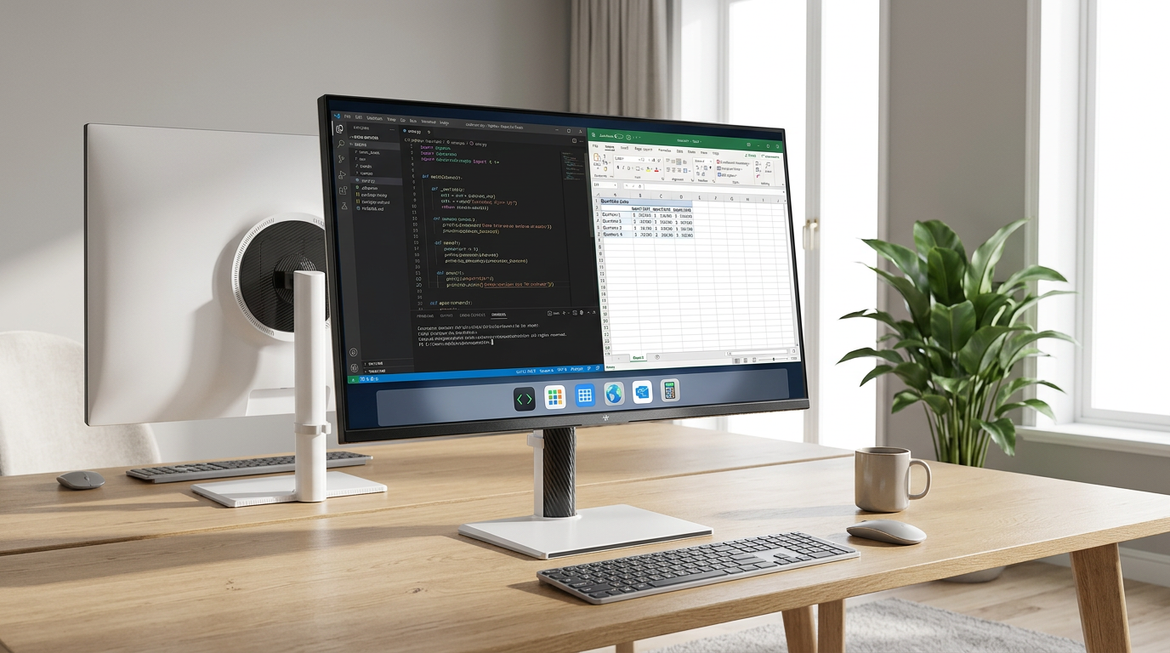
Yes, many battery-powered smart monitors support streaming apps, productivity software, and casual gaming through their Android systems or connected devices. Pair with a low-power laptop or streaming stick for best results, and adjust brightness to balance performance with battery life.