Choose the smallest monitor that gives you enough working room without overwhelming your desk, sightline, or room. For most bedroom offices, that means a 24-inch display for compact setups, a 27-inch display for balanced productivity, and a 34-inch ultrawide only when desk depth and room layout genuinely support it.
Does your bedroom desk feel fine until the screen arrives, only for the room to suddenly feel crowded and your chair to have nowhere comfortable to sit? A better size choice can preserve clear movement around the bed, keep the screen at a comfortable viewing distance, and still give you the workspace needed for serious daily output. Here is how to match monitor size to the realities of a bedroom office without giving up performance.
Start With the Constraint That Matters Most: Distance
A bedroom office usually has less depth than a dedicated study. The desk may be pushed against a wall, tucked beside a bed, or squeezed between storage and a window. That makes viewing distance the first filter, because a screen that is technically better can still feel wrong if it sits too close.
A 24-inch monitor works well when your eyes are roughly 20 to 30 inches from the screen, while a 27-inch model generally needs more breathing room at about 24 to 36 inches from the screen. That difference matters in a bedroom, where desk depth often decides whether the display feels clean and focused or visually aggressive.

Consider a real setup with a 24-inch-deep desk. Once you account for the stand base, keyboard, and a natural sitting position, a 27-inch screen may leave you watching from too close unless you use a monitor arm. On the same desk, a 24-inch display can feel more proportional and easier to scan during email, writing, or calls.
Practical Rule for Small Rooms
If your desk is shallow and your chair cannot move back freely because of the bed, favor 24 inches. If you can sit farther back with a stable 27-inch viewing distance, the larger screen becomes far more useful for side-by-side windows and everyday multitasking.
Room fit matters as much as raw screen size. Compact bedrooms create tighter placement limits, and larger displays become harder to enjoy if they force awkward posture or excessive eye travel in smaller rooms.
24-Inch vs. 27-Inch: The Most Important Bedroom Decision
For most people building a bedroom office, the real choice is not small versus giant. It is 24 inches versus 27 inches.
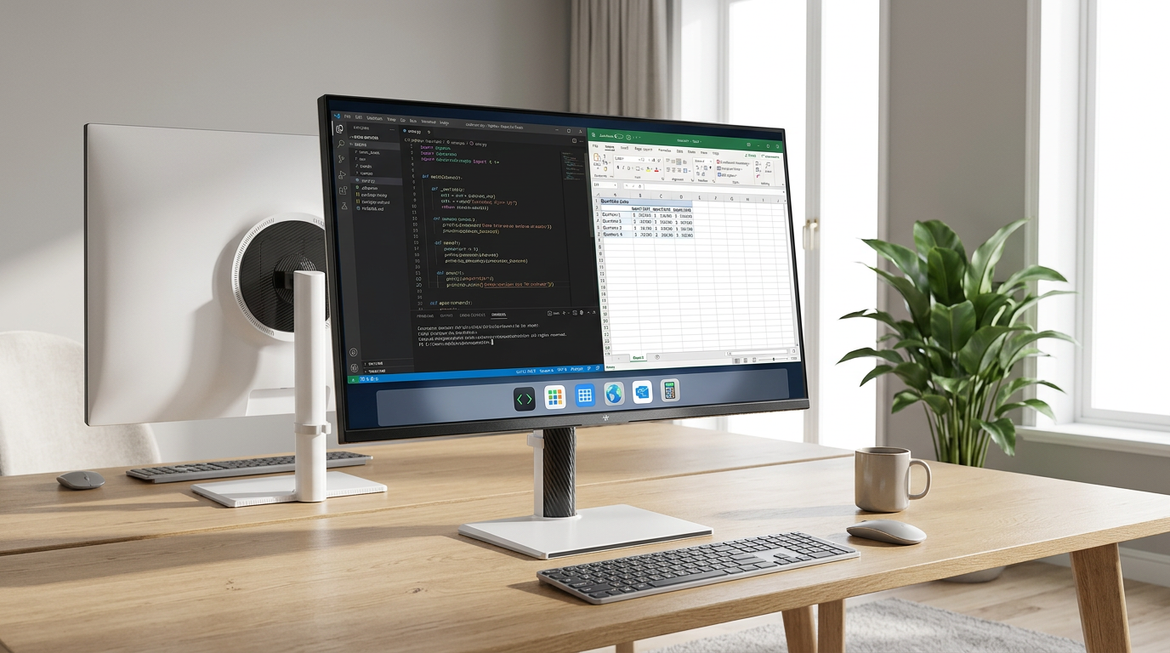
A 24-inch display is compact, forgiving, and usually the easier fit for narrow desks. It suits writing, browsing, video meetings, admin work, and focused single-app workflows. A 27-inch display gives noticeably more working area, with about 26% more screen space than a 24-inch panel, which makes split-screen document work, spreadsheets, and research-heavy tasks more comfortable.

Size |
Best Fit |
Main Strength |
Main Tradeoff |
24-inch |
Tight desks, closer seating, focused tasks |
Easy to place and visually restrained |
Less room for multitasking |
27-inch |
Balanced home office setups |
Better side-by-side work and stronger immersion |
Needs more distance and desk depth |
A concrete example makes the tradeoff clear. If you spend most of the day writing in one window while keeping chat or email open in a smaller side panel, 24 inches can work very well. If you constantly compare two documents, track a spreadsheet beside a browser, or keep a project board open next to your main work, 27 inches is usually the better productivity investment.
Resolution changes the verdict. A 24-inch 1080p monitor remains a sensible match, while a 27-inch monitor benefits much more from 1440p because text and fine interface details stay sharper at the larger size at the larger size. In a bedroom office, where you often sit relatively close, that sharpness difference becomes easier to notice.
When a 34-Inch Ultrawide Works, and When It Does Not
A 34-inch ultrawide can be excellent in a compact work zone if it replaces a messier multi-monitor setup. Its wide aspect ratio creates generous horizontal workspace without the center bezel of two displays, which is useful for timelines, spreadsheets, dashboards, code, and research layouts without the center bezel.
The catch is that ultrawide convenience still requires physical room. The display needs enough desk width, enough viewing distance, and enough visual calm around it. In a bedroom, where the monitor shares space with sleep, storage, and often softer ambient lighting, a very wide screen can dominate the room more than expected.
Picture a 48-inch-wide desk wedged between a dresser and a bed. A 34-inch ultrawide may technically fit, but the speakers, notebook space, charging dock, and lamp quickly lose their place. On a 60-inch desk with a monitor arm and cleaner cable routing, the same ultrawide can feel far more intentional.

This is also where a bedroom-office nuance appears. If you use studio speakers, larger ultrawide monitors can interfere with clean speaker placement and sightlines in small rooms interfere with clean speaker placement. That matters for anyone editing audio, producing video, or simply wanting a neat multimedia workstation that does not compromise the rest of the room.
Dual Monitors in a Bedroom: Productive, but Easy to Overbuild
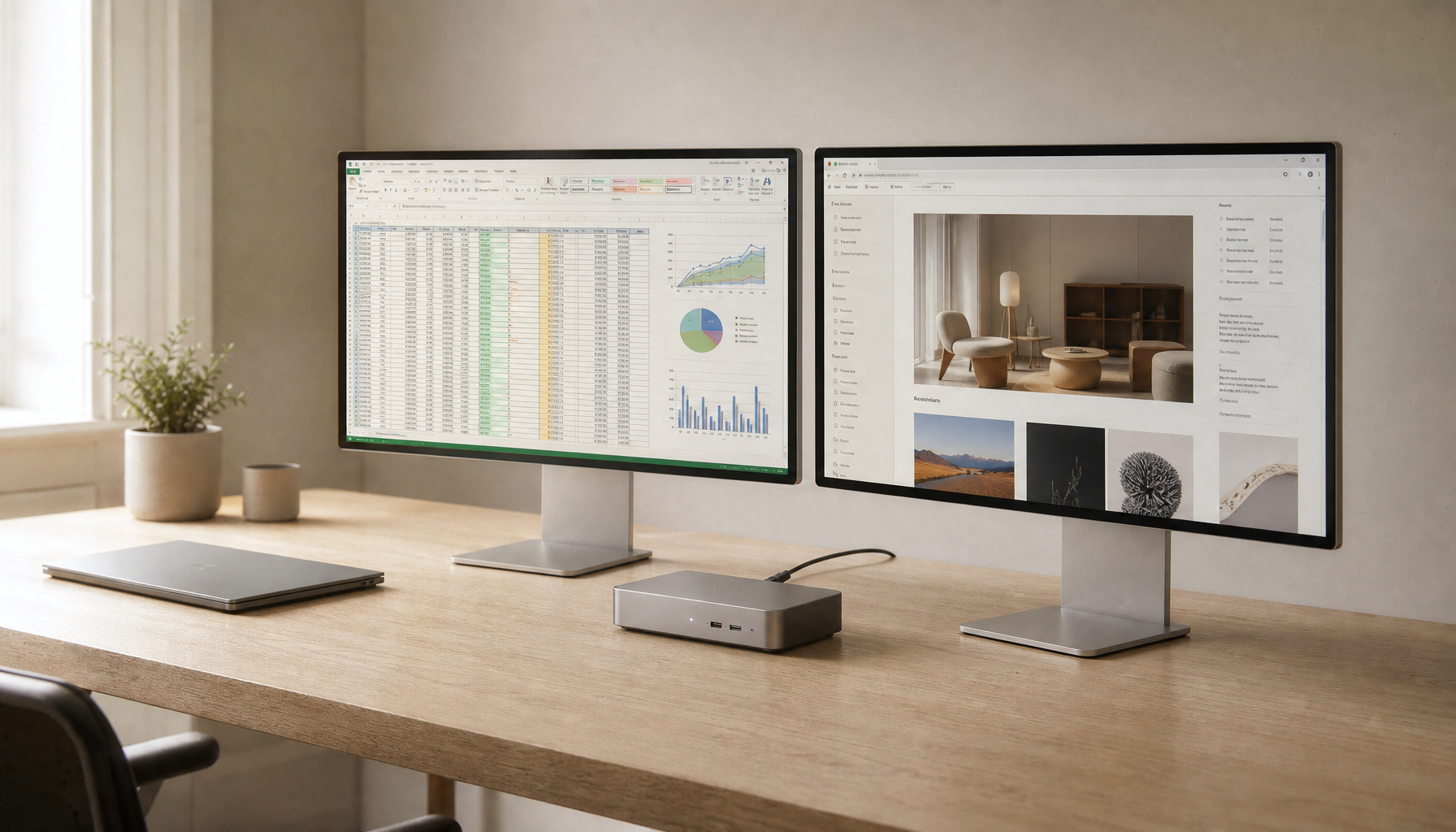
Dual monitors can be powerful, especially for finance, operations, research, and communications-heavy roles. They reduce constant window switching and let separate tasks stay visible. Yet they also demand more desk width, more cabling, and more visual mass.
For two 24-inch displays, a desk around 32 to 40 inches wide can work in a compact way, while dual 27-inch setups generally become much more comfortable around 50 to 60 inches wide for two displays. In a bedroom, that difference is not minor. It can determine whether the workstation feels integrated or like it has swallowed the room.
A smart compromise is one primary 27-inch monitor with a smaller secondary screen in portrait orientation, especially for email, notes, long documents, and chat. A similar arrangement is praised for separating work modes while avoiding the awkwardness of two equally dominant screens separating work modes.

If your desk sits directly beside the bed, this hybrid setup often feels more balanced than two large side-by-side panels. You keep a strong main canvas without creating a wall of screens that is hard to ignore after work hours.
Match Screen Size to the Work You Actually Do
Monitor size should answer workload, not vanity. A smaller display can be the better tool when your day is mostly writing, meetings, web apps, and focused administrative work. Larger displays earn their space when they reduce friction in tasks that genuinely benefit from more visible information.
The practical office sweet spot often lands between 24 and 27 inches because it balances productivity, comfort, and ordinary desk fit between 24 and 27 inches. Larger 28- to 32-inch panels make more sense for large spreadsheets, analysis-heavy work, media editing, or users who deliberately want fewer hidden windows.
Suppose your bedroom office supports a 27-inch monitor comfortably. If your routine involves documents, team chat, browser tabs, and video calls, that size is usually enough. If your workflow includes a large accounting sheet plus a reference document and messaging pane, then stepping up in size or going ultrawide starts to make a functional difference.
Do Not Ignore Visual Calm
Bedroom offices are unusual because they must switch roles. During work hours, the screen should feel spacious and capable. After work, it should not make the room feel permanently on.
That is why desk proportion, screen height, and visual density matter. A monitor should leave room for the keyboard, lamp, notebook, and a bit of clean negative space. Larger displays may need height adjustment, an arm, or a mount so the top of the panel sits comfortably near eye level rather than forcing you to look upward near eye level.
A simple calculation helps. If your desk is 47 inches wide and a 27-inch monitor is roughly 23.5 inches across, you preserve meaningful side space. If you place two such monitors on that same desk, the setup nearly consumes the full visual width before accounting for bezels, angles, or speakers. The first option leaves the room feeling like a bedroom with a work zone. The second can make it feel like a workstation with a bed.
The Best Size by Bedroom Scenario
Bedroom Office Situation |
Strong Choice |
Why It Works |
Very shallow desk, frequent video calls, writing-heavy work |
24-inch |
Compact, easy to place, comfortable at closer distances |
Standard desk, mixed productivity, side-by-side apps |
27-inch 1440p |
Best balance of clarity, screen area, and desk fit |
Deep desk, multitasking-heavy workflow, desire to avoid dual monitors |
34-inch ultrawide |
Broad workspace with fewer visual breaks |
Limited width but long-document work |
27-inch primary plus smaller portrait display |
Adds utility without creating a wide screen wall |
A Confident Buying Take
For a bedroom office, 27 inches is often the most versatile answer, but it is not automatically the best answer. If your desk is shallow or your seating position is fixed, a sharp 24-inch display can outperform a cramped 27-inch setup in day-to-day comfort. If your workflow truly benefits from a larger canvas and the room can support it, a 34-inch ultrawide becomes a serious productivity upgrade rather than an indulgence.
The right monitor size should make work feel clearer and the room feel calmer. When both happen at once, the screen is doing its job.