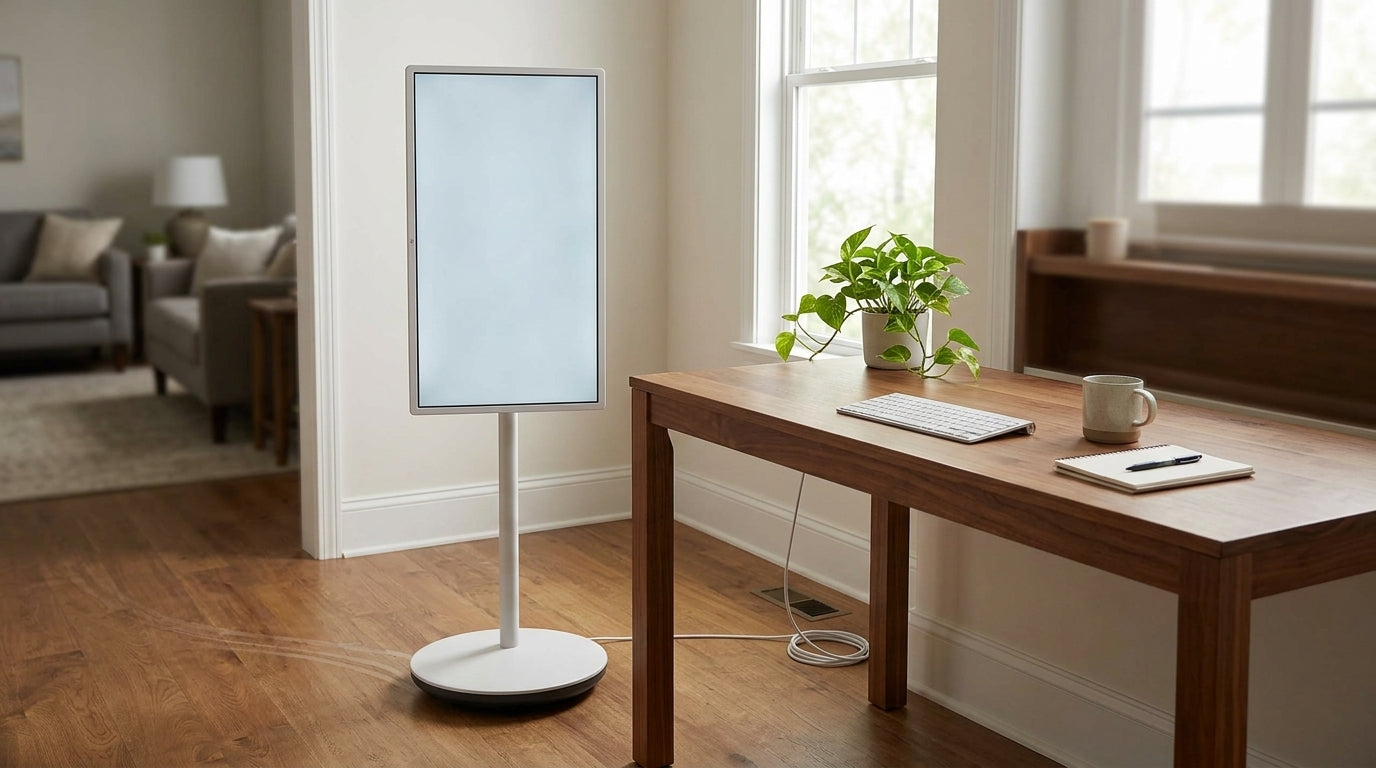
MegPad battery life real world depends much more on the task than on one headline number. If you are deciding whether it can work as a primary screen at home, the useful question is not just how long it lasts, but which routine it can handle before you end up planning around a charger.
Why Battery Expectations Matter
Battery complaints around portable smart displays usually come from mismatched expectations. A screen used for quiet streaming at moderate brightness does not drain the same way as one used for long calls, louder audio, or brighter room conditions. That is why MegPad battery life real world should be read as a task report, not a universal promise.
For shoppers, the first filter is simple: if the device will live near power most of the day, battery is a convenience feature; if you want to move it room to room or use it away from a wall outlet, battery becomes part of the buying decision. The Mobile Touch Screen collection is the broad browsing path if you want to compare the category first.
How the Runtime Test Was Read
Read the numbers in this article as scenario guides. The 25-inch MegPad page gives runtime claims at specific brightness and volume settings, while an independent runtime review found about 5 hours of mixed browsing and video streaming at roughly 50% brightness. That makes the 25-inch model a useful benchmark for what a real household session can feel like, rather than a best-case marketing number.
Brightness is the biggest swing factor. Research on mobile displays shows that screen brightness is a major part of battery draw, so the same device can feel very different at moderate versus max brightness. Display brightness is one reason a runtime claim can shrink fast once the room gets brighter or the session gets louder.
The 25-inch model's own runtime table is a good illustration of that spread: at 55% brightness and 30% volume, it is listed at 11 hours for 2K video streaming; at 80% brightness and 50% volume, 7 hours; and at 100% brightness and 100% volume, 4 hours. The point is not that every app behaves the same, but that brightness and audio level can move runtime from "day-part use" to "short session use" very quickly.[^a25-runtime]
Charging state changes how you should interpret the results. A display that is plugged in during use may still be convenient, but that is not the same as being truly portable. If you expect to carry it between rooms and keep using it unplugged, judge it by the battery alone, not by how well it behaves while tethered to power.
Streaming and Video Calls
Streaming is the baseline household case. For most buyers, casual video playback is the fairest place to start because it is steadier and usually lighter than a call-heavy day. In practice, the 25-inch MegPad looks most comfortable for sessions that mix viewing with short pauses, especially if brightness stays moderate. That lines up with the review's roughly 5-hour mixed-use benchmark and with the manufacturer's higher runtime numbers under lower brightness.

Video calls are a different drain class. Academic testing of Google Meet and Zoom on Android found that camera use is the most energy-greedy feature, and meeting features significantly affect consumption. In plain terms, a call keeps the screen, camera, and network active together, so it is more likely than passive viewing to move a display from "portable for a session" into "better near a charger." Video conferencing energy use is the clearest reason not to treat calls like streaming.
Mixed days are the tricky part. If the same screen bounces between streaming, messaging, and calls, the safest reading is to judge the longest or heaviest part of the day, not the lightest one. A lunch-hour movie is not the same as a two-hour work call, and the second task should set your battery expectation.
If your day is mostly streaming and light browsing, MegPad can be a reasonable session device; if long calls are the norm, it is safer to plan on charger access.
Productivity and Light Work
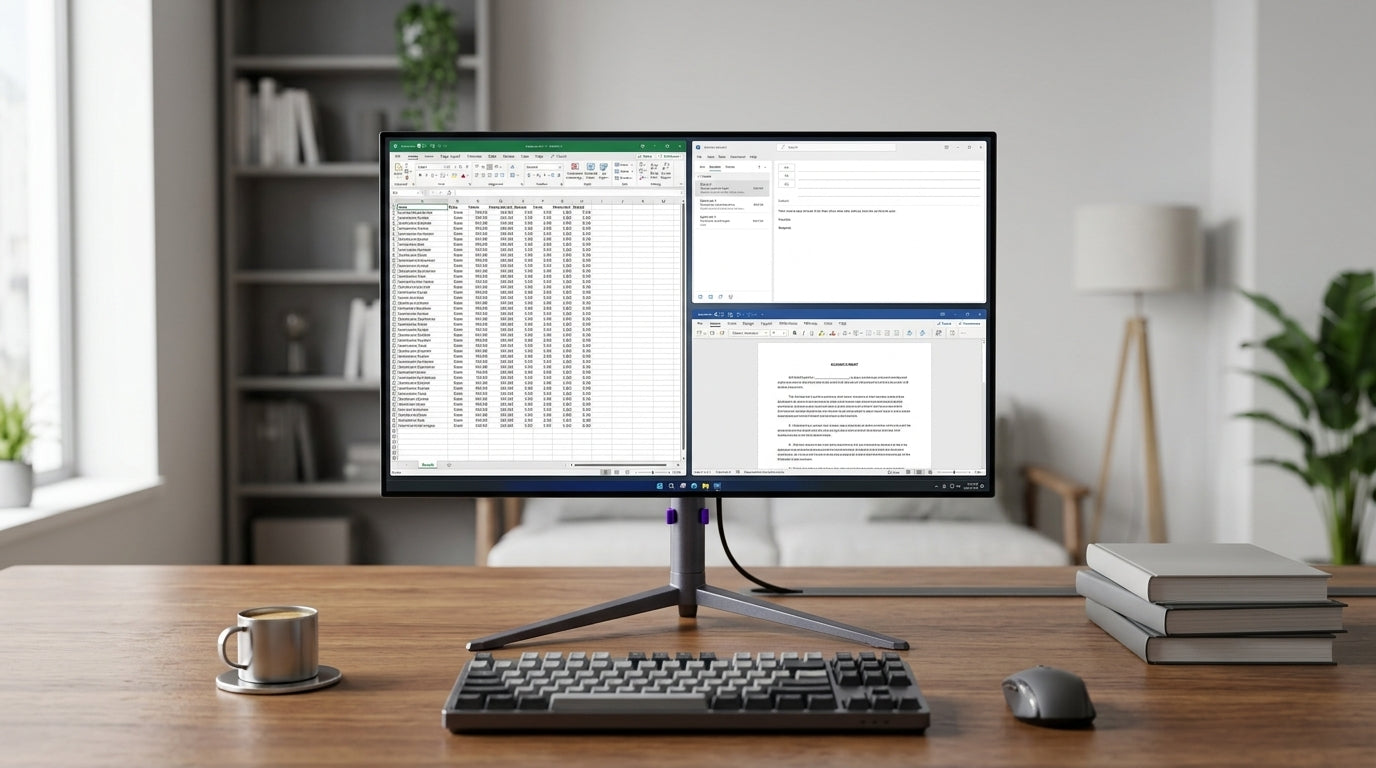
Text-heavy work is usually lighter than video calls, but it is not battery-neutral. Browser tabs, notes, and document edits keep the screen on, and the runtime impact still grows with brightness. For occasional home-office use, that makes MegPad more believable as a flexible side screen than as a battery-first laptop replacement.
What changes the recommendation is session length. Short bursts of note-taking or messaging can fit a portable workflow, especially if the display is near a charger anyway. Repeated long sessions, on the other hand, start to look like a fixed-desk routine, even if the app itself feels simple.
The 32-inch model deserves an even more cautious reading here. Its product page lists an 8550mAh battery, but the manual also says runtime varies by device, temperature, usage time, brightness, and settings, and it gives a maximum usage time of about 5 hours after a long charge. That is enough to treat it as battery-equipped, not enough to treat it as an all-day unplugged workhorse.[^a32-runtime]

If your "productivity" use is mostly short and local to one room, MegPad is workable; if you expect a full workday without power, the battery story is too limited for that promise.
Which MegPad Fits Your Routine
The table below is the safest way to compare the two models because the available evidence is stronger for scenario fit than for direct hour-to-hour equivalence.
| Model | Verified battery/runtime notes | Best household fit | Not a fit if |
|---|---|---|---|
| 25-inch MegPad | 5000mAh battery; up to 11 hours at 55% brightness and 30% volume for 2K video streaming; about 7 hours at 80% brightness and 50% volume; about 4 hours at 100% brightness and 100% volume; about 5 hours in mixed browsing/video streaming at 50% brightness | Session portability, mixed living-room use, lighter call or viewing days | You want very long unplugged use at high brightness or call-heavy workdays |
| 32-inch MegPad | 8550mAh battery; manual says runtime varies by device, temperature, usage time, brightness, and settings; maximum usage time about 5 hours after a long charge | Near-outlet home use, larger-screen sessions, fixed-room flexibility | You want the same unplugged practicality as the 25-inch |
The 25-inch model is the stronger choice when the screen needs to move, since it has the better mix of verified runtime detail and session portability. The 25-inch MegPad is the more defensible pick if your use pattern is mixed but not call-heavy.
The 32-inch model is the safer match when the screen will usually stay close to power and the larger panel matters more than cordless freedom. Its 32-inch MegPad has the larger battery on paper, but the runtime note is still conservative enough that buyers should think in terms of near-outlet use, not all-day roaming.
If portability is your priority, start with the 25-inch; if screen size matters more and power is nearby most of the time, the 32-inch is the more cautious fit.
Buying Checklist for Everyday Use
Before you choose, check these four things against your own routine:
- What is the longest task the screen must survive unplugged?
- How bright do you normally keep a screen in that room?
- How often will the display be moved away from a charger?
- Are video calls a weekly edge case or a daily habit?
If your answer to any of those leans heavy, use that as your real baseline, not your lightest session. MegPad battery life real world is best judged against the hardest hour in your day, not the easiest one. If you want a lighter way to sanity-check the fit, compare your routine with the Smart Monitor category or the real-world runtime audit for more usage context.
Final Takeaway
MegPad battery life real world is best understood as a workload question, not a single-number claim. The 25-inch model is the stronger choice for session portability, while the 32-inch model is safer as a near-outlet screen with a larger battery but more cautious runtime framing. If your routine is streaming and light work, the 25-inch is easier to justify. If your day is call-heavy or bright-room heavy, plan around power access first.
FAQs
How Long Can MegPad Run on a Typical Home Streaming Session?
There is no single answer, because brightness and audio level change the result quickly. The 25-inch model has manufacturer runtime points from about 4 to 11 hours depending on settings, and an independent review found about 5 hours in mixed browsing and video streaming at roughly 50% brightness. That makes moderate streaming a better fit than max-brightness use.
Why Does Battery Drain Feel Faster During Video Calls?
Calls keep the camera, network, and screen active at the same time, which is harder on the battery than passive viewing. That is why a meeting-heavy day should be treated as a different class from entertainment use. If calls are common, the safer expectation is shorter unplugged sessions and more frequent charging.
Can MegPad Work as a Primary Screen at Home?
It can, but only if your routine is light enough or you are comfortable staying near power. A primary-screen setup that includes long calls, bright rooms, or repeated all-day use is more likely to need charging access. If your screen time is mostly short and local, it is a better fit.
What Households Benefit Most From the Larger Battery Model?
Households that value room-to-room flexibility, larger-screen viewing, and shorter unplugged sessions will benefit most. The larger battery does not automatically make the screen equally portable in practice, so the more important check is whether your day is closer to near-outlet use or true cordless use.
How Should I Read Runtime Claims That Include Charging?
Treat charging while in use as a convenience, not as proof that battery life no longer matters. A plugged-in screen can still be useful for long sessions, but the battery is still what decides how far you can move it and how much freedom you have during the day.
[^a25-runtime]: KTC lists 11 hours at 55% brightness/30% volume, 7 hours at 80% brightness/50% volume, and 4 hours at 100% brightness/100% volume for 2K video streaming on the 25-inch model. [^a32-runtime]: The 32-inch product manual says runtime varies by device, temperature, usage time, brightness, and settings, and notes about 5 hours maximum usage time after a long charge.