


For a concrete 1440p gaming reference, Ghost of Tsushima lists a Ryzen 5 5600 or Core i5-11400, an RTX 3070 or RX 6800, and 16GB of RAM for its High preset at an average 60 FPS. Competitive games and more demanding visual settings have different requirements, so choose your configuration around the games and experience you want.
The examples below connect specific hardware with published game targets. Use them to compare a PC you already own or understand the performance level to consider when shopping.

What CPU, GPU and RAM do popular games require?
Start with a configuration matched to your game, resolution, and graphics settings. The table gives concrete examples from official publisher requirements, including the conditions attached to each performance target.
| Game and published target | CPU options | GPU options | RAM and game storage |
|---|---|---|---|
| Valorant: 144+ FPS tier; resolution and preset not specified on the cited page | Intel Core i5-9400F or AMD Ryzen 5 2600X | NVIDIA GTX 1050 Ti, AMD Radeon R7 370, or Intel Arc A310 | 4GB official RAM requirement; check current installation size |
| Ghost of Tsushima: 1440p, High, average 60 FPS | Intel Core i5-11400 or AMD Ryzen 5 5600 | NVIDIA RTX 3070 or AMD Radeon RX 6800 | 16GB RAM; 75GB SSD space |
| God of War Ragnarök: 1080p, Medium, average 60 FPS | Intel Core i5-8600 or AMD Ryzen 5 3600 | NVIDIA RTX 2060 Super or AMD Radeon RX 5700 | 16GB RAM; 190GB SSD space |
| God of War Ragnarök: 4K, Ultra, average 60 FPS | Intel Core i5-11600K or AMD Ryzen 7 3700X | NVIDIA RTX 4070 Ti or AMD Radeon RX 7900 XT | 16GB RAM; 190GB SSD space |
Sources: Riot’s Valorant specifications, Ghost of Tsushima PC requirements, and God of War Ragnarök PC requirements. Ragnarök’s published targets use native resolution without upscaling.
These are official hardware reference points, rather than a ranking of today’s best-value parts. Some listed components are older, which makes the examples particularly useful for assessing an existing or used PC. When buying new, compare the price of the complete system and its performance in your games.
The SSD figures are space for each game. Your drive also needs room for Windows, applications, other games, and updates.
What should you buy for competitive games such as Valorant and Fortnite?
For competitive gaming, choose a CPU and graphics card that can deliver your target FPS together, and leave enough memory for the applications you keep open. Start with the official game requirements, then distinguish a 144 FPS goal from a more demanding 240 FPS or higher goal.
Riot places the Core i5-9400F or Ryzen 5 2600X with a GTX 1050 Ti-class option in its 144+ FPS tier. That is useful if you already own similar hardware. The same tier does not establish a 1440p/240 FPS target, so a PC advertised for that experience should have supporting results at those settings.
For a new mixed-use gaming PC, 16GB of RAM is a practical starting choice; consider 32GB if your games, mods, or background applications need more space. That is a planning recommendation, separate from Valorant’s lower official requirement.
Fortnite needs a different approach because your preferred graphics mode matters substantially. For its Epic Quality tier, Epic lists:
- CPU: Intel Core i7-8700 or AMD Ryzen 7 3700X.
- GPU: NVIDIA RTX 3070 or AMD Radeon RX 6700 XT.
- Memory: At least 16GB RAM and 8GB graphics memory.
- Storage: An NVMe SSD.
Epic does not attach a specific FPS target or resolution to that tier. Use it as a visual-quality reference, while judging competitive settings through results that use the same rendering mode you intend to play. See Fortnite’s official PC requirements.
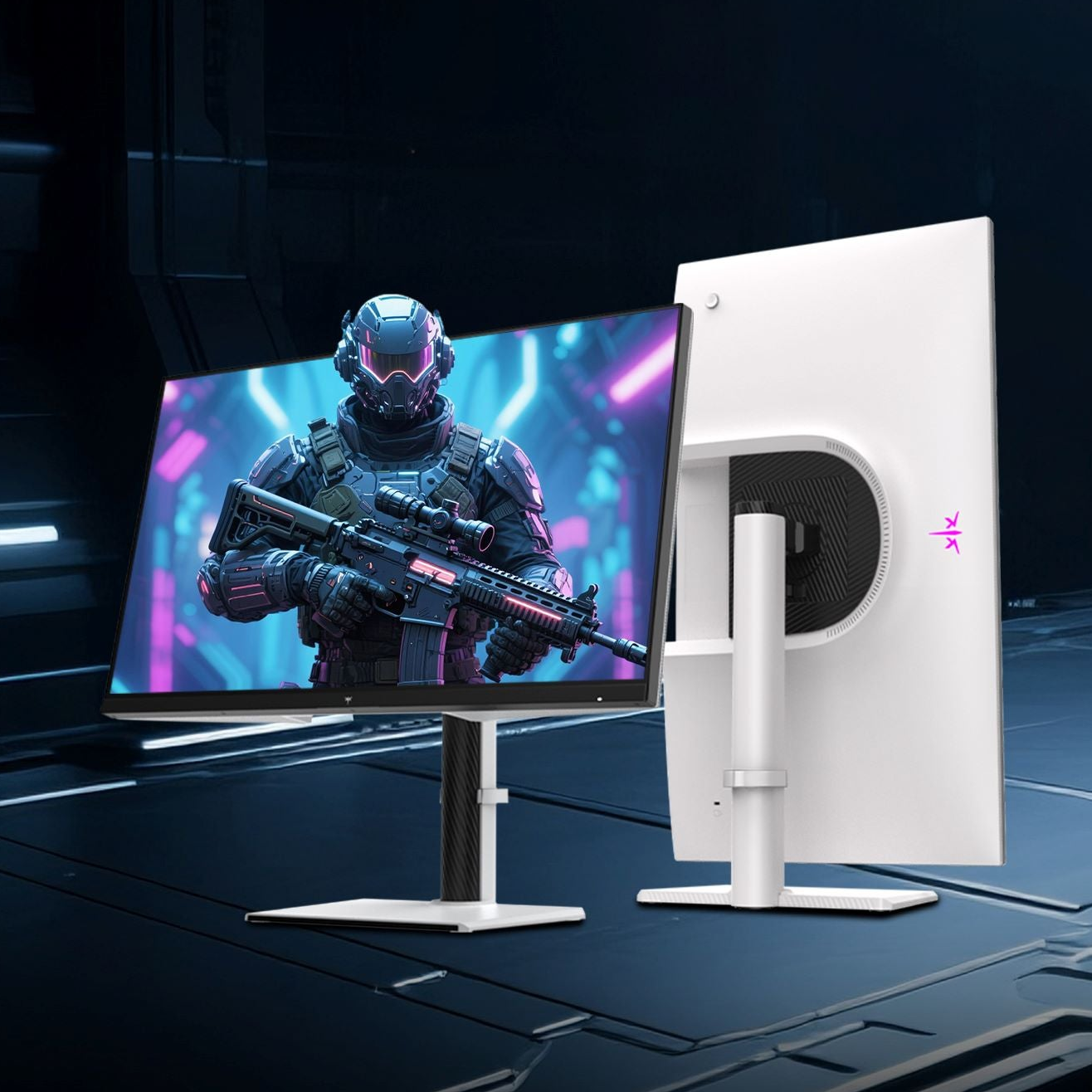
If you are building for a 1440p 300Hz monitor, the KTC H27E6 gives you room to display high frame rates. Pair it with a PC whose performance is documented at 2560 × 1440 in your main competitive games. The monitor can also serve games that run at lower frame rates.

What configuration makes sense for 1440p single-player gaming?
For Ghost of Tsushima at 1440p High and an average 60 FPS, a Ryzen 5 5600 with an RTX 3070 and 16GB RAM is one combination drawn directly from the publisher’s listed options. It gives you a clear reference when comparing an existing PC or a similarly specified system.
If your current CPU and memory already match that level, a graphics upgrade may be the main purchase to investigate. If you are replacing the entire PC, compare newer alternatives by their total price and performance rather than choosing every part solely because it appears in an older requirements list.
A 60 FPS target in a detailed adventure can coexist with a higher target in a competitive game. You can use different graphics settings for each, and choose a display that accommodates both.
The H27T22C-3 offers QHD resolution with a 200Hz refresh rate and 210Hz overclock support. It is an option for that mixed library: 1440p detail for single-player games, with refresh-rate headroom for titles your PC runs faster. The published Ghost of Tsushima configuration above targets 60 FPS, so its role is to establish the game’s hardware needs rather than promise use of the display’s full refresh rate.
What changes when you want 4K or ray tracing?
At 4K, plan for a stronger graphics card; with ray tracing, check the requirements for the exact lighting preset you want. These are separate choices, and both can change the cost of the PC.
For God of War Ragnarök at native 4K Ultra and an average 60 FPS, the publisher lists an RTX 4070 Ti or RX 7900 XT, paired with a Core i5-11600K or Ryzen 7 3700X and 16GB RAM. This gives you a specific 4K reference, including the game, preset, and target.
Cyberpunk 2077 illustrates how ray tracing changes the requirements. Its official 1080p Ray Tracing Ultra, expected 60 FPS tier lists a Core i9-12900 or Ryzen 9 7900X, an RTX 3080 Ti or RX 7900 XTX, 20GB RAM, and 70GB NVMe storage. For a new build aimed at that memory requirement, a compatible 32GB kit is a straightforward capacity choice.
Its 4K Ray Tracing Overdrive tier uses a different configuration and explicitly includes DLSS Frame Generation in the reported result. Keep that distinction when comparing it with native-rendering figures. The conditions are documented in Cyberpunk 2077’s official system requirements.
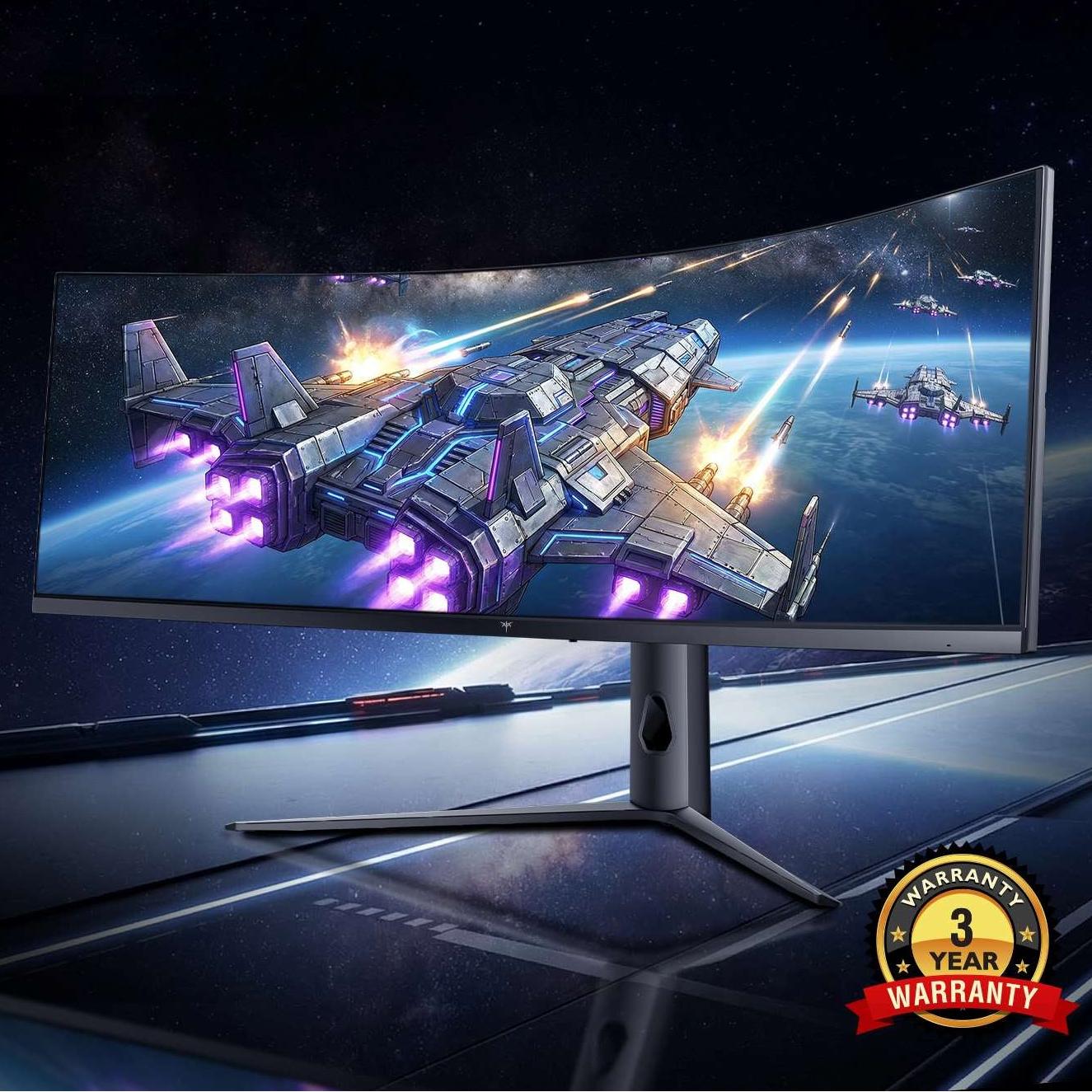
For visually detailed games, a 4K Mini-LED display can complement that focus on scenery and HDR presentation. The KTC M27P6 combines 4K resolution with a 160Hz refresh rate. Choose the PC around your game’s desired frame rate and settings; the screen’s maximum refresh rate leaves room for other, faster-running games.

How much RAM and SSD capacity should you choose?
Choose enough RAM for your most demanding game and normal background applications, then size the SSD for the games you want installed together. For the single-player examples above, 16GB meets several published tiers, while the cited Cyberpunk ray-tracing tier calls for more.
For a new PC, choose 16GB if your selected games fit comfortably within that capacity and the budget is tight. Choose 32GB when you need more room for demanding games, mods, streaming, or multitasking. Buy memory compatible with the CPU and motherboard; DDR4 and DDR5 are not interchangeable.
For storage, Ghost of Tsushima and God of War Ragnarök alone list a combined 265GB. Once Windows, applications, and updates are included, a 1TB SSD is a useful starting size for that kind of library. A 2TB drive makes sense if you prefer to keep several large games installed.
System RAM and graphics memory serve different purposes. When a game lists both, compare both requirements with the PC you are considering.
Should you upgrade your existing PC or replace it?
Upgrade the existing PC when a compatible component can meet your goal at a sensible total cost. Consider a broader rebuild when the change also requires a new motherboard, memory, power supply, or case.
Start by comparing your exact CPU, GPU, and RAM with the relevant configuration above. If you already have a Ryzen 5 5600 and 16GB RAM, for example, those parts match Ghost of Tsushima’s listed High tier. You can then focus on whether your graphics card meets the same target.
If you own the game, use its built-in benchmark or repeat a demanding scene. Record your settings, check whether an FPS cap is active, and try reducing resolution or a demanding graphics option. A noticeable improvement helps you judge whether a graphics upgrade or settings adjustment is worth exploring.
Before ordering a part, check motherboard support, power and connector requirements, cooling, and physical clearance. Add any necessary supporting upgrades to the price so you can compare the real cost with replacing the PC.
What should you check in a PC listing before buying?
Look for exact component models and performance claims tied to named games and settings. A listing that says “gaming PC,” “Core i7,” or “4K ready” gives you less useful information than a complete parts list.

Check the CPU model, graphics card and memory capacity, system RAM, SSD size, motherboard, and power supply. Then compare the configuration with the game target you selected.
When a seller provides FPS results, check the resolution, graphics preset, ray tracing, upscaling, and frame generation settings. Average FPS helps compare systems, while gameplay footage and low-frame-rate figures can show what happens during busier moments. Keep comparisons within the same test method where possible.
Finally, include the display in your budget. Once you know whether your priority is competitive high-FPS play, 1440p adventures, or detailed 4K gaming, the guide to choosing a gaming monitor for your PC can help you compare screen size, panel type, and display features.
Choose the game target first, match the main components to it, and check the complete system price before purchasing.