Ultrawide support can create a situational edge, but it rarely becomes a universal unfair advantage. The real impact depends on field-of-view rules, HUD placement, tournament standards, and the performance cost of pushing more pixels.
Ever feel like the player on a wider screen spots danger before you even know where to look? That concern is real in some titles, while in others the extra width adds almost nothing once aim, frame rate, and visibility settings are matched. The key is judging when ultrawide is a smart advantage, when it is a trap, and when developers should limit it.
The Short Answer Depends on What Kind of Competitive Game You Mean
Ultrawide monitors usually mean 21:9, while standard competitive screens are still 16:9, and super ultrawide extends to 32:9. On paper, that extra horizontal space can reveal more of the game world at once. In practice, whether that becomes unfair depends on how the game engine handles field of view, how much useful information appears near the edges, and whether the player gives up performance or center focus to get it.
The displays most pro players still use help explain why. In serious esports, speed, target clarity, and keeping the action inside a tight visual window matter more than cinematic scale. That matches broader competitive display guidance that treats smaller 16:9 screens as the standard for esports because they reduce eye travel and make the full screen easier to track.
What “Advantage” Really Means in Competitive Play
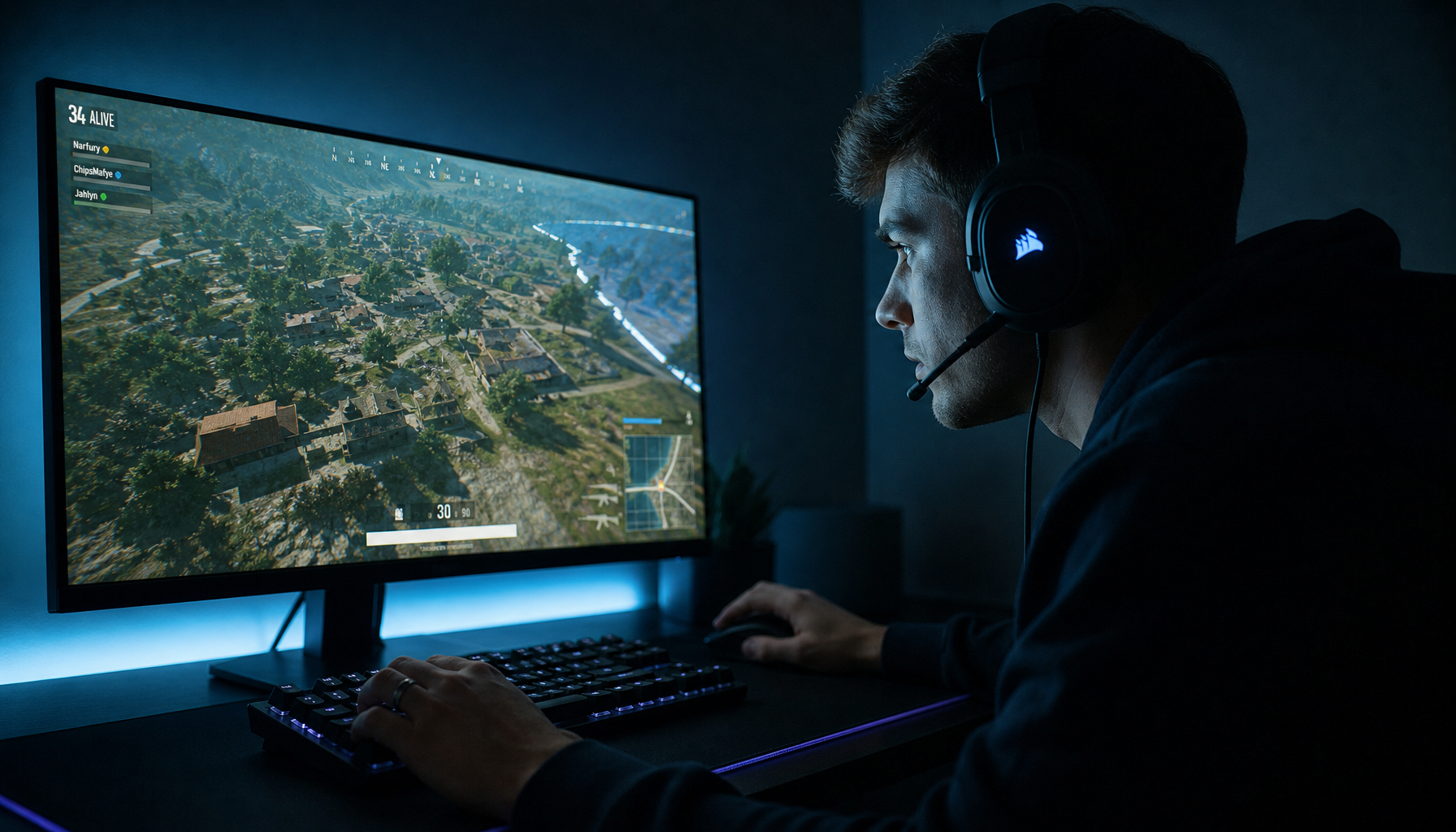
A wider aspect ratio can increase horizontal field of view in games that truly render more at the sides instead of stretching the image. That can matter in a battle royale, tactical shooter, racing game, or hero shooter where flank information appears at the edges. If two players hold the same angle and one can see more horizontal space on a supported 21:9 screen, that player may notice a side peek earlier.

That does not automatically mean the wider player wins the fight. Competitive monitor guidance consistently emphasizes refresh rate, response time, and low input lag because those traits affect every engagement, not just edge cases. If an ultrawide setup drops your frame rate from a locked 240 FPS feel to something much lower, the visibility gain can be offset by worse motion clarity and less consistent aim.
A simple example shows why. KTC’s pixel comparison notes that 2560x1440 renders about 3.7 million pixels, while 3440x1440 renders nearly 5 million. That is roughly 34% more GPU work. If your system is already close to its limit in ranked play, ultrawide can trade a small awareness edge for a larger responsiveness penalty.

When Ultrawide Really Can Feel Unfair
Ultrawide benefits are strongest in racing, flight, and open-world titles because those genres reward peripheral awareness and environmental scale. In a racing game, seeing more of the next corner entry or a rival car at your side is meaningful information. In that kind of competition, wider support can feel like a genuine edge because the genre naturally rewards broader visual context.
The same can happen in some shooters, but only under specific design choices. Some gaming-display guidance argues that ultrawide helps with edge awareness and enemy detection, while other recommendations still favor 25-inch screens or smaller because they reduce eye and head movement. Those points are not contradictory. They describe two different advantages: information width versus speed of processing. One helps you notice more; the other helps you act faster.
This is where ultrawide support becomes controversial: if a game gives true extra view with no major frame-rate penalty, no UI drawback, and no matchmaking separation, 16:9 players can reasonably feel disadvantaged. That is especially true when maps include frequent side approaches or when holding crossfires matters more than rapid snap aim.
Why Ultrawide Often Is Not the Best Choice for Serious Esports
Esports-focused monitor recommendations consistently frame 24- to 25-inch 1080p displays as the competitive standard because smaller screens keep attention concentrated and support extremely high refresh rates. Real pro usage data points in the same direction, with 1080p displays still dominating among professional players.

The core ergonomic case is straightforward: oversized or extra-wide displays can force more scanning, which raises the chance of missing tiny but critical details. That lines up with what many high-level FPS players report in practice. If crosshair discipline, recoil control, and reaction timing decide the match, a compact high-refresh panel often performs better than a broader canvas.
There is also the tournament problem. Competitive titles and older games do not always support ultrawide cleanly, and many live events standardize around 16:9 hardware. If you train on 21:9 but compete on 16:9, you are building muscle memory in one visual environment and performing in another. For serious ranked players and tournament competitors, that inconsistency is a bigger disadvantage than most people admit.
Where Developers Draw the Line
Ultrawide support is commonly presented as an immersion upgrade rather than a pure skill booster, and that distinction matters. Developers usually have three choices. They can render extra horizontal view, which may improve awareness. They can pillarbox or limit the image to 16:9, which preserves fairness but wastes screen width. Or they can widen the image while pushing HUD elements too far outward, which often feels clumsy for everyone.
The fairest approach in esports is usually predictable visual parity. Ultrawide buying guidance explicitly tells buyers to check whether their games properly support widescreen formats, which underscores how much support quality varies. If a title is built around fixed competitive sightlines, consistent camera geometry, and tournament rules, limiting effective view to 16:9 is easier to defend than giving one hardware class broader vision.
Should You Buy Ultrawide for Competitive Gaming?
For mixed use, a 34-inch 3440x1440 ultrawide is often the safest format because it balances immersion, desktop space, and broader game support better than 32:9. If you split time between ranked gaming, work, and immersive single-player titles, that can be a strong value play. It gives you a more capable workspace and a more absorbing gaming experience without the full compatibility headache of super ultrawide.

For pure competitive play, the market still points back to 16:9 esports monitors. The best-performing options emphasize 240 Hz, 360 Hz, 480 Hz, or higher refresh rates on smaller screens because those gains apply in every round. If your priority is climbing in Counter-Strike, Valorant, or similar games, a fast 24- to 27-inch panel is still the more reliable tool.
The practical test is simple. If most of your competitive titles are built around scanning the center of the screen, fast target transitions, and tournament-standard settings, ultrawide is not an unfair superpower and may even slow you down. If your games reward side awareness, support true 21:9 well, and your PC can hold strong frame rates, ultrawide can create a meaningful edge, but it is still a trade-off rather than a free win.
Ultrawide support becomes unfair only when a game grants materially better information to one player without meaningful downside or rules-based normalization. For most competitive players, the smarter move is not chasing width for its own sake, but choosing the display format that preserves frame rate, keeps your eyes locked on the important zone, and matches the environment where you actually compete.