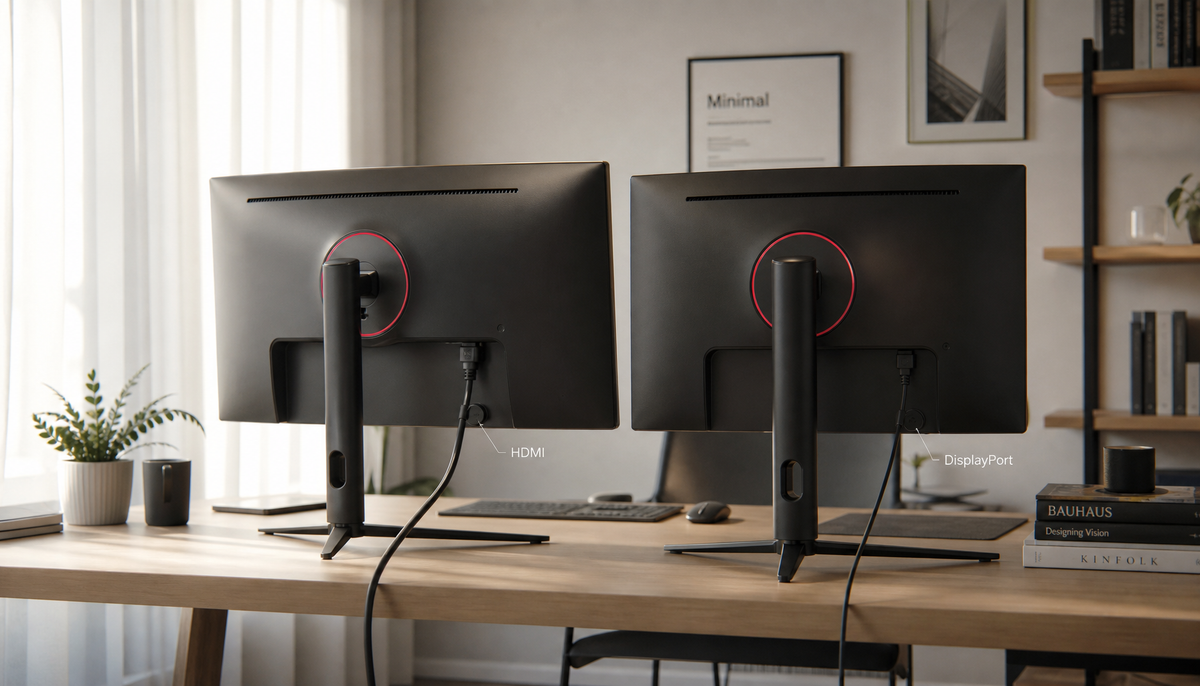
Featured storyWhy Does My USB-C Monitor Negotiate 30Hz Instead of 60Hz at 4K?A 4K USB-C monitor at 30Hz has a bandwidth issue from the cable, port, dock, or a monitor setting. Get the steps to fix the problem and restore 60Hz performance.Jun 4, 2026/8 min read
How to Enable USB-C Monitor Charging When Laptop Is in Sleep ModeKeep your laptop charging from a USB-C monitor in sleep mode. This guide details the monitor settings, laptop specs, and cable types needed for a reliable one-cable setup.Jun 4, 2026/9 min read
How to Troubleshoot a USB-C Monitor That Only Charges Your Laptop But Shows No VideoA USB-C monitor with no video signal that still charges your laptop has a specific cause. Check for DisplayPort Alt Mode, use a video-capable cable, and bypass docks to fix it.Jun 4, 2026/10 min read
Can You Use a USB-C to HDMI Adapter and Still Get Power Delivery?A USB-C to HDMI adapter with Power Delivery (PD) lets you charge your device while outputting video. Get simultaneous 4K display output and pass-through charging from a single port.Jun 4, 2026/10 min read
What Happens If You Connect a USB-C Monitor to a Laptop with Insufficient Power Output?A USB-C monitor with insufficient power can cause a black screen or flicker. Get clear steps to diagnose if the problem is power, the cable, or port compatibility.Jun 4, 2026/10 min read
How to Prevent a USB-C Cable from Overheating During 100W Power DeliveryUSB-C cable overheating during 100W charging creates risk. Use a certified 5A cable with a quality PD charger and keep connectors clean for a cooler, safer connection.Jun 4, 2026/8 min read
How to Get Maximum Wattage From a USB-C Monitor for a Power-Hungry LaptopUSB-C monitor wattage is negotiated, not forced. To get maximum power for your laptop and stop battery drain, verify PD output, use a full-featured cable, and connect directly.Jun 4, 2026/9 min read