







Featured story
How to Stop Notification Pop-Ups from Appearing on the Wrong Monitor
Stop notification pop-ups on the wrong monitor. Set your main display correctly and tune app and browser settings so alerts only interrupt your primary screen.

KTC Journal
Monitor reviews, gaming guides, productivity advice, and practical display know-how from the KTC team.
Stop notification pop-ups on the wrong monitor. Set your main display correctly and tune app and browser settings so alerts only interrupt your primary screen.

One monitor looks washed out through a splitter often due to an RGB range mismatch. Get clear, rich colors by adjusting GPU settings, checking cables, and verifying display modes without buying new hardware.

Your main display keeps switching because of detection order. Get a stable setup by correctly setting the primary monitor, arranging the layout, and using consistent ports.

A stretched vertical monitor with squashed content is usually a settings issue. Correct distorted images by adjusting your OS orientation, resolution, and scaling for a crisp portrait display.

Desktop icons rearranging on a multi-monitor setup is a common issue caused by display detection, resolution changes, or dock behavior. Get a stable fix.
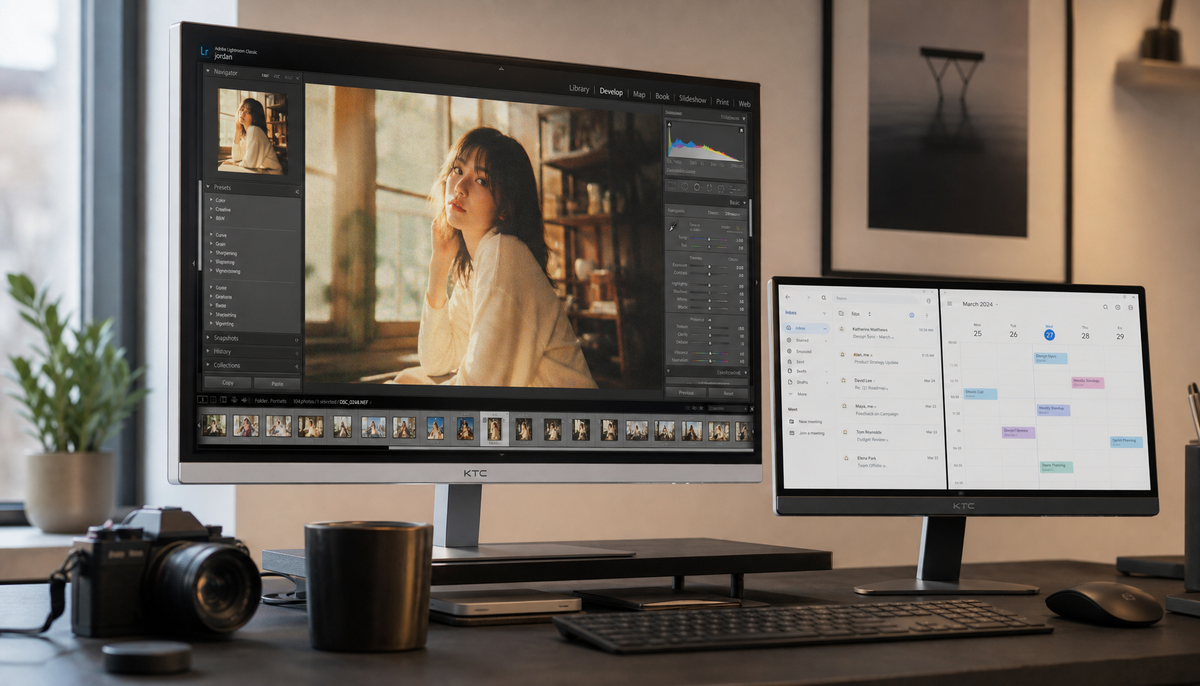
Different color profiles for each monitor are correct for a photo editing setup. Assign a unique ICC profile to each display for accurate, consistent color.
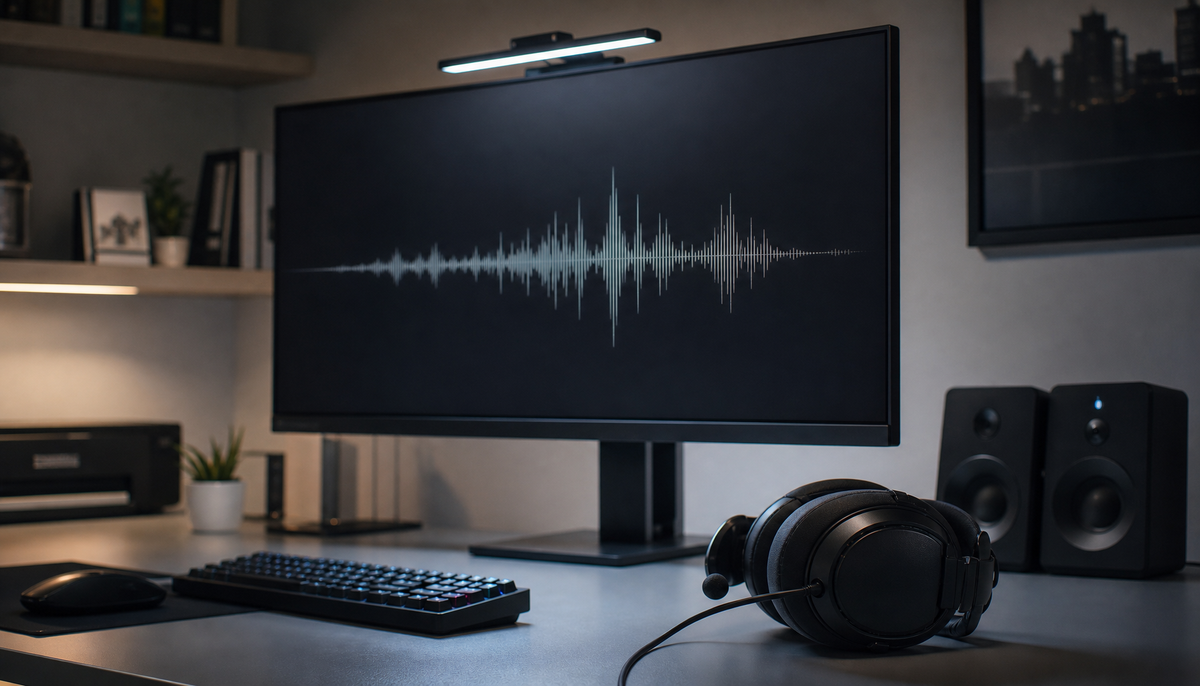
Audio from the wrong monitor is a common issue. Fix it by selecting the correct output, setting your preferred device as default, and disabling the unused monitor speakers.