







Featured story
Value Monitor Factory Calibration Verification Checklist
A practical checklist for judging monitor factory calibration claims at home, with simple checks for grayscale, tint, uniformity, and when to keep, tune, or return.

KTC Journal
Monitor reviews, gaming guides, productivity advice, and practical display know-how from the KTC team.
A practical checklist for judging monitor factory calibration claims at home, with simple checks for grayscale, tint, uniformity, and when to keep, tune, or return.

A one-cable USB-C KVM setup can clean up a hybrid Mac and Windows desk, but only when the computer, monitor, cable, and charging path all support the same mode. This guide shows the compatibility checks, wiring order, failure points, and a realistic product fit.

A portable touchscreen monitor works with a single-board computer for interactive projects, but the key is the right setup. Get a stable, responsive interface by using HDMI for video, USB for touch, and dedicated power to avoid common connection issues.

Portable monitor touchscreen problems near the edges often have simple causes. Get steps to fix unresponsive corners by checking calibration, cables, drivers, and protectors.

A portable touchscreen monitor for ChromeOS gives you direct app control. This guide details the correct USB-C and HDMI connections for a reliable dual-screen setup.

A portable monitor's touchscreen not working after sleep is a common USB power management or driver issue. Get touch input back by adjusting HID settings or checking your cable.
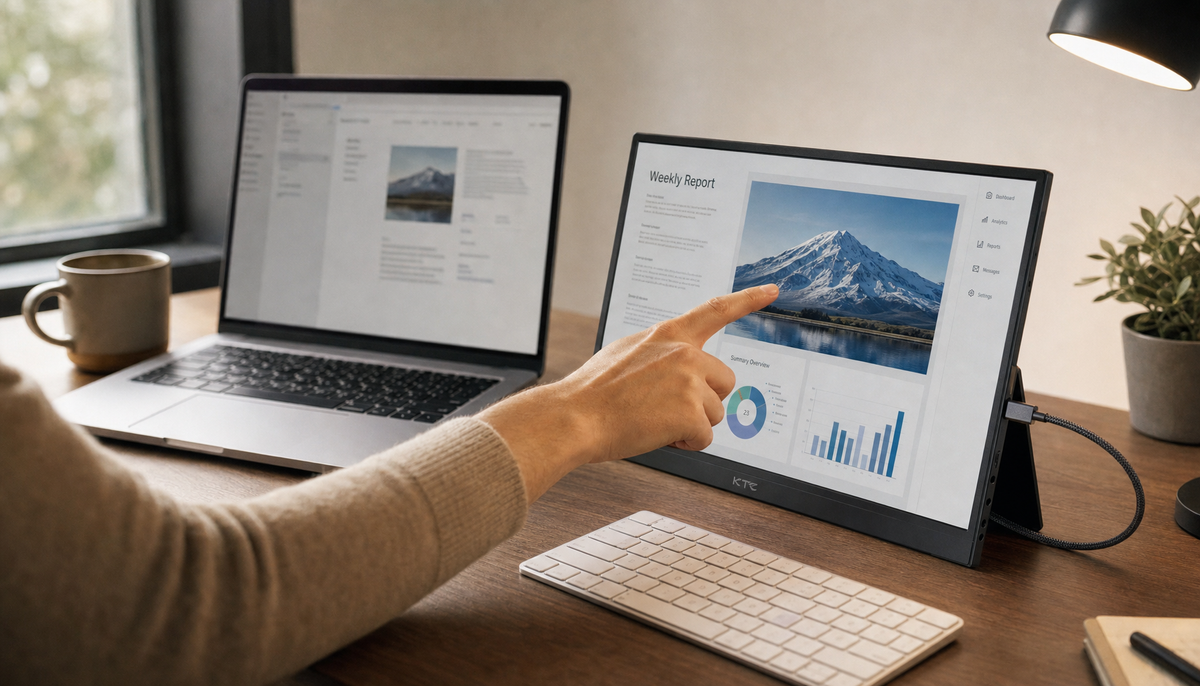
Map touch input to the correct screen on your portable monitor. Get your cursor to land where you tap by fixing display settings, calibration, and driver issues. A practical guide.