







Featured story
How to Force DisplayPort to Use RGB Full Range Instead of YCbCr
Force DisplayPort to RGB Full Range to fix gray blacks and tinted text from YCbCr. Set your GPU to RGB Full and check your monitor's settings for a proper PC signal.

KTC Journal
Monitor reviews, gaming guides, productivity advice, and practical display know-how from the KTC team.
Force DisplayPort to RGB Full Range to fix gray blacks and tinted text from YCbCr. Set your GPU to RGB Full and check your monitor's settings for a proper PC signal.
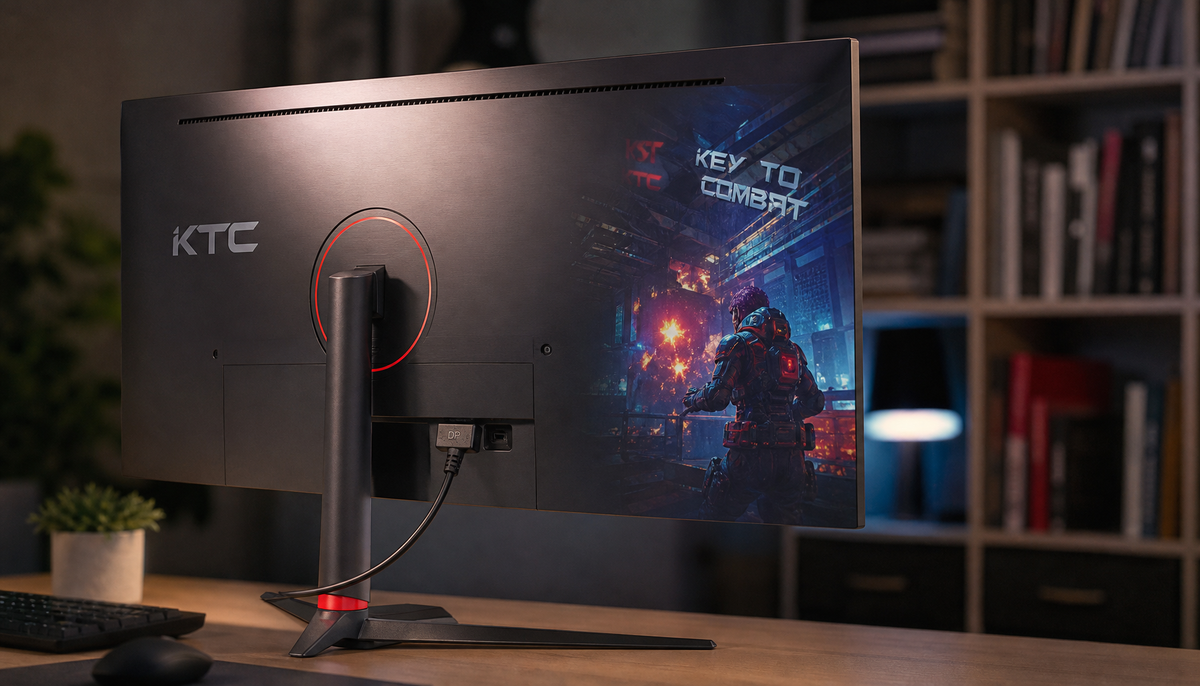
Enable DisplayPort 1.4 on your monitor if the hardware already supports it. A firmware update can unlock higher refresh rates, HDR, and fix bugs. Get the steps for a safe update.
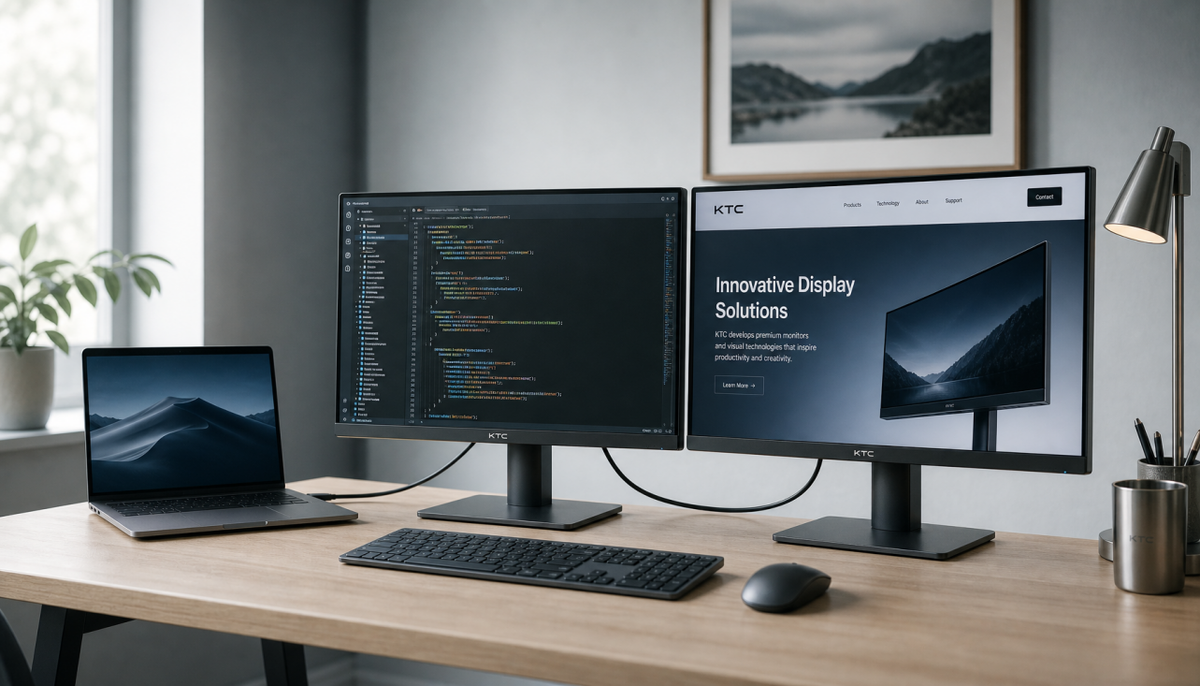
DisplayPort MST allows you to daisy-chain monitors for a clean multi-display setup. Get a step-by-step guide on connecting displays, checking compatibility, and avoiding bandwidth limits.
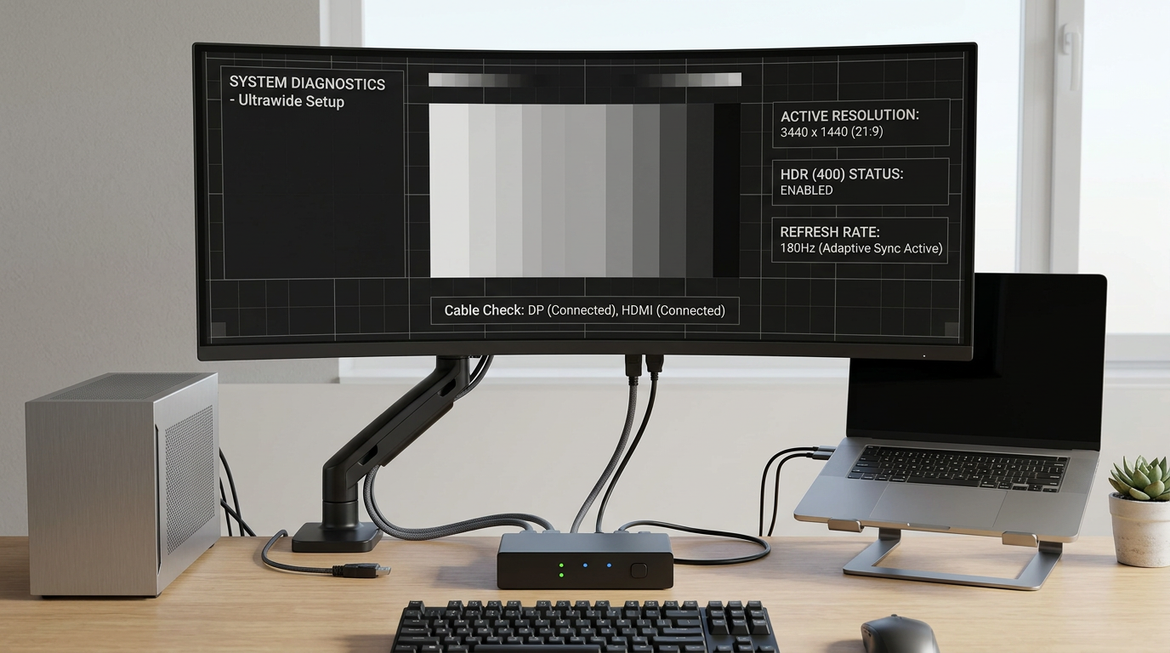
High-refresh KVM setups are more likely to fail on ultrawide and HDR displays because they expose handshake and bandwidth weak points in the video chain. This article shows how to tell those failures apart, what to test first, and when a simpler connection path is the better fit.
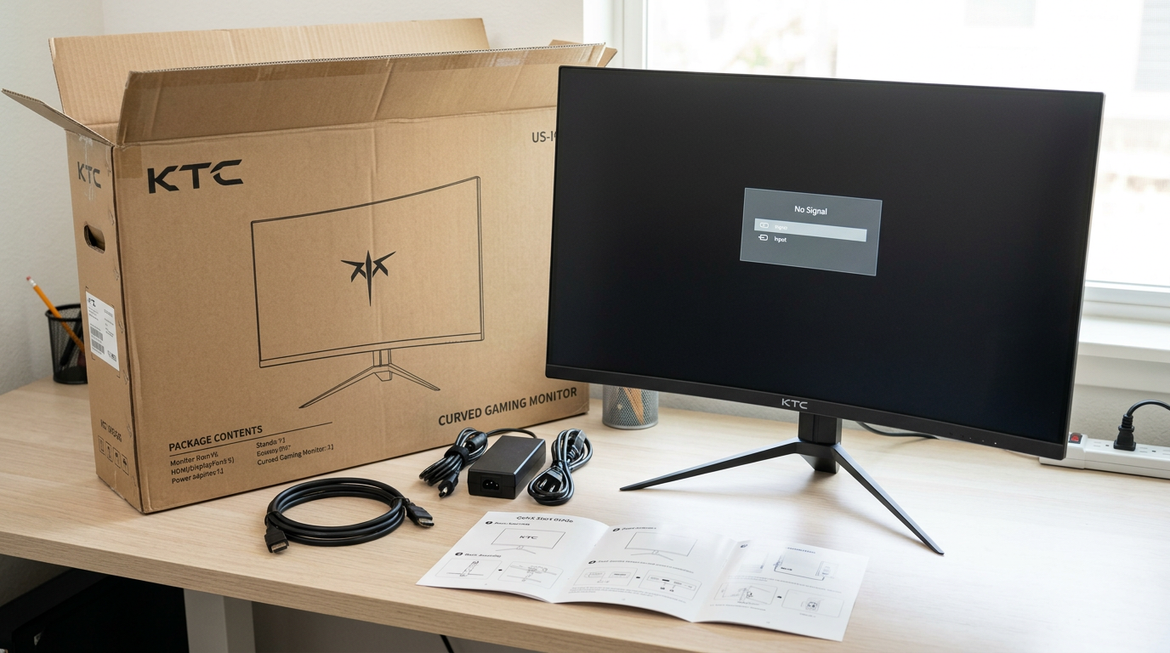
A neutral post-unboxing triage guide for new KTC monitor buyers, covering first-hour checks, firmware-like symptoms, dead pixels, warranty/return steps, and a conservative keep-or-return decision.

A practical guide to setting up a dockless USB-C KVM desk for MacBook and Windows users, with compatibility checks, wiring order, and a clear rule for when a dock still makes sense.

A practical guide for freelance editors and creators who need repeatable color on a budget monitor without buying a calibrator. It covers neutral setup, free visual checks, software conflicts, and conservative fit rules for paid work.