







Featured story
Why Your Display Shows Incorrect Reflections in 3D Scenes
Incorrect reflections in 3D scenes often result from misaligned monitor, GPU, and game settings. This guide shows you how to fix flat, smeared, or glaring reflections.

KTC Journal
Monitor reviews, gaming guides, productivity advice, and practical display know-how from the KTC team.
Incorrect reflections in 3D scenes often result from misaligned monitor, GPU, and game settings. This guide shows you how to fix flat, smeared, or glaring reflections.
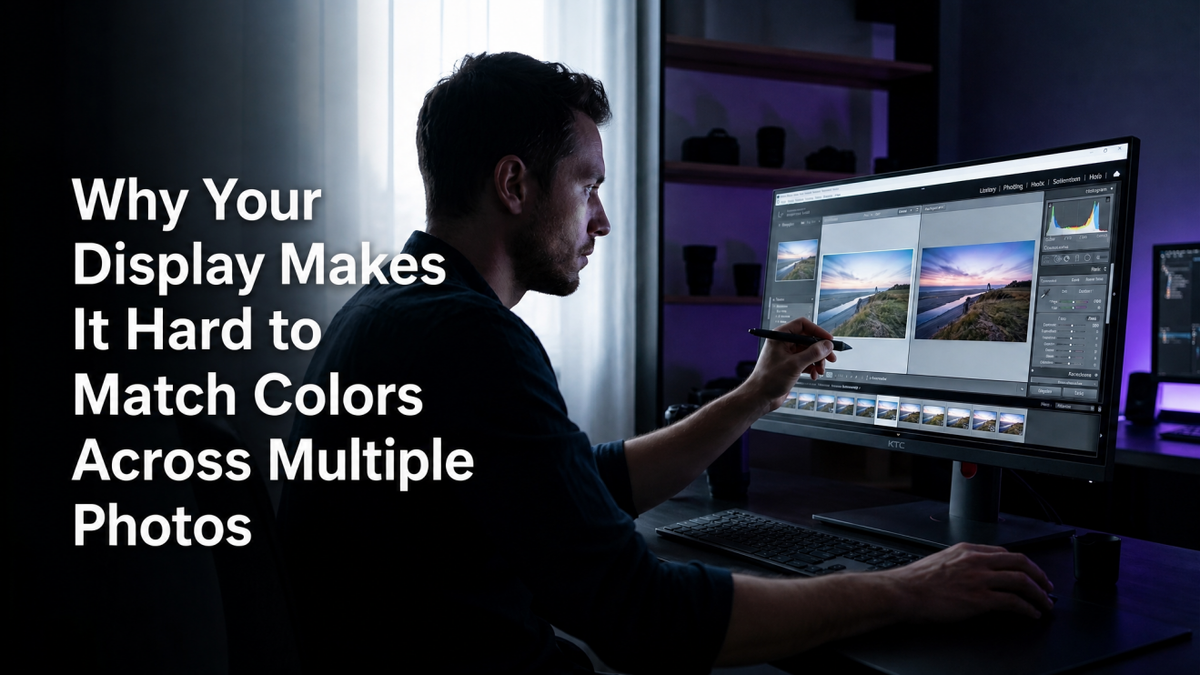
Matching colors across multiple photos gets easier with a calibrated display. Your screen's brightness, white point, and gamut can alter colors, creating inconsistent edits.
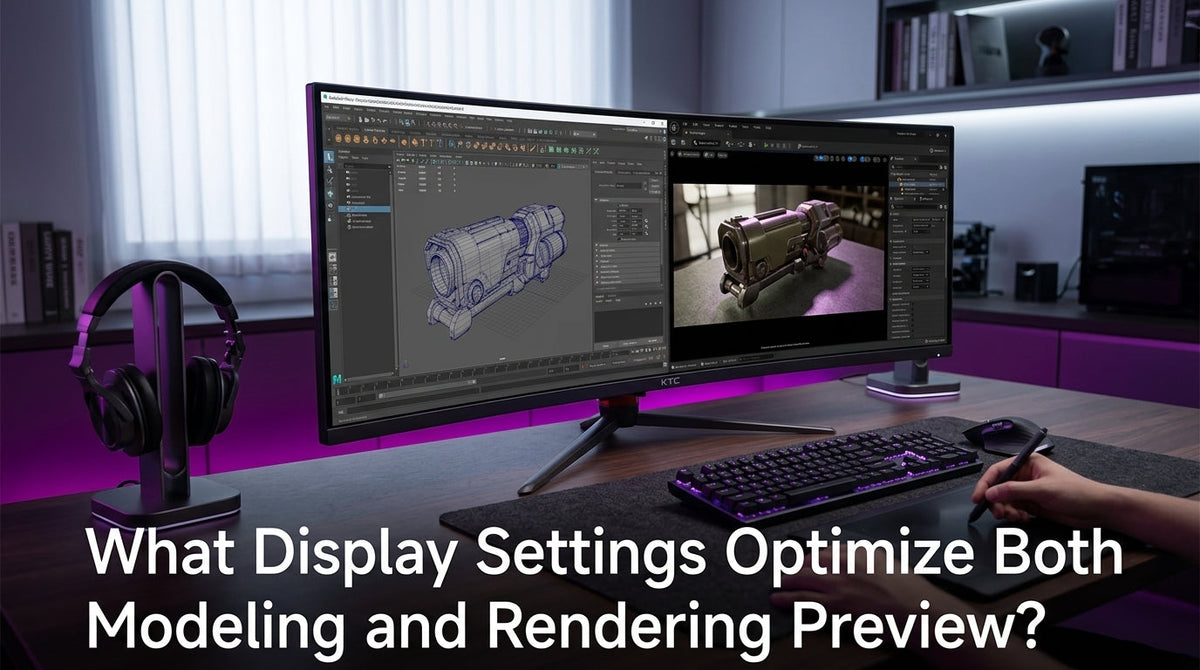
Optimize display settings for modeling and rendering with our expert guide. Get tips on native resolution, fast viewports, and separate preview presets for a balanced workflow.

Evaluate design accessibility without switching displays. This practical guide details testing contrast, zoom, keyboard navigation, and screen reader output on one screen.

Fine line work disappears on screen due to pixel grid mapping at odd zoom levels. This is an issue of resolution and scaling, not a broken monitor. Get simple fixes.

Dull colors after exporting are usually caused by mismatched color profiles. This guide shows how to achieve vibrant web graphics with a proper sRGB workflow and correct file formats.

Accurate logo design color begins with your display. This guide covers monitor choice, hardware calibration, and ICC profiles for consistent, client-ready brand colors.