Your winter setup feels stable because the room is darker, cooler, and easier to control. In summer, stronger daylight, higher heat, and shifting desk habits expose weaknesses in brightness, glare, spacing, and monitor placement.
Summer Light Overpowers Winter Settings
In winter, a monitor at medium brightness often feels crisp because the room has less daylight competition. In summer, the same setting can look dim, washed out, or fatiguing because your screen is fighting a brighter room.
Start with brightness before blaming the monitor. Georgetown’s IT guidance notes that matching screen brightness to your environment can reduce visual discomfort and improve readability. That matters more when sunlight floods the room at 2:00 PM than it does during a gray December workday.
Contrast also changes with the season. A screen that looked punchy in winter can lose shadow detail in summer glare, especially on spreadsheets, dark dashboards, and game scenes. Raising brightness alone may help text, but it can also make whites harsh, so tune brightness and contrast together.

Glare Turns Good Displays Into Bad Experiences
The biggest summer problem is not always the display. It is where the display sits.
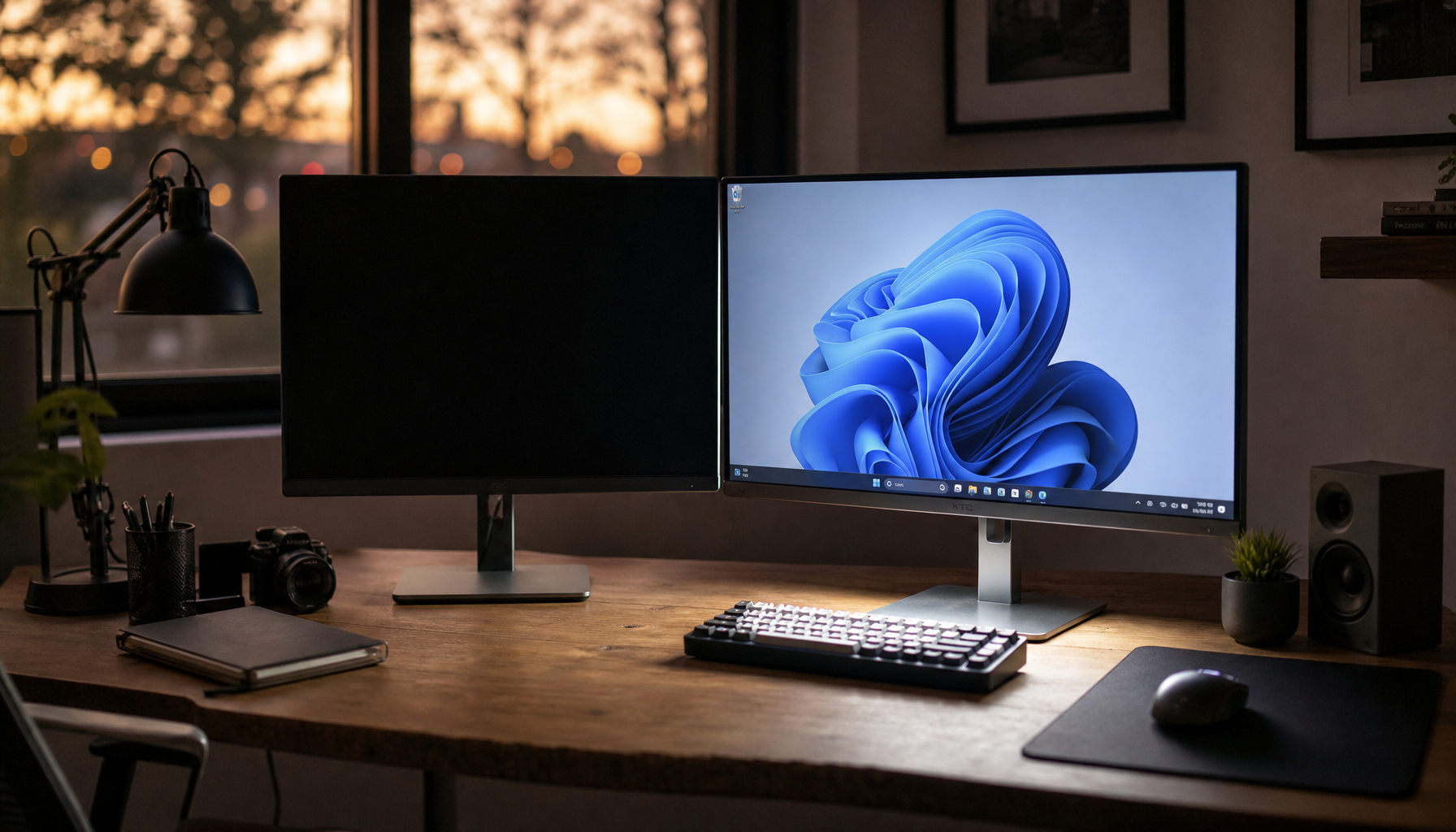
A desk facing a window may feel energizing in winter, but in summer it can create direct reflections, hot spots, and uneven light across the panel. Monitor advice from the Vestibular Disorders Association notes that visual environments can affect sensitivity, motion discomfort, and screen tolerance.

Try this 5-minute summer reset:
- Turn off auto brightness if it keeps hunting.
- Set brightness for midday, not nighttime.
- Tilt the screen slightly downward to cut reflections.
- Move glossy accessories away from the monitor.
- Use bias lighting when working after sunset.
Multi-Monitor Layouts Need Seasonal Adjustment
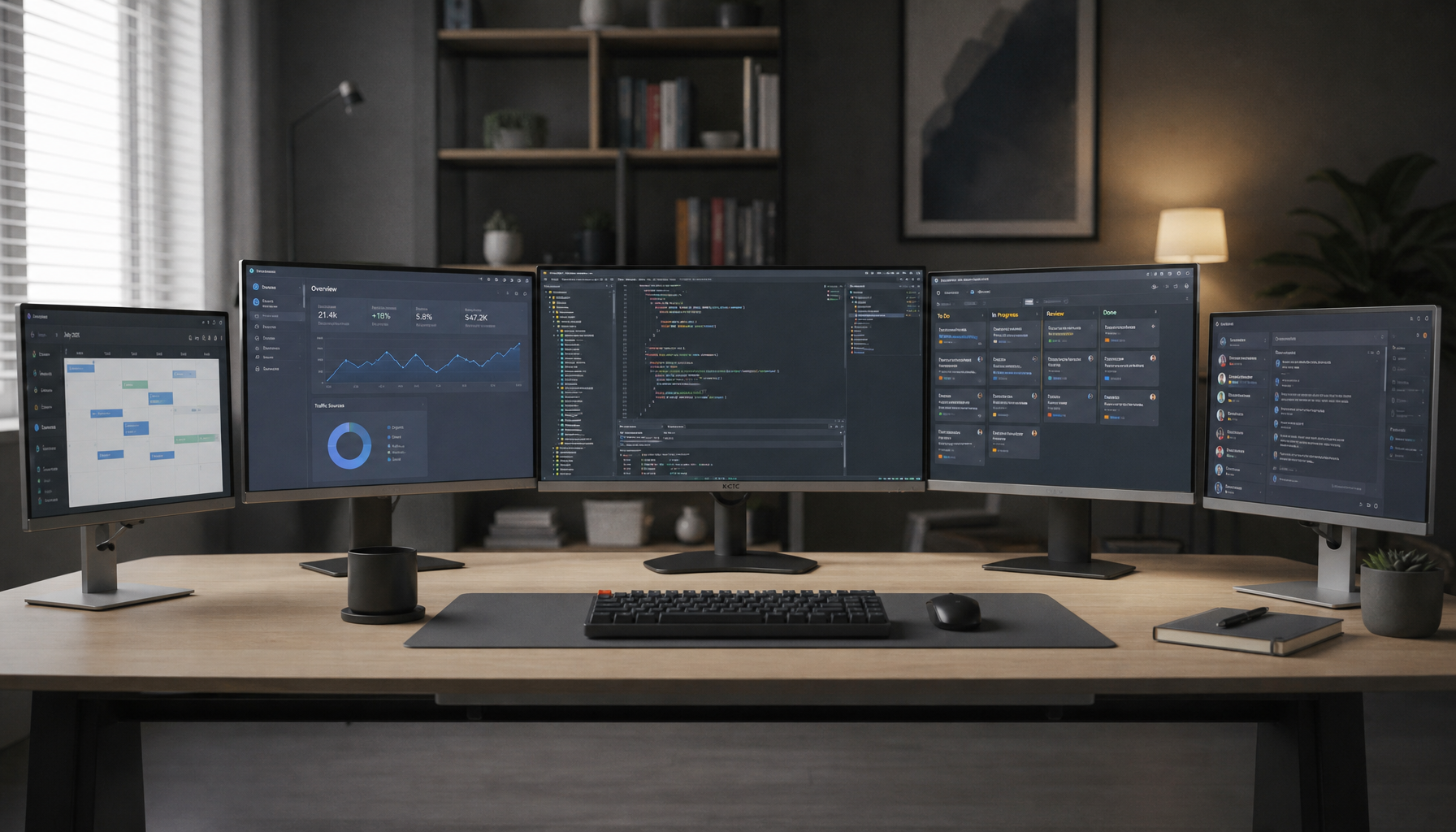
A triple-monitor or ultrawide setup can feel immersive in winter because you are sitting deeper in a controlled lighting zone. In summer, that same width can create uneven brightness: one panel catches window light, another sits in shade, and your eyes keep adapting.
For multi-screen productivity, a centered primary display with angled side screens keeps the main task straight ahead and reduces unnecessary neck movement, a layout supported by common triple monitor setup recommendations. The summer upgrade is to align not just the bezels, but also the light exposure.
Size matters, too. A 27-inch monitor gives about 26% more screen area than a 24-inch model, 27-inch monitor testing, but that larger surface also catches more glare. Bigger is better only when the room supports it.
A larger display can reduce window switching, but in a bright summer room it may need better placement, coating, or shading to stay comfortable.

Heat, Color, and Software Settings Can Drift
Summer heat changes how a workspace feels. Fans, open windows, brighter lamps, and laptop cooling noise can push you to sit differently, work faster, or move the screen into a less ergonomic position.
Built-in display controls are worth checking after seasonal changes. Operating system settings often include options for brightness and color, including color management features on supported displays. That is useful if your monitor looks too blue at night or too dull during high daylight hours.
For a performance-driven setup, create two monitor profiles: “Day Work” and “Evening Focus.” Day Work can use higher brightness, neutral color, and tighter glare control. Evening Focus can use lower brightness, warmer color, and bias lighting behind the display.

Build a Setup That Works All Year
The best home office monitor setup is not fixed. It adapts.
In winter, prioritize warmth, comfort, and enough light around the desk. In summer, prioritize glare control, airflow, brightness balance, and monitor angles. Keep the primary screen centered, keep the top edge near eye level, and keep side displays close enough that you are not turning your neck all day.
A reliable display setup should make work feel effortless in July and immersive in January. If your monitor only feels good in one season, the panel may be fine; the room may just need a smarter seasonal tune-up.