Choosing between an OLED gaming monitor and a mini LED monitor becomes more important when your setup is placed in a bright room with strong ambient light. In these environments, brightness, reflection handling, and contrast all affect visibility more than pure color performance. This guide explains OLED vs Mini-LED brightness differences, real-world usage behavior, and which option works best for work, gaming, and HDR content in well-lit spaces.

What Is the Main Difference Between OLED and Mini-LED?
OLED and Mini-LED use completely different display technologies, which directly affect how they perform in different lighting conditions. An OLED gaming monitor produces light at the pixel level, meaning each pixel can turn on and off independently. A mini LED monitor uses a backlight system with many dimming zones that control brightness across sections of the screen.
In practice, OLED delivers perfect black levels because inactive pixels are fully off. Mini-LED, on the other hand, achieves higher overall brightness by boosting backlight intensity while still controlling local dimming zones. This difference is key when comparing OLED vs Mini-LED brightness in real environments rather than lab conditions.
Which Looks Brighter in a Bright Room?
In bright room conditions, a mini LED monitor generally appears brighter and more readable than an OLED display. This is because Mini-LED panels can sustain higher full-screen brightness levels without aggressive power or thermal limitations. This helps maintain visibility under direct sunlight or strong indoor lighting.
Why Mini-LED Performs Better in Daylight
Mini-LED displays can push higher sustained brightness across large areas of the screen. This makes UI elements, text, and gameplay visuals easier to see in environments where light competes with the display.
OLED Brightness Limitations in Bright Spaces
An OLED gaming monitor may reduce brightness in large white or bright scenes to protect panel longevity. While peak brightness can be high, sustained brightness across the whole screen is often lower compared to Mini-LED, which affects readability in bright rooms.
Why Does OLED Still Look Better in Dark Rooms?
In controlled lighting environments, OLED typically delivers superior visual quality due to its ability to produce perfect blacks. Since each pixel turns off individually, contrast levels appear more natural and detailed in dark scenes.
In comparison, mini LED monitors rely on local dimming zones, which may introduce slight blooming in high-contrast scenes. While modern algorithms reduce this effect significantly, OLED still maintains an advantage in pure black uniformity during cinematic or low-light content.
Does Screen Reflection Matter More Than Brightness?
In bright rooms, reflection handling can be just as important as raw brightness. Even a very bright mini LED monitor can become difficult to view if the screen surface reflects windows, ceiling lights, or desk lamps.
Glossy vs Matte Panel Behavior
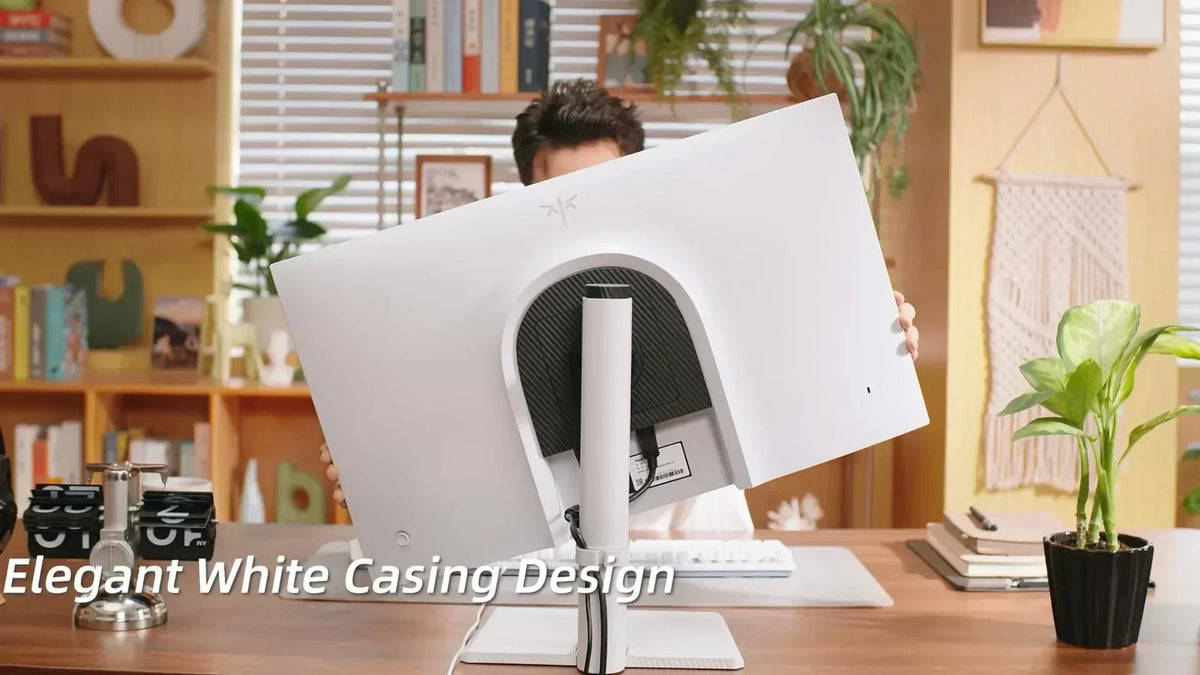
Many OLED gaming monitor models use glossy or semi-gloss finishes, which can produce sharper reflections in bright environments. Mini-LED monitors often use matte coatings that help diffuse light and reduce mirror-like reflections.
Real-World Visibility Impact
If your setup is near a window or a strong light source, reflections may reduce readability more than brightness differences. This is why panel coating often matters as much as OLED vs Mini-LED brightness when choosing the best monitor for bright room use.

What About HDR Gaming in Bright Rooms?
HDR performance behaves differently depending on room lighting. In darker rooms, OLED provides better contrast perception. In brighter rooms, Mini-LED often delivers more visible HDR impact due to higher sustained brightness.
A mini LED monitor can maintain strong highlights even in bright environments. This helps HDR effects remain visible during daylight gaming or daytime desktop use.
OLED HDR excels in controlled lighting where contrast is more noticeable. However, in bright rooms, some HDR detail can be washed out if ambient light overpowers the display’s lower sustained brightness.

Which Is Better for Work and Static Content?
For productivity tasks, readability and long-term stability are more important than pure contrast. This changes how OLED and Mini-LED compare in daily use.
Mini-LED for Productivity
Mini-LED displays are generally better for static content like documents, spreadsheets, and web browsing in bright rooms. Higher brightness and reduced risk of image retention make them more practical for long office sessions.
OLED Considerations for Static UI
An OLED gaming monitor offers excellent clarity, but static UI elements over long periods may require brightness management to reduce burn-in risk. This is less of a concern for gaming but more relevant for work-heavy usage.
How Should You Choose for Your Room?
The right choice depends on your lighting conditions, usage patterns, and sensitivity to reflections or contrast differences.
Choose Mini-LED If Your Room is Bright
If you regularly use your setup during the daytime with strong ambient light, a mini LED monitor is usually the safer option. It provides better sustained brightness, stronger HDR visibility, and more consistent readability.
Choose OLED if You Control Lighting
If you can dim your room or use controlled lighting, an OLED gaming monitor offers superior contrast and deeper blacks. This creates a more immersive experience for movies and single-player games.
Balanced Decision Approach
For mixed environments, consider how often you deal with glare versus dark-room usage. In most real-world cases, room brightness has more impact on usability than pure panel specification differences.
Choose the Right Display
Both OLED and Mini-LED offer strong performance, but their strengths depend heavily on your environment. In bright rooms, a mini LED monitor typically provides better visibility and sustained brightness, making it the most practical best monitor for bright room use. OLED delivers superior contrast and cinematic quality in darker environments, especially for gaming and media. Understanding your room lighting is the key to choosing between OLED vs Mini-LED brightness performance effectively.
FAQs about Mini-LED vs OLED brightness
Is Mini-LED better than OLED for bright rooms?
Yes, Mini-LED is generally better for bright rooms because it offers higher sustained brightness and better visibility under strong ambient light.
Does OLED look dim in daylight?
OLED can appear dimmer in very bright environments because it prioritizes contrast over maximum sustained brightness.
Which has better HDR performance in bright rooms?
Mini-LED usually performs better in bright rooms for HDR because it maintains higher brightness across larger screen areas.
Do reflections affect OLED more than Mini-LED?
Yes, OLED panels often use glossy finishes, which can reflect more light compared to matte Mini-LED displays.
What is the best monitor type for a bright room setup?
A mini LED monitor is typically the best choice for bright room setups due to higher brightness and better anti-glare performance.