The Ultimate World Cup Gear! KTC M27P6 4K MiniLED Monitor

The Ultimate World Cup Gear! KTC M27P6 4K MiniLED Monitor
KTC By

Sunlight can ruin World Cup viewing with a dim monitor and washed-out screen. KTC M27P6 MiniLED 4K monitor fixes it with 1400 nits HDR and vivid color.

Share

The World Cup countdown is on! Is your gear ready? Standard monitors often suffer from low brightness; if the afternoon sun hits your room, the screen washes out. The KTC M27P6 is designed to solve this.

Why the M27P6 is the "GOAT" for Watching Football:

  • MiniLED Technology: With 1152 independent local dimming zones and a staggering 1400 nits peak brightness, enabled by local dimming zones and peak brightness, the picture stays vivid even in a sunlit room.
  • Pro-Grade Color: 4K resolution combined with 98% DCI-P3 color gamut, supported by DCI-P3 color gamut ensures every replay looks like a cinematic masterpiece.
  • Group Friendly: Forget crowding around a tiny screen. The 27-inch display features a 178° ultra-wide viewing angle, supported by ultra-wide viewing angle, meaning friends sitting off-center will see the same vibrant colors without any wash-out effect.

Recommended products

More to Read

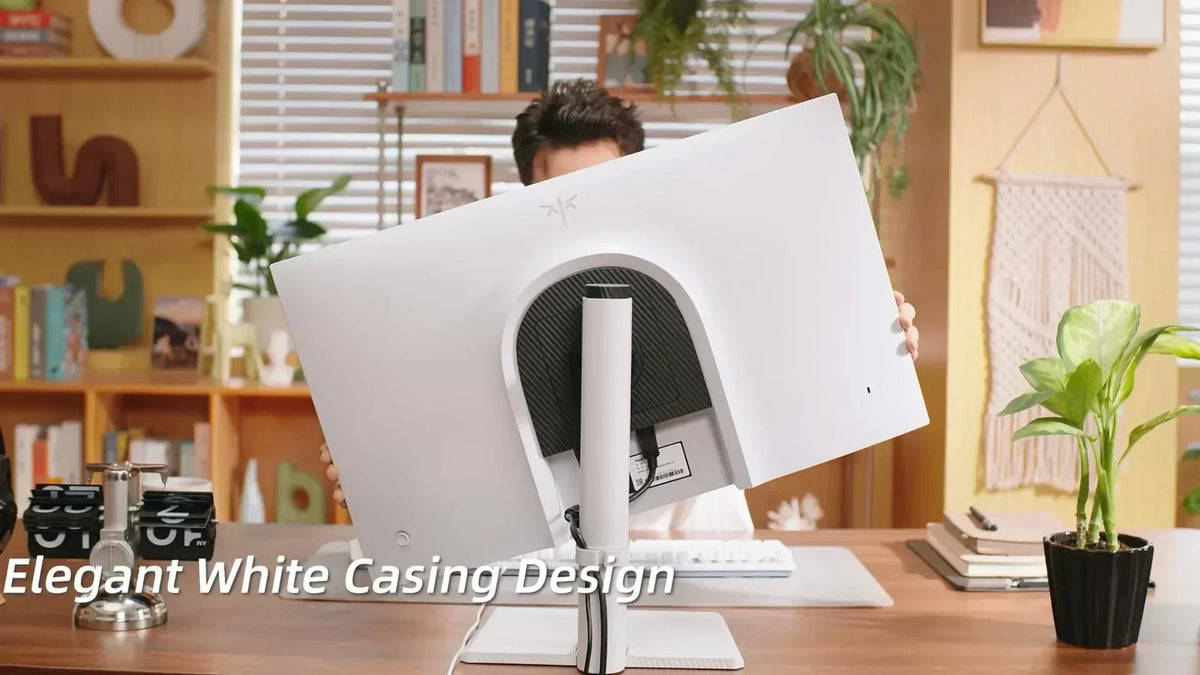
Rear view of a white monitor with a dark textured center and a vertical stand column on a wooden desk.

KTC M27P6 Review: 4K 160Hz Mini LED Gaming Monitor

Vermax tests the KTC M27P6 4K 160Hz Mini LED monitor in console Fortnite, PC 320Hz play, HDR1400 Black Ops 6, and a USB-C KVM laptop workflow.

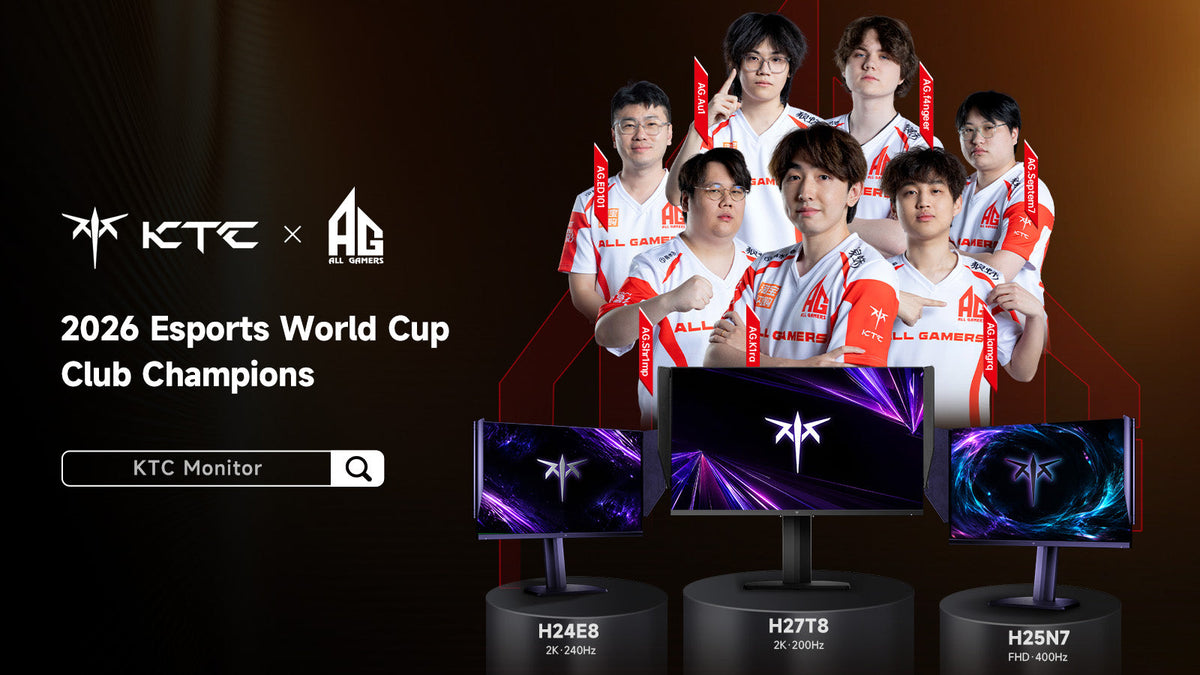
KTC and ALL GAMERS celebrate AG.AL as 2026 Esports World Cup Club Champions with H24E8, H27T8 and H25N7 gaming monitors

AG.AL Crowned 2026 Esports World Cup Club Champion

AG.AL claimed the 2026 Esports World Cup Club Championship after Gwendal Duparc's Trackmania title pushed the club past Team Falcons on the final day.

Person relaxed at a home desk playing a smooth motion game on a monitor in the evening

How to Enable 180Hz on a Monitor in Windows 11

Is your 180Hz monitor stuck at 60Hz or 144Hz? Fix cable limits, enable OSD overclocking, and configure Windows 11 display settings for buttery-smooth gameplay.