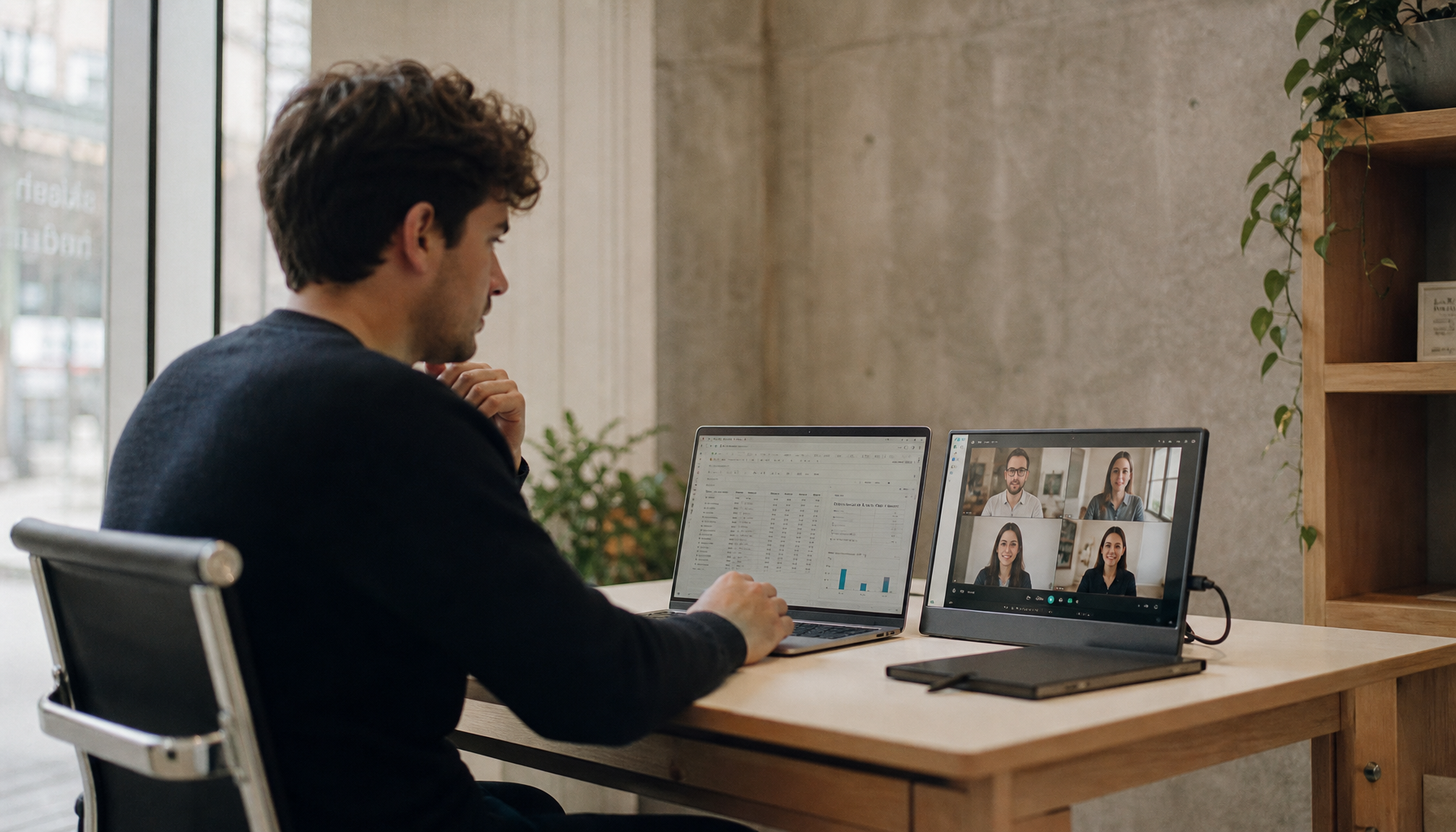
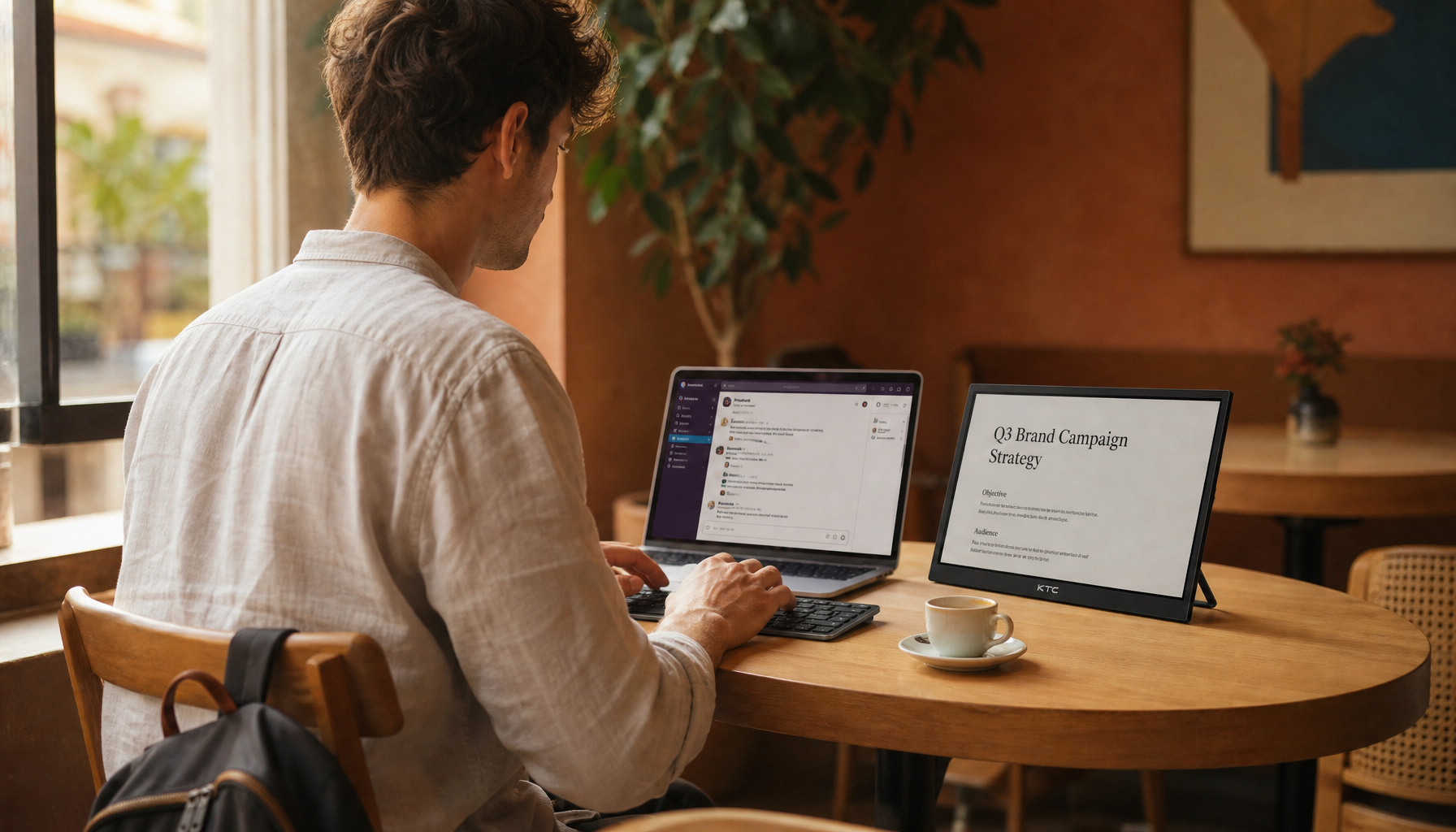
College students are choosing portable monitors because dorm life rewards flexible screen space: more room for notes, lectures, coding, research, and gaming without committing scarce desk space to a bulky desktop display.
Ever tried finishing a paper with a video lecture, reference file, group chat, and citation manager fighting for space on one laptop screen? A second screen gives students a practical way to separate active work from reference material, and dual-display workflows can cut down constant window switching. Here’s how portable monitors fit real dorm rooms, where they beat traditional desktop displays, and where they still fall short.
The Dorm Room Problem: Screen Space Without Desk Space
A traditional 24- or 27-inch desktop monitor still makes sense in a permanent setup, especially for gaming, design, or programming. The problem is that a college dorm is rarely permanent. A desk may double as a dining spot, vanity, lab bench, gaming station, and laundry landing zone, often in less space than a home office corner.
A deskless workstation can work well when it uses a stable surface, raised screen, compact keyboard and mouse, and a simple cable plan. That advice maps directly to dorm life. A portable monitor can sit beside a laptop during a study session, move to a folding table for a group project, then slide into a drawer or backpack when the room needs to reset.
The key shift is that students are no longer buying a monitor for a desk. They are buying screen space that follows the task.
What Counts as a Portable Monitor?
A portable monitor is a slim external display designed to travel with a laptop, tablet, phone, game console, or small computer. Most student-friendly models sit around 14 to 16 inches, use USB-C or HDMI, and include a foldable cover, kickstand, or magnetic case.

A portable monitor is usually judged by image quality, weight, usability, stand design, and connectivity, not just screen size. That is why a good 15.6-inch portable display can feel more useful in a dorm than a cheaper, larger desktop monitor that has nowhere safe to live.
For most students, 1080p is enough for notes, slides, browsing, coding basics, and video calls. Students in design, media, engineering visualization, or competitive gaming may have a better reason to pay for higher resolution, stronger color, or faster refresh rates.
Why Portable Screens Are Replacing Dorm Desktop Displays
They Solve Multitasking Without Taking Over the Room
A portable monitor for students is most valuable when it separates tasks that should not compete for the same small laptop panel. A common study layout is simple: keep the essay, spreadsheet, or code editor on the main laptop, then place lecture slides, research notes, a rubric, or a video call on the second screen.

That sounds modest, but it changes the rhythm of work. Instead of opening and hiding windows every few seconds, the student can compare materials, follow a lecture while taking notes, or keep a group chat visible without letting it bury the assignment. In a dorm, that kind of control matters because study sessions are already interrupted by noise, roommates, shared schedules, and tight surfaces.
They Pack Away When the Desk Has to Change Jobs
A traditional monitor is better when the desk is dedicated. A portable monitor is better when the room keeps changing. A folding table, dining surface, bed tray, or shared lounge table can become a temporary workstation if the screen, cable, and stand are easy to move.
A portable monitor desk setup is built around flexibility, focus, reduced clutter, and adjustable viewing angles. In practical dorm terms, that means the monitor does not need to own the desk all semester. It can support a three-hour writing block, then disappear before friends come over or before the room needs to be cleaned.
The best dorm setup is usually a small kit: portable display, USB-C cable, charger if needed, compact mouse, compact keyboard, and a protective sleeve. If it takes more than a minute to assemble, students will stop using it.

They Support Hybrid Classes and Group Work
College work now moves between dorm rooms, libraries, labs, classrooms, coffee shops, and home visits. A desktop monitor helps only in one place. A portable display helps wherever the laptop goes.
The same logic shows up in campus display strategy. Interactive digital signage is used by schools and universities because information is easier to act on when it is visible, current, and placed where people are already working. A portable monitor brings a smaller version of that principle to the student desk: make the learning material visible instead of buried in tabs.
For group projects, the second screen can become the shared view. One student can edit slides while another reviews research materials. A roommate can check a layout without leaning over the laptop. A small screen will not replace a classroom display, but it is enough to make a dorm collaboration feel less cramped.
Portable Monitor vs. Traditional Desktop Monitor
Decision Factor |
Portable Monitor |
Traditional Desktop Display |
Dorm fit |
Stores flat, moves easily, works on small surfaces |
Needs permanent desk space and safer storage |
Setup speed |
Often one USB-C cable if compatible |
Usually power plus video cable, sometimes more |
Screen size |
Commonly 14 to 16 inches |
Commonly 24 to 27 inches or larger |
Ergonomics |
Flexible angle, limited height unless using a stand |
Better height and arm options with the right mount |
Gaming |
Good if it has a high refresh rate and low response time |
Better value for large, immersive setups |
Creative work |
Good if color and brightness are strong |
Better for large timelines, palettes, and detailed editing |
Long-term value |
Excellent for students who move often |
Excellent for fixed desks and apartments |
The table tells the real story: portable monitors do not beat desktop displays in every category. They win when the student values mobility, storage, fast setup, and flexible study locations more than maximum screen size.
What to Look For Before Buying
Connectivity Comes First
USB-C is the cleanest option because one cable may carry video and power. But compatibility is not automatic. The laptop’s USB-C port must support video output, often called DisplayPort Alt Mode, and the monitor may still need extra power at higher brightness.

A USB-C DisplayPort Alt Mode connection is common on modern portable monitors, while some models also include mini-HDMI for consoles, older laptops, or wider device support. Before buying, students should check the exact laptop model, not just assume that every USB-C port handles video.
Stand Design Matters More Than It Looks
A weak stand can ruin an otherwise decent screen. Foldable covers are compact, but they may offer limited angles. Built-in kickstands are usually faster and more stable. For dorm use, a stand should hold the screen firmly on a narrow desk, library table, or folding surface without sliding when the cable moves.
For longer study sessions, the screen should sit straight ahead or slightly to the side, with the top near eye level if possible. The recommended viewing distance is roughly an arm’s length away, about 20 to 40 inches. If the dorm desk is low, a compact riser or laptop stand can improve posture more than buying a brighter or sharper screen.
Match Specs to the Major, Not the Marketing
A business, psychology, pre-med, or humanities student can usually do well with a 15.6-inch 1080p IPS portable monitor at 60 Hz. The screen should be bright enough for normal indoor use, light enough to carry, and simple enough to connect without a dock.
A computer science student may care more about a 16:10 aspect ratio or portrait support because vertical space helps with code, documentation, and terminals. A design or film student should prioritize color coverage, brightness, and resolution. A gamer should look for 120 Hz or higher, low response time, and the right console or laptop connection.
Portable monitor roundups show how wide the category has become, from budget 1080p screens to high-refresh gaming panels and premium touch displays. That variety is useful, but it also means students should buy for the workload, not for the spec sheet that sounds most impressive.
The Tradeoffs Students Should Not Ignore
Portable monitors are not magic. Their speakers are often weak, their stands vary widely, and some budget panels are dim or inaccurate. Many models also lack the height adjustment, swivel, and sturdy bases that make desktop monitors comfortable for all-day use.
A traditional desktop monitor still makes sense for a student with a stable desk, enough room, and a clear use case. Competitive gaming, large spreadsheets, video editing timelines, 3D modeling, and long programming sessions can all benefit from a bigger 24- to 27-inch display. The catch is that the room has to support it. If the monitor blocks textbooks, crowds the keyboard, or has to be moved every night, its advantage fades.
The smarter approach is to treat the dorm as a changing workspace. If the screen must move between desk, library, lounge, and home, portable wins. If the screen will stay mounted and used daily in one place, desktop still has the performance-per-dollar edge.
A Practical Dorm Setup That Works
Start with the laptop centered as the primary work surface. Put the portable monitor on the side that matches the student’s dominant reference flow, such as the right side for research documents or the left side for chat and lecture slides. Use extended desktop mode instead of mirroring, because mirroring wastes the second screen.
Keep the cable path short and predictable. If USB-C powers the display reliably, use one cable. If brightness drops or the screen disconnects, add the monitor’s charger rather than fighting unstable power. For comfort, raise either the laptop or the portable monitor so the neck is not constantly bent downward.
A real student setup might be a 14-inch laptop, a 15.6-inch 1080p portable monitor, a compact keyboard, and a mouse on a 36-inch-wide dorm desk. That gives enough room for a notebook and drink while still keeping the setup packable. A 27-inch desktop monitor can feel more immersive, but only if the desk has the depth and storage to support it.

FAQ
Are portable monitors good enough for college classes?
Yes, for most students. They are especially useful for lectures, notes, research, spreadsheets, coding, and group work. Students in color-critical creative programs should be more selective about brightness, resolution, and color accuracy.
Can a portable monitor replace a desktop monitor for gaming?
Sometimes. Casual gaming works well on many portable displays, and gaming-focused models can offer high refresh rates. A full desktop monitor still usually gives better size, stability, speakers, and value for a permanent gaming station.
Is one cable really enough?
Often, but not always. One USB-C cable can work when the laptop supports video output and can provide enough power. Some setups need separate power, HDMI, or an adapter, so compatibility checks matter before purchase.
Final Word
College students are adding portable monitors because they match the way dorm life actually works: compact, shared, mobile, and constantly changing. A traditional desktop display still wins for a fixed setup, but a portable monitor gives students the better everyday upgrade when the goal is more screen space without surrendering the room.