Struggling to follow workout videos on a tiny phone screen or a fixed wall-mounted TV can kill your motivation and form. A large portable touchscreen for home gym use solves this by delivering clear, life-sized visuals and responsive touch controls that move with you from mat to bike to weights.

Why Phones and Fixed TVs Fall Short for Home Workouts
Phones and tablets force you to crane your neck downward during floor exercises, creating what many call "yoga neck." According to ergonomic guidance from Humanscale, keeping the top of the screen at or slightly below eye level helps maintain a neutral neck position when switching between standing cardio and floor-based yoga.
Fixed TVs lack the flexibility needed for dynamic home workouts. A wall-mounted screen stays in one place, making it hard to reposition for different routines or rooms. Small text like timers and rep counters often becomes unreadable from typical workout distances, and using a remote with sweaty hands feels clumsy compared to direct touch interaction.
These limitations turn what should be an immersive studio-like experience into a frustrating one, especially for yoga, Pilates, or HIIT sessions that require constant adjustments.
The Visual Advantage: Why Size Matters for Form and Focus
A larger screen can make a noticeable difference in how well you follow complex movements. Research published in Springer shows that video-based visual feedback is more effective than verbal cues alone for enhancing motor learning and skill acquisition in physical activities.
With a 32-inch 4K display, you get roughly six times the viewing area of a standard tablet, providing a life-sized view of the instructor that helps you mirror movements more accurately. A related NCBI study found that continuous video on larger formats generates better learning performance than static pictures or small-scale displays when mastering new motor skills.
This clarity reduces cognitive load so you can focus on breathing, posture, and form rather than squinting at details. For most users doing yoga or strength training at home, this visual upgrade translates to better engagement and more consistent workouts.
The shift from a small tablet to a 32-inch screen often changes the purchase from a convenience item into a practical tool that supports better exercise technique in dynamic spaces.
Portable vs. Permanent: Choosing the Right Screen for Your Space
Your workout space—whether fixed or constantly changing—should drive the decision between a portable touchscreen and a wall-mounted TV. In small apartments or multi-use rooms, mobility often outweighs the larger size of a fixed display.
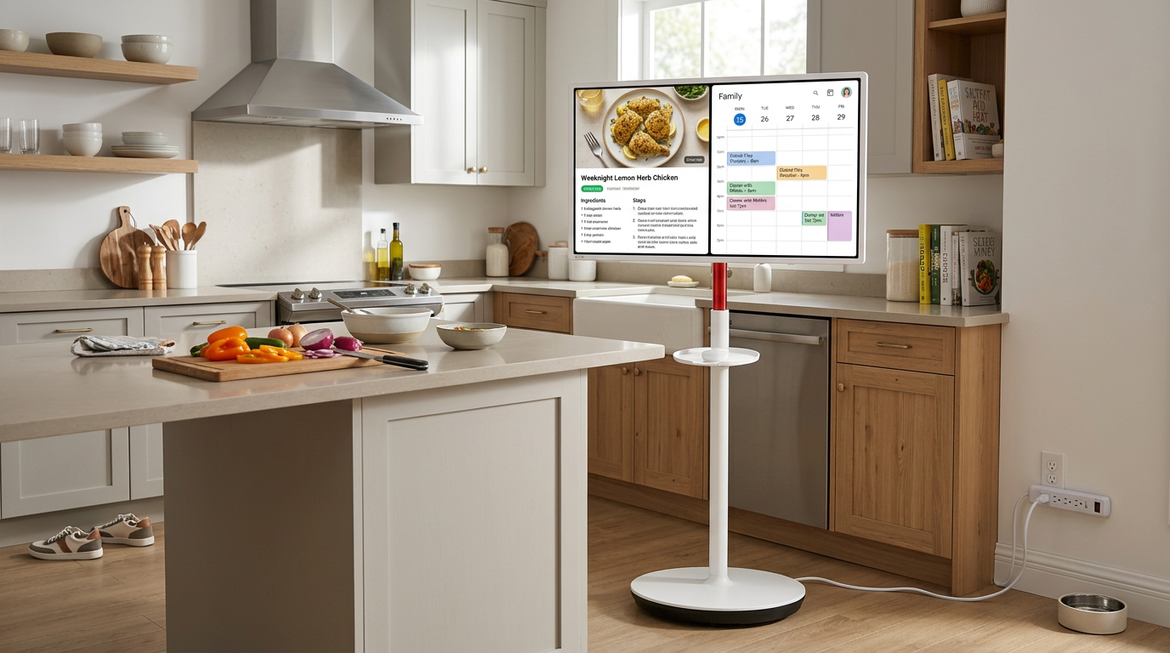
A 32-inch portable screen offers dynamic placement that a 50-inch wall TV cannot match. You can lower it for floor yoga, raise it for standing sessions, or move it between rooms without installation. Rotation to portrait mode becomes particularly valuable for modern fitness content from TikTok, Instagram, or apps that use vertical video, eliminating black bars and showing full-body movements clearly.
Home Gym Setup Split: Portable 32-inch Touchscreen vs Wall-Mounted TV
Conservative tiered comparison for dynamic floor-based workouts in a typical 10×10 home gym.
View chart data
| Category | Portable 32-inch touchscreen | Fixed wall-mounted TV |
|---|---|---|
| Flexibility | 3.0 | 1.0 |
| Eye-Level Fit for Floor Work | 2.0 | 3.0 |
| Portrait Mode Support | 3.0 | 1.0 |
| Interaction Ease | 3.0 | 1.0 |
This chart helps compare which setup is the better fit for dynamic floor-based workouts in a typical 10×10 home gym. It suggests the portable 32-inch touchscreen is stronger on flexibility, portrait support, and hands-on interaction, while the wall-mounted TV can be better aligned to eye level for floor work. Treat the tiers as a planning aid rather than precise performance scores.

For apartment dwellers or those with changing layouts, portability usually wins. Fixed installations work better only when your workout zone stays permanently in one spot and you never need to adjust height or orientation.
For more on choosing displays that fit multiple rooms, see our guide to One Screen for the Whole House: Why MegPad Is the Perfect Christmas Gift.
Key Features to Look for in a Home Gym Display
Size, resolution, and operating system directly affect daily usability. Google EDLA certification ensures native access to the Google Play Store, delivering stable performance for apps like Peloton or Zwift and regular security updates.
Battery capacity matters for cord-free sessions. Look for at least 8500–9500mAh to support multiple 45–60 minute workouts on a single charge, though actual runtime depends on brightness and content type.
Capacitive 10-point touch provides the responsiveness needed for quick pauses, scrubbing timelines, or switching apps without interrupting flow. Ergotron's ergonomic guidance recommends positioning the screen at least 20 inches away; larger displays may require slightly more distance to reduce eye strain.
Resolution should be 4K for the sharpest instructor details, especially when mirroring precise form. Check that the stand or base works on your floor type—hard surfaces offer more stability than soft gym mats.
These specs separate a fitness-focused display from general monitors. Our 5 Essential Specs to Check Before Buying a Portable Touch Screen Monitor covers additional technical details worth reviewing.
Practical Tips for Maintaining Your Fitness Screen
Sweat is the biggest real-world challenge for capacitive touchscreens. Keep a microfiber towel nearby to quickly wipe droplets and prevent ghost touches that interrupt your session.
Clean the screen regularly with a dry microfiber cloth to protect the sensitive capacitive layer. For stubborn marks, a slightly damp cloth with only water works well, but avoid chemical cleaners that could degrade the coating over time. See our detailed instructions in How to Clean a Portable Touch Screen Without Damaging the Capacitive Layer.
Stability during high-energy movements requires thoughtful placement. Position the base on hard flooring or a high-density rubber mat rather than soft foam to prevent wobbling or tilting. Many users also keep a remote control handy for hands-free volume or playback changes during intense intervals.
These small habits preserve both performance and longevity without turning setup into a chore.
Choosing the Right Display to Level Up Your Home Workouts
The best large touchscreen for home gym use matches your space constraints, workout style, and content preferences. Prioritize mobility if you change positions or rooms often. Choose portrait rotation if you follow vertical-format videos from social media or certain apps. EDLA certification and 4K resolution future-proof your investment for reliable app performance.
The MegPad series offers flexible sizing options across different budgets and room sizes. Check the Mobile Touch Screen collection to compare models that fit your specific needs, or explore individual options like the KTC MEGAPAD 32" 4K Android 14 Google EDLA Smart Touch Monitor with 8550mAh Battery for high-resolution fitness streaming.
Start by measuring your typical viewing distance and testing how different screen sizes feel during a sample workout. This practical check usually reveals the right balance of size, portability, and features for your home setup.
Frequently Asked Questions
How big should a workout screen be for yoga and floor exercises? A 27- to 32-inch screen generally provides comfortable viewing from 3–6 feet away during mat work. Smaller sizes can feel limiting for form checking, while anything larger may require more room to maintain proper distance.
Can I use a portable touchscreen with Peloton or other fitness apps? Yes, models with Google EDLA certification support native versions of popular fitness apps through the Play Store. This avoids the compatibility issues common with non-certified Android devices.
Is touch functionality reliable when hands are sweaty? Capacitive touch works well for most adjustments but can register false inputs from heavy sweat. Keeping a towel handy for quick wipes maintains responsiveness during HIIT or cardio sessions.
How do I prevent the screen from wobbling on gym mats? Place the base on a hard floor or dense rubber mat instead of soft foam. The added stability reduces movement when you tap the screen or during energetic exercises.
What maintenance is required for a fitness touchscreen? Regular dry microfiber cleaning protects the surface. Occasional checks of the stand on your flooring type and avoiding harsh cleaners will keep the display performing well over time.
Does screen size affect battery life during workouts? Larger 4K screens typically consume more power than smaller FHD models at high brightness. Plan for 8–11 hours of mixed use depending on the specific battery capacity and streaming settings.